Project 250123001 • The Print Lab
The Print Lab.
Welcome to the proofing room. These are the bench tools we reach for every day, set out for you: check whether your artwork will print sharp, see print sizes at true size, and translate screen color into ink. Photos, PDFs and Illustrator files welcome. Everything is checked right here on your device and never uploaded anywhere.
Free means free. Use them as often as you like.
On the bench
Four stations, no line, no login. Start anywhere; each tool minds its own business and tells you the truth about your file, your size, or your color.
Tool One · Artwork
Print-Ready Check
Tell us what the job is, drop in the file, and the whole check runs itself: size, resolution, bleed, crop marks, and whether the size you want is a standard press size. Your file never leaves your device; the checking happens right here. If you would like the written report, we can email it to you at the end.
Working with us on a project already? Put its number in and, when you send yourself the report below, we will attach this check to your project file too.
Want this report in writing?
Only the written report is sent, never your file, and only when you tap the button.
The rule of the trade: 300 dots per inch at final size looks sharp up close. Big pieces viewed from across a room can look great at 150. Your screen will happily show you a file that a press cannot save, which is why this check exists.
Tool Two · Size
True-Size Viewer
Print sizes are hard to picture from numbers. This plate is the real size, on your screen, once you calibrate it: hold any bank card or driver's license against the outline below and move the slider until they match exactly. Ten seconds, once.
Card outline: 3.37 × 2.13 in, the size of every bank card. Current setting: 96 pixels per inch. We remember it on this device.
a hand will hold them.
A flyer is bigger than most people picture, and a business card is smaller. Seeing it true beats guessing, every time.
Tool Three · Color
Screen-to-Print Color Converter
Screens glow; presses lay ink. Some screen colors simply do not exist in ink, and they come back quieter. Enter your color and see what the press will make of it, before it is a surprise on paper.
Type the number from your brand guide, coated (C) book: "PMS 286", "Pantone 485 C", or just the number.
Type a formula from a proof or a brand guide and see the color on screen.
Pantone matches are close published approximations for guidance, not Pantone's licensed exact values. For color-critical work, a check against a physical Pantone swatch is the standard.
Plain 100% black ink prints charcoal on large areas. Rich black is the deep, even black you actually pictured. Small text stays plain black; it prints sharpest that way.
Tool Four · Templates
The Template Library
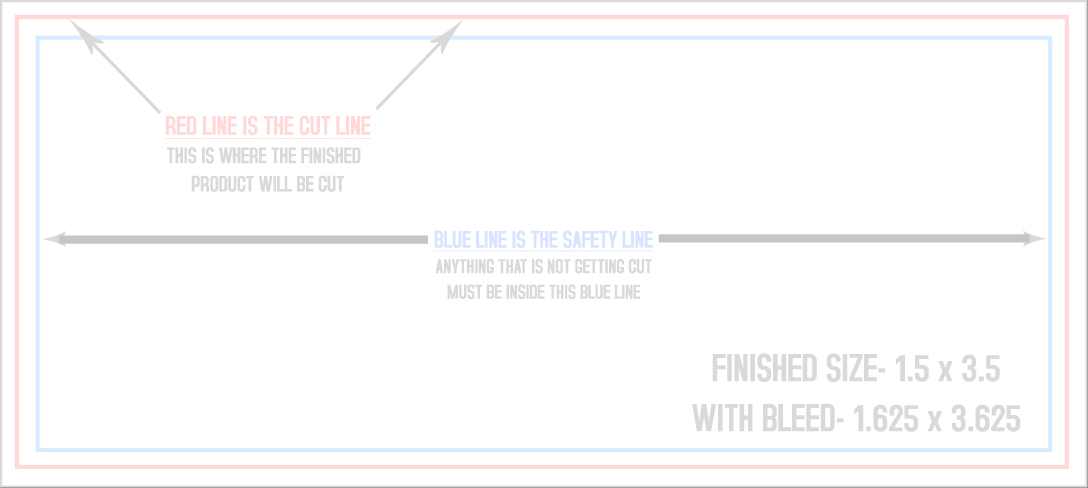
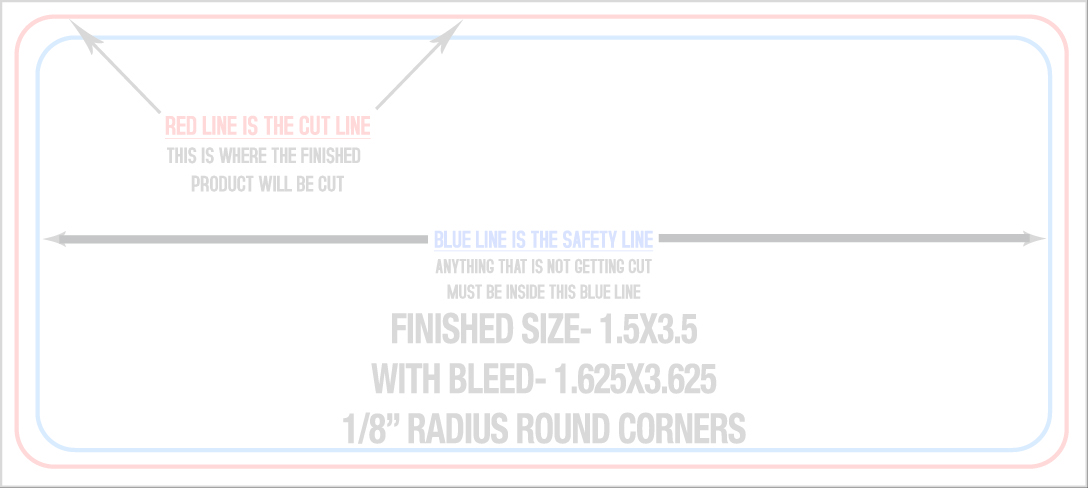
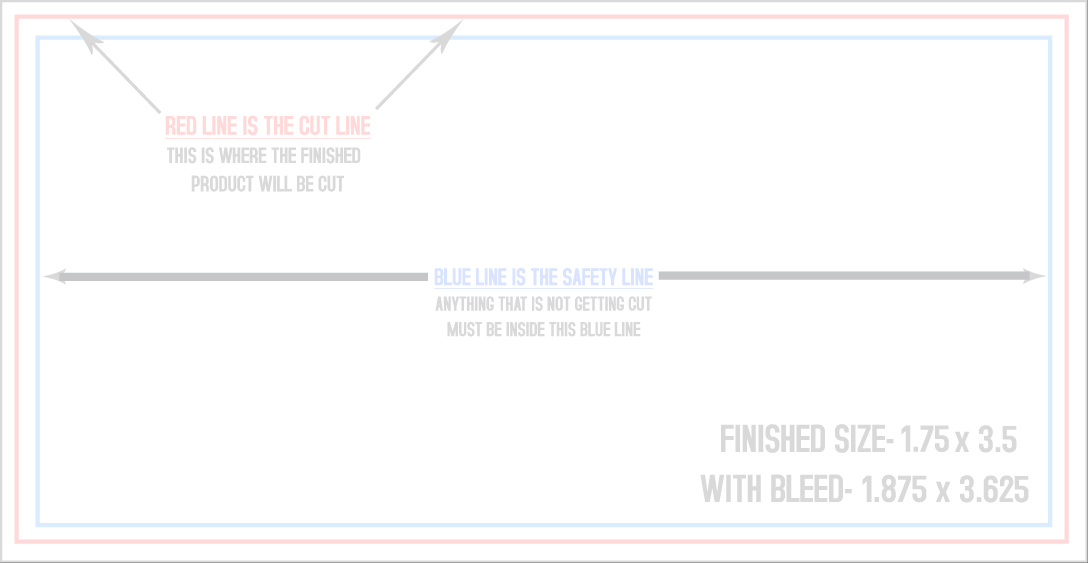
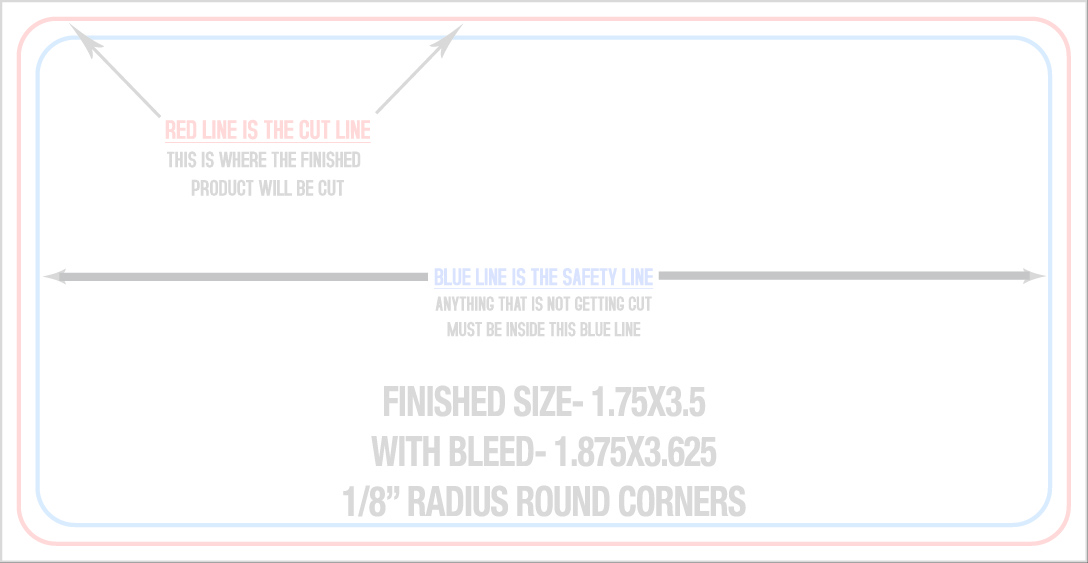
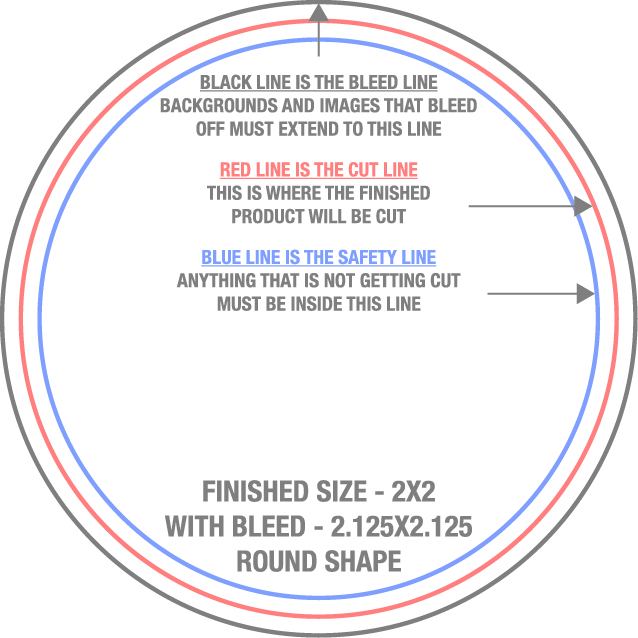
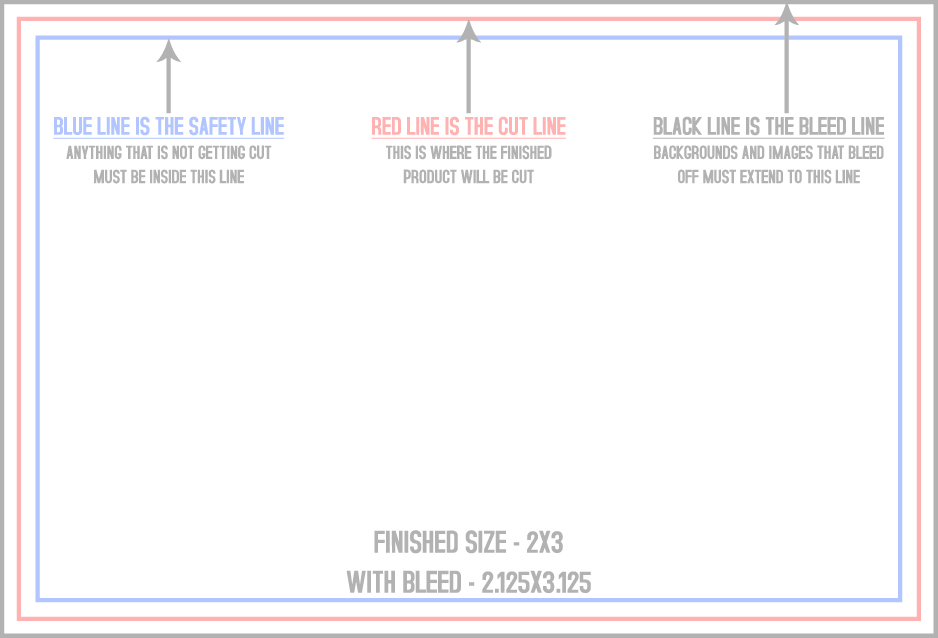
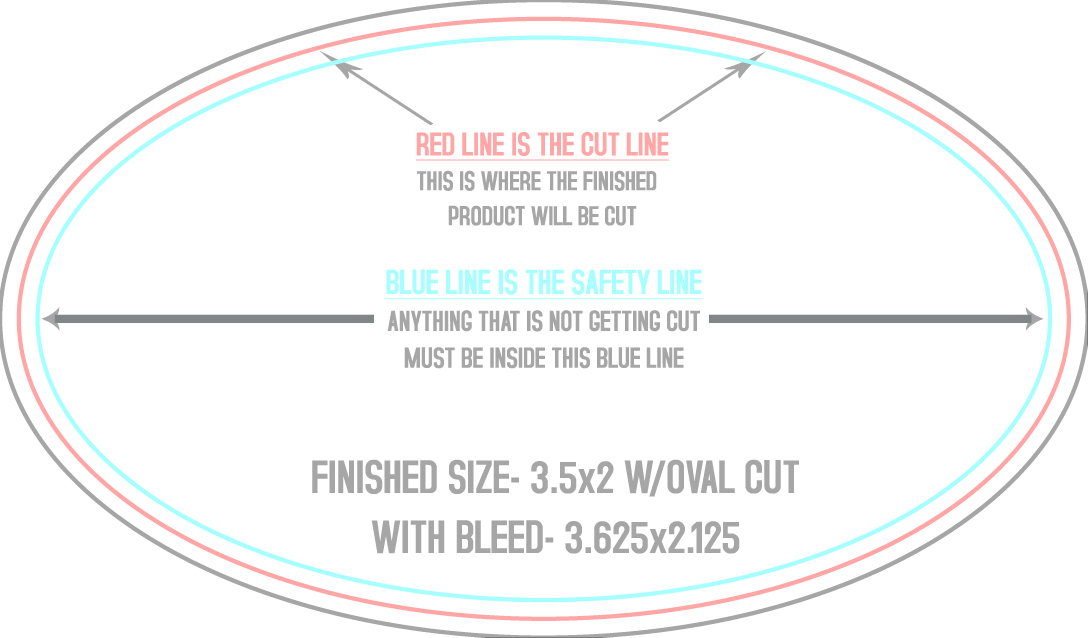
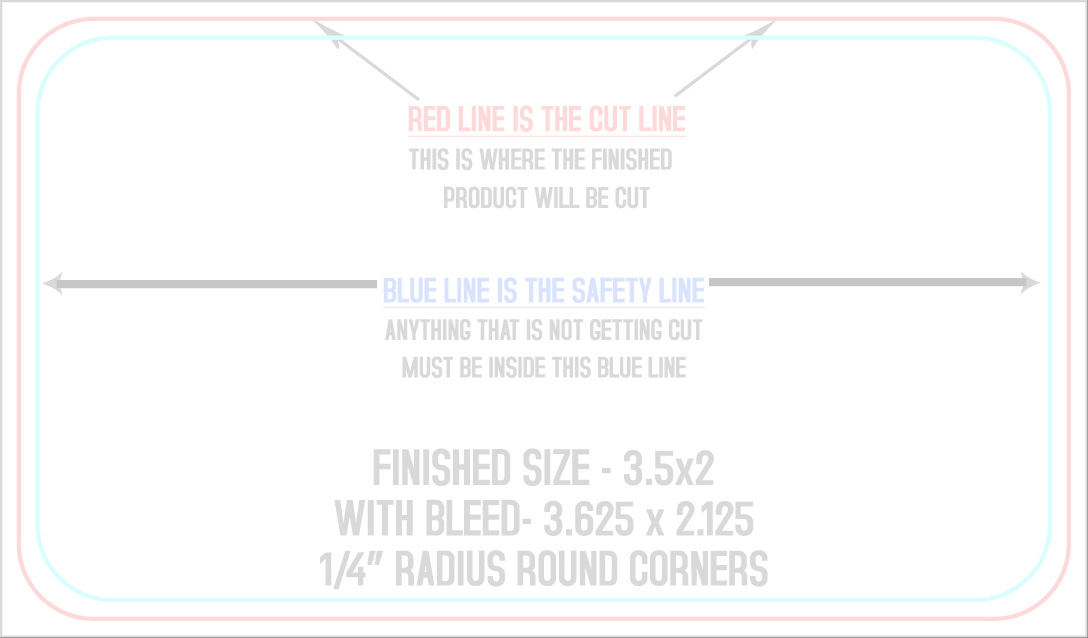
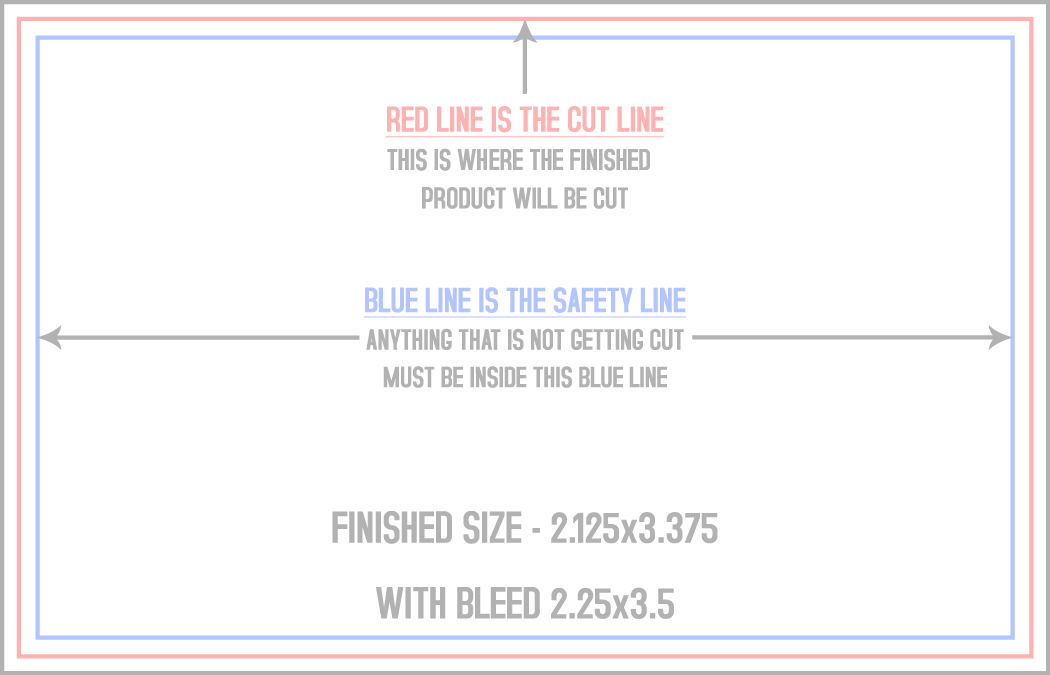
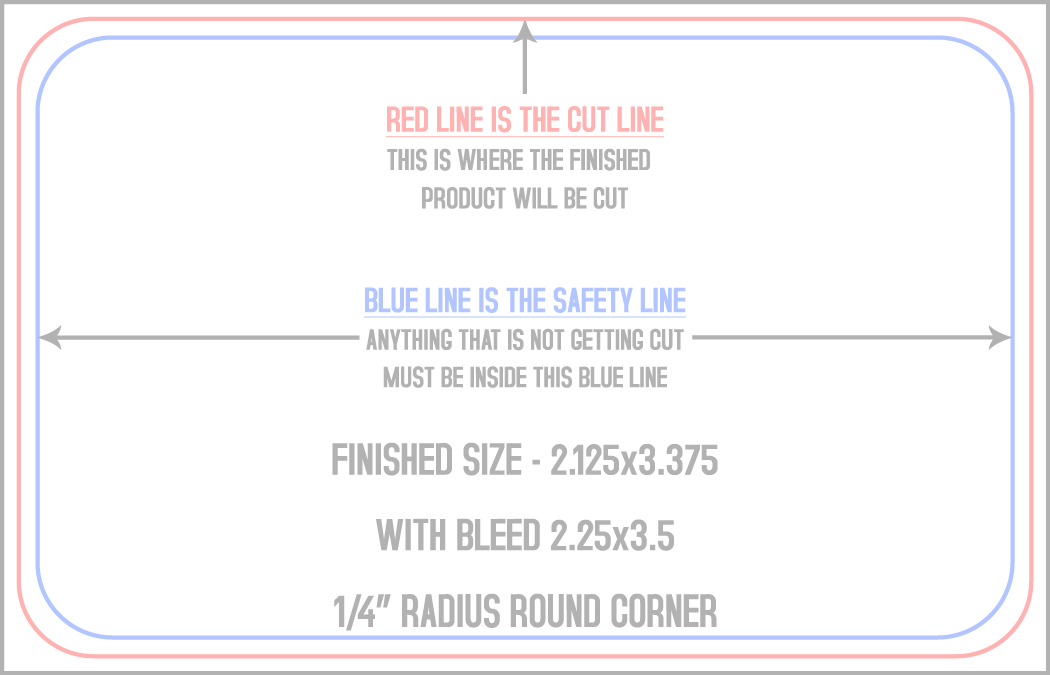
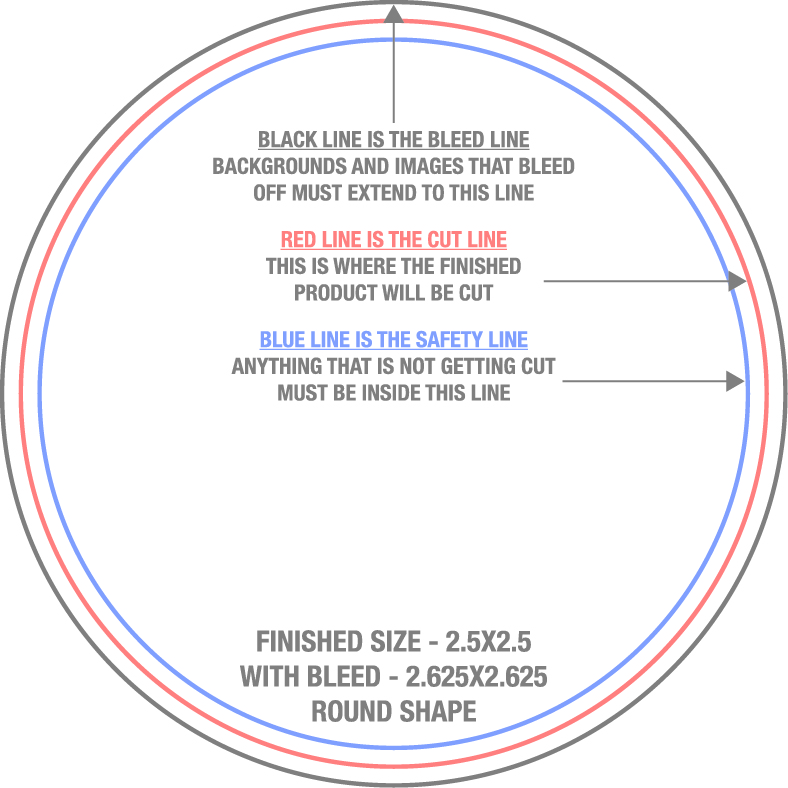
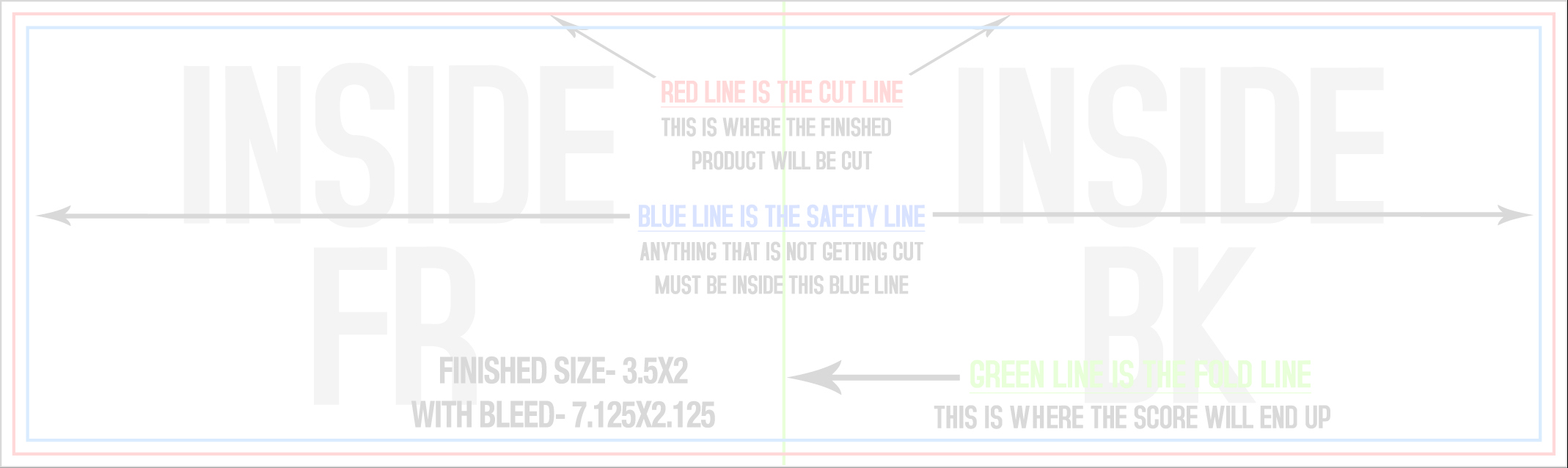
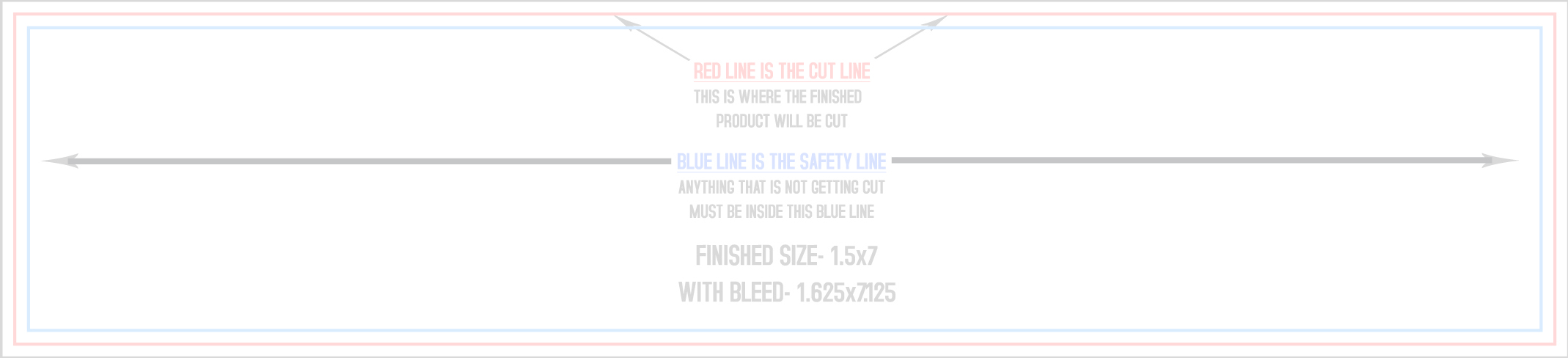
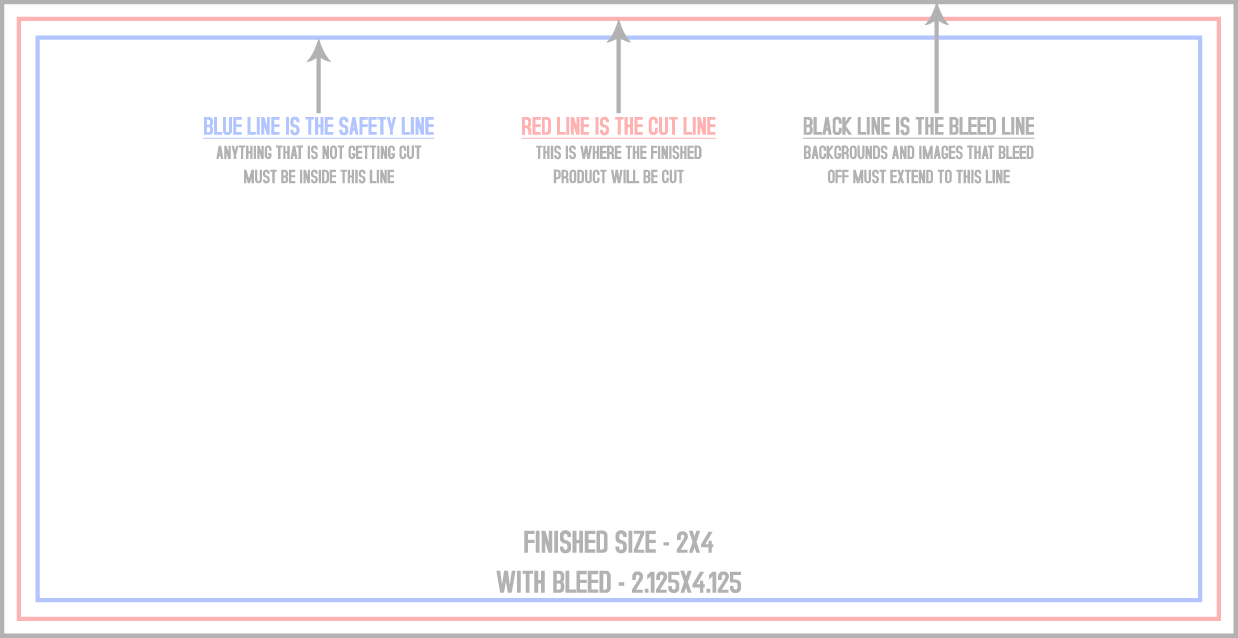
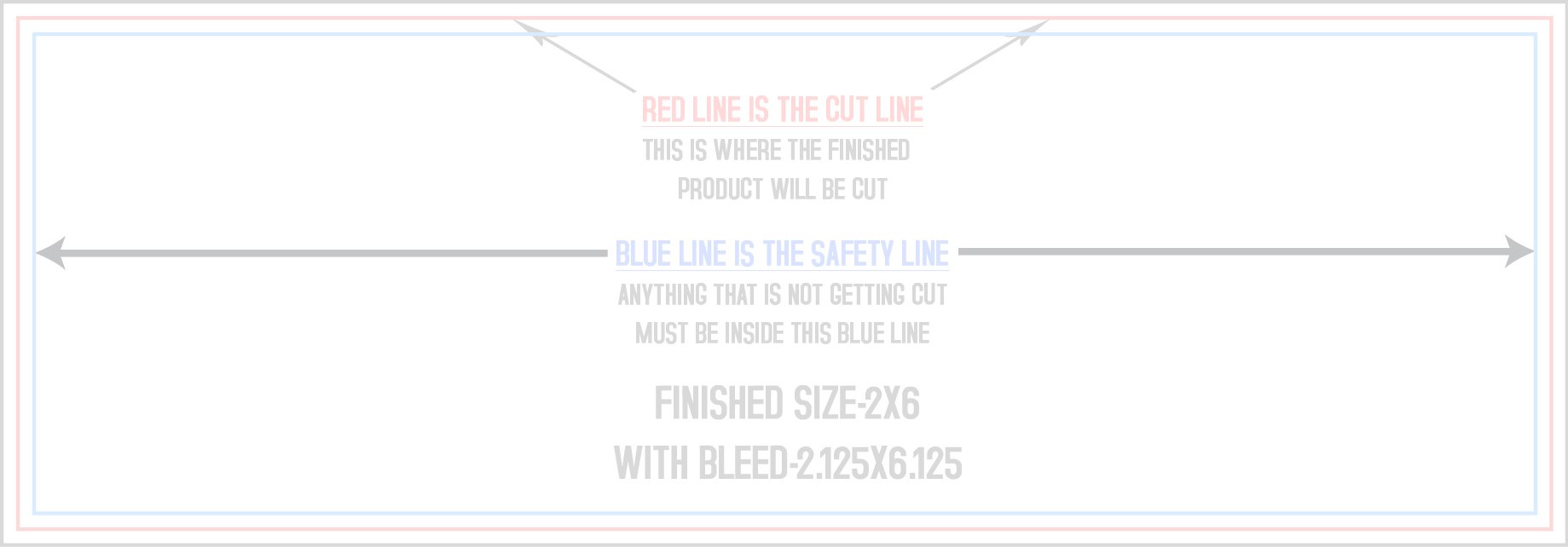
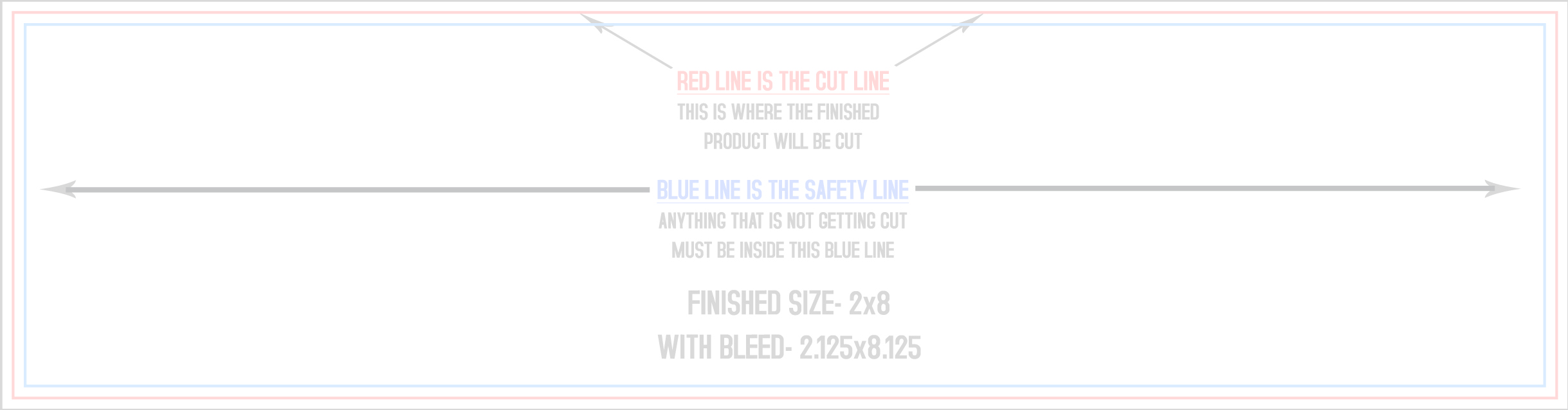
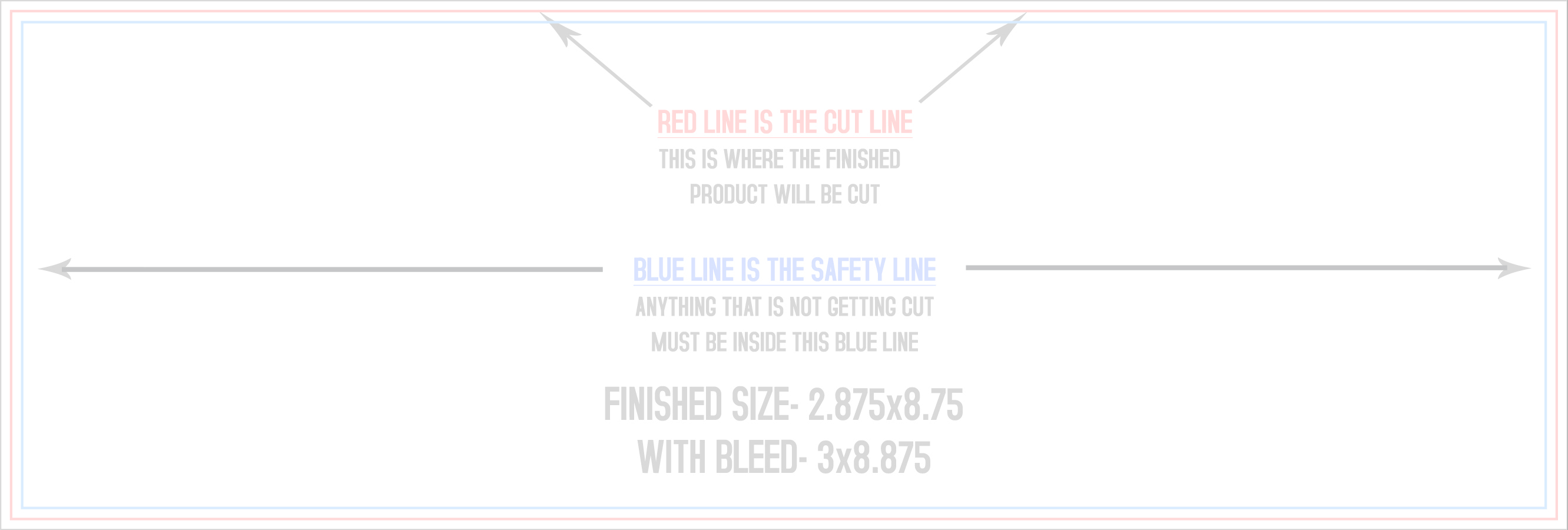
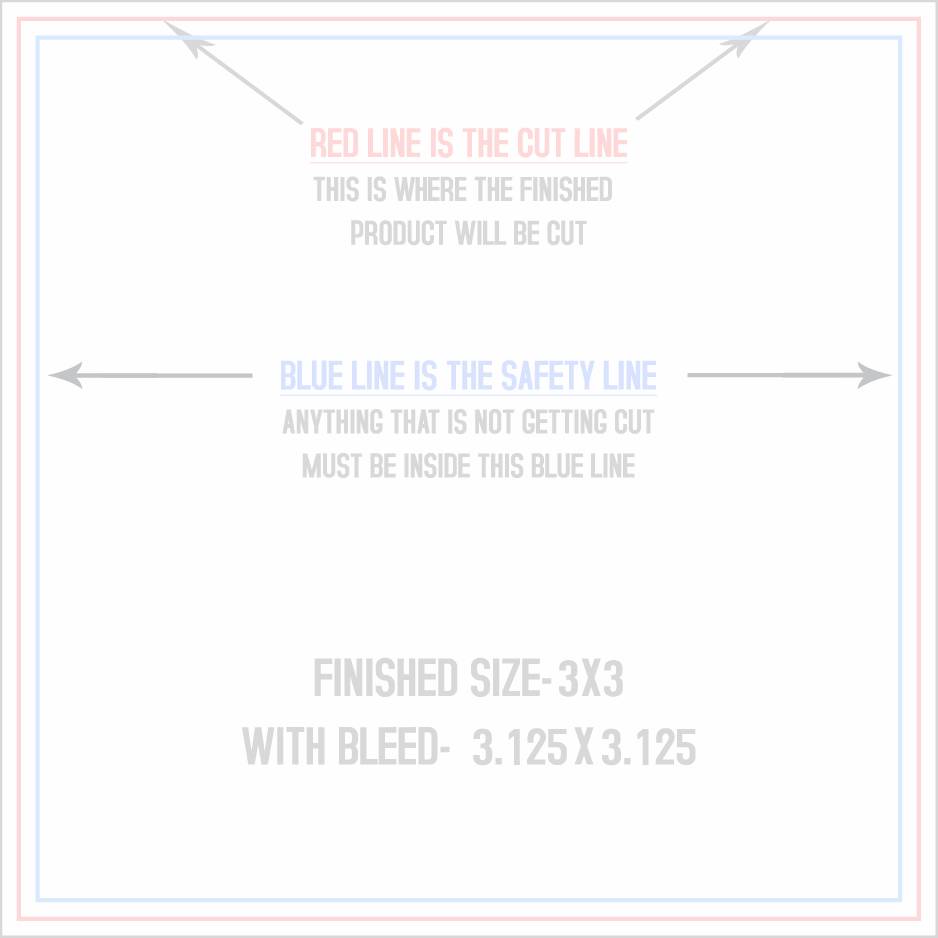
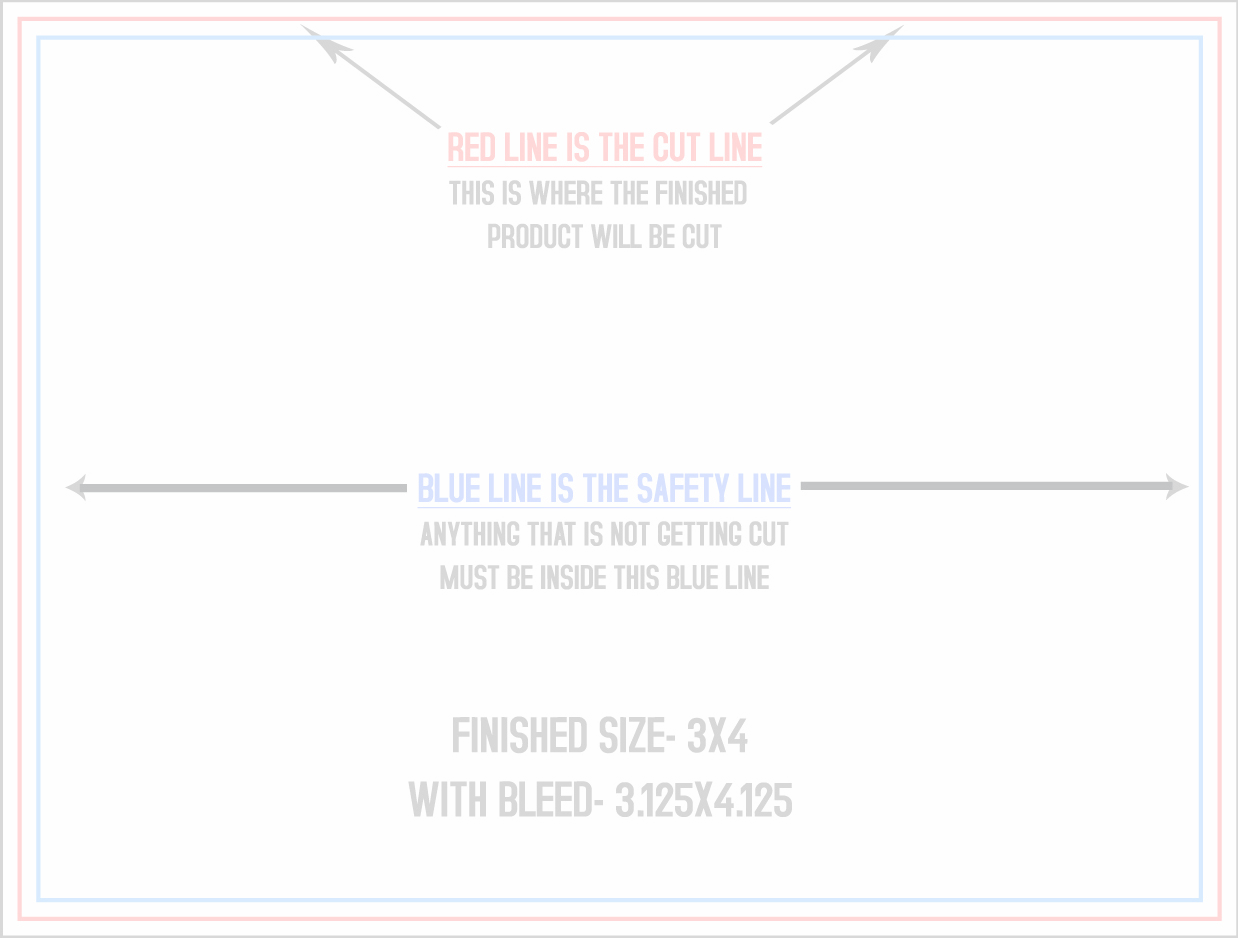
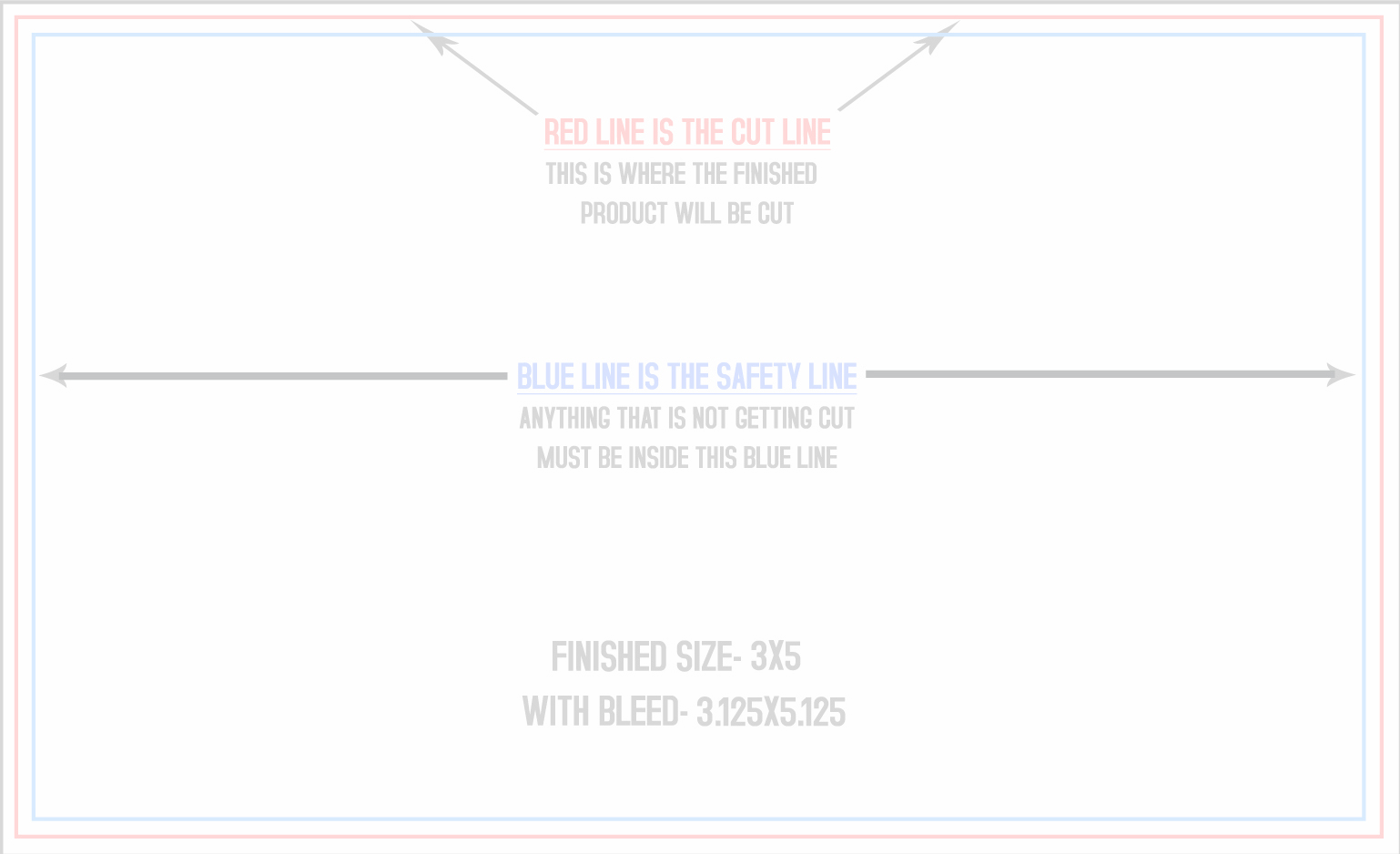
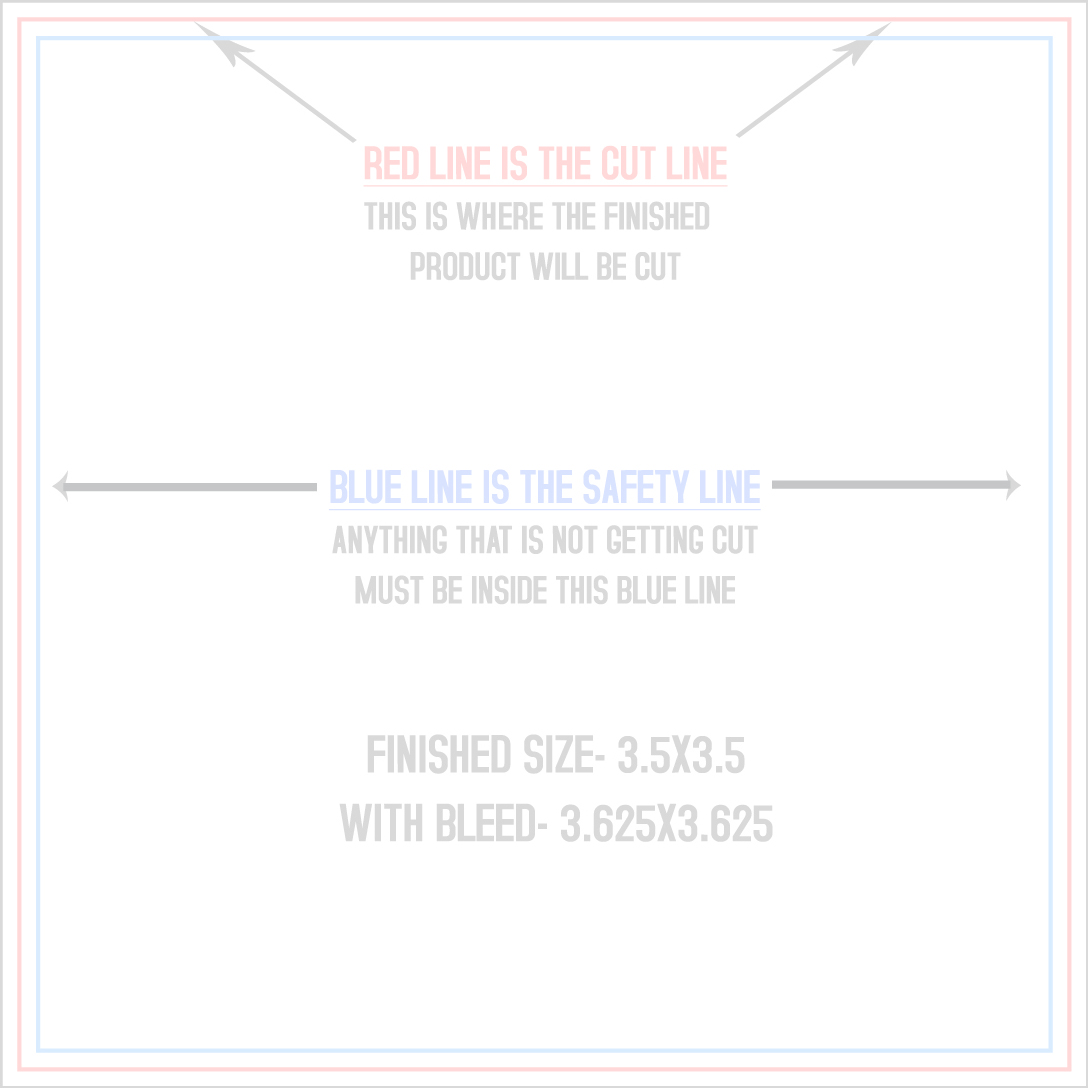
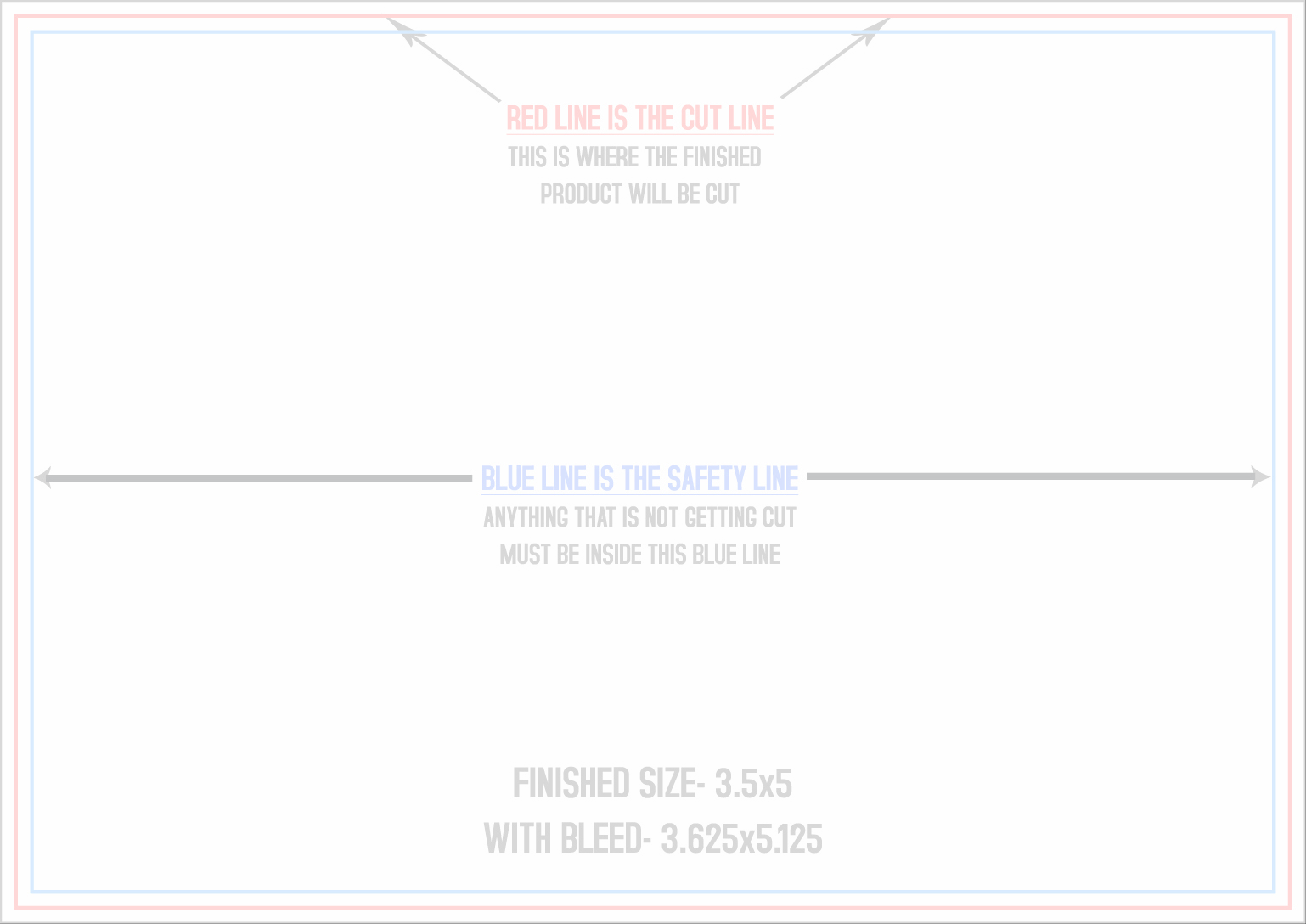
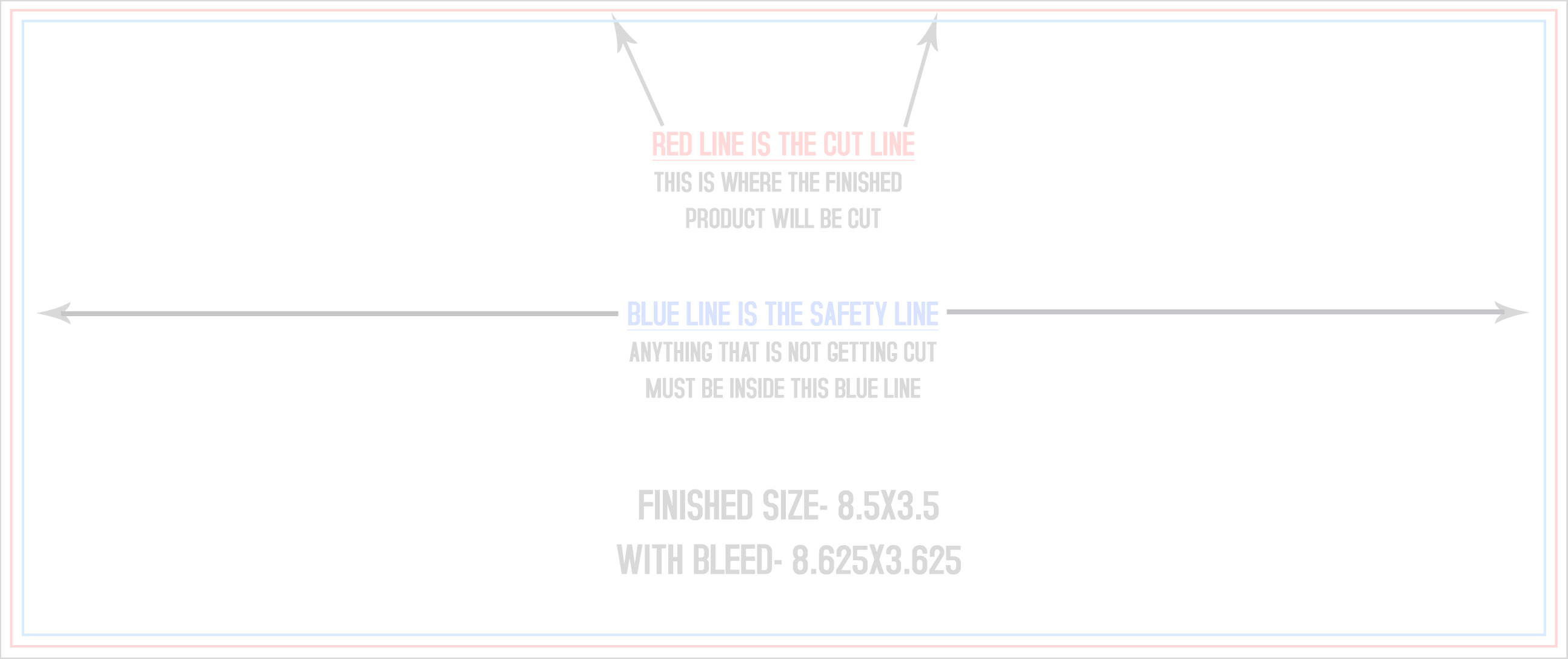
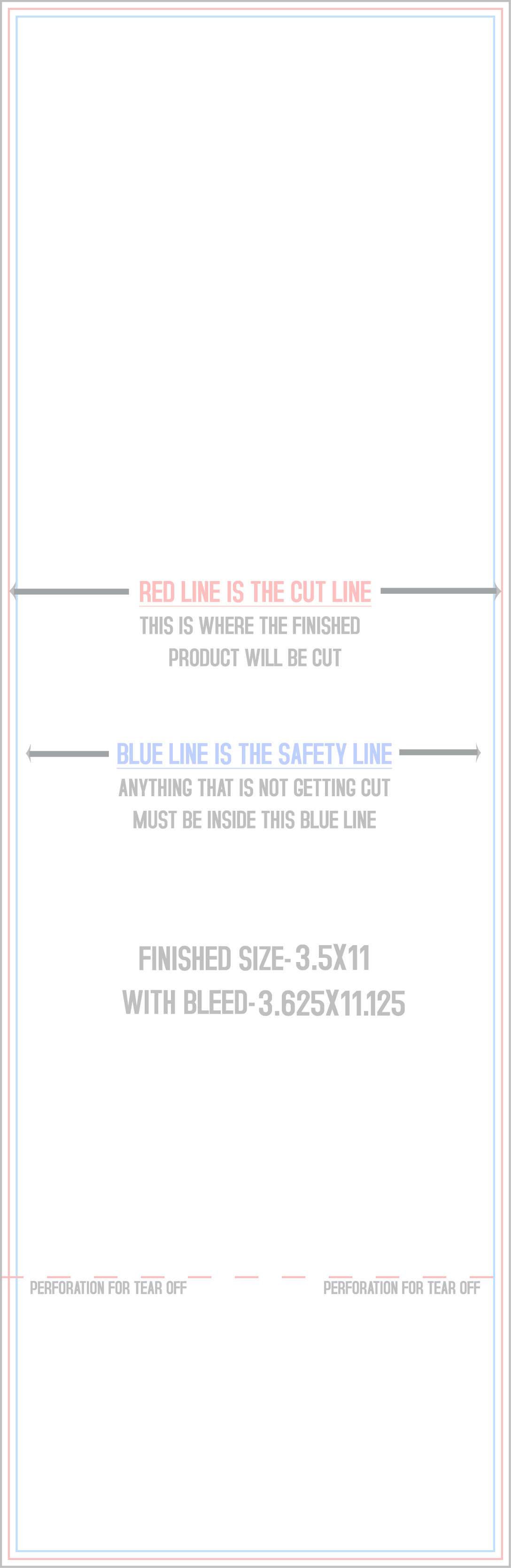
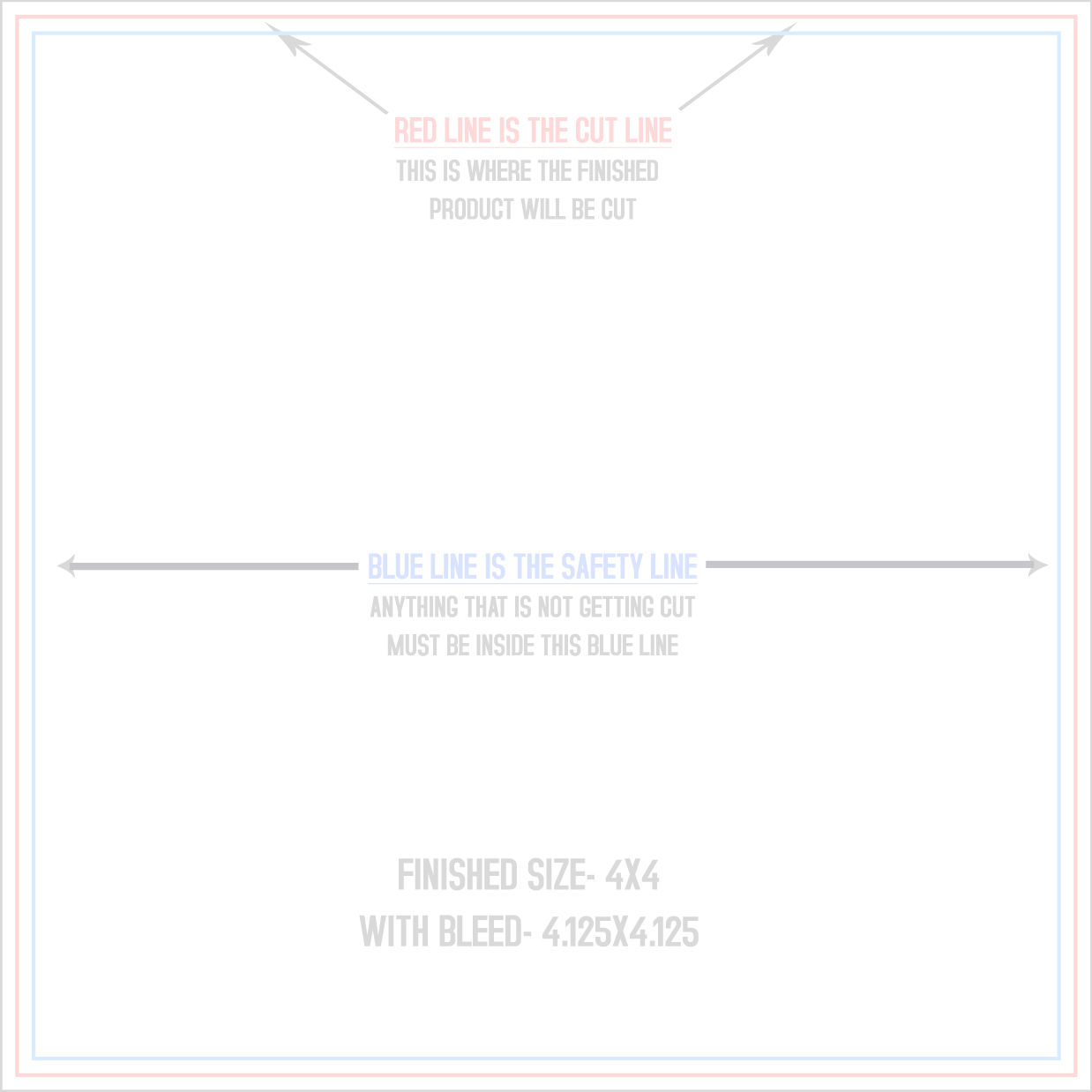
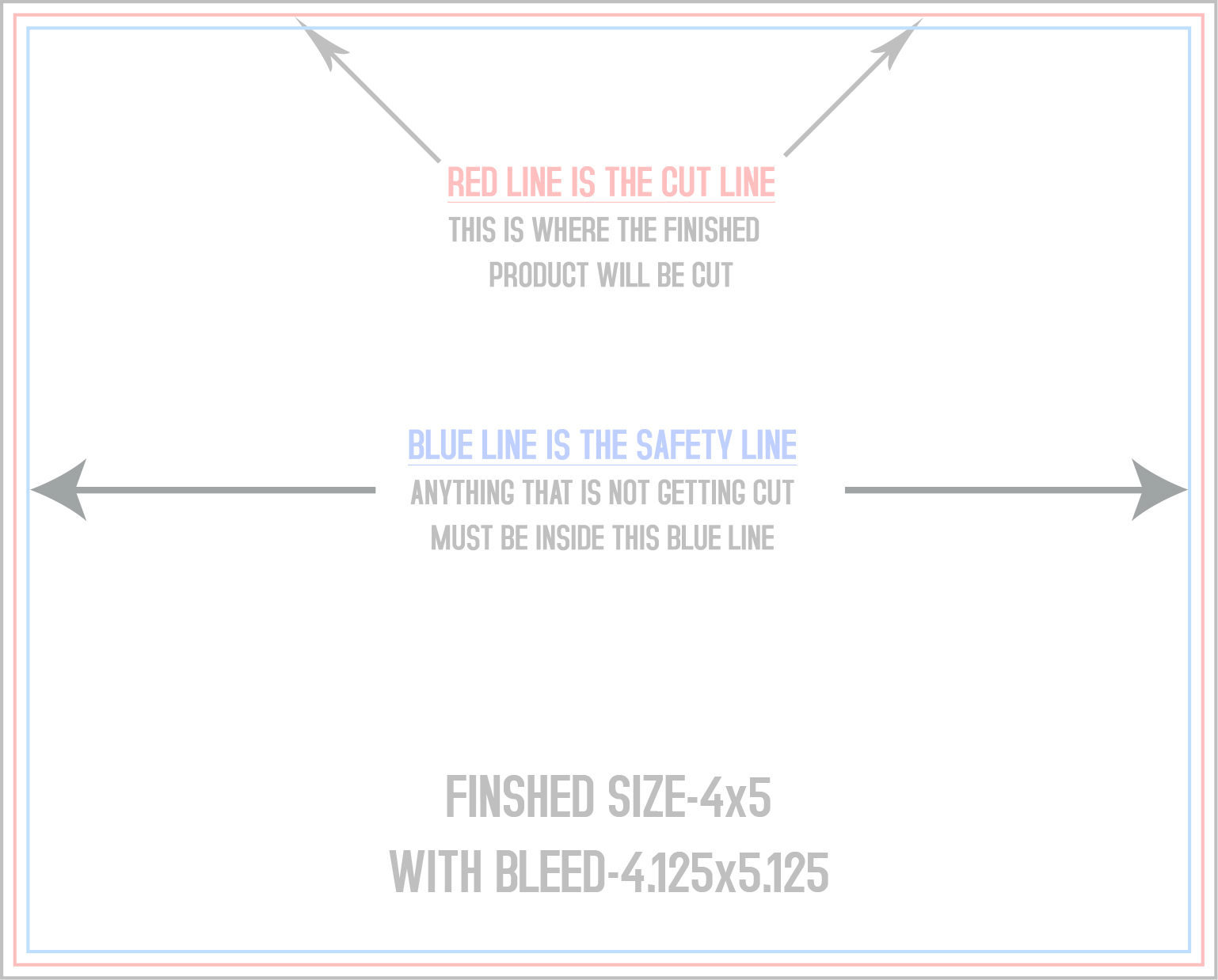
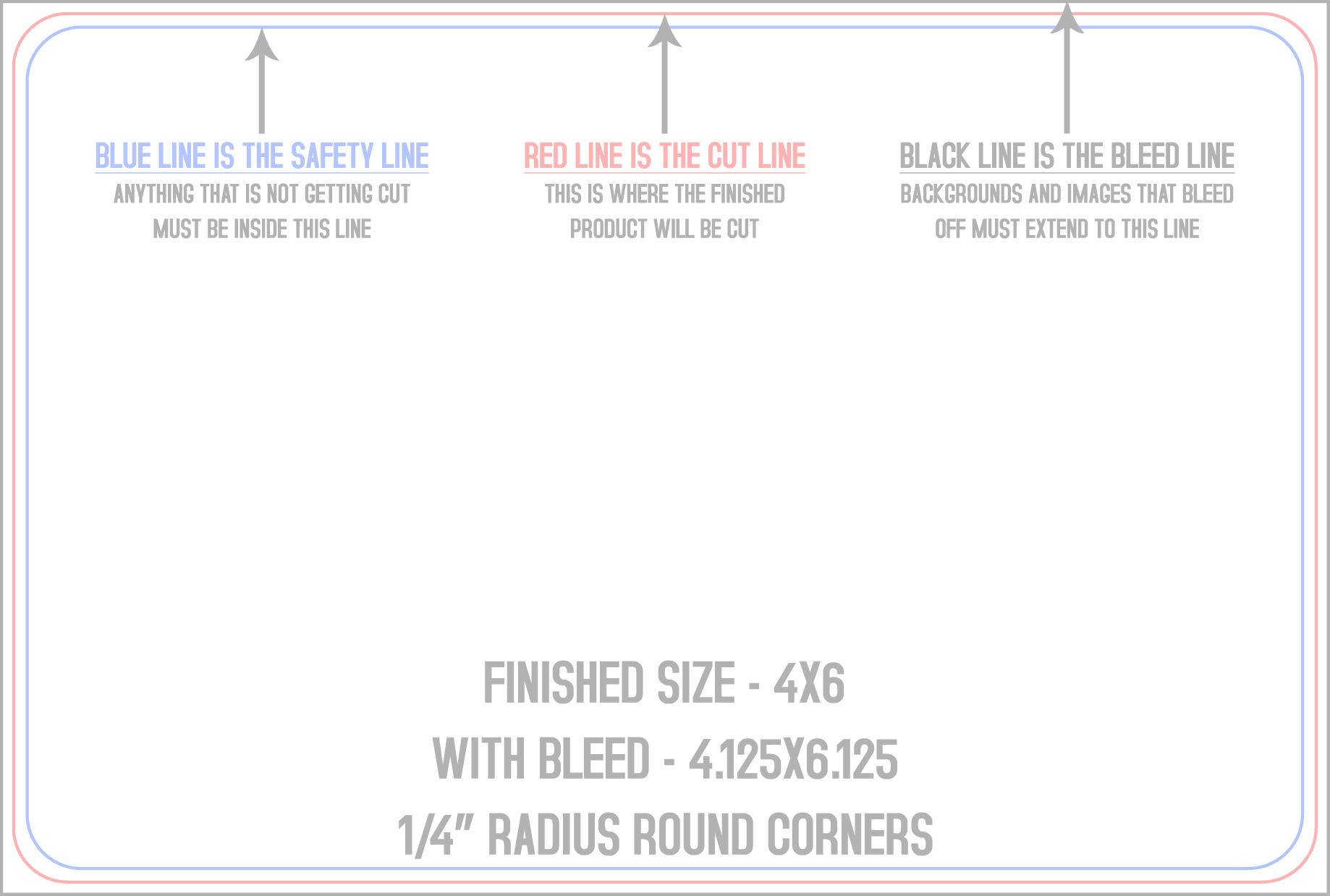
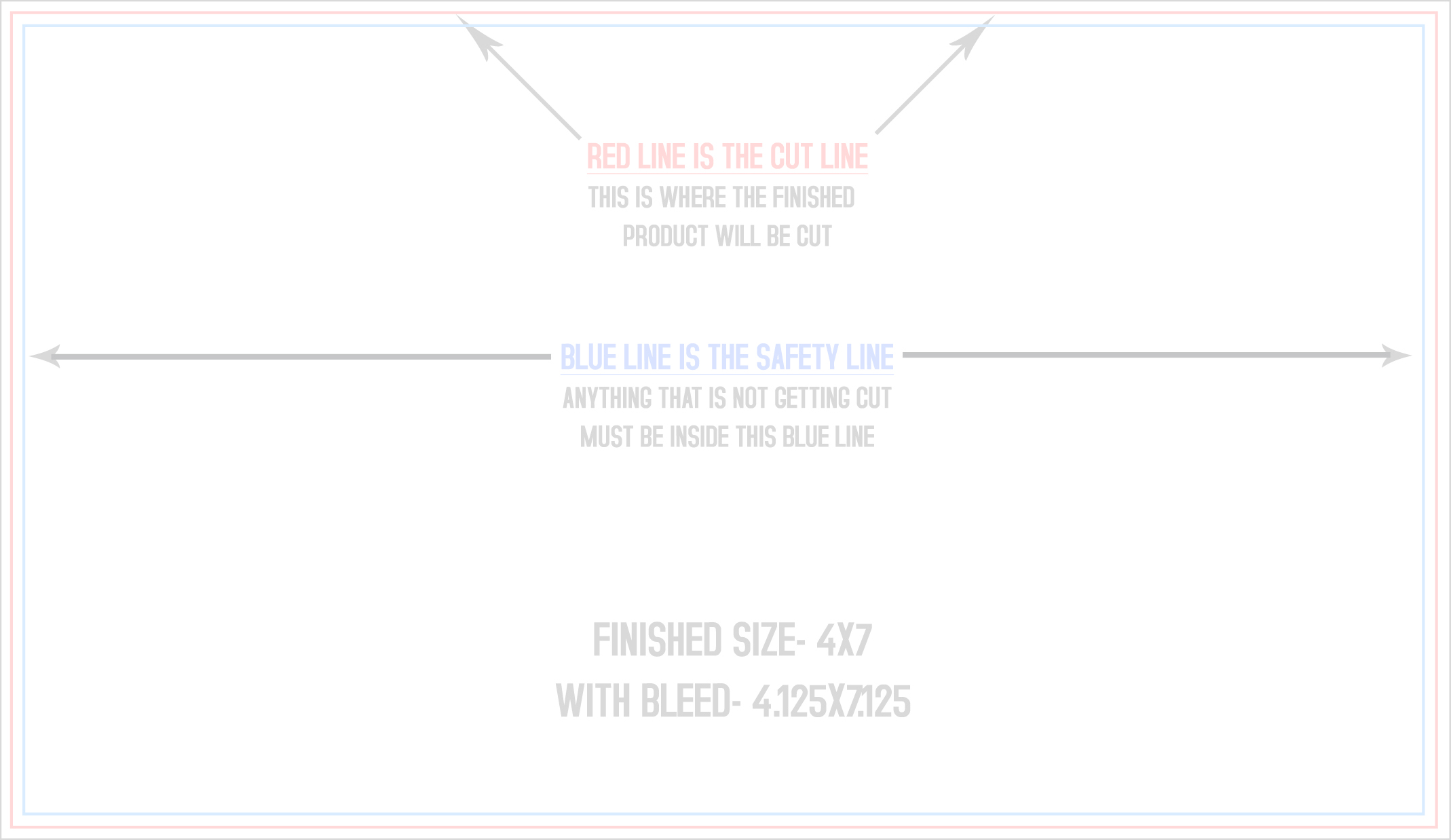
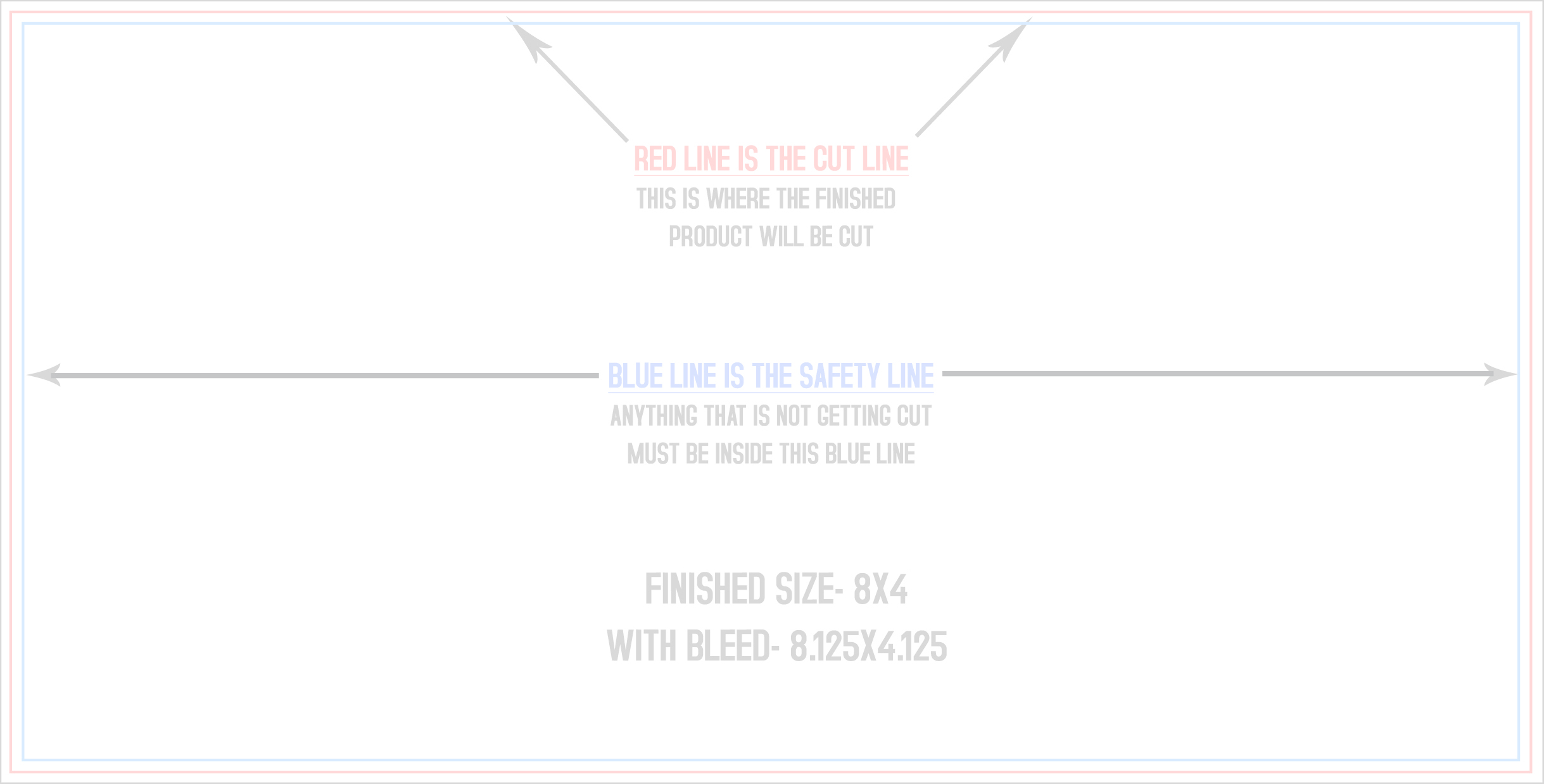
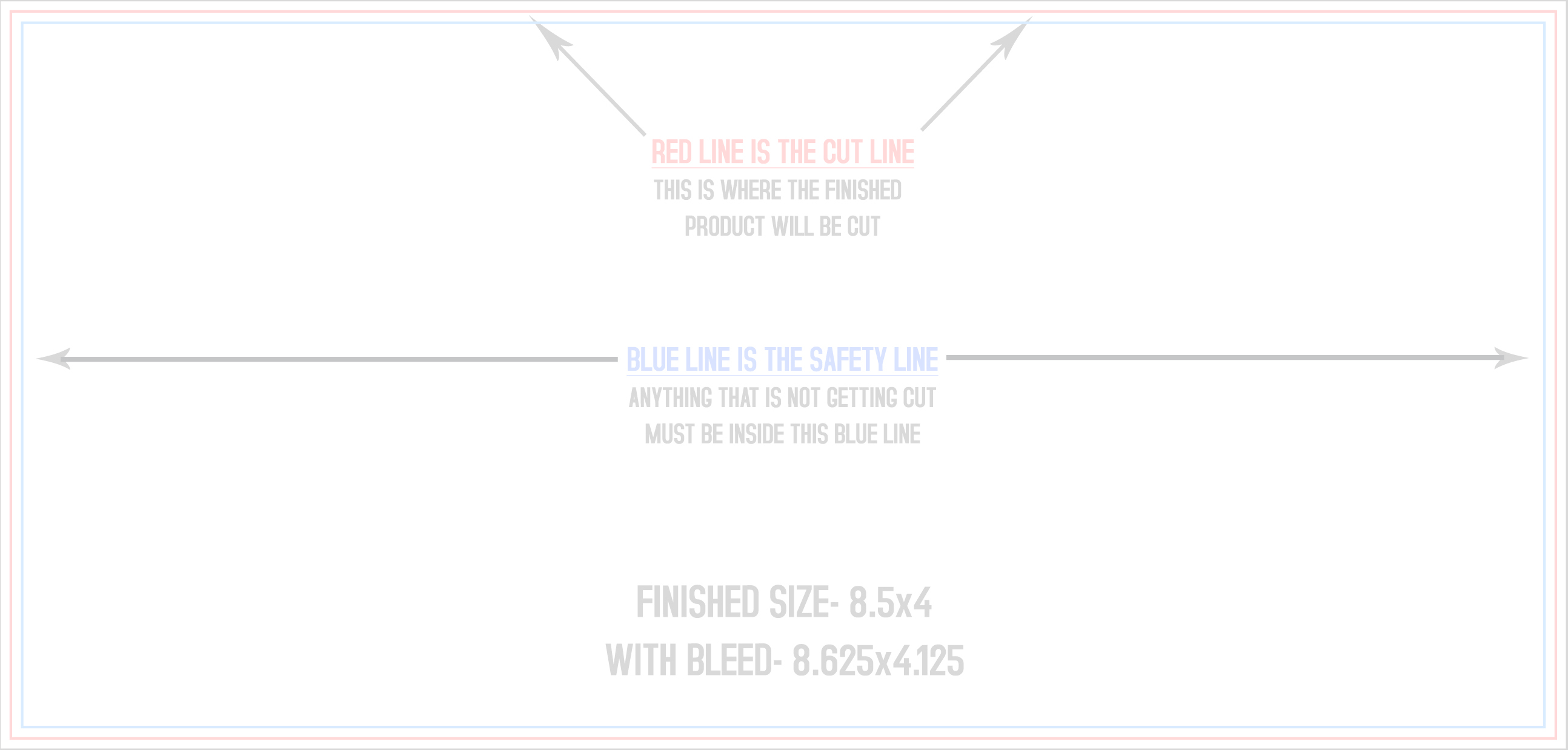
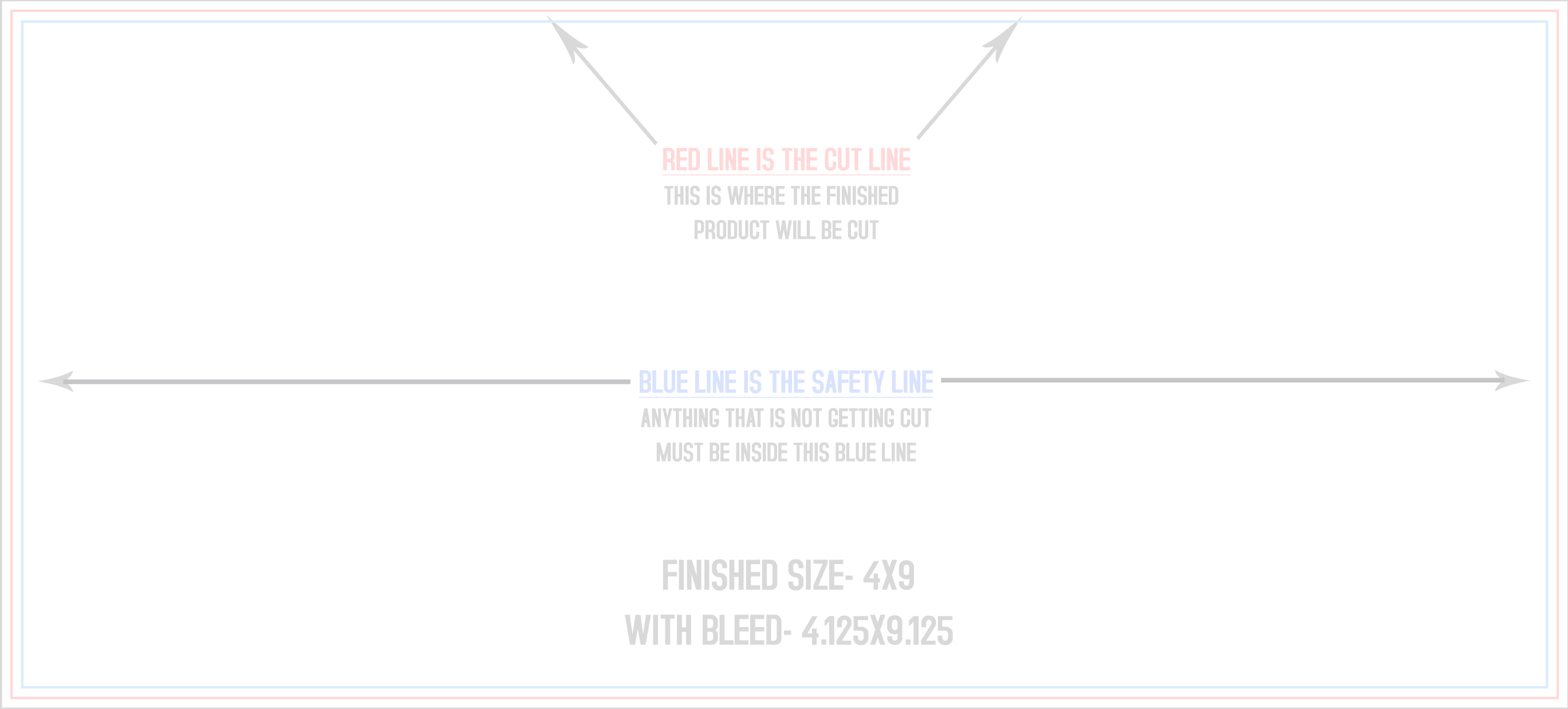
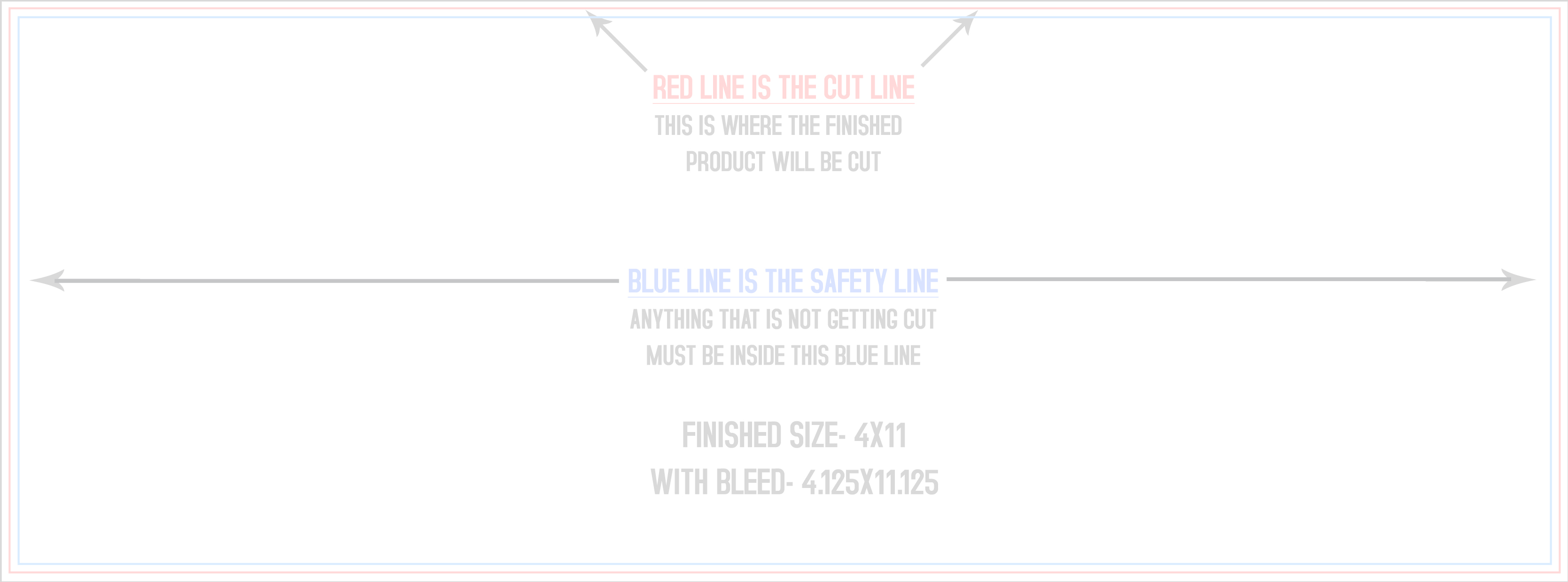
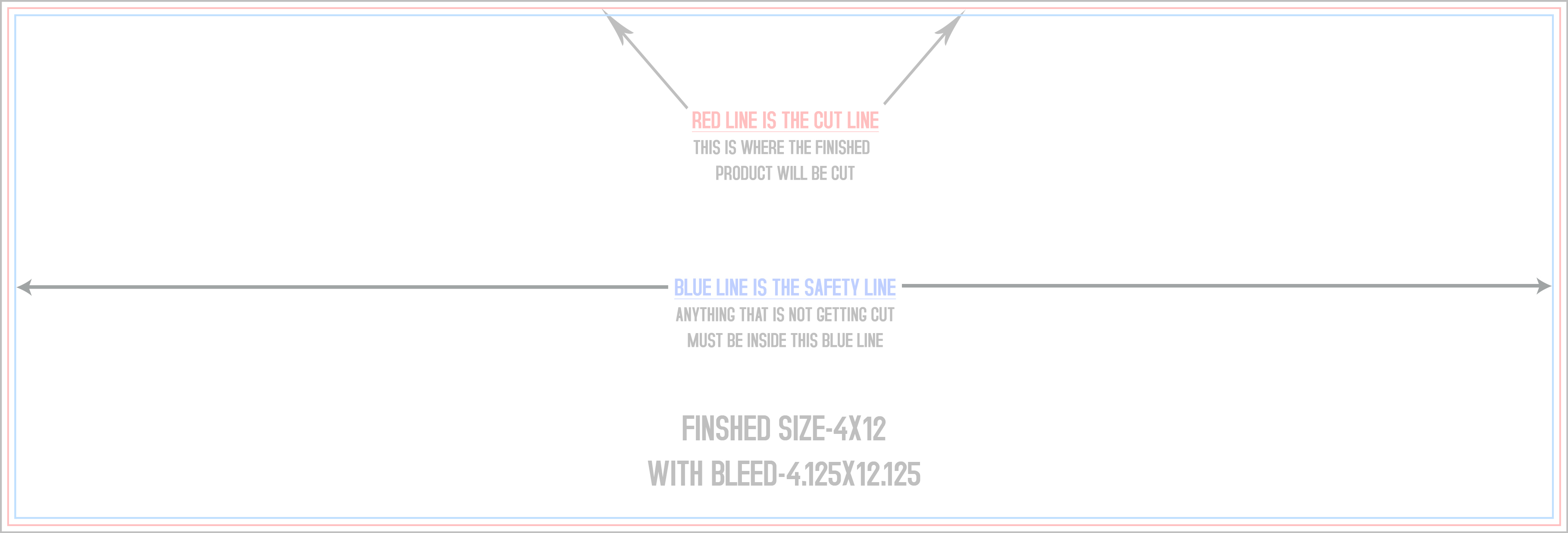
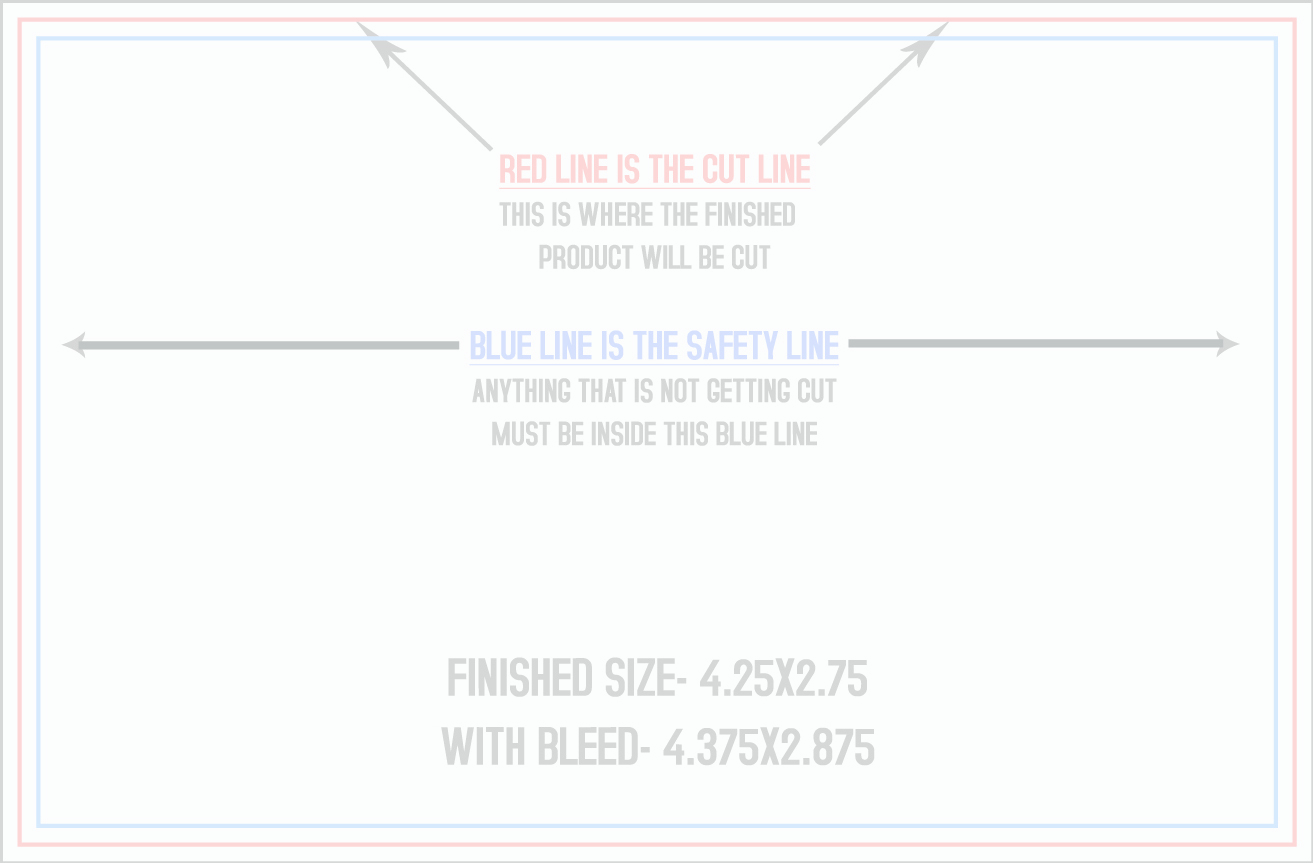
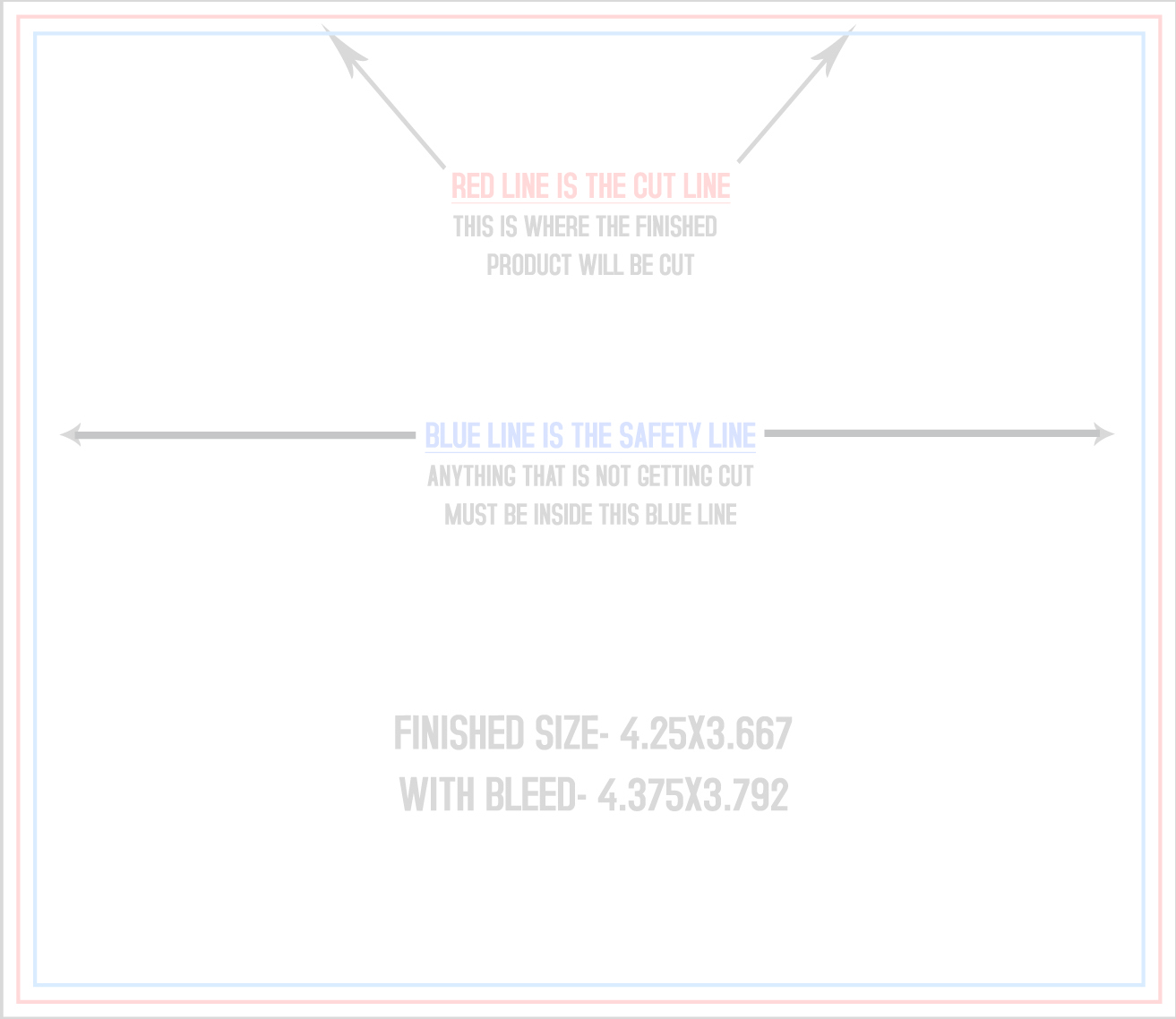
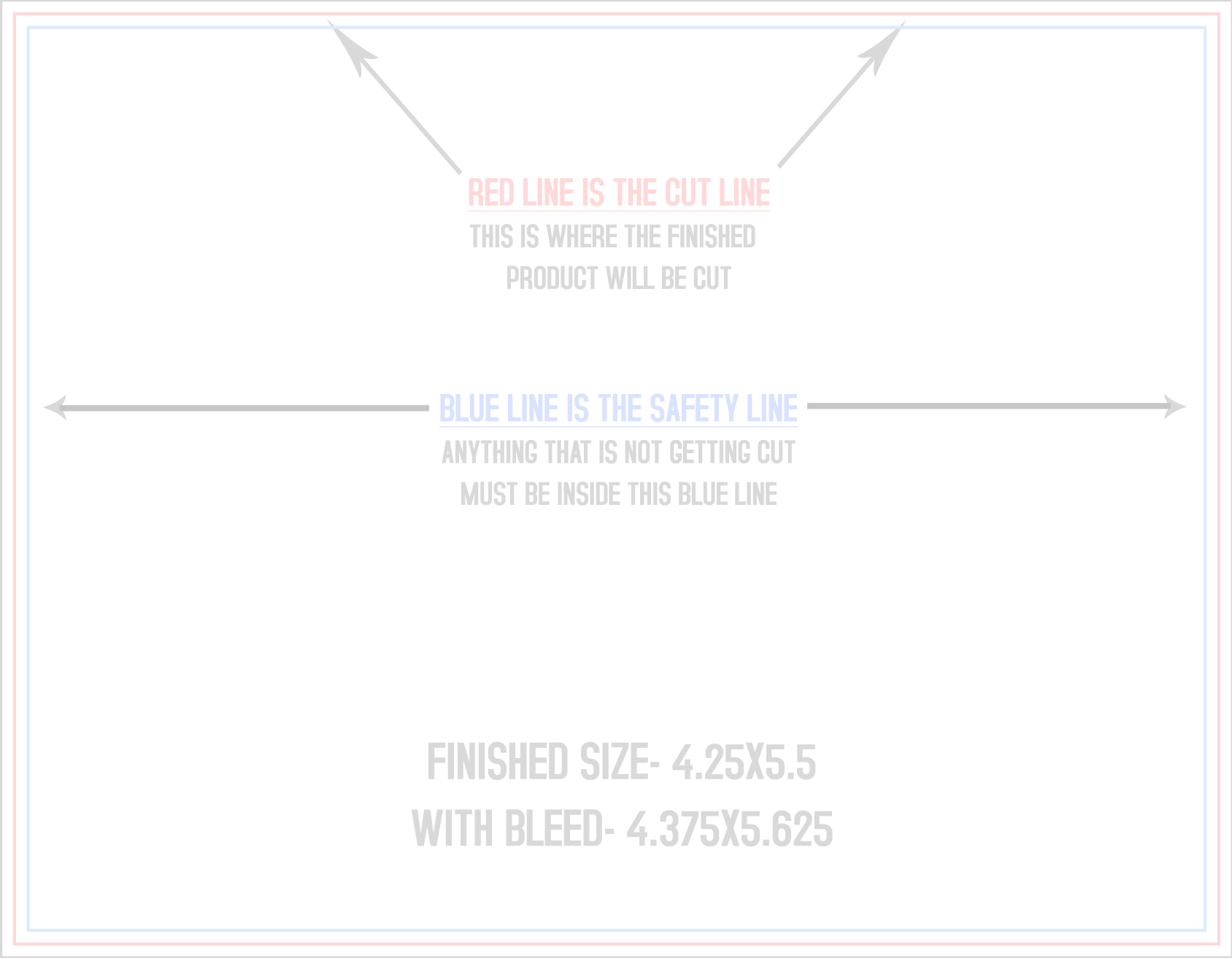
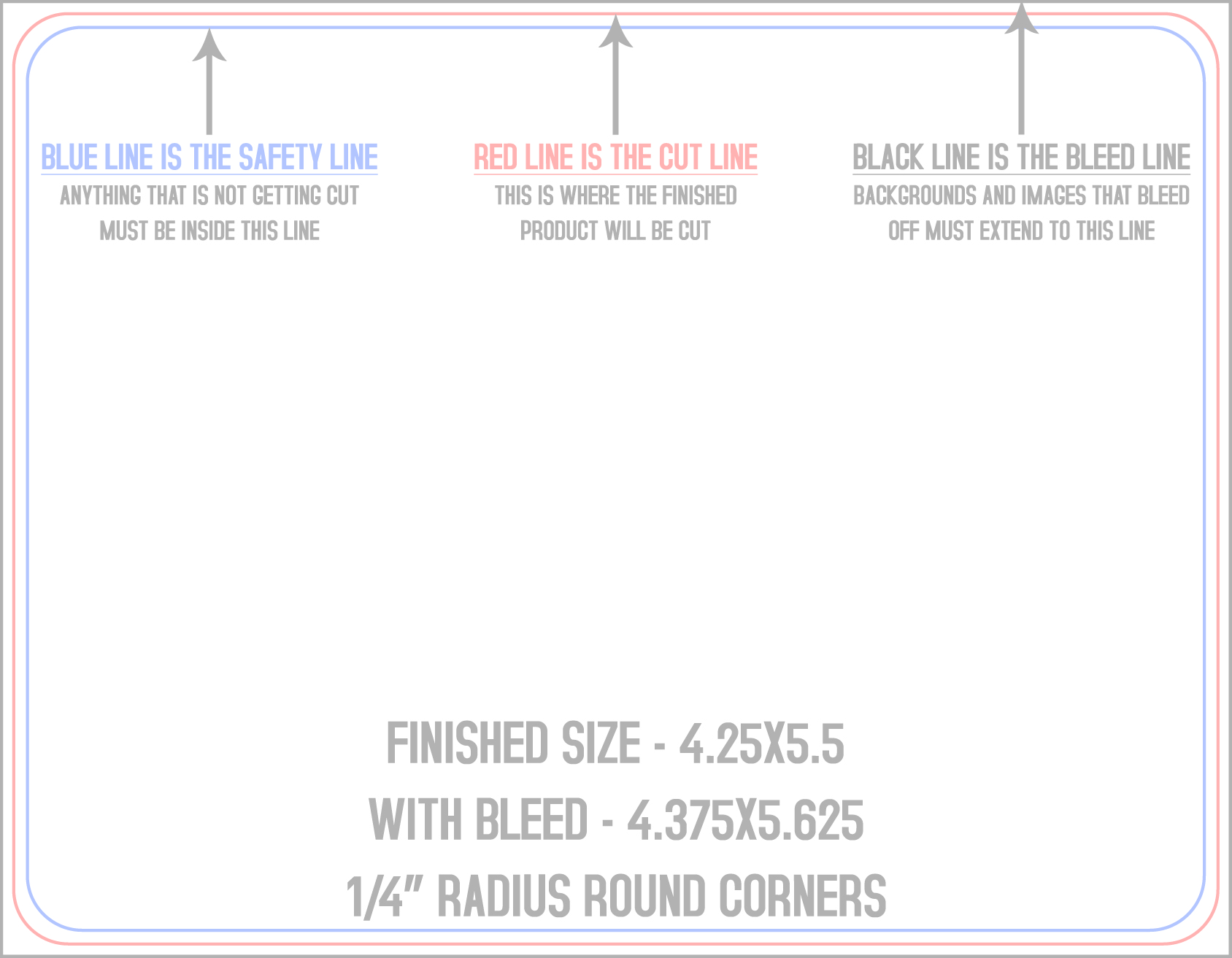
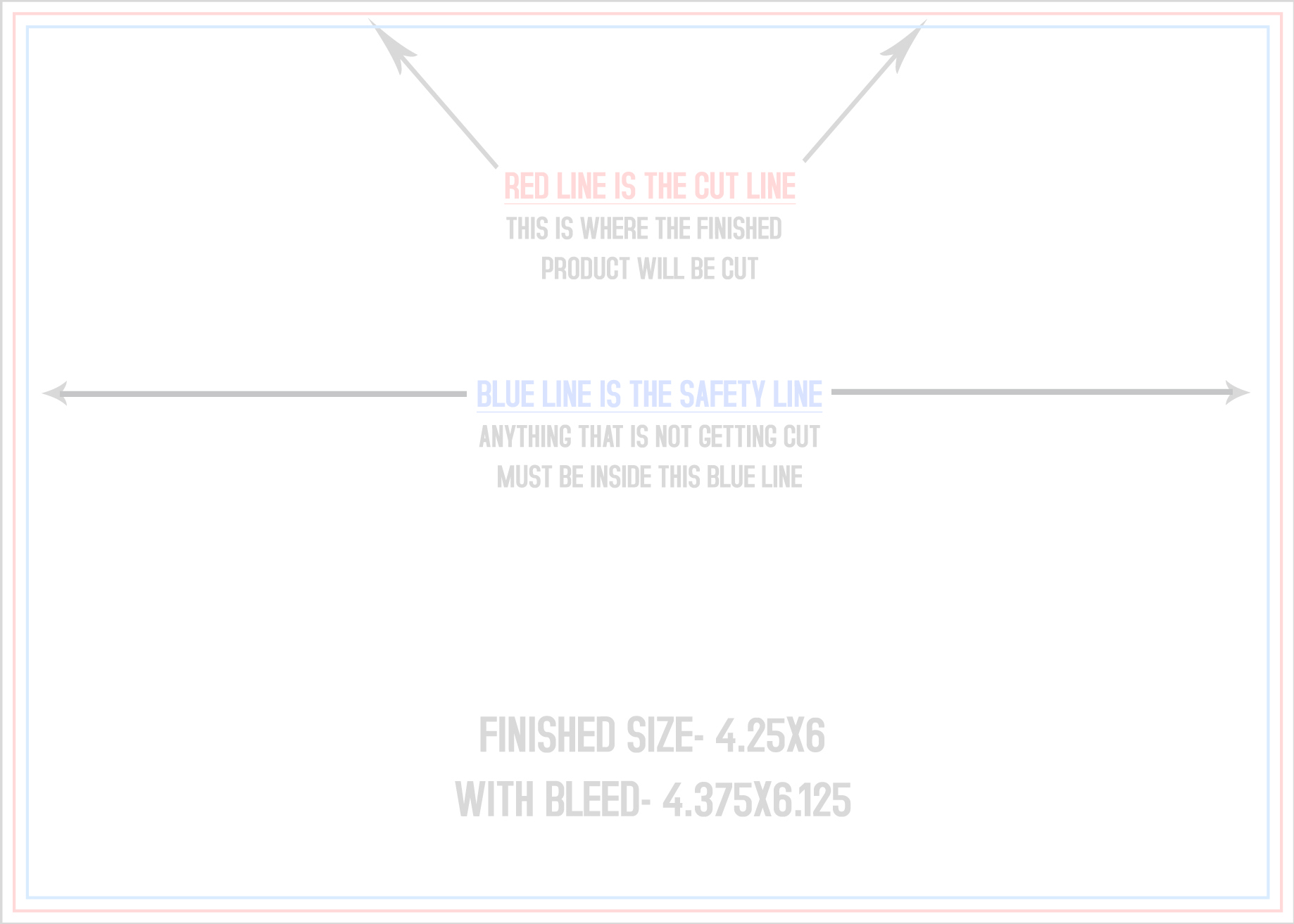
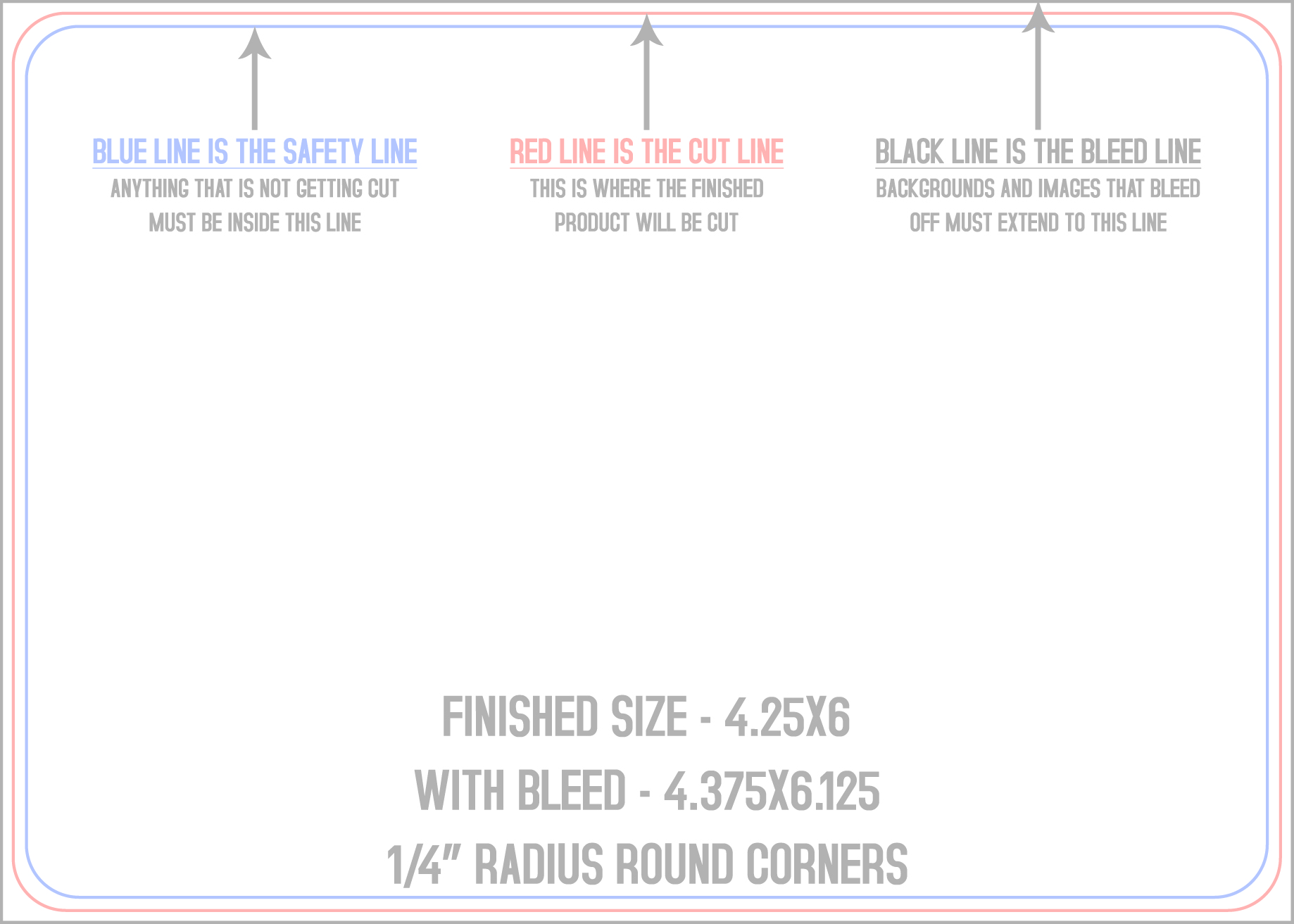
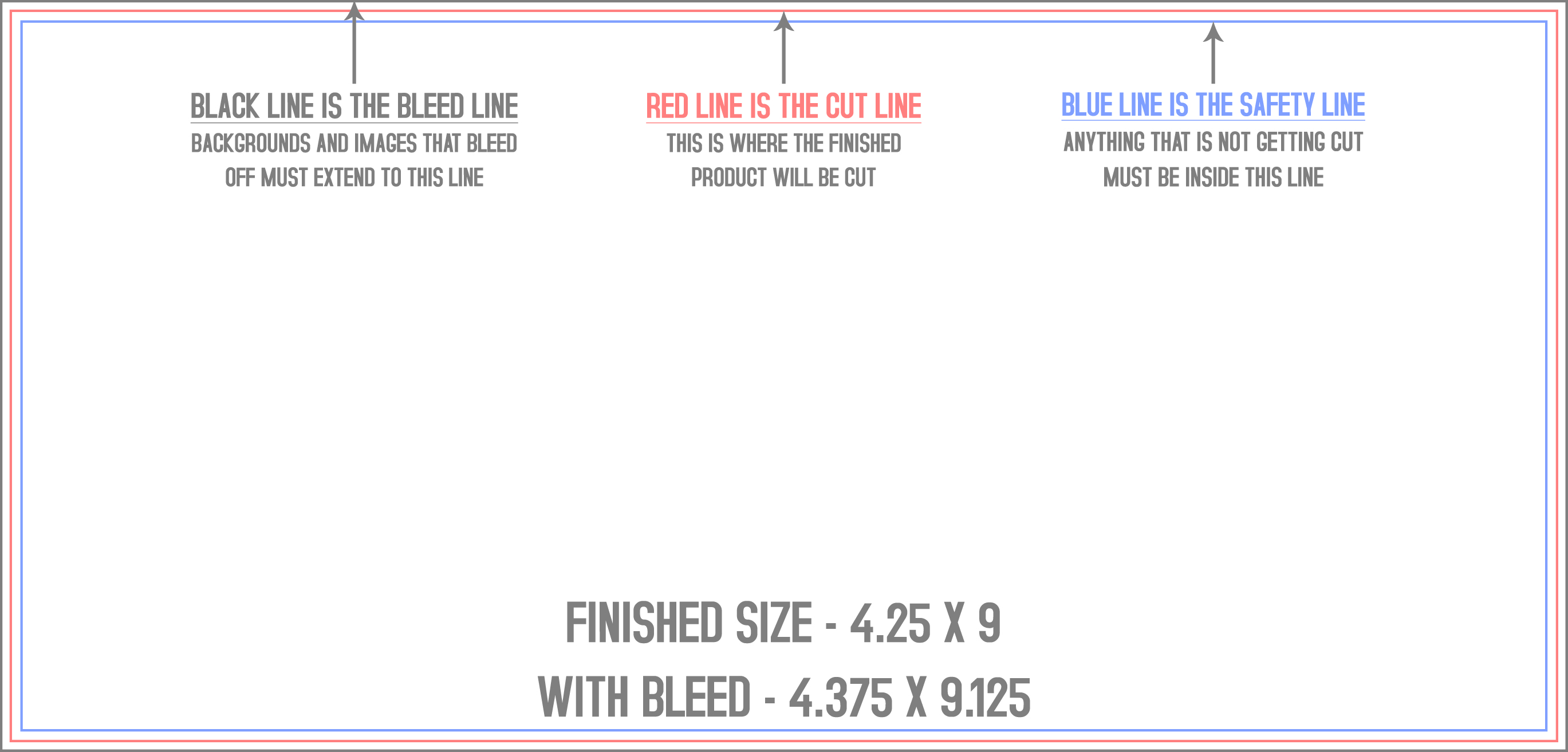
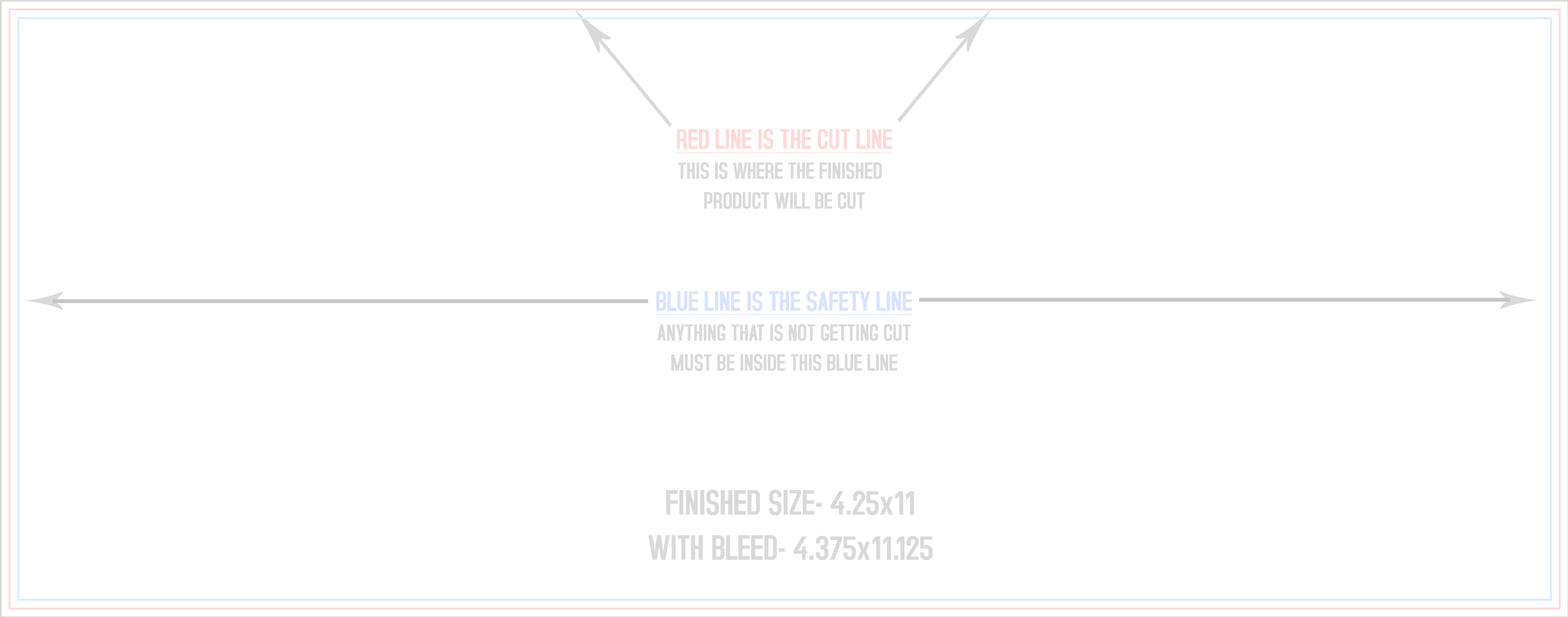
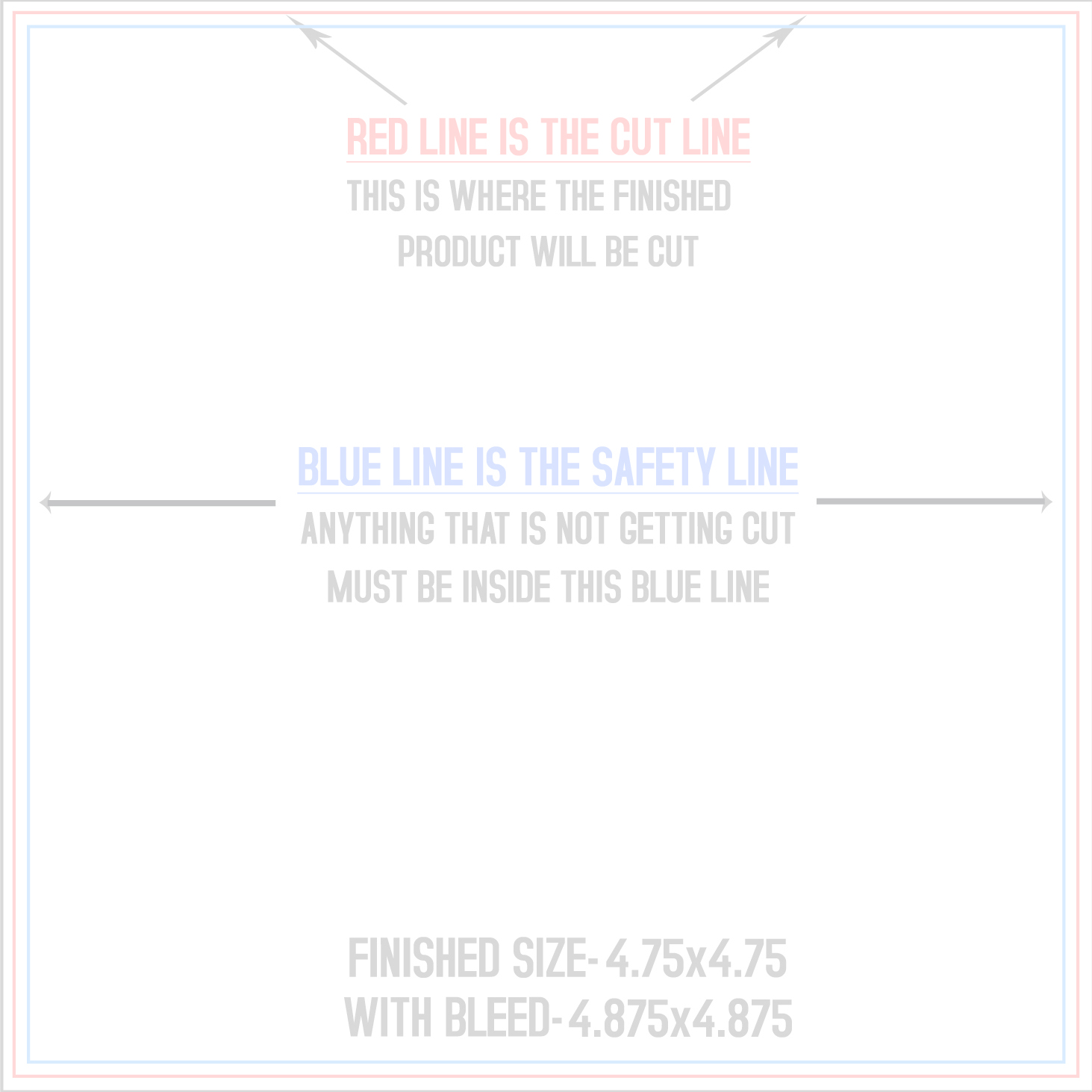
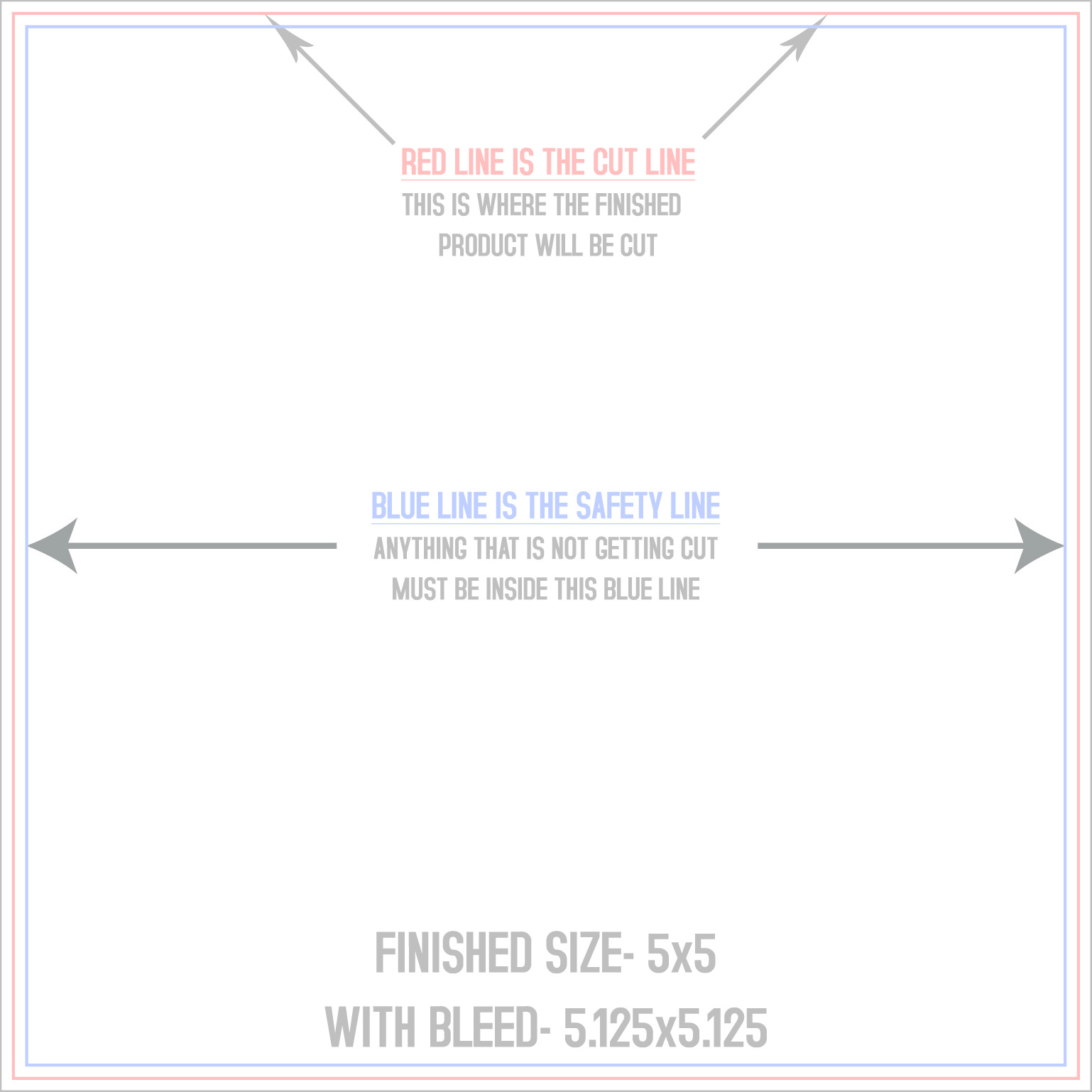
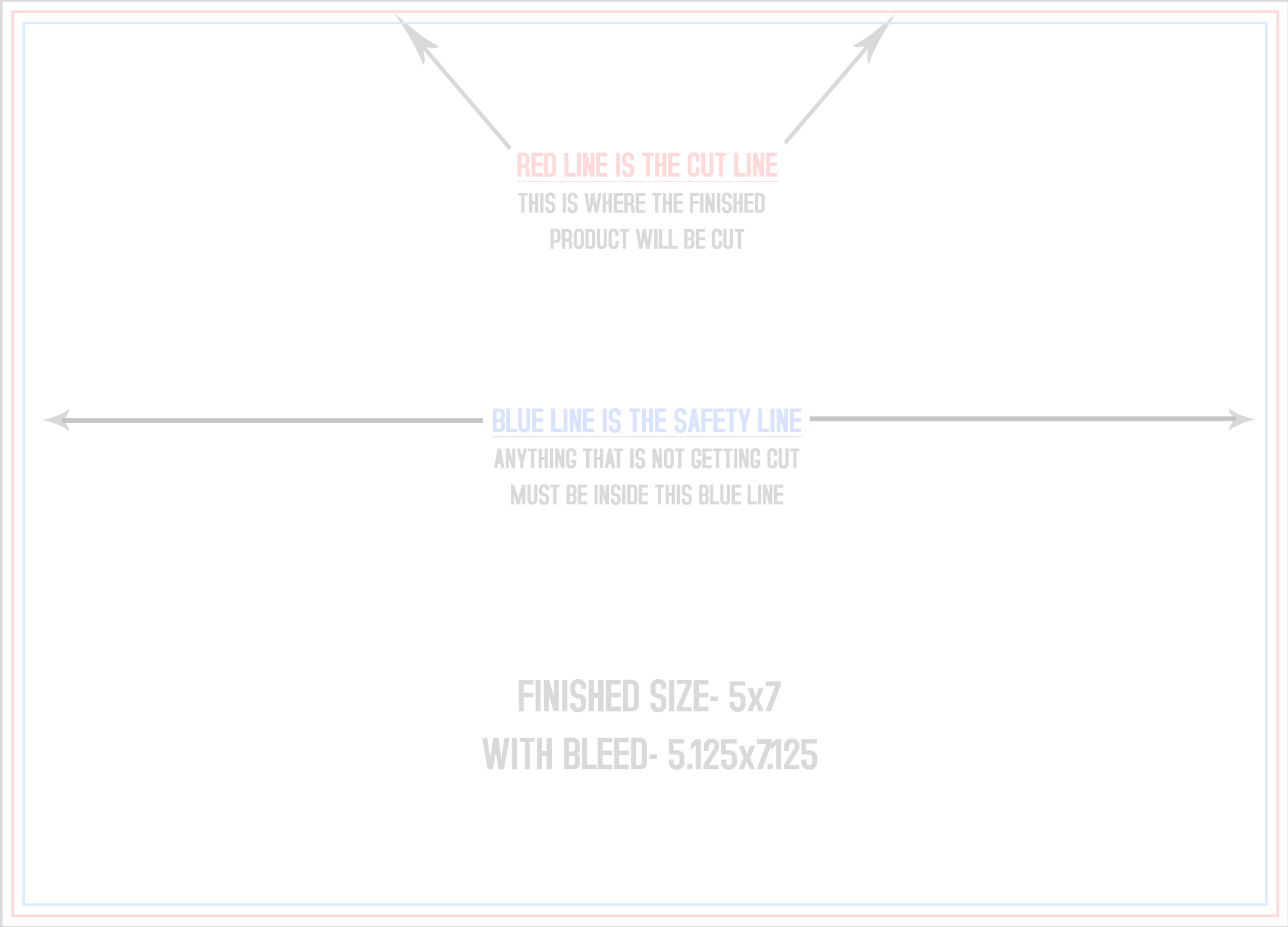
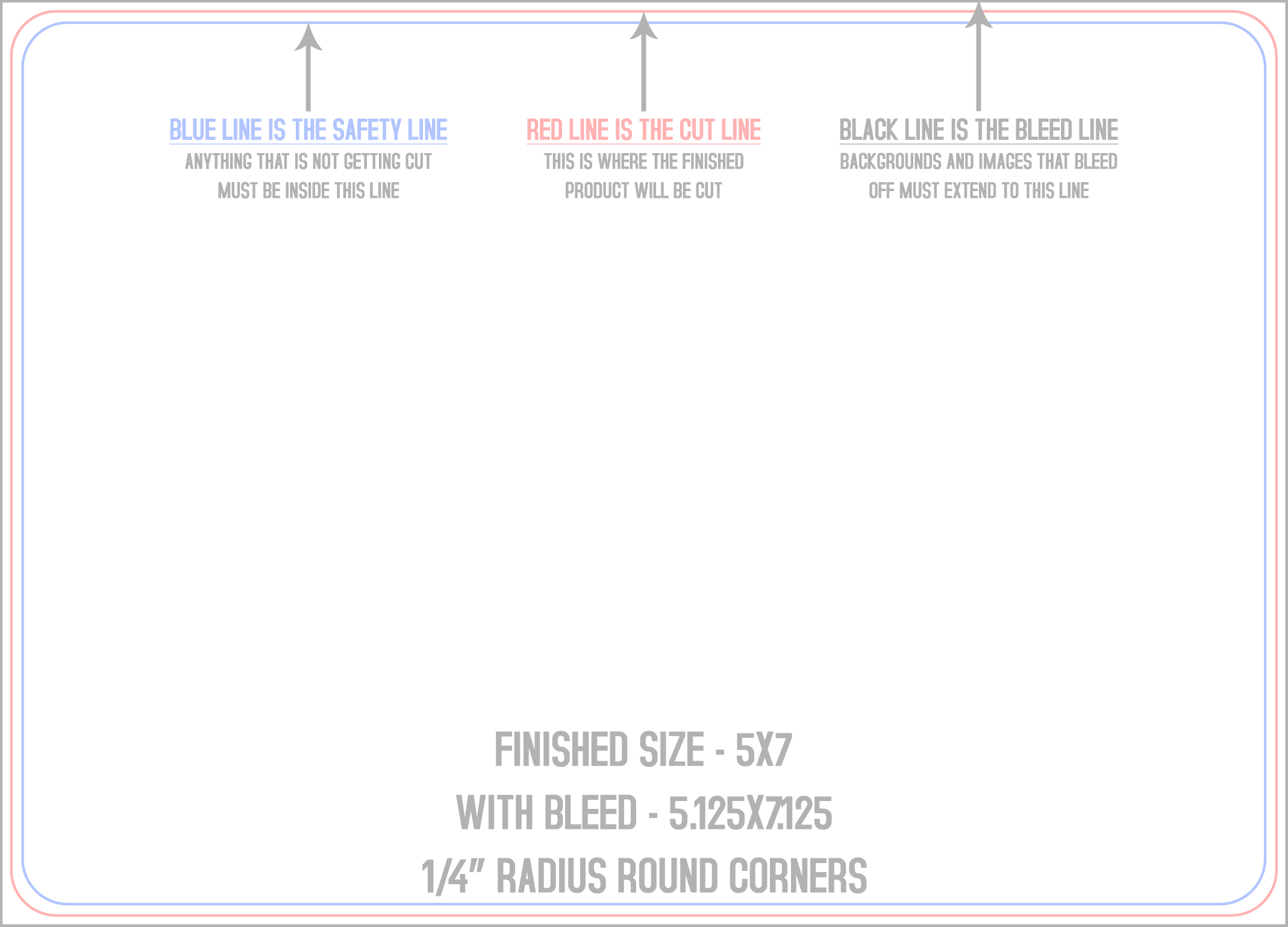
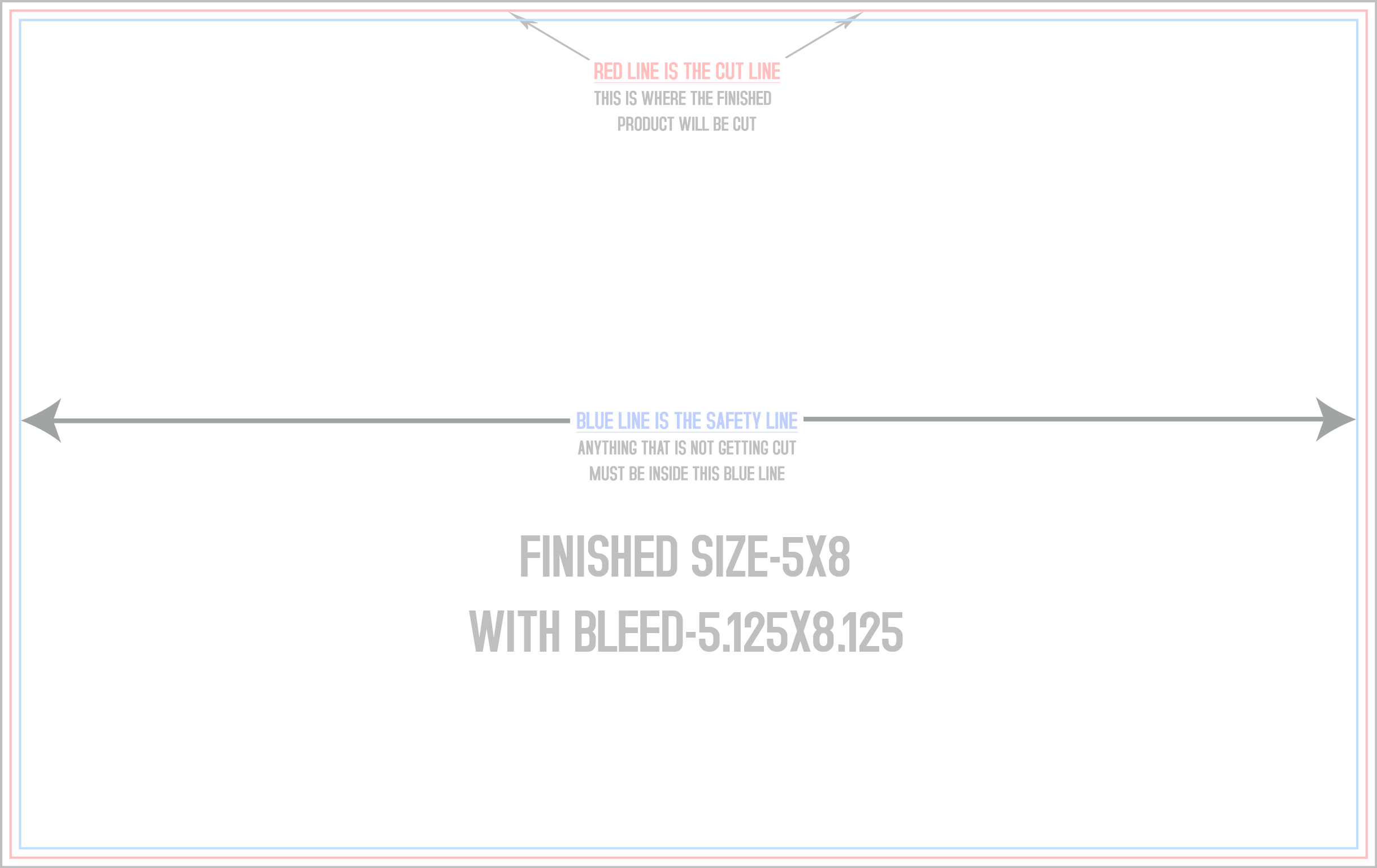
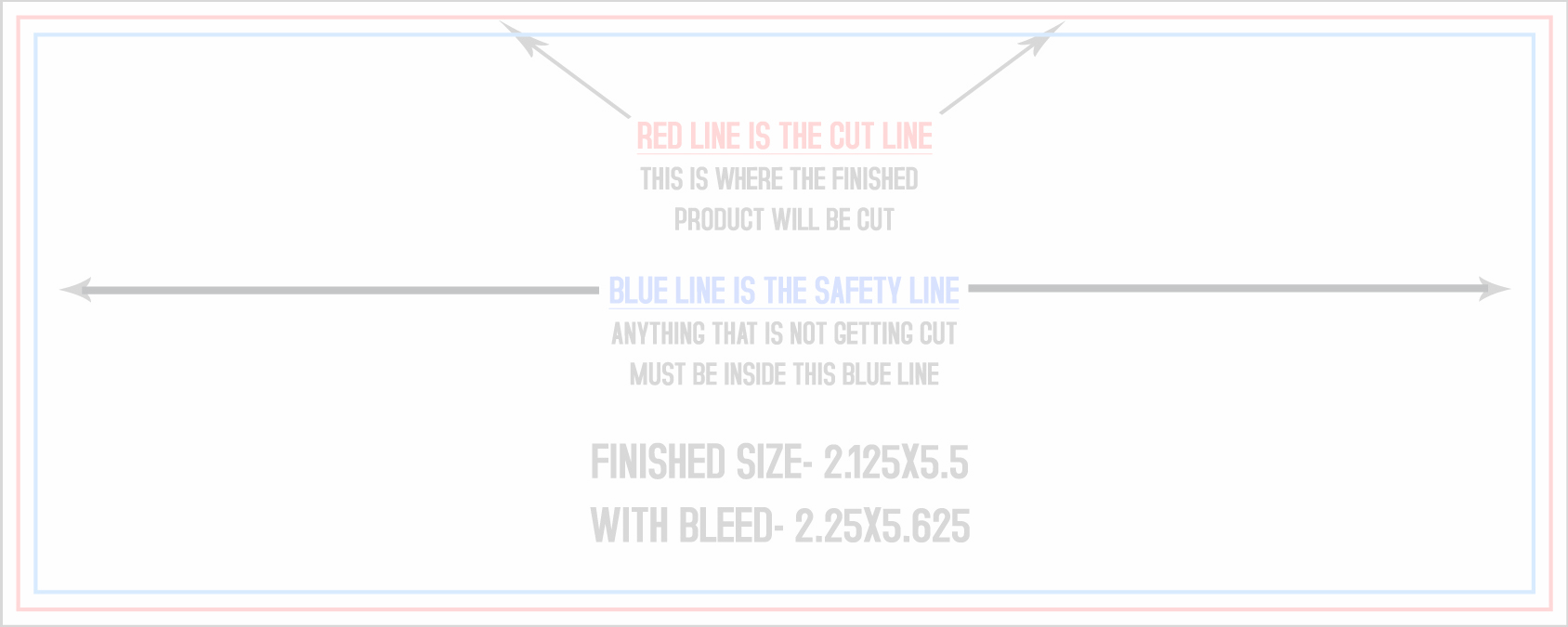
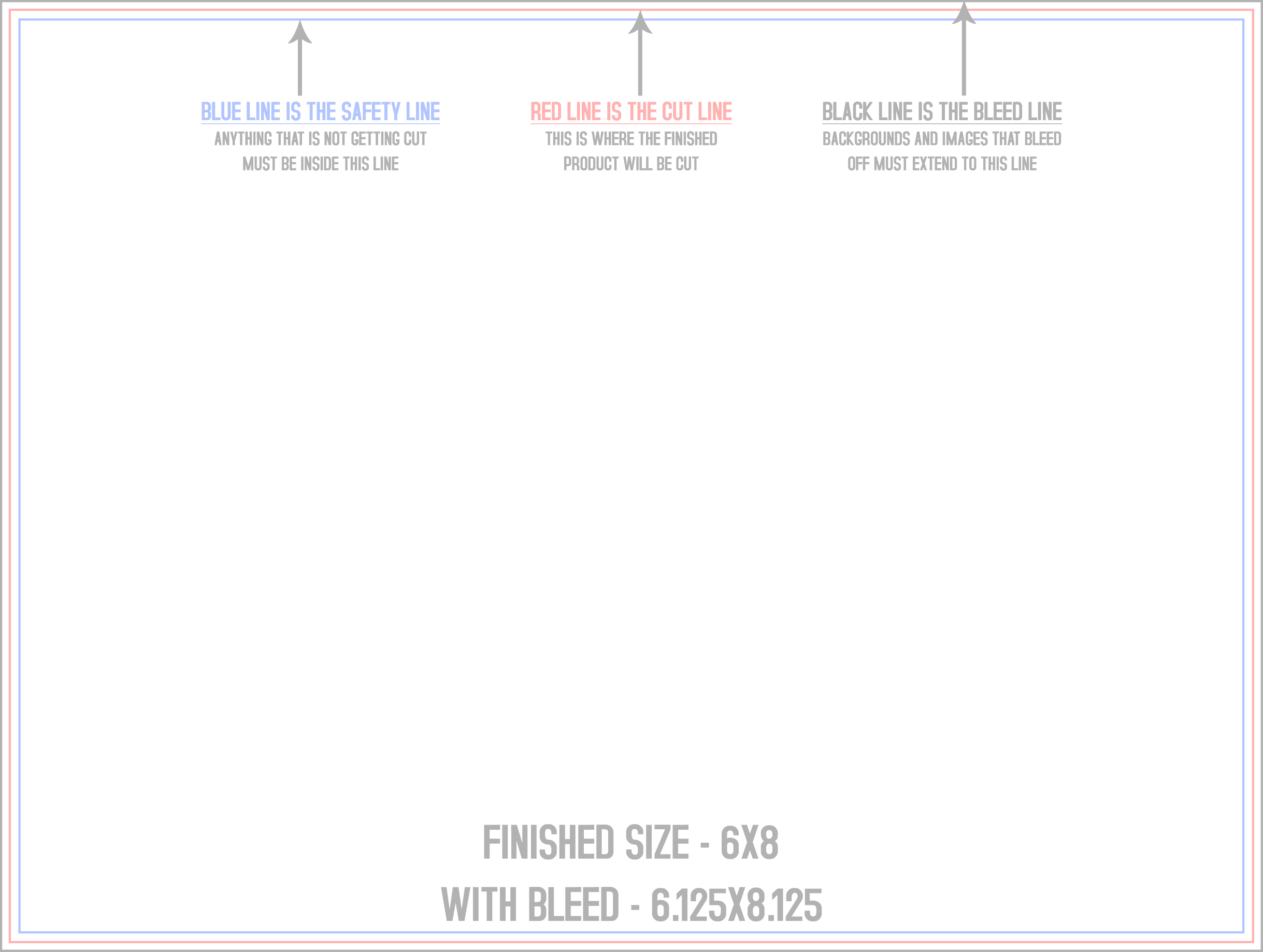
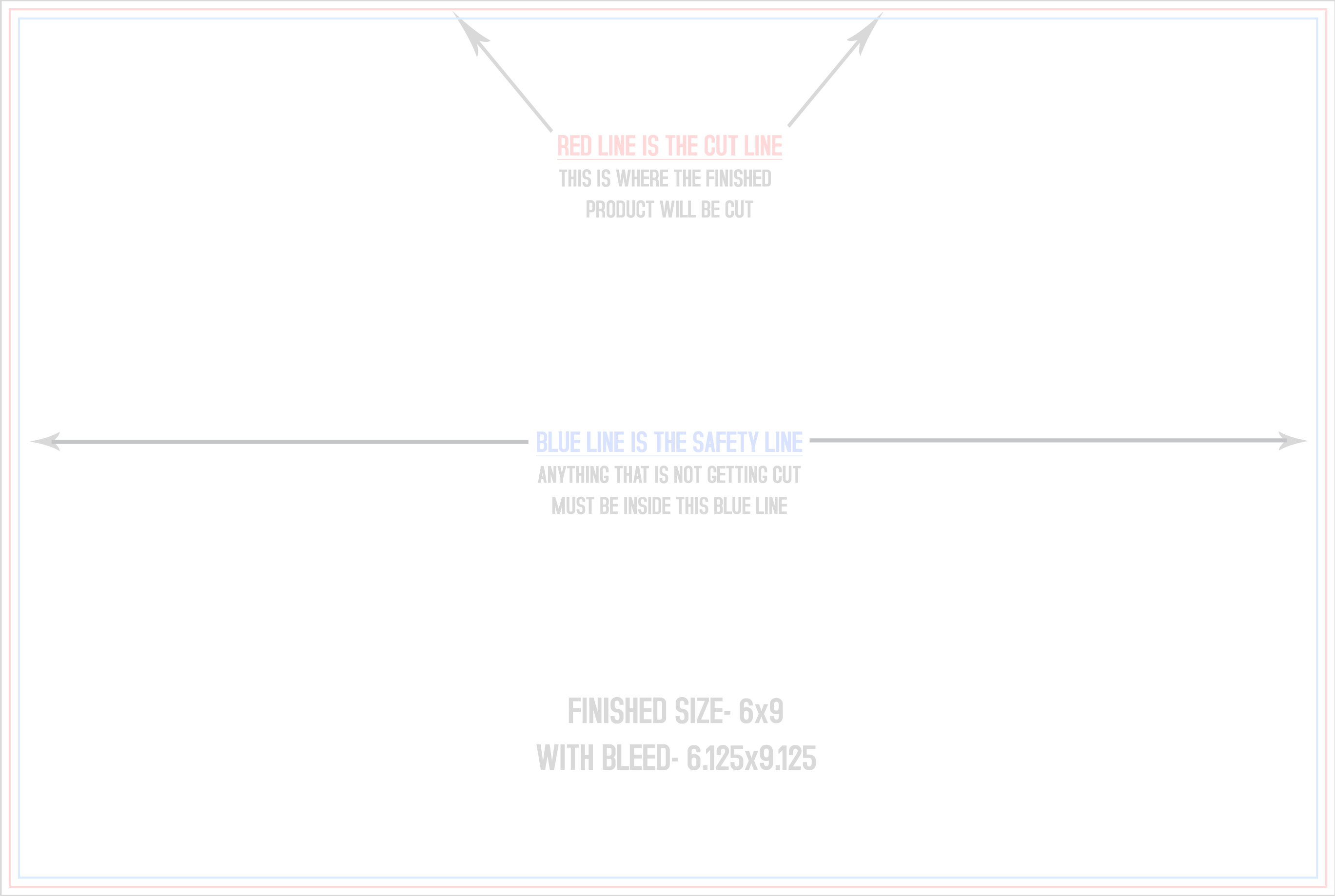
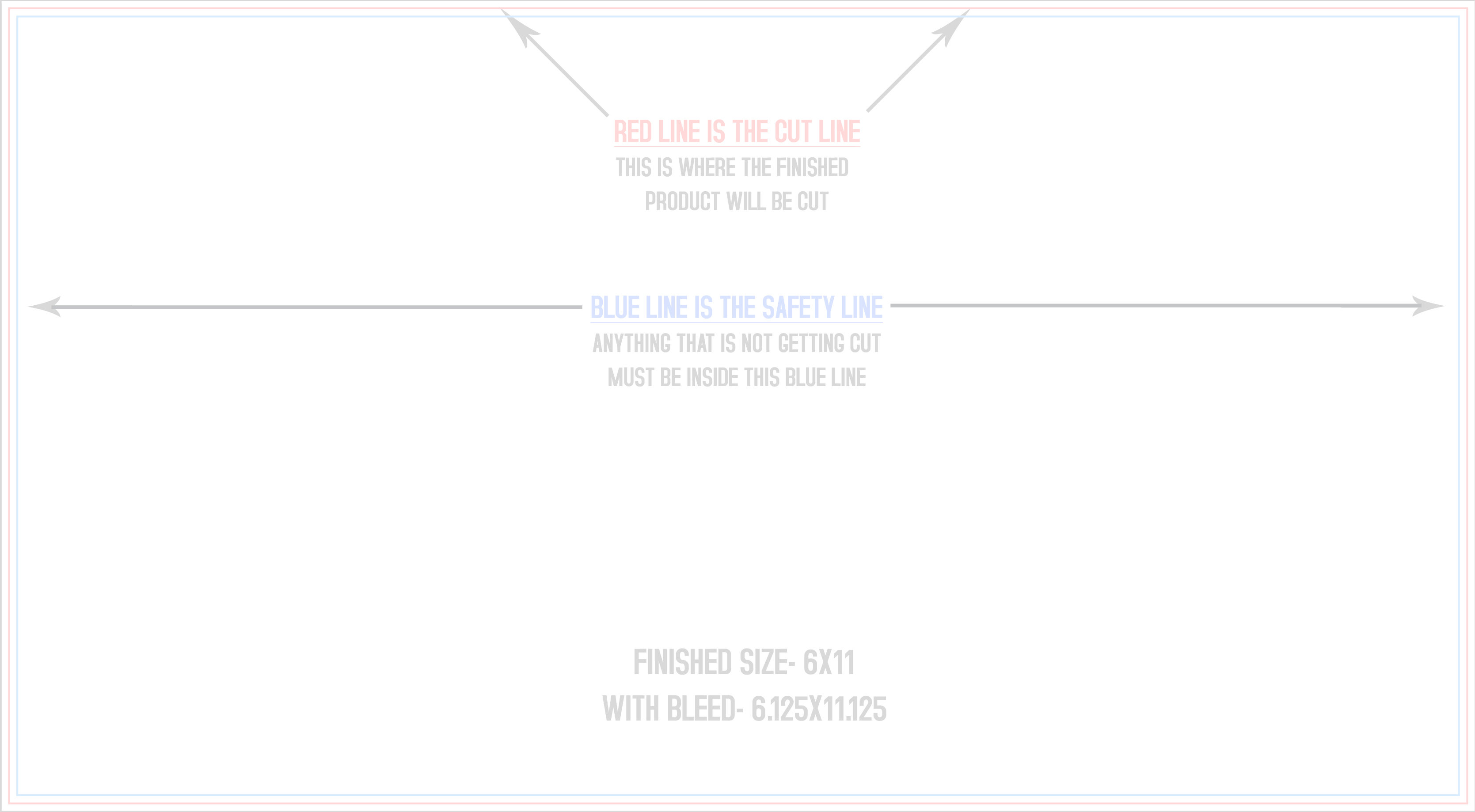
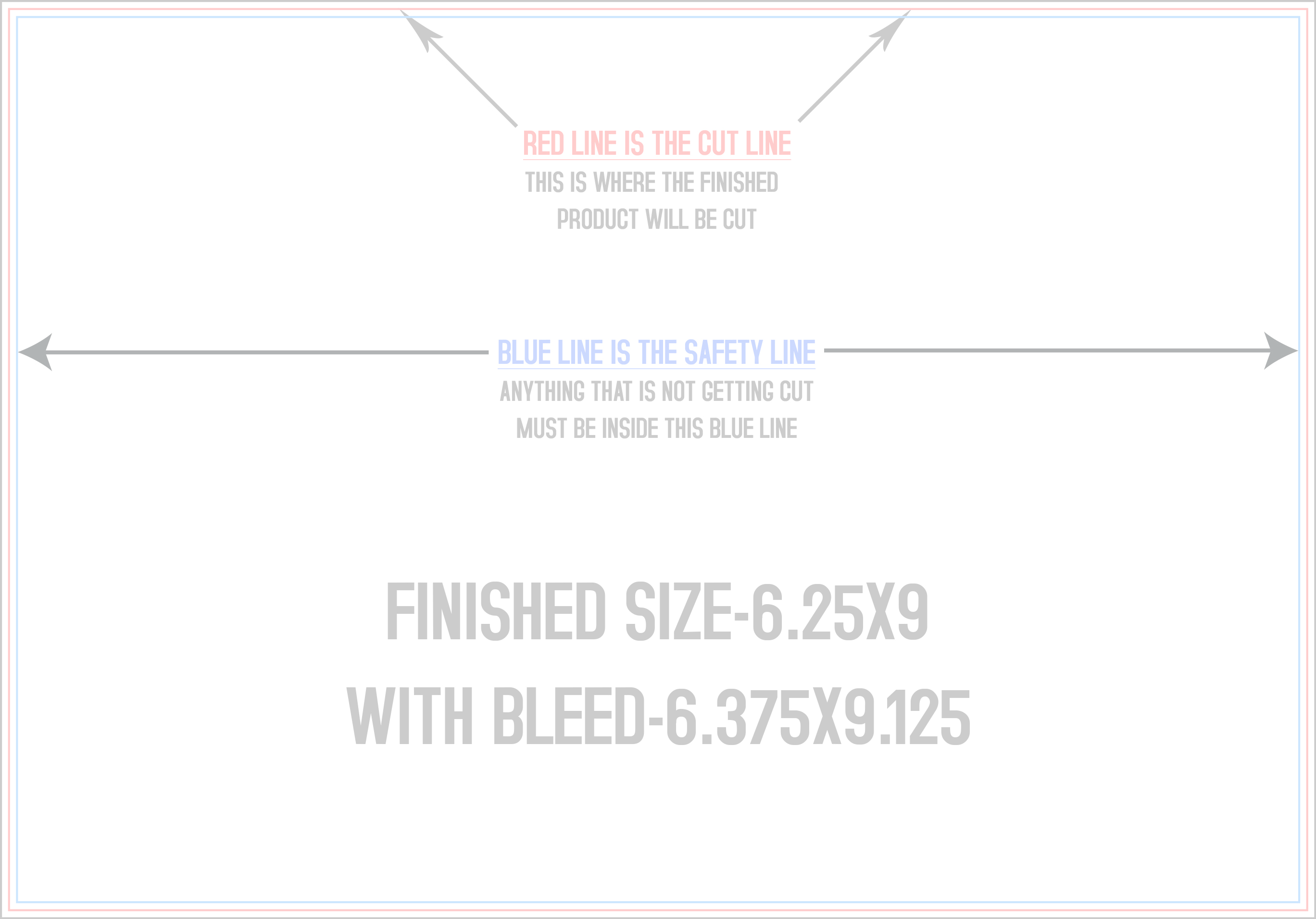
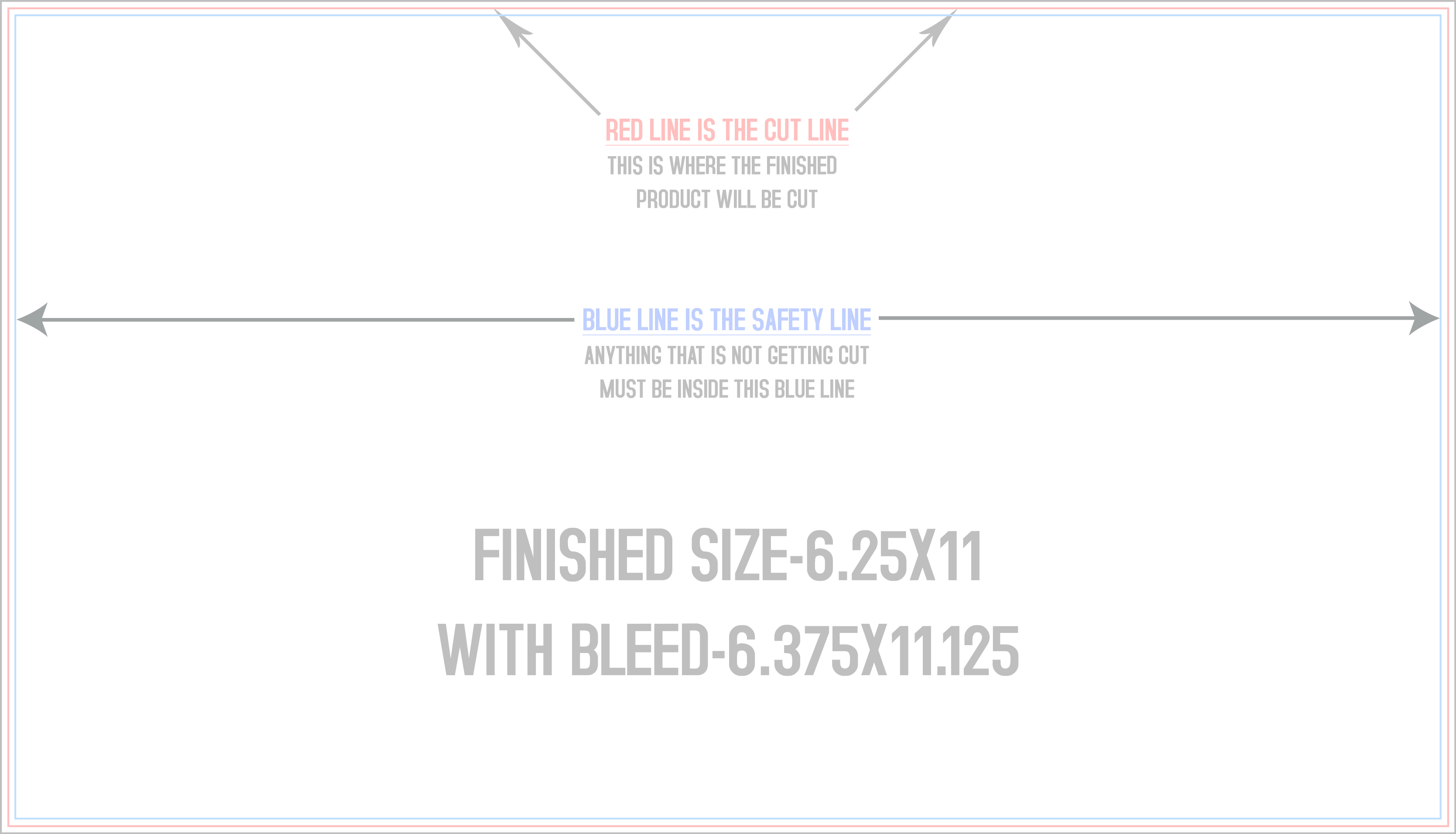
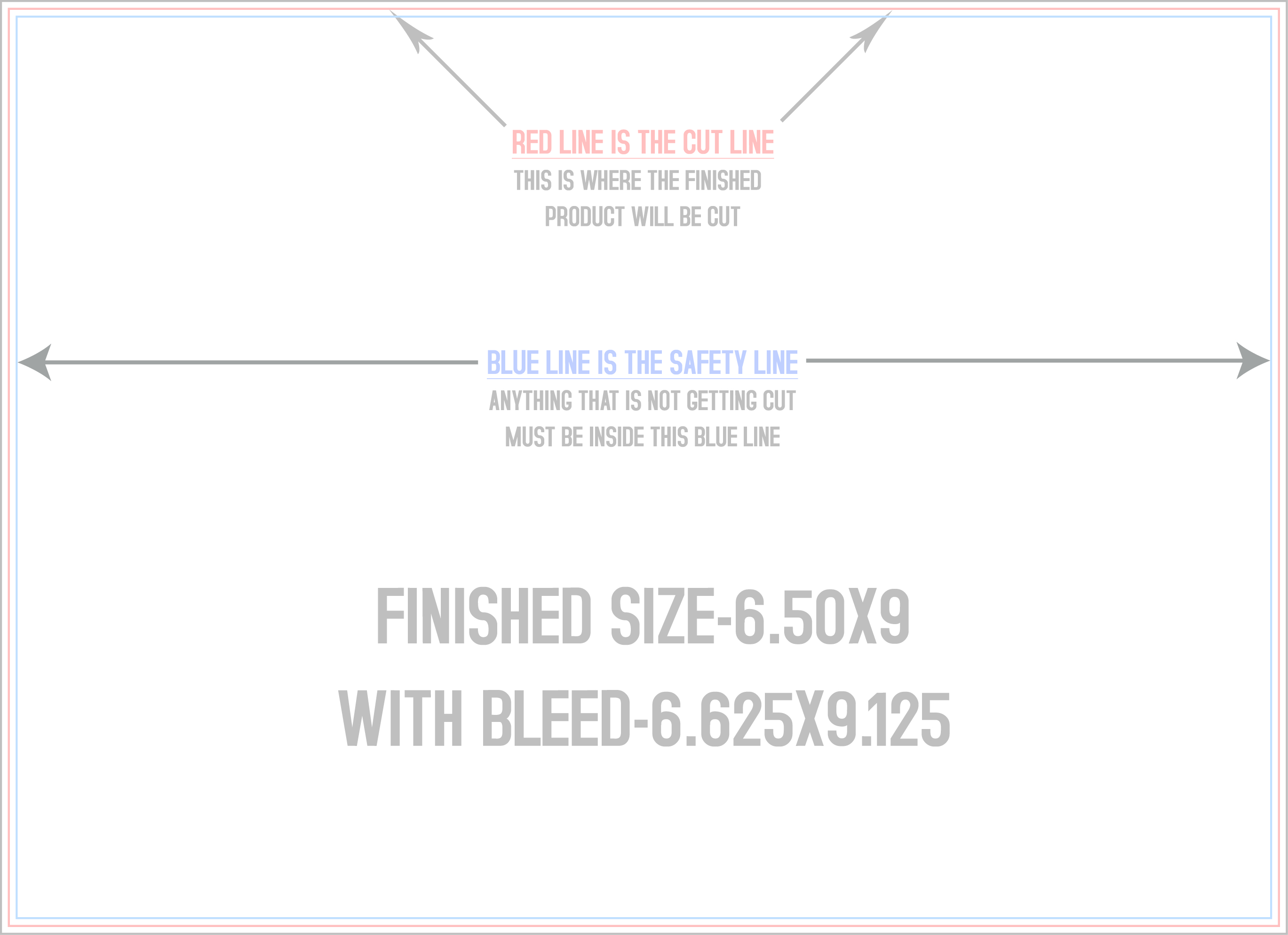
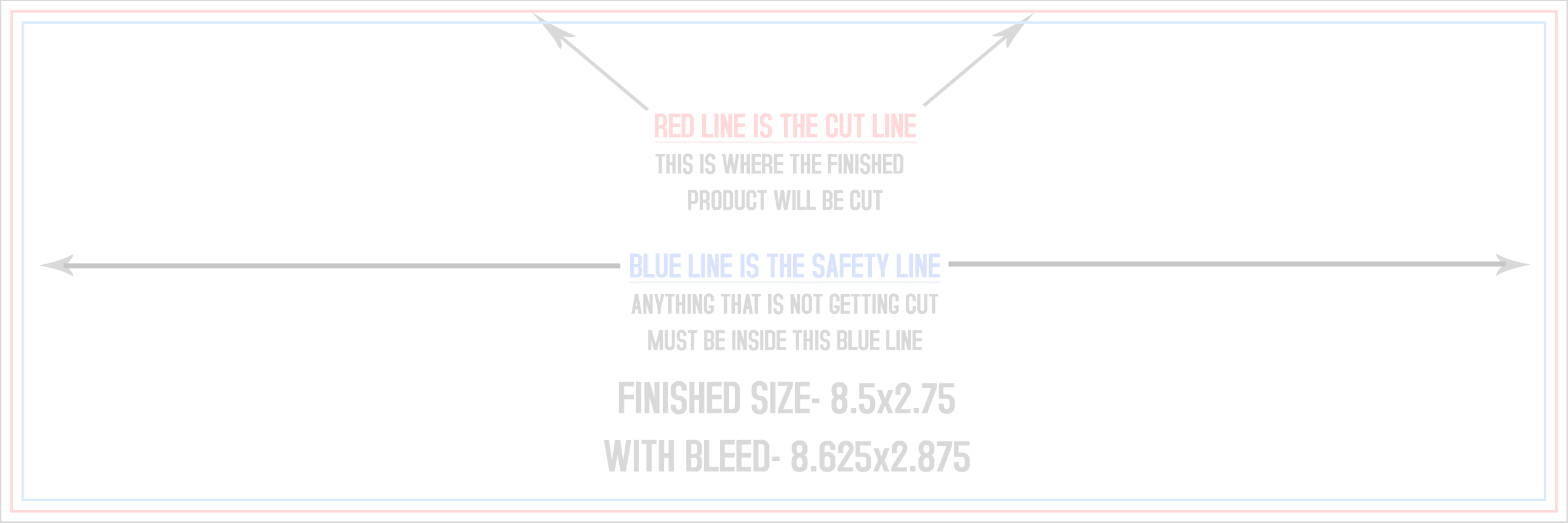
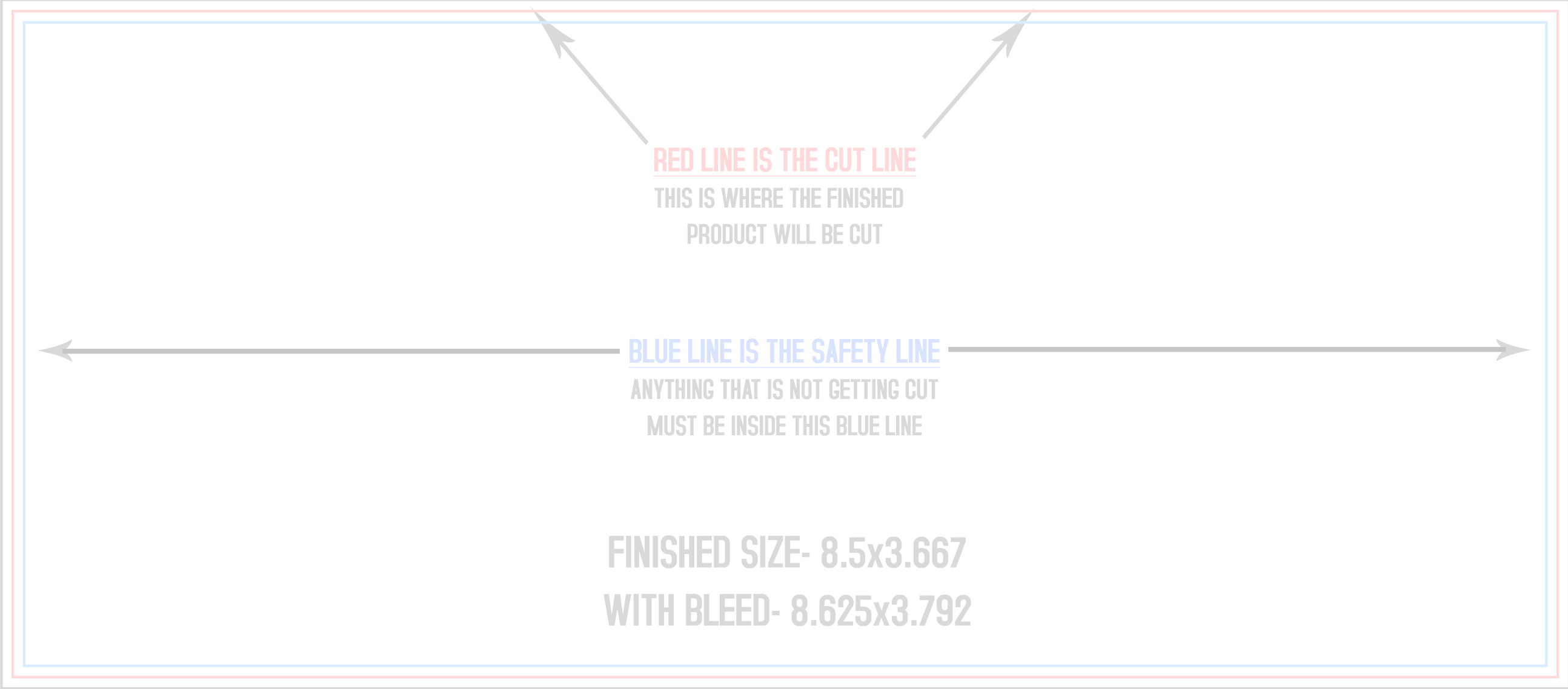
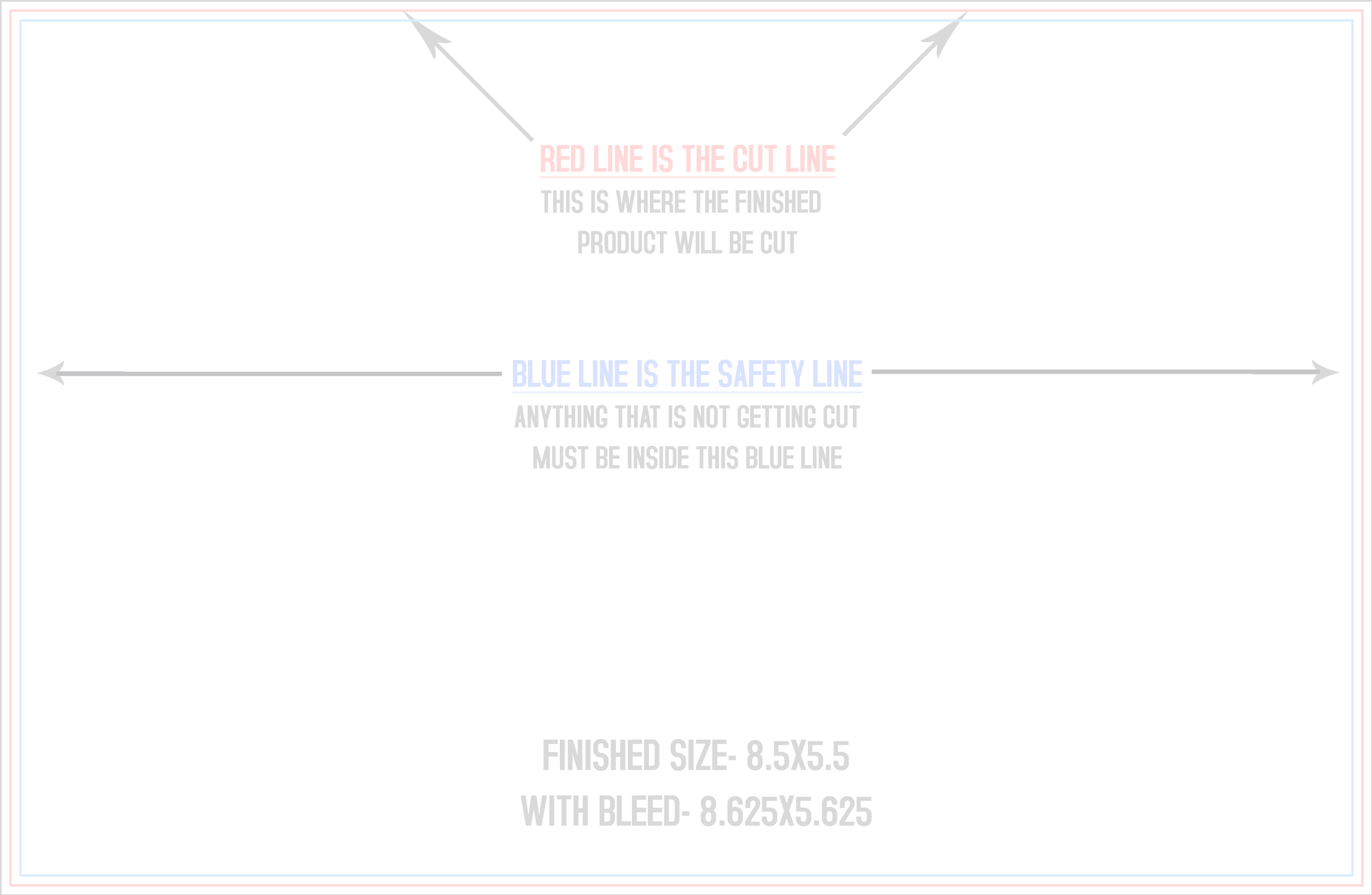
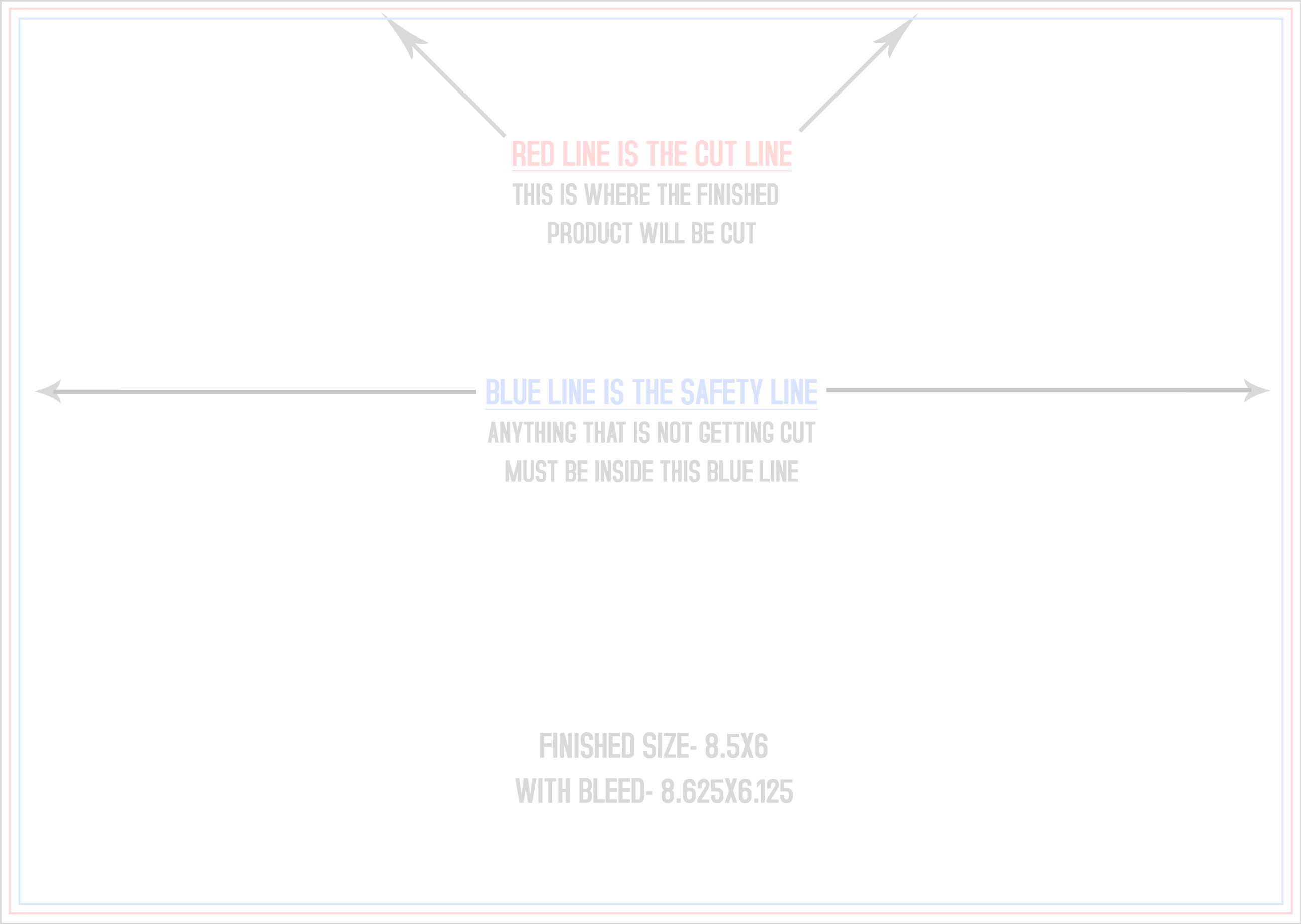
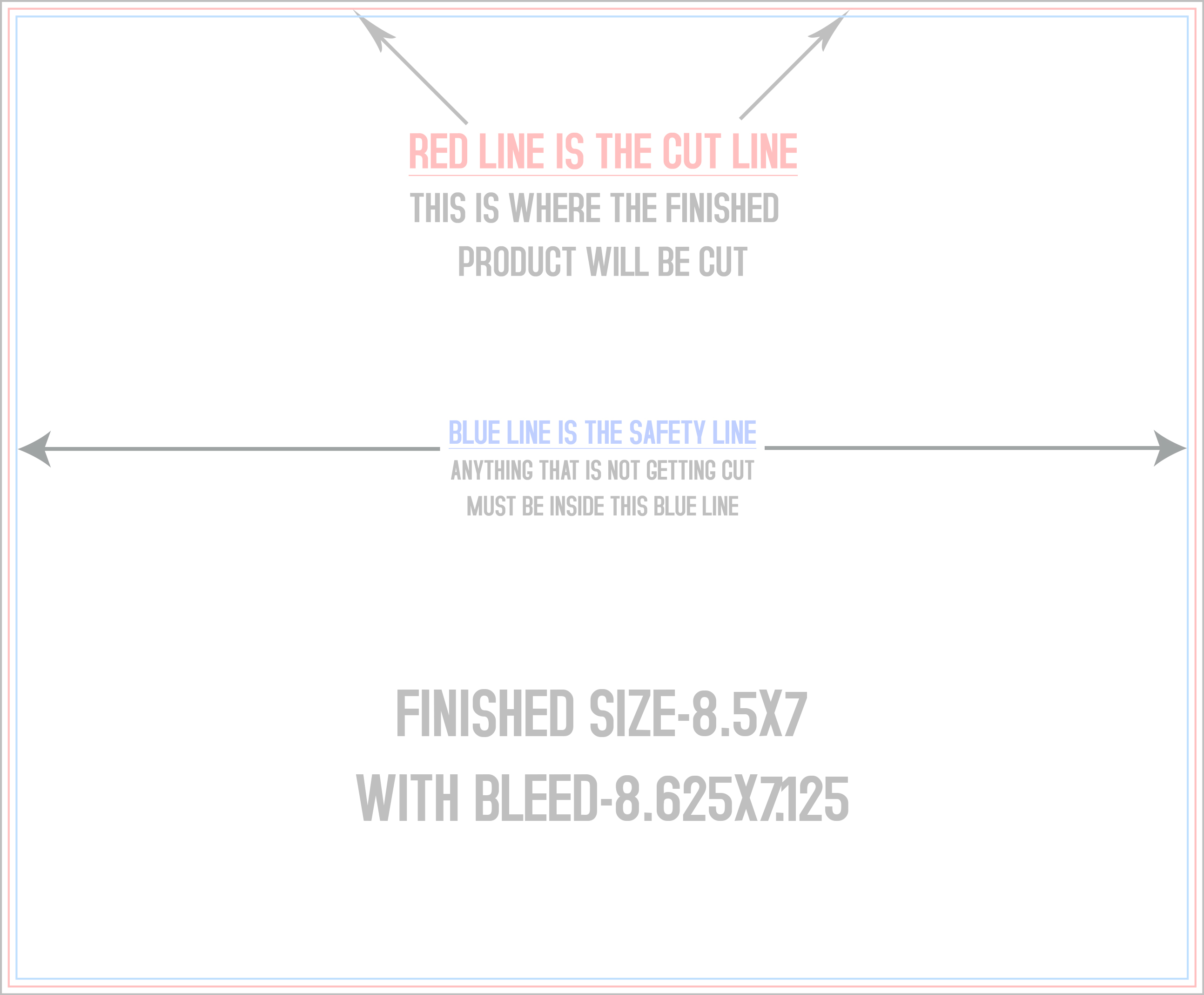
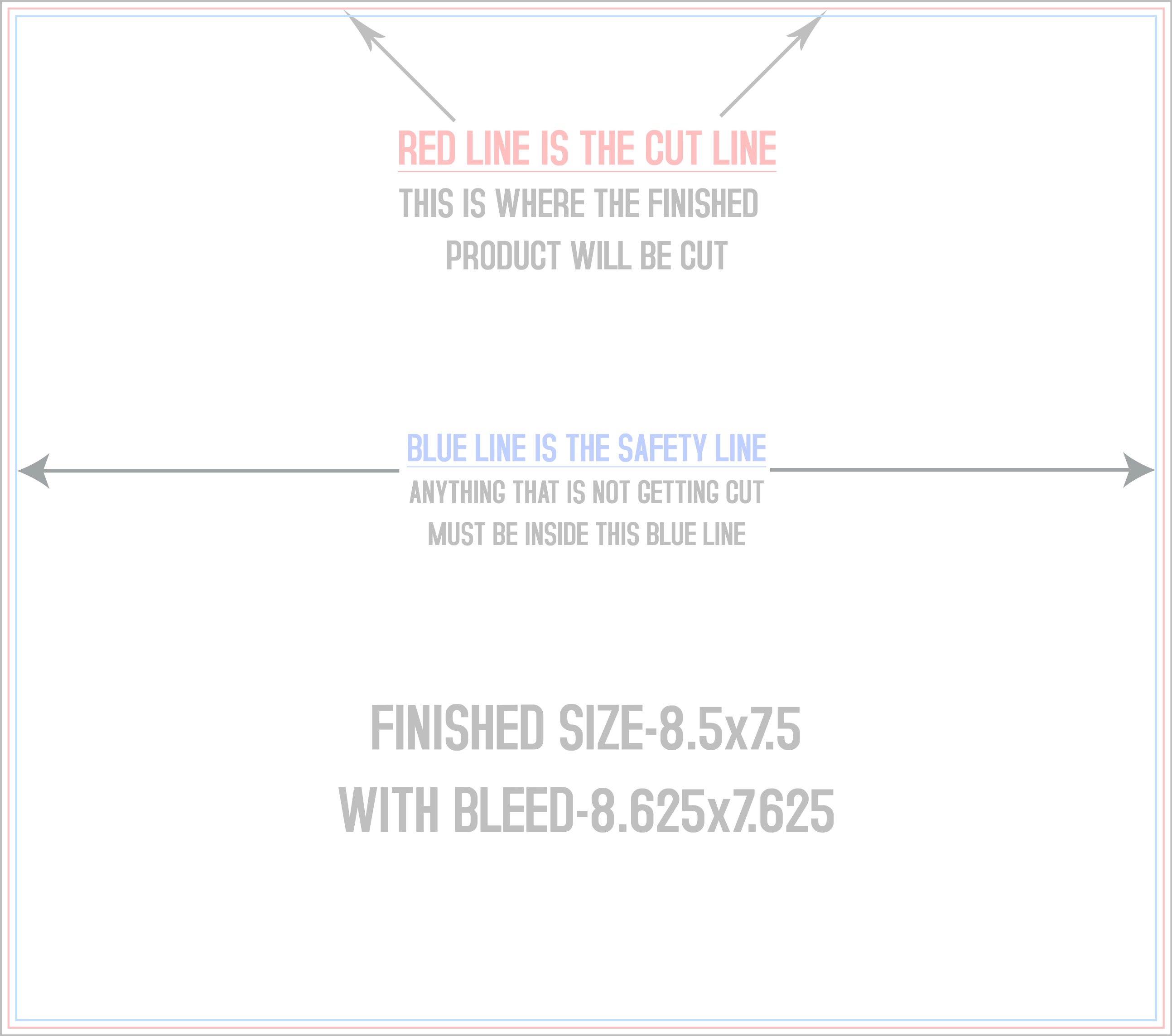
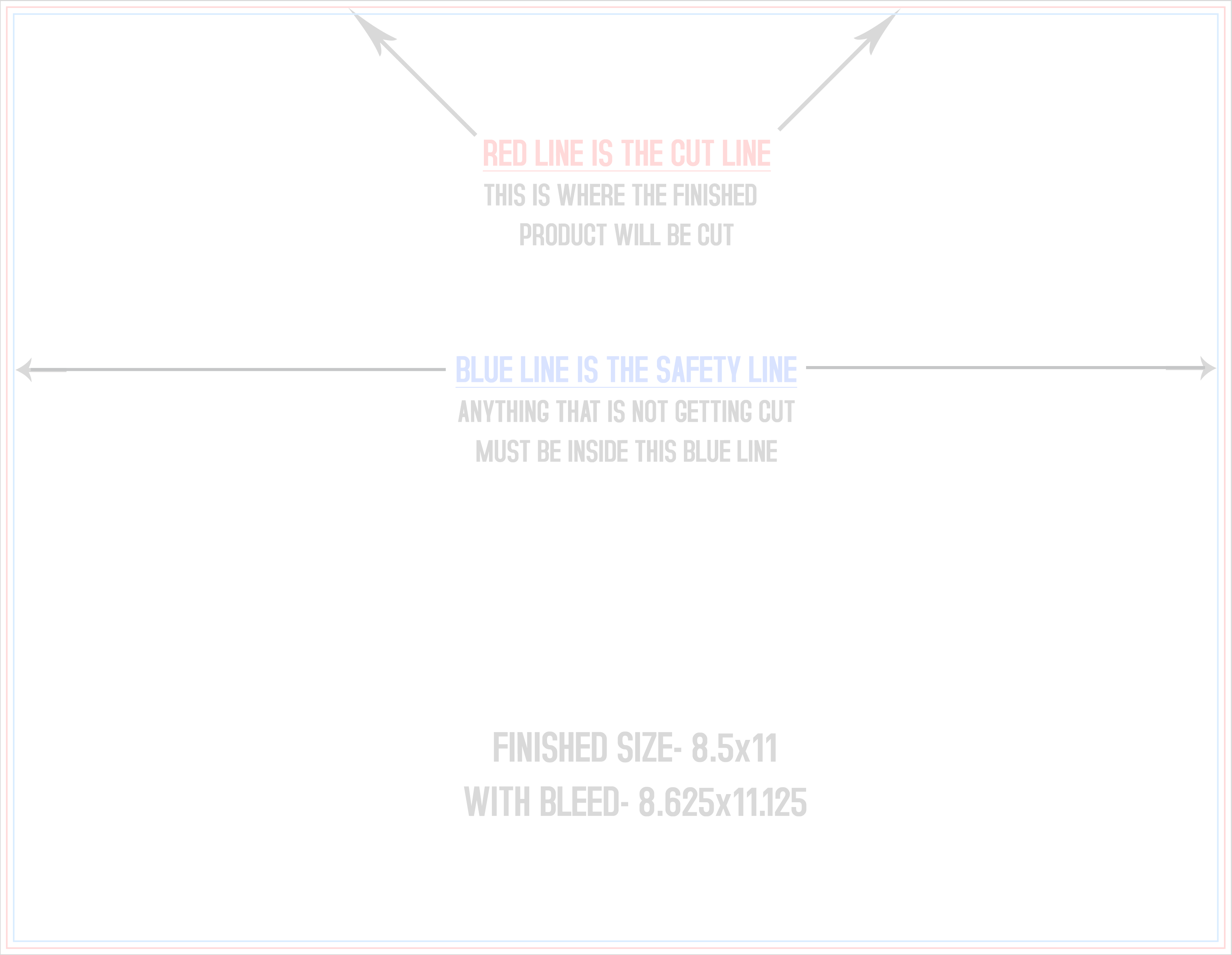
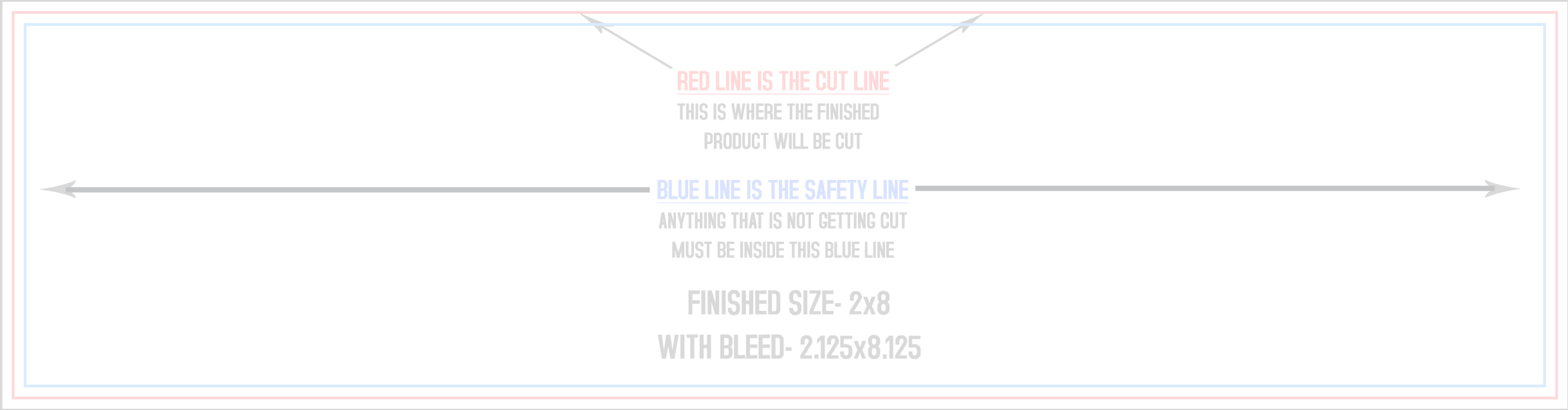
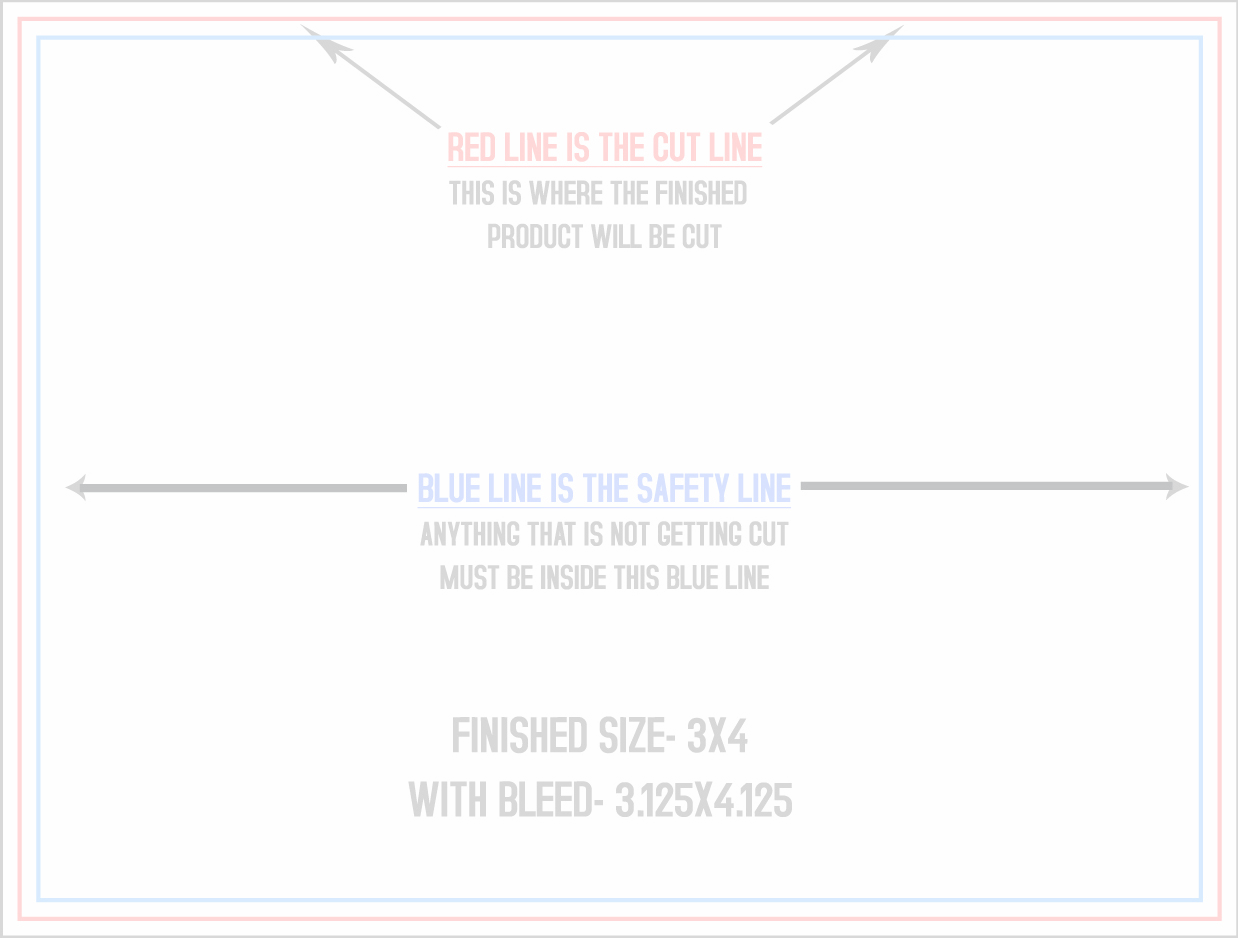
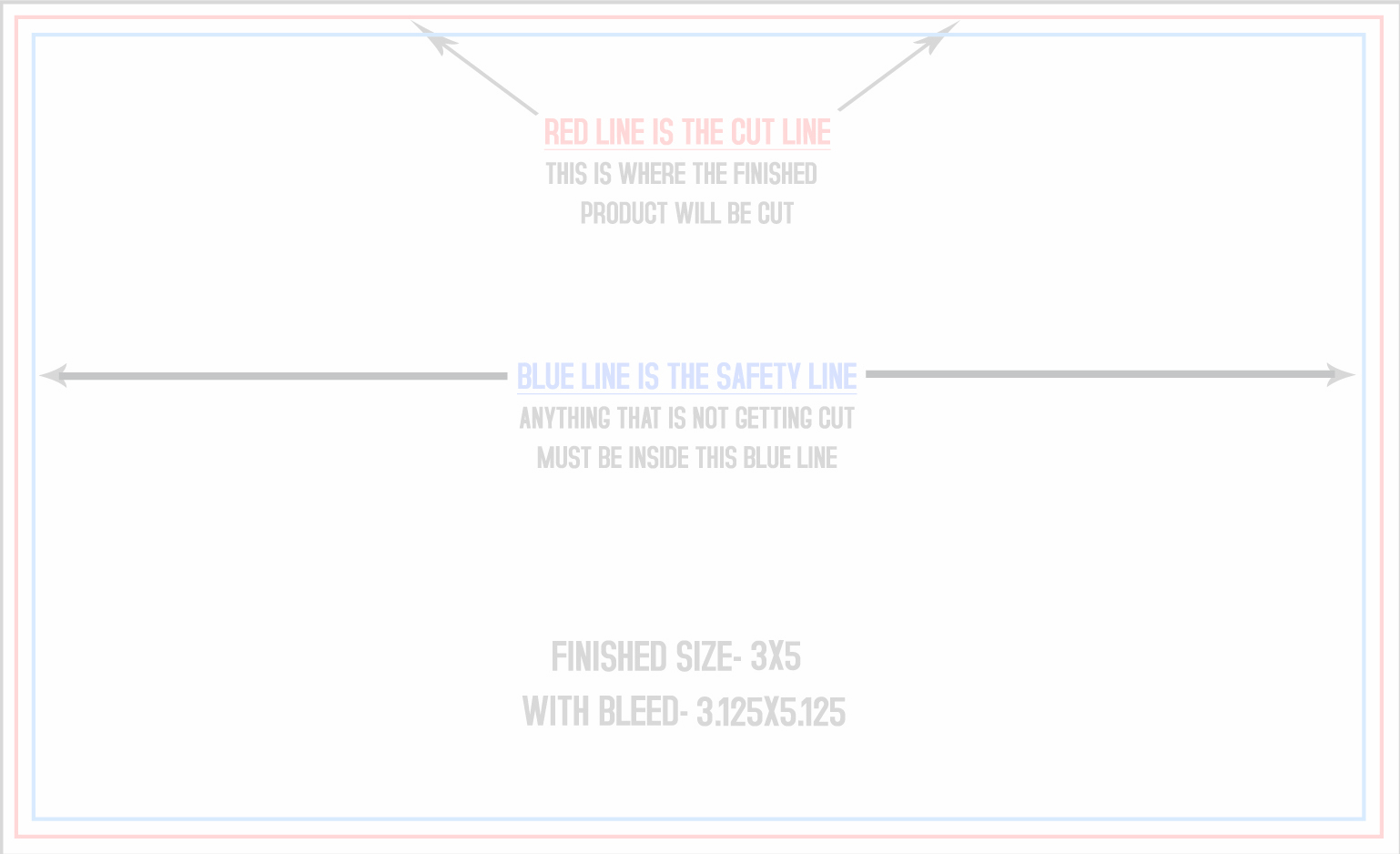
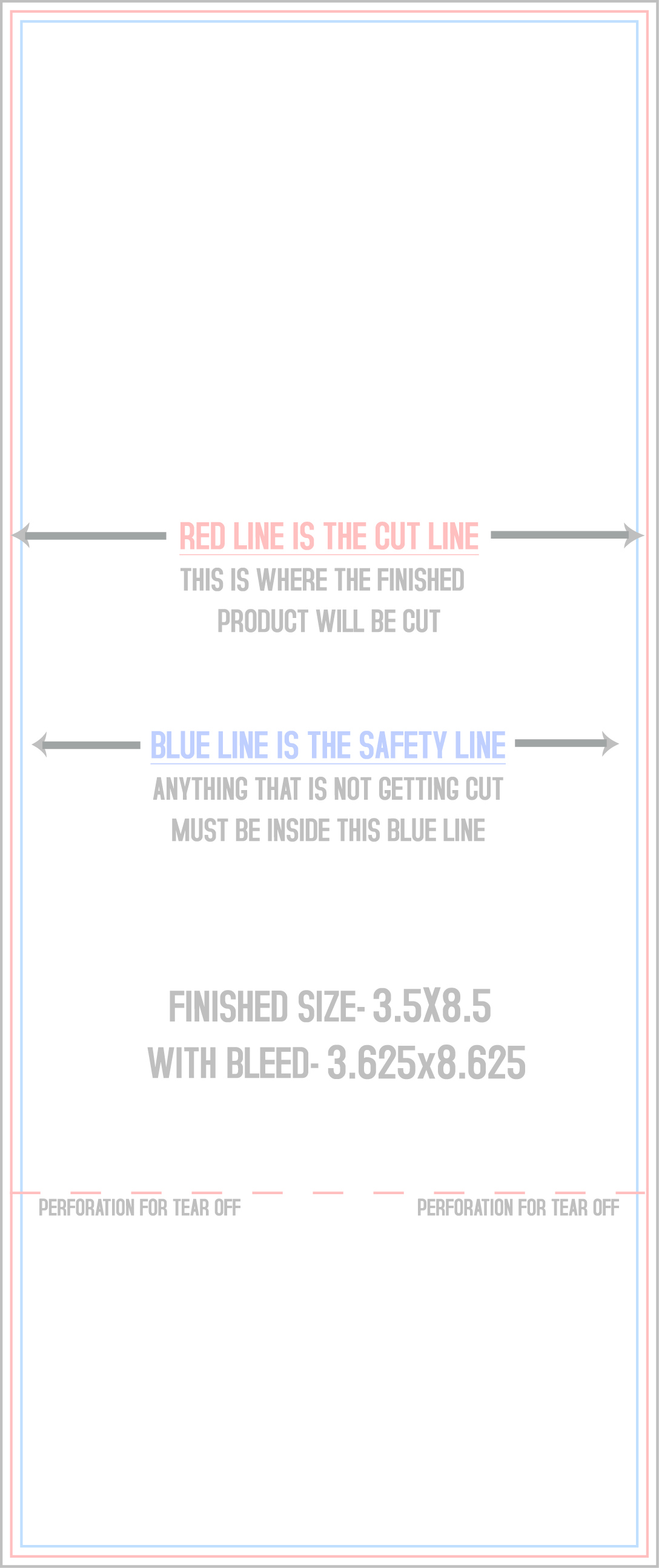
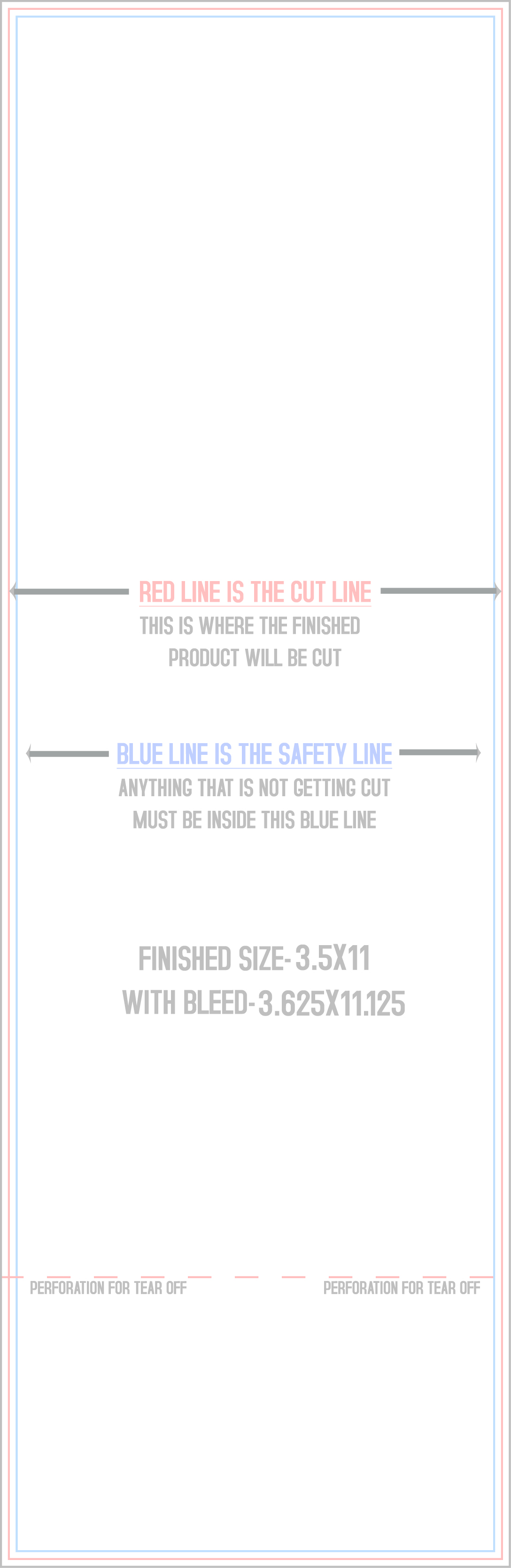
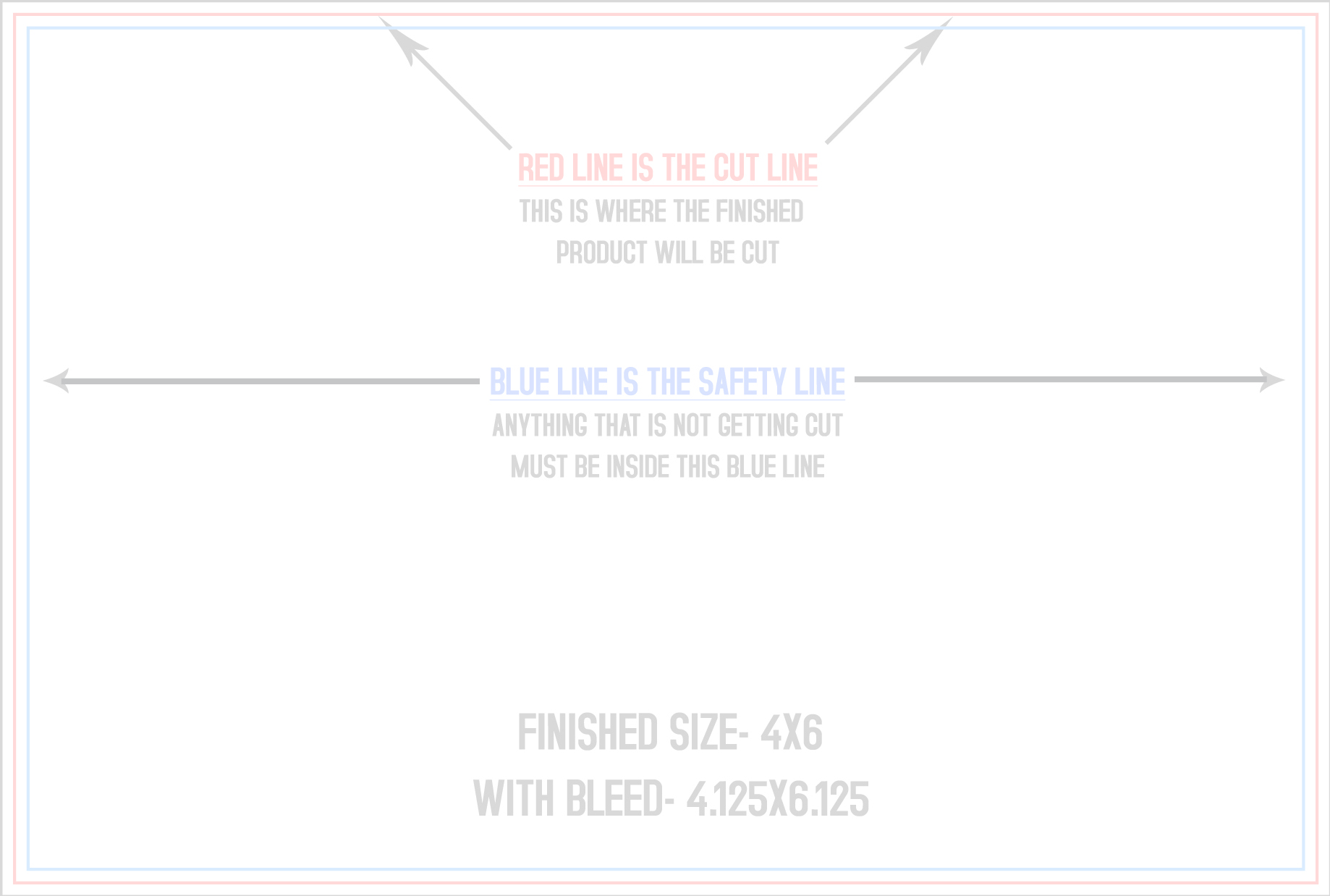
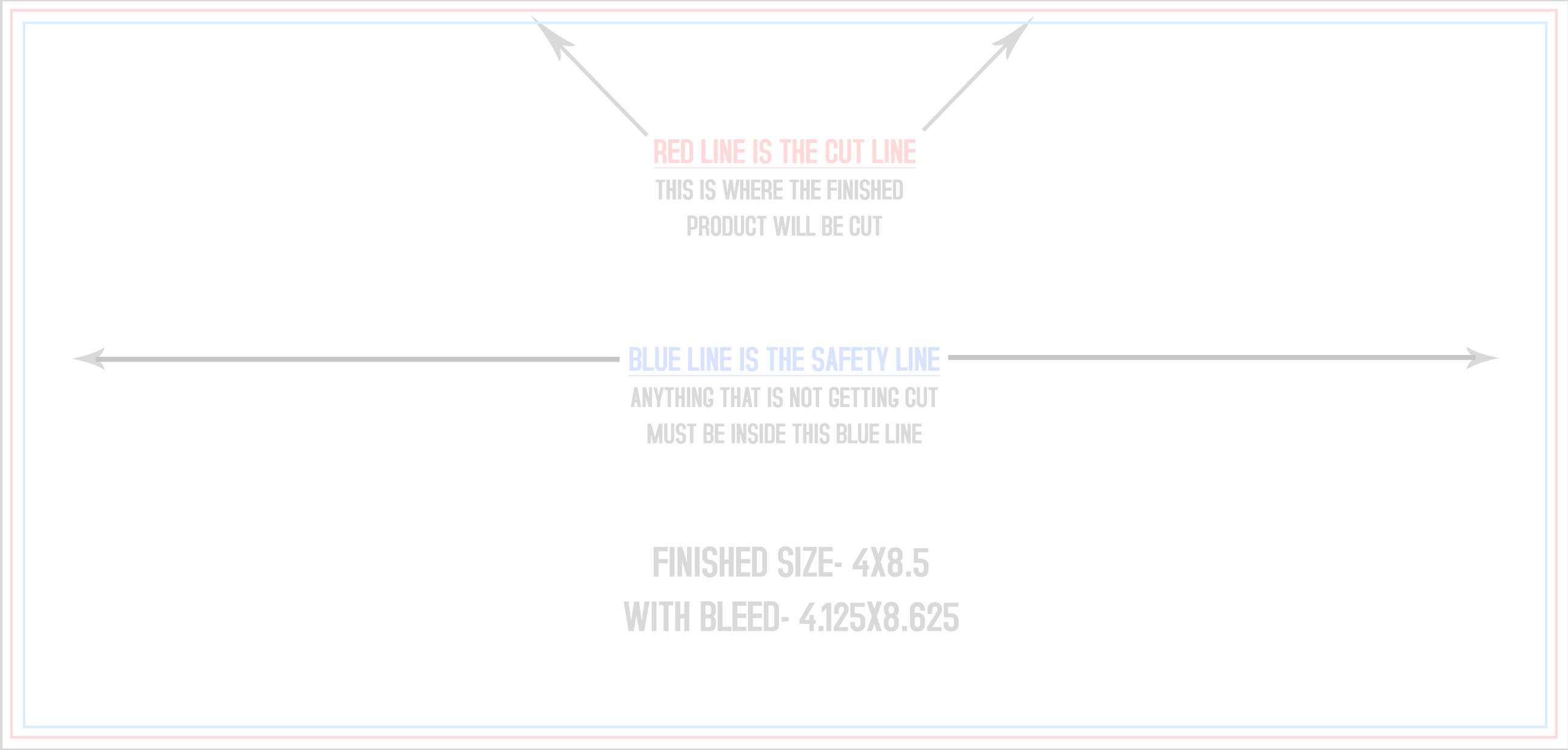
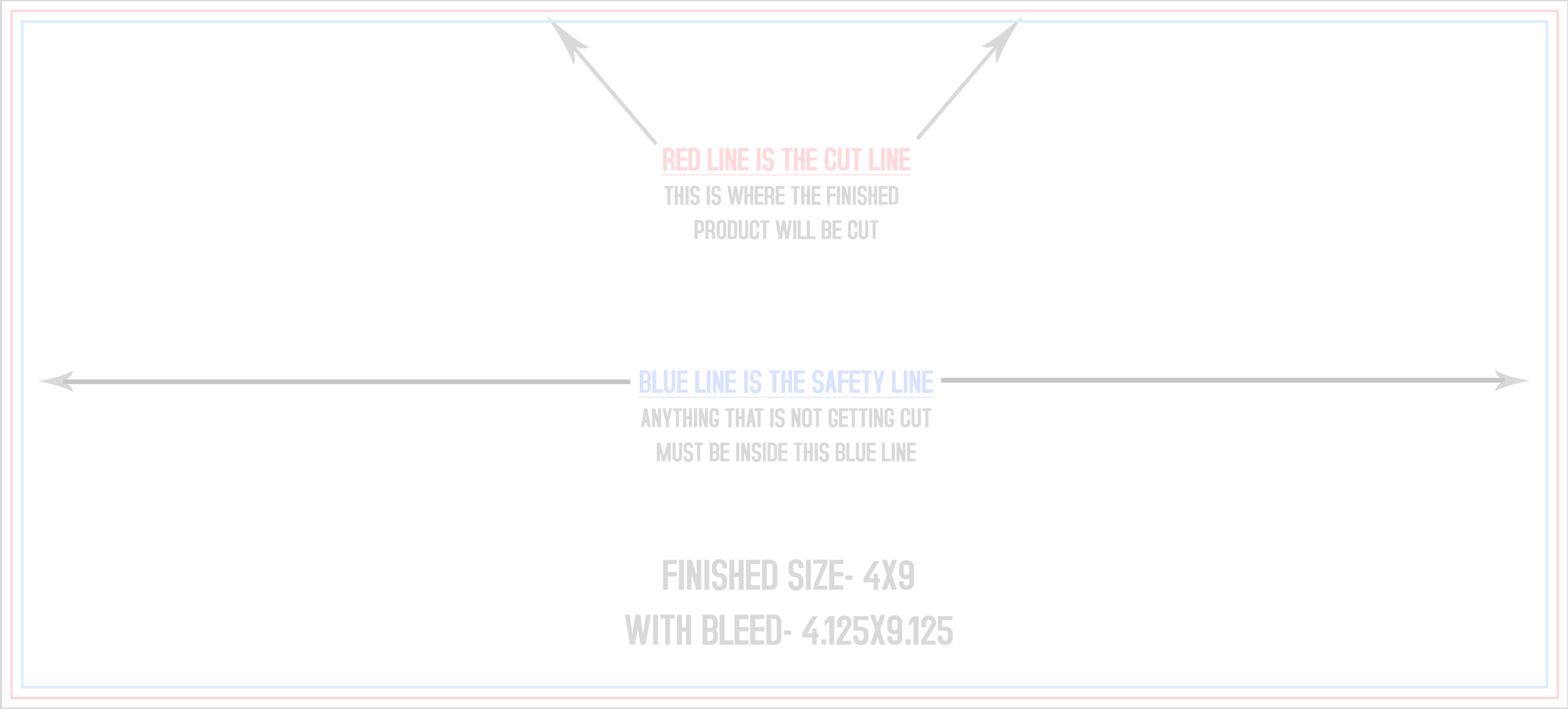
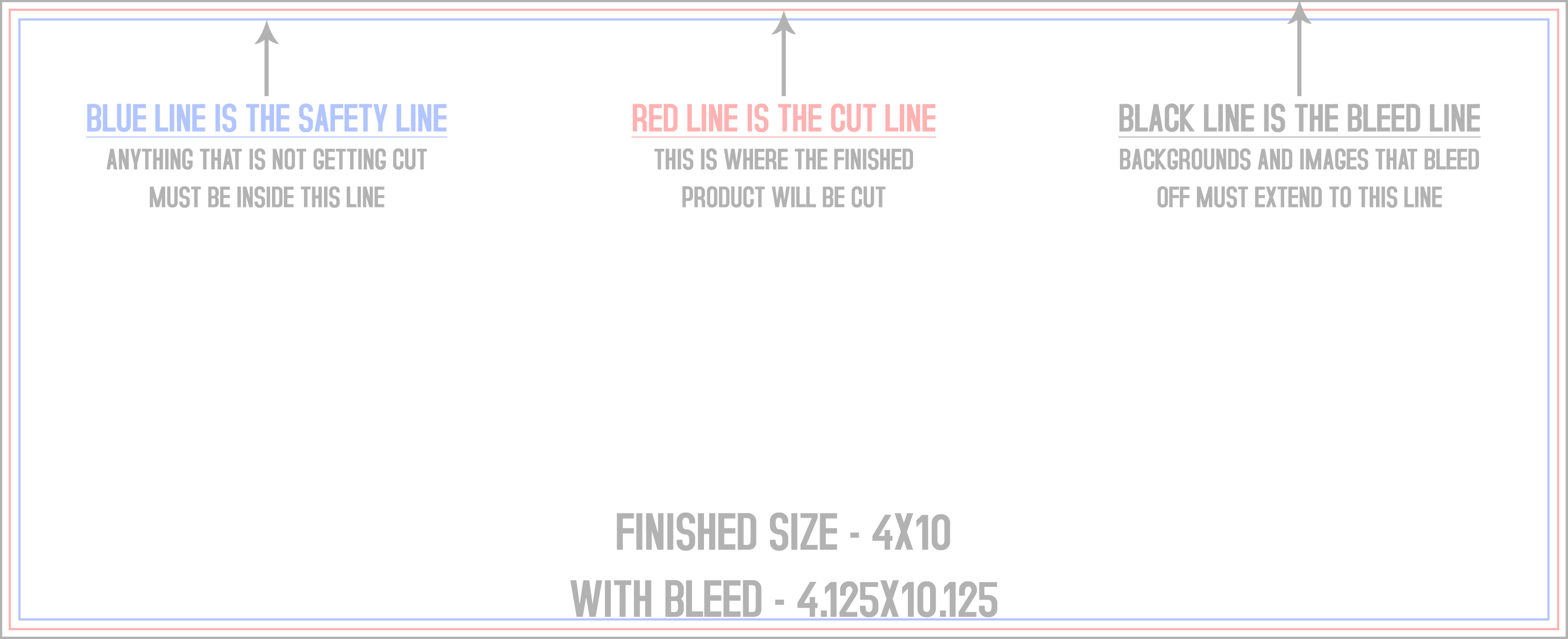
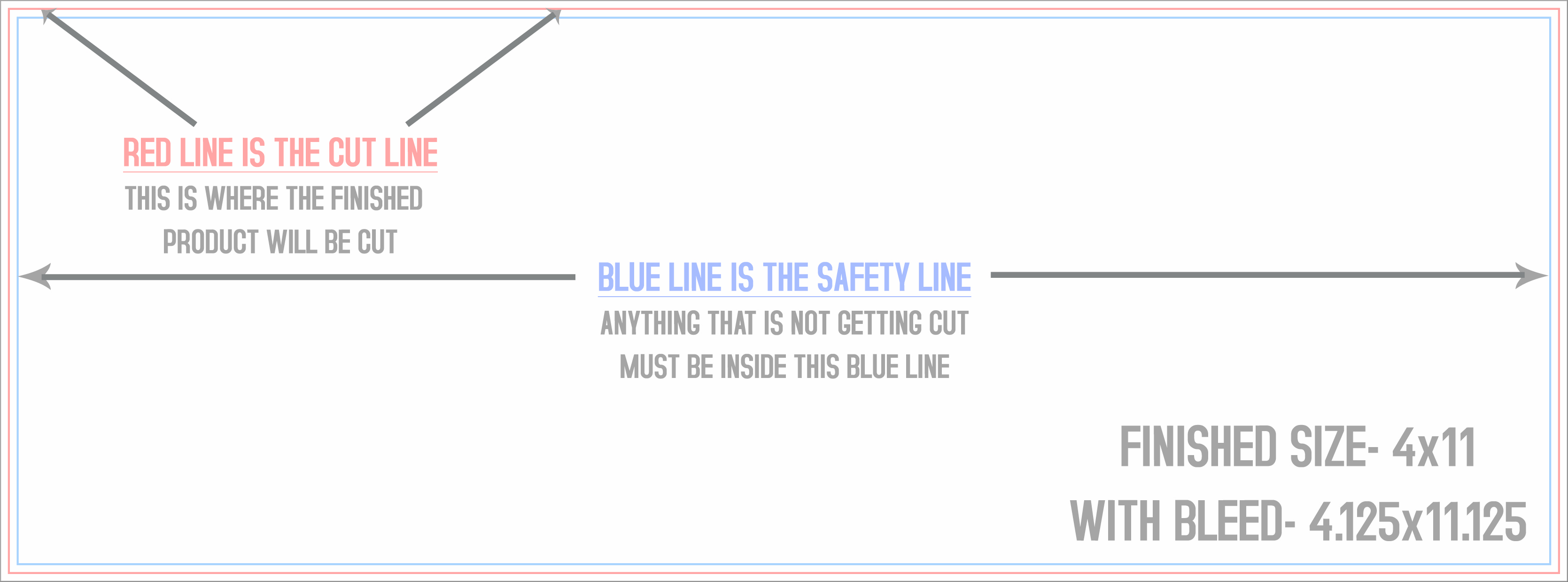
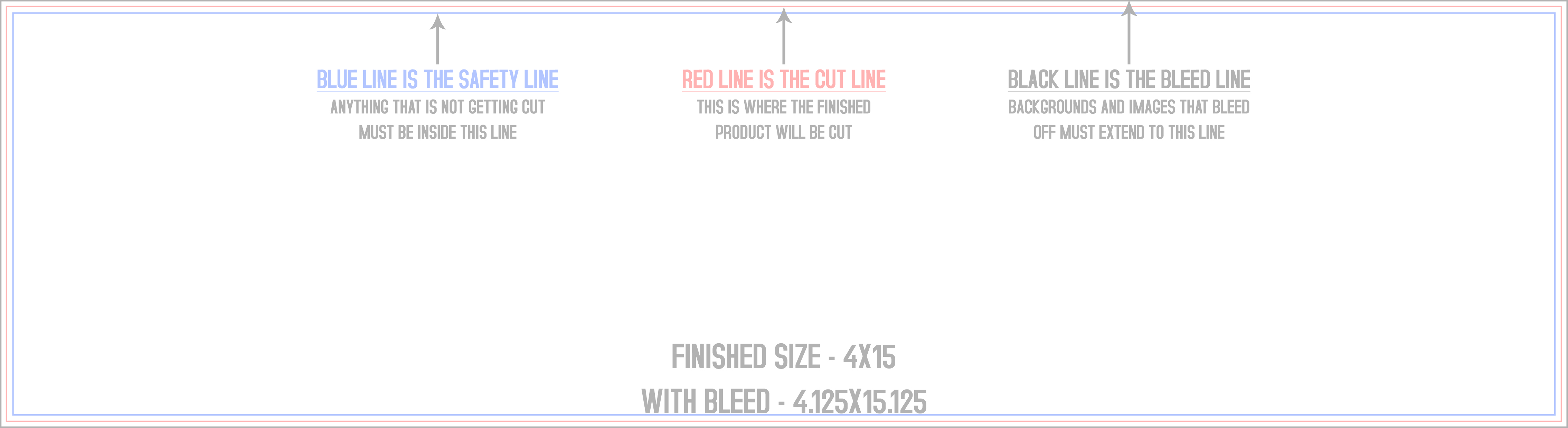
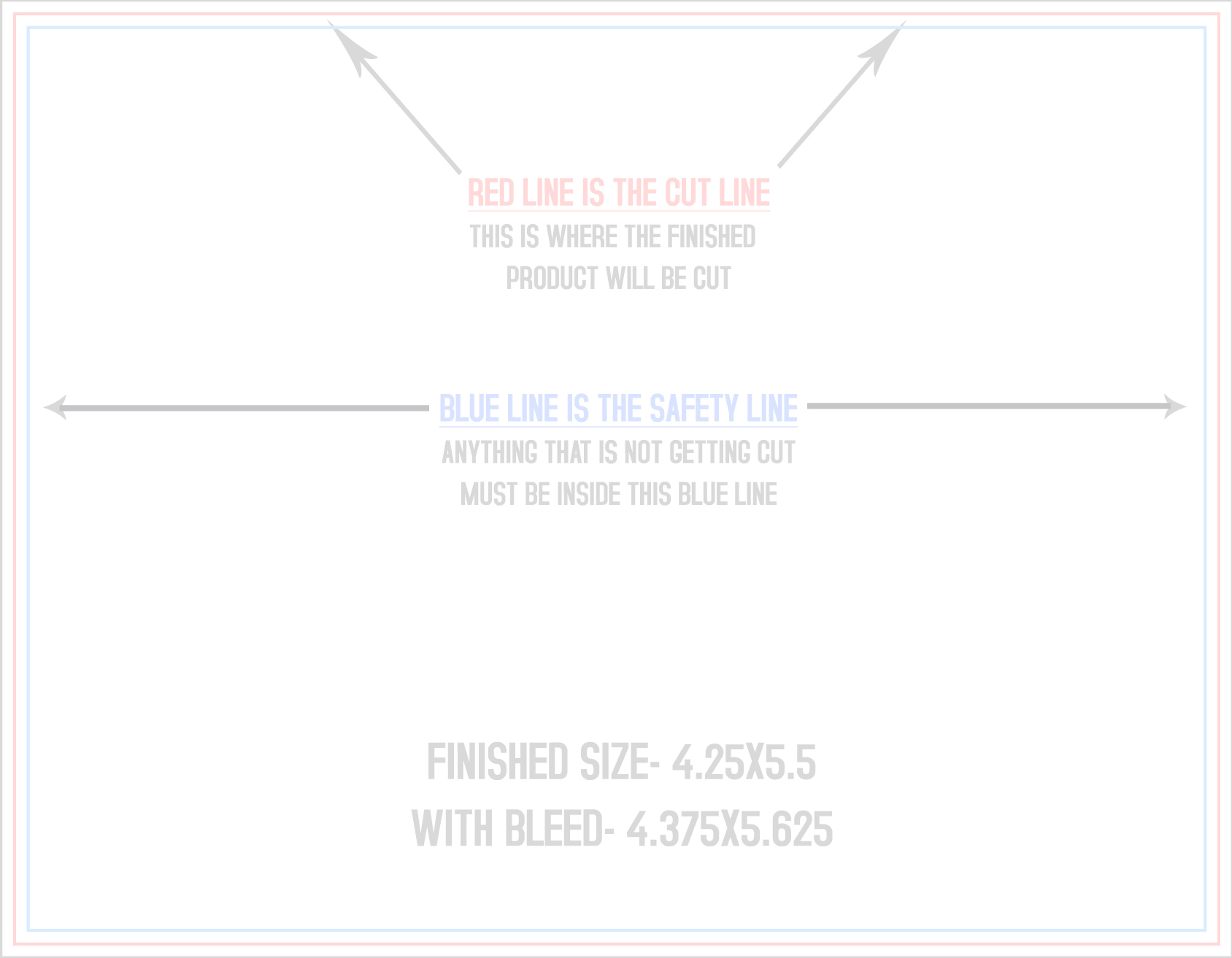
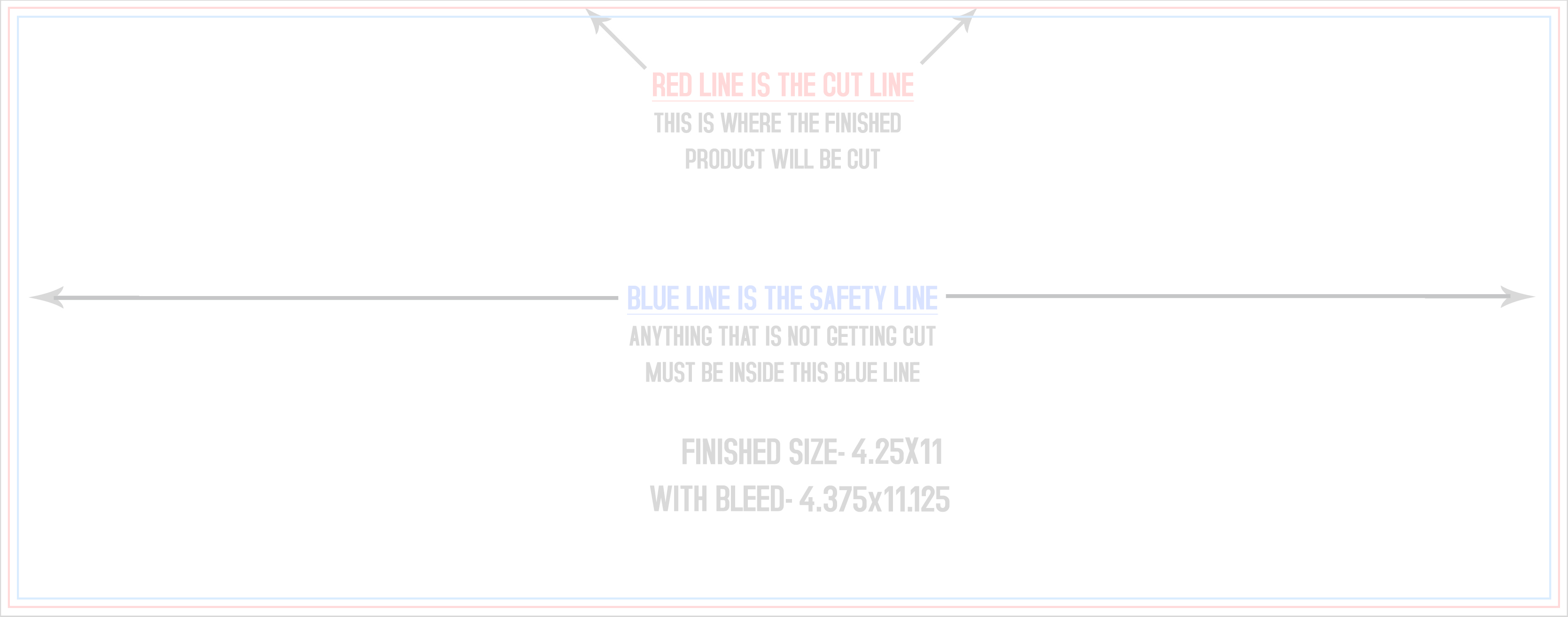
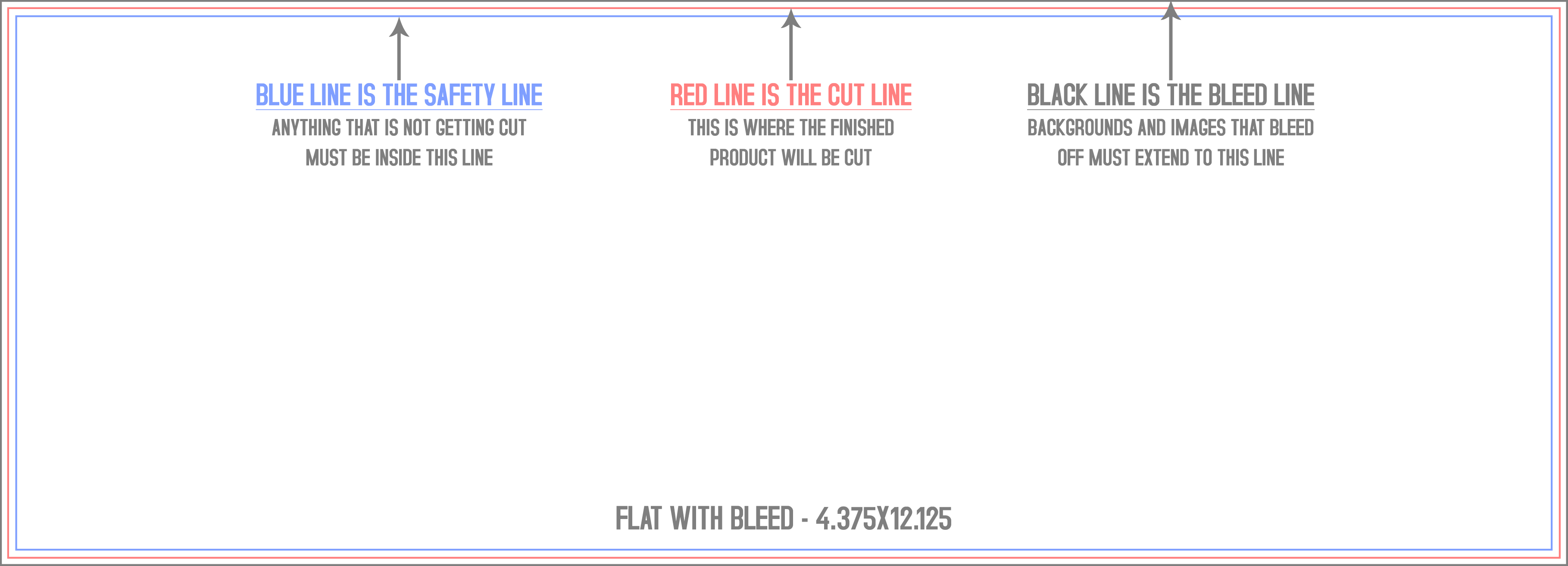
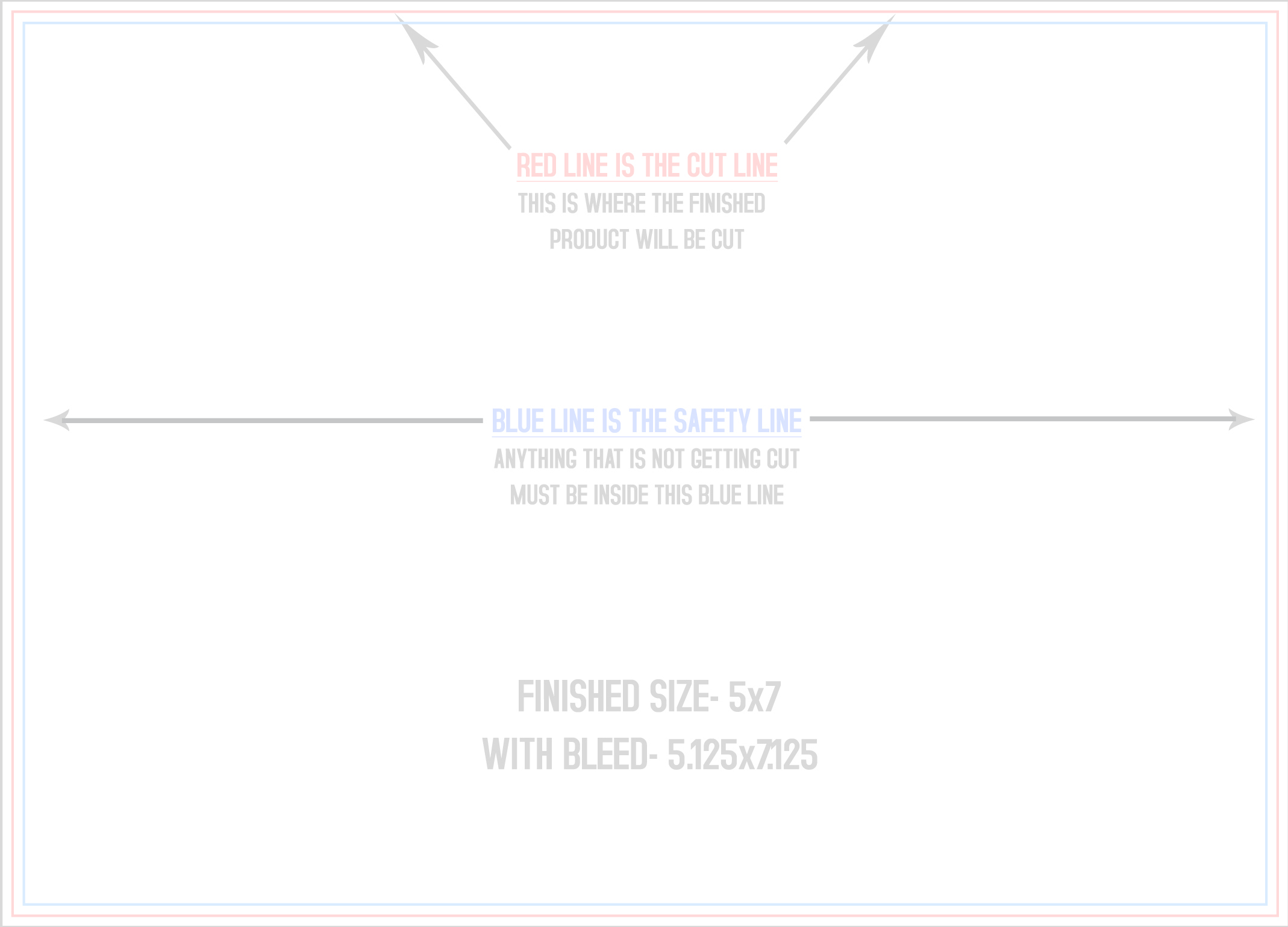
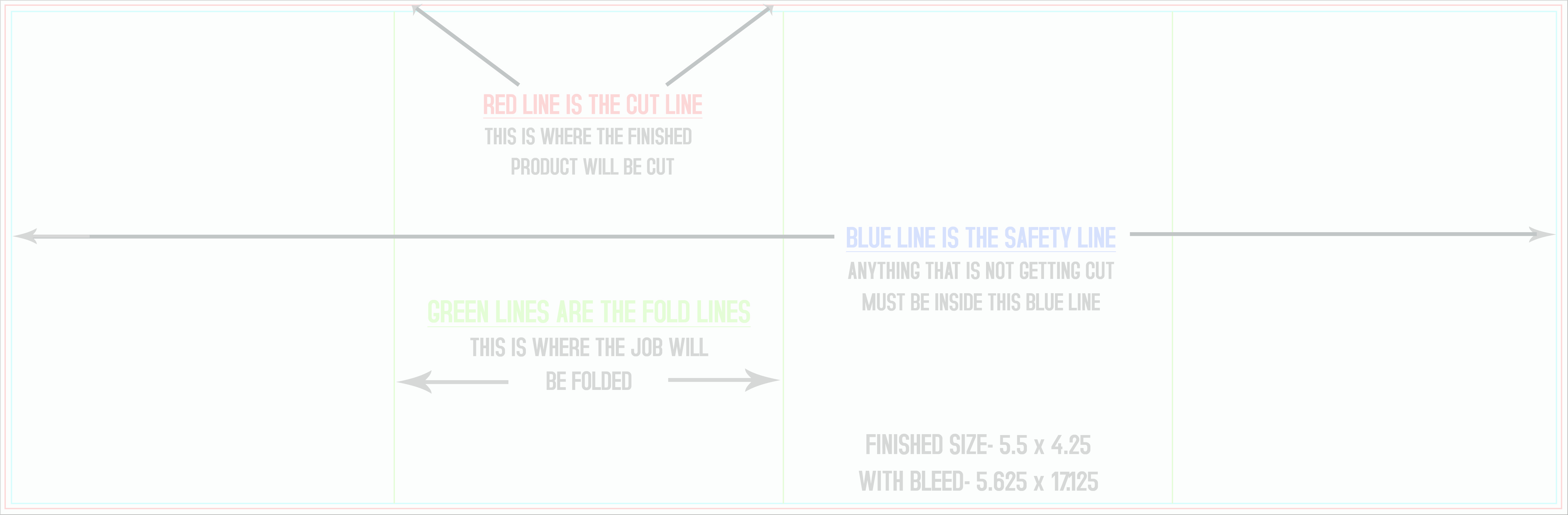
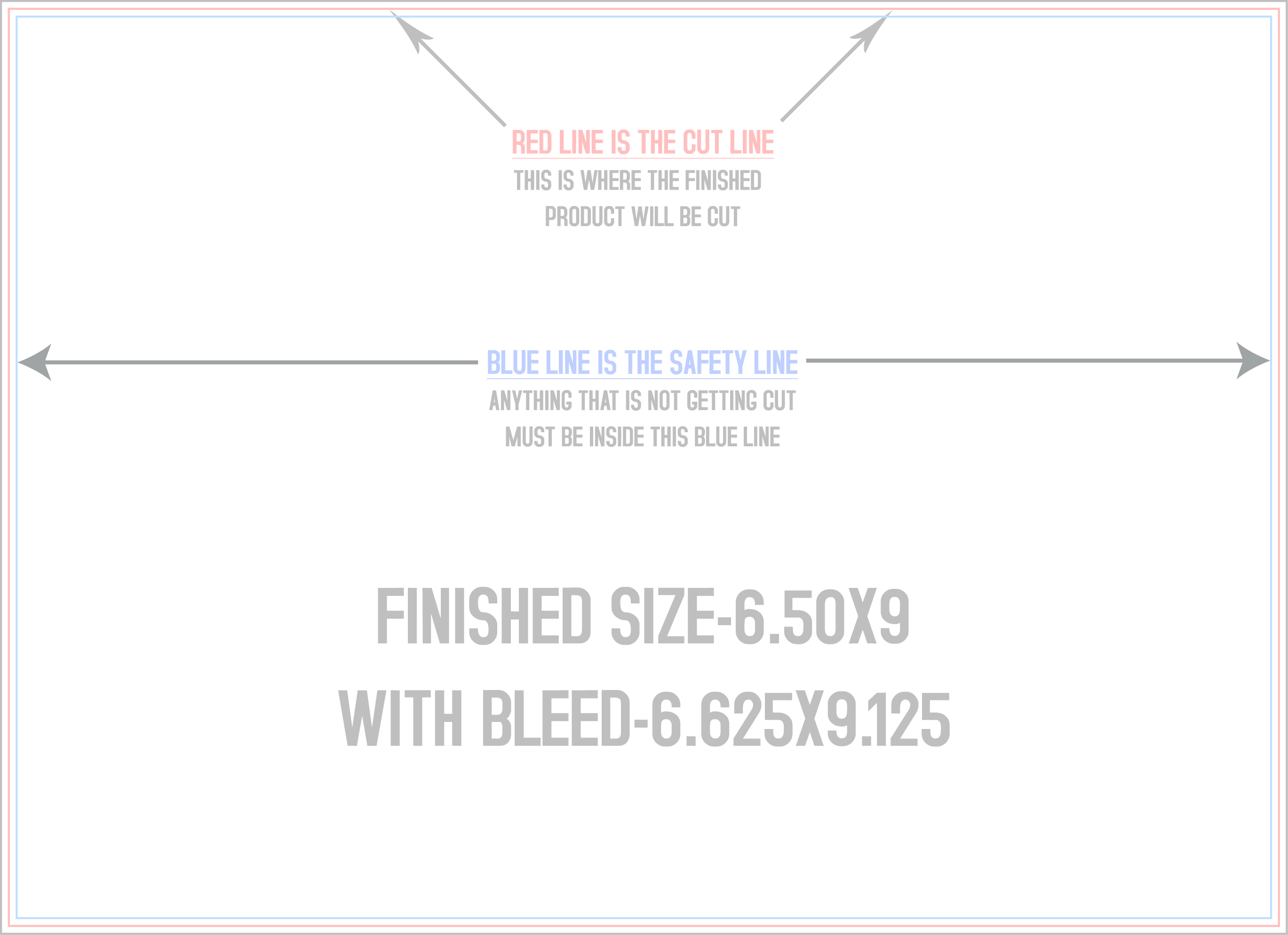
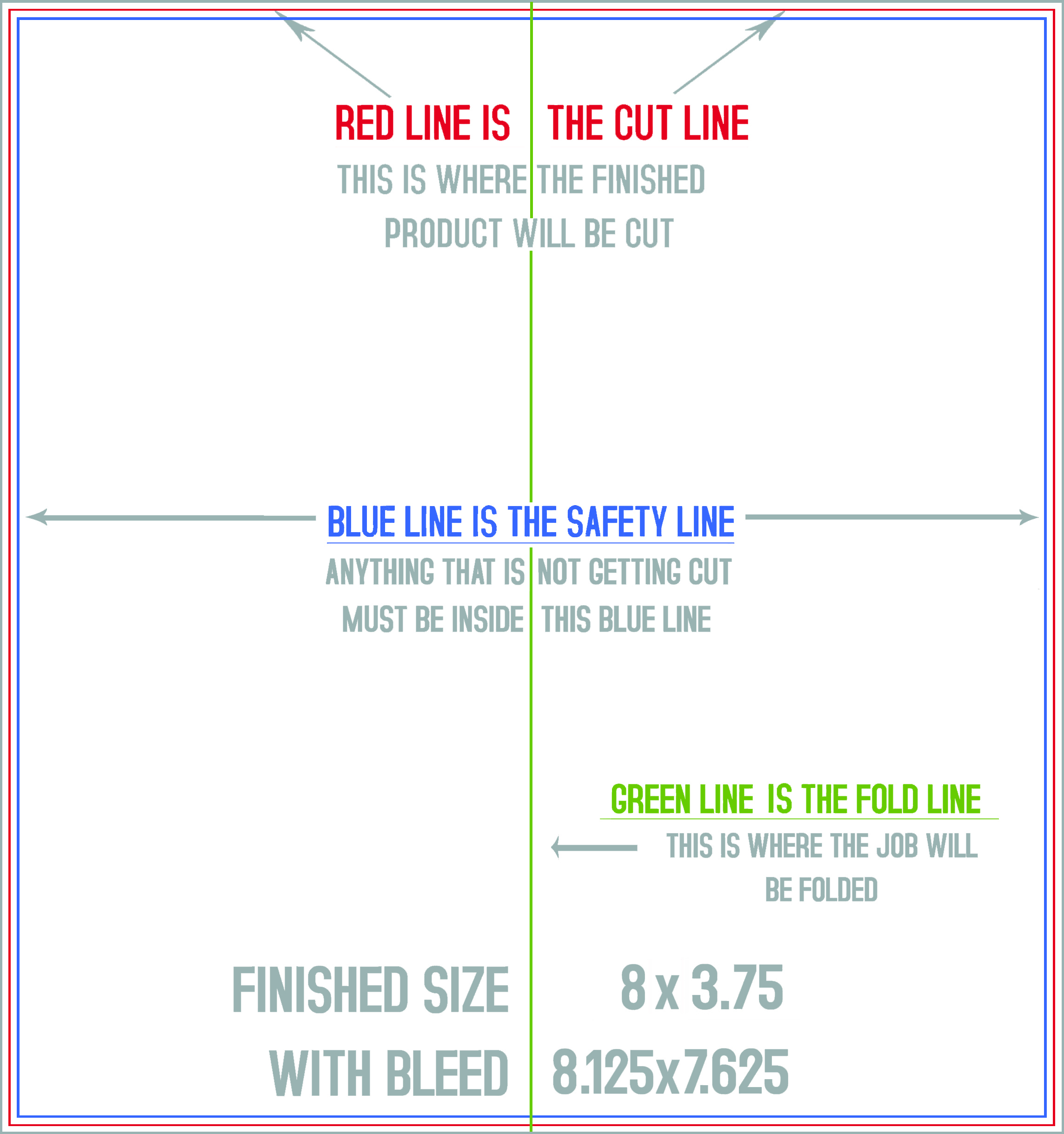
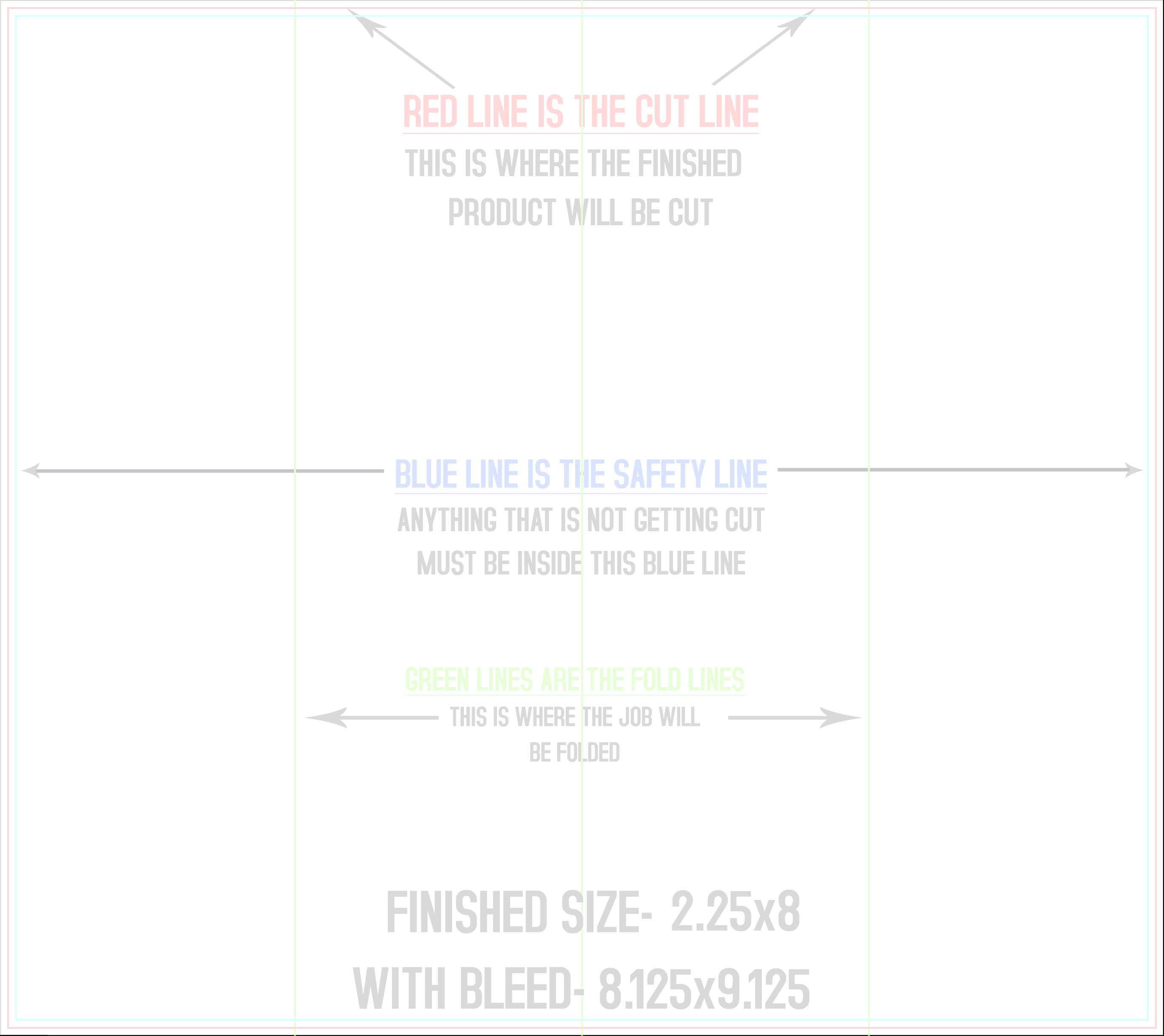
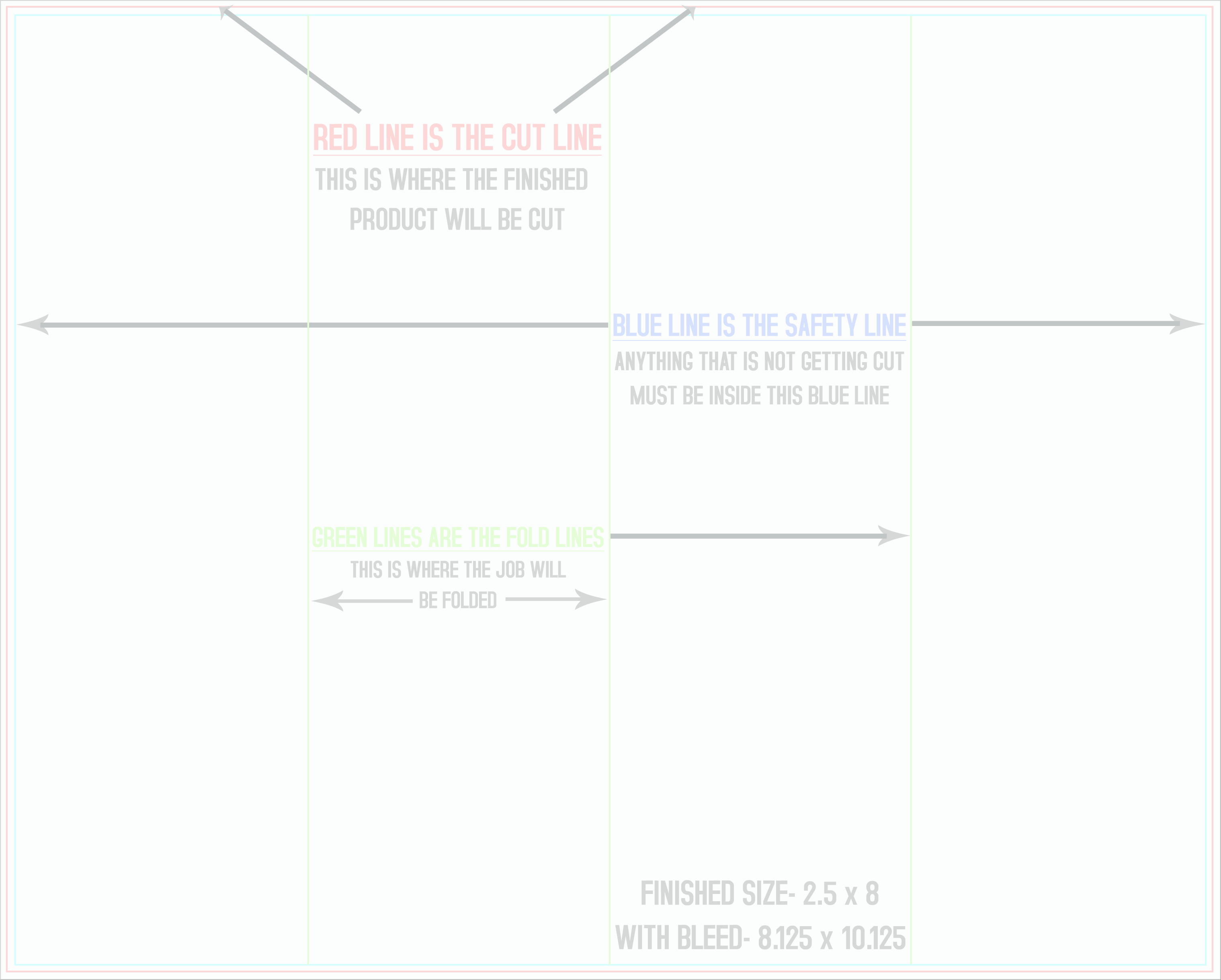
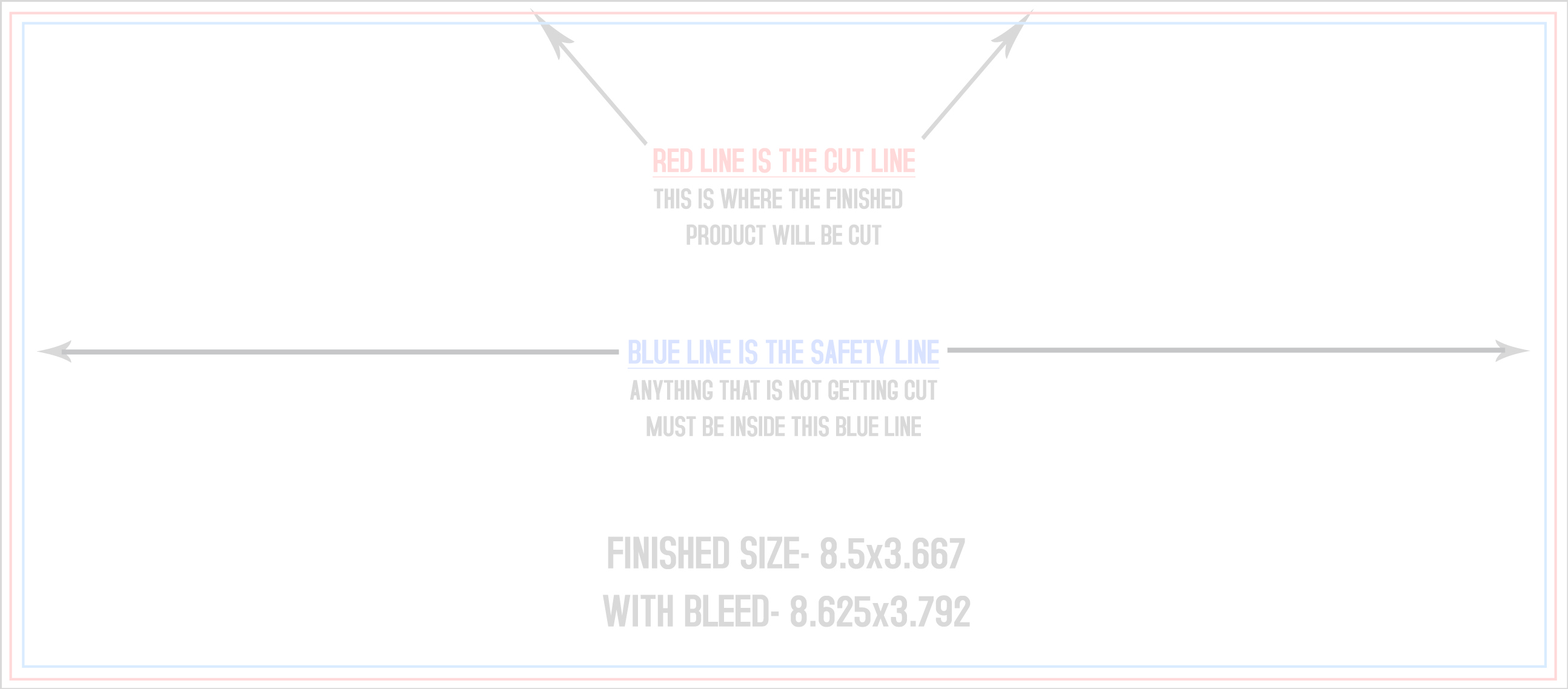
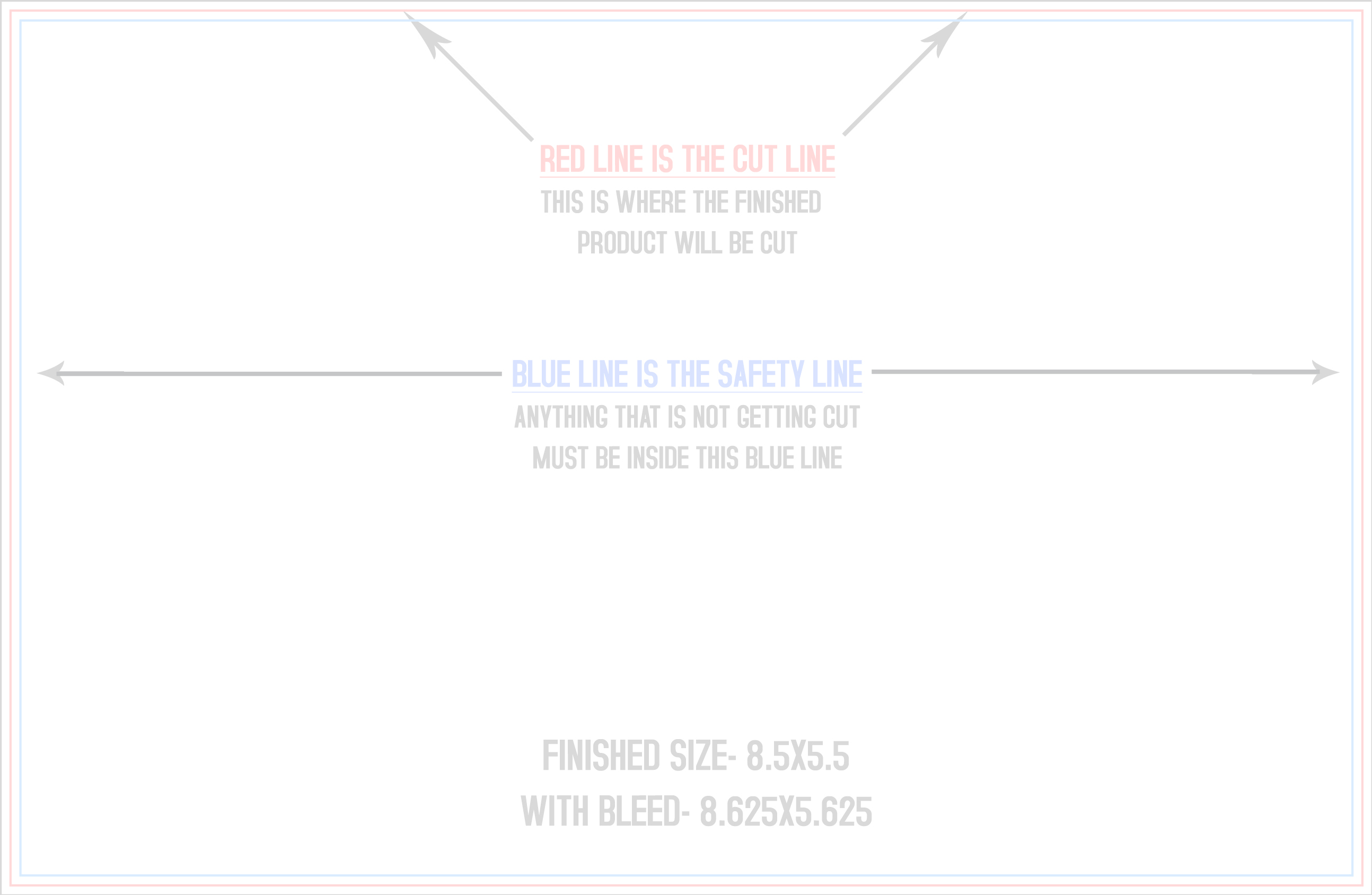
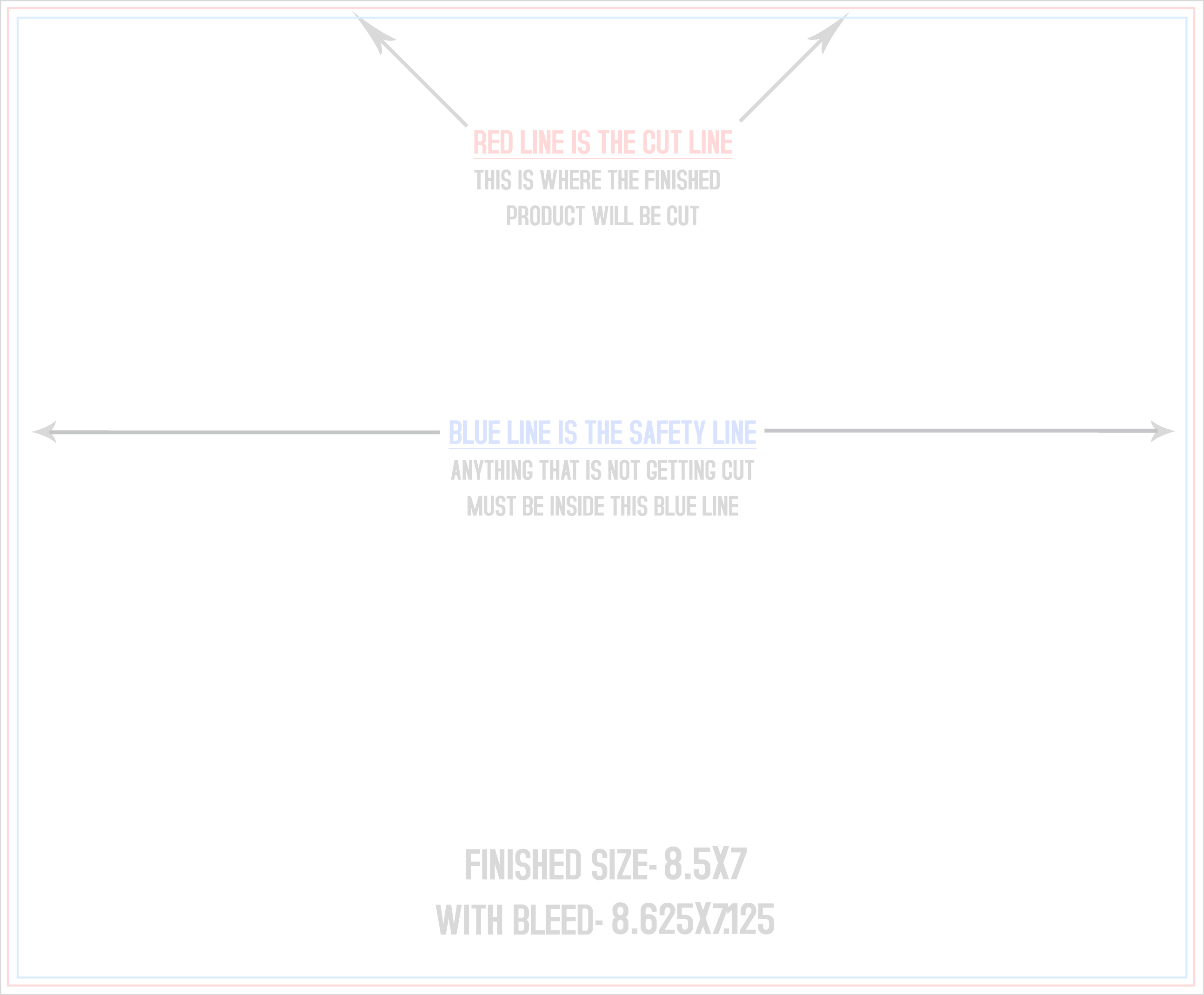
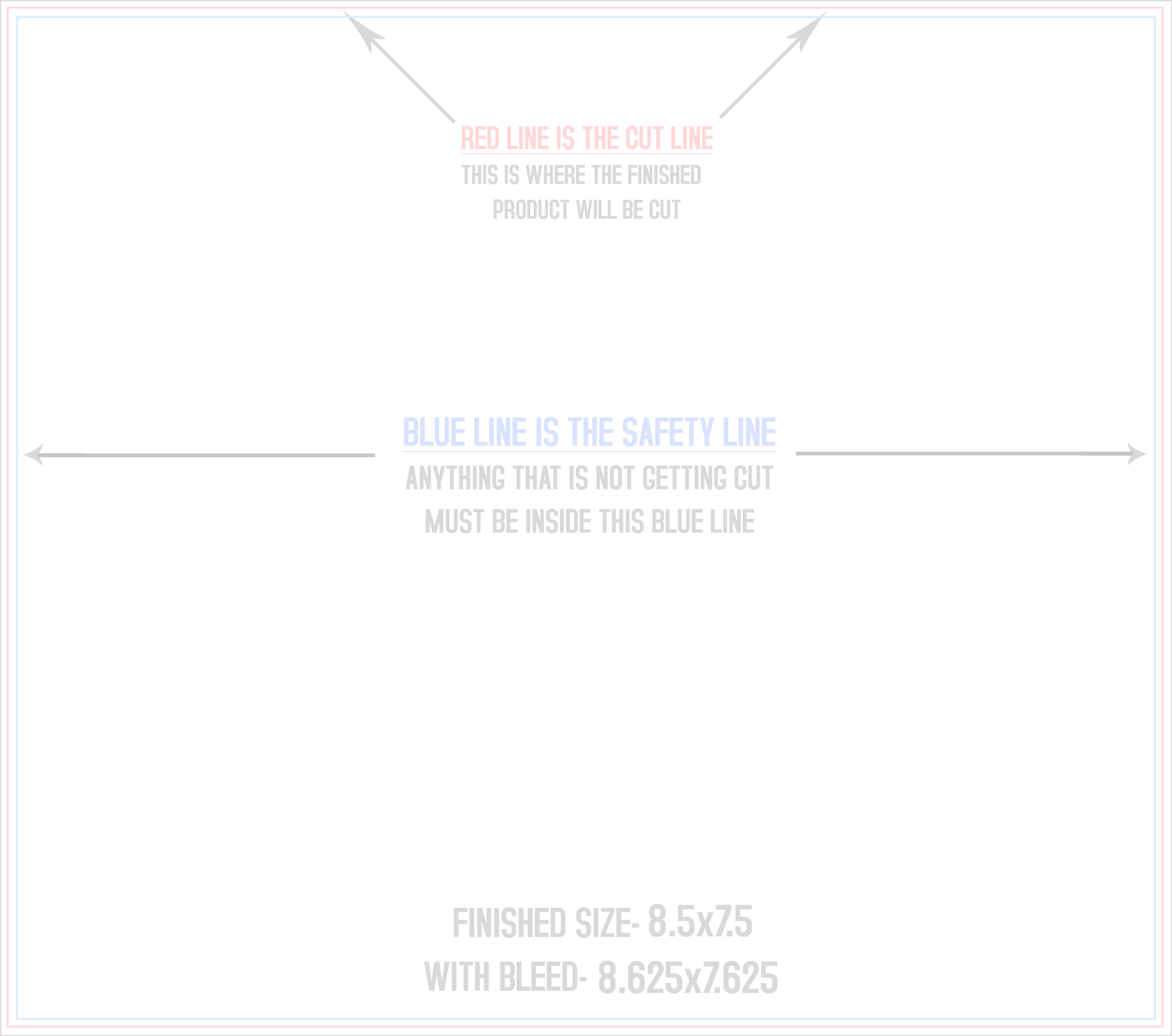
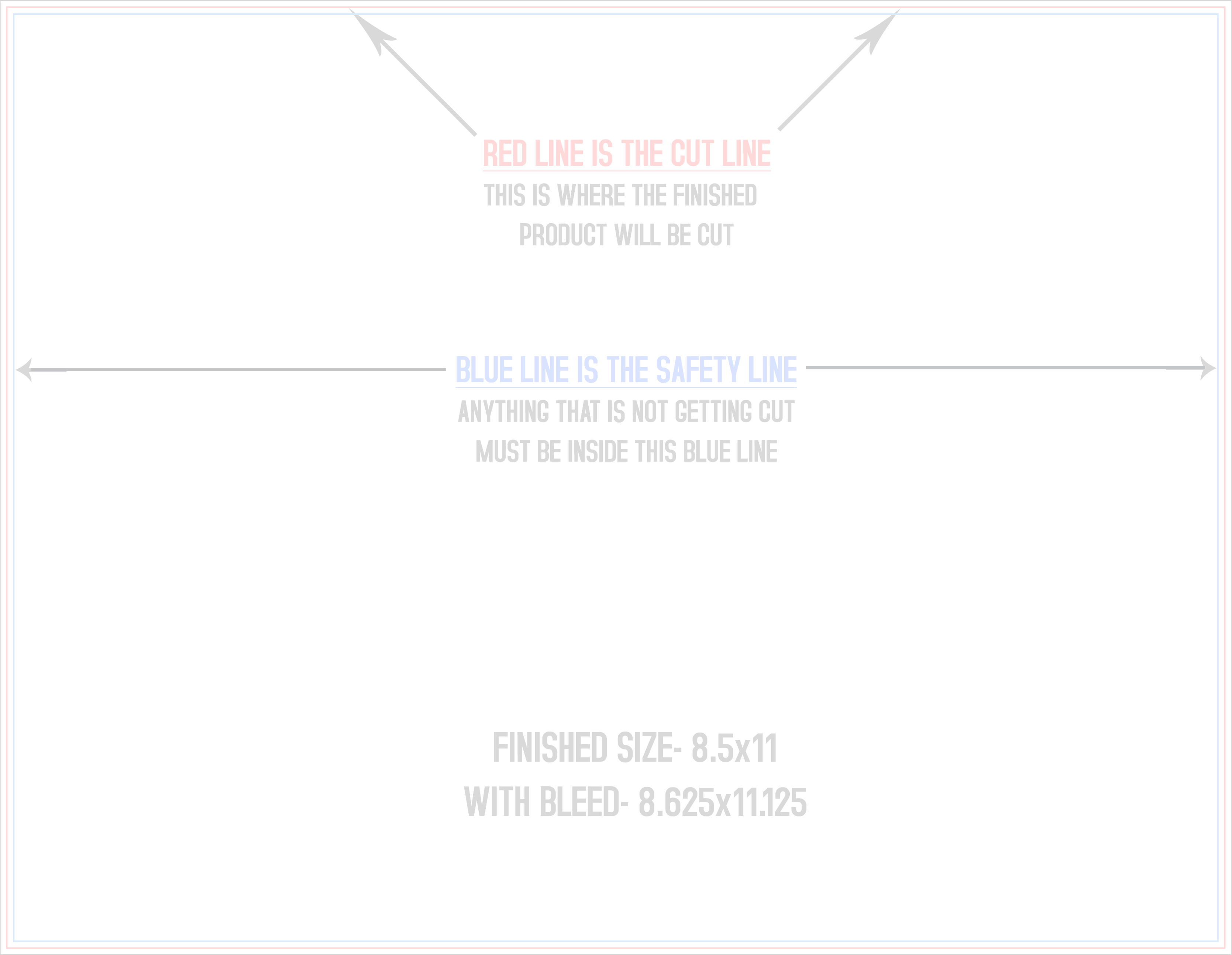
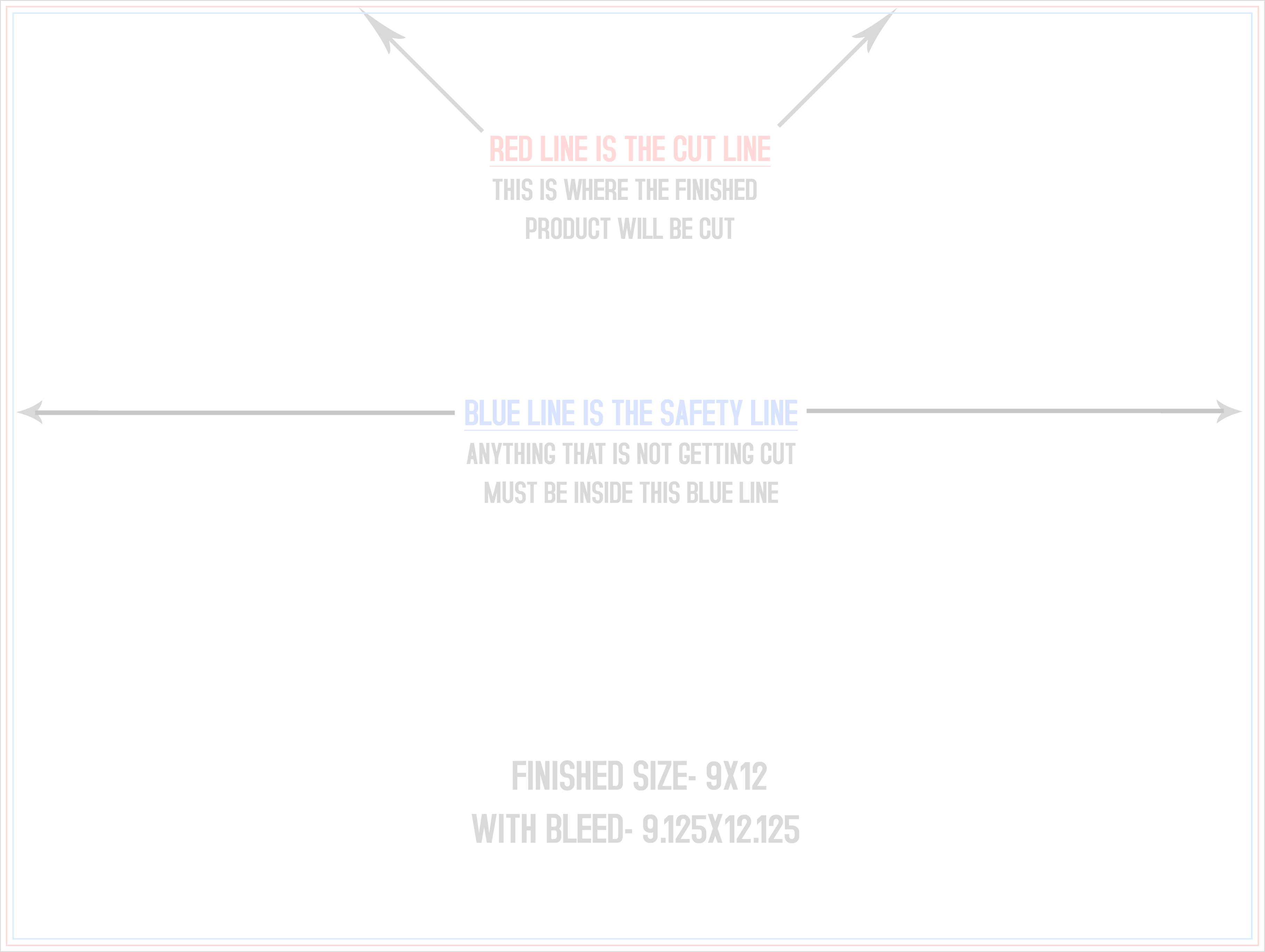
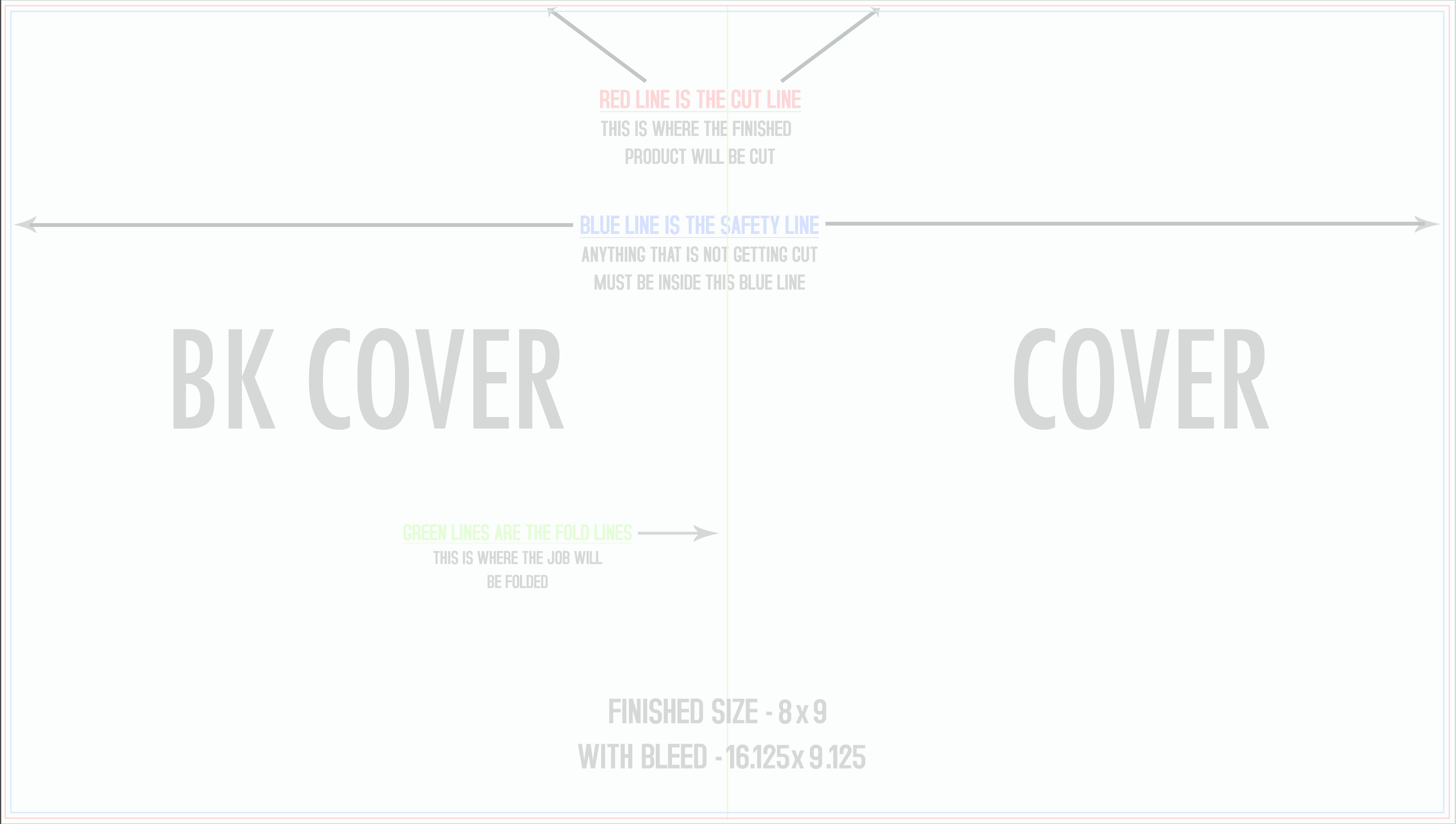
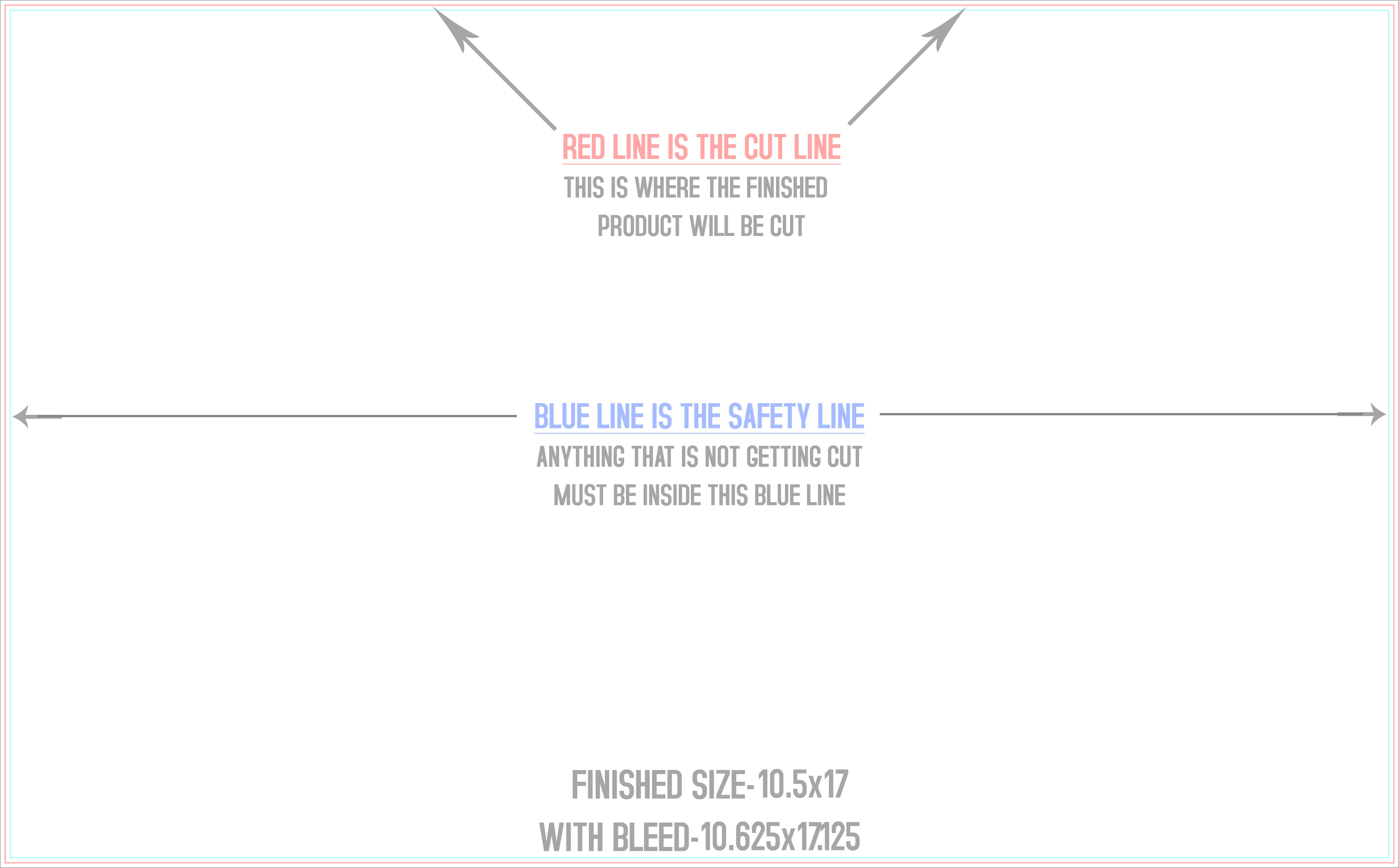
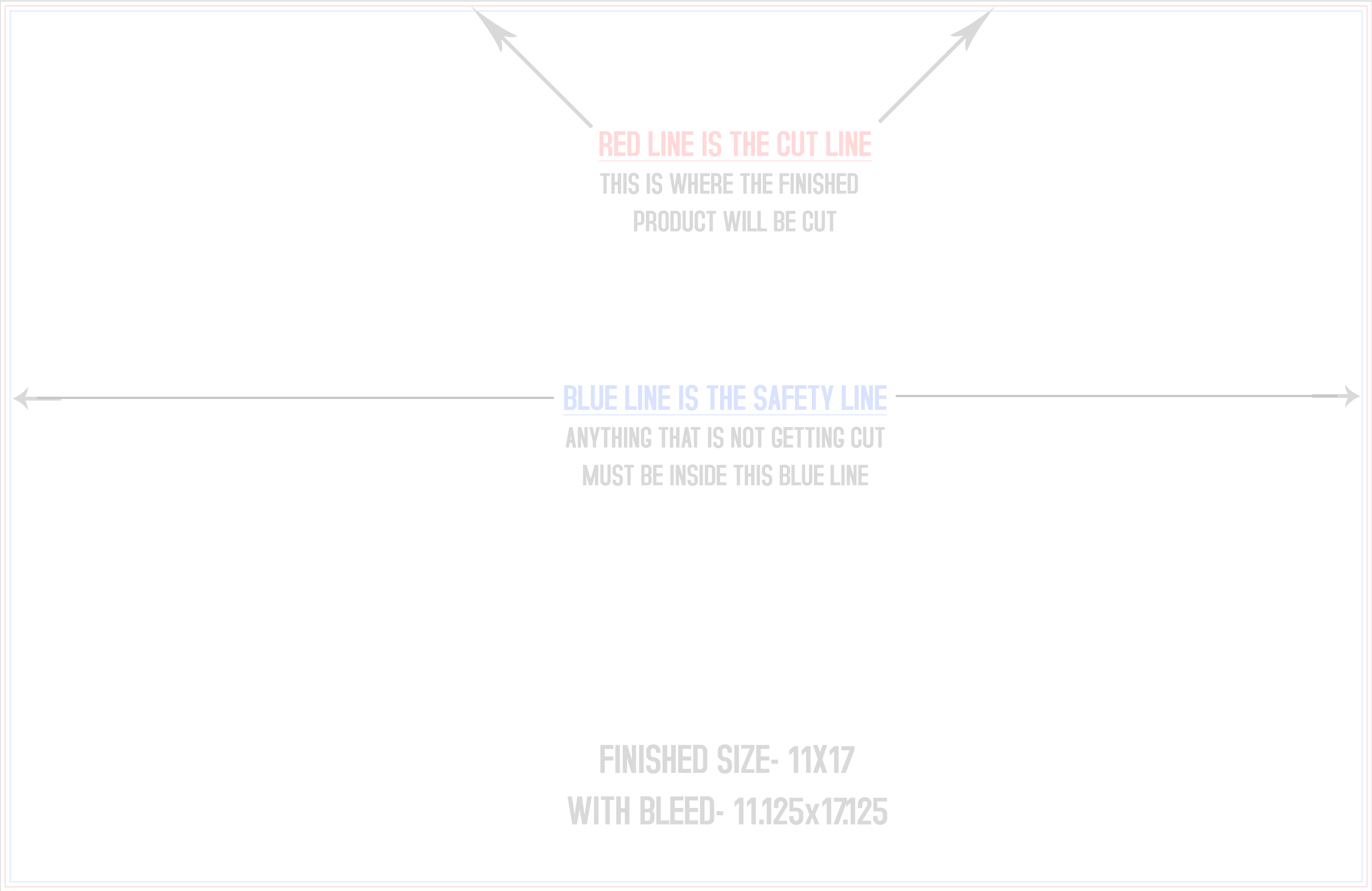
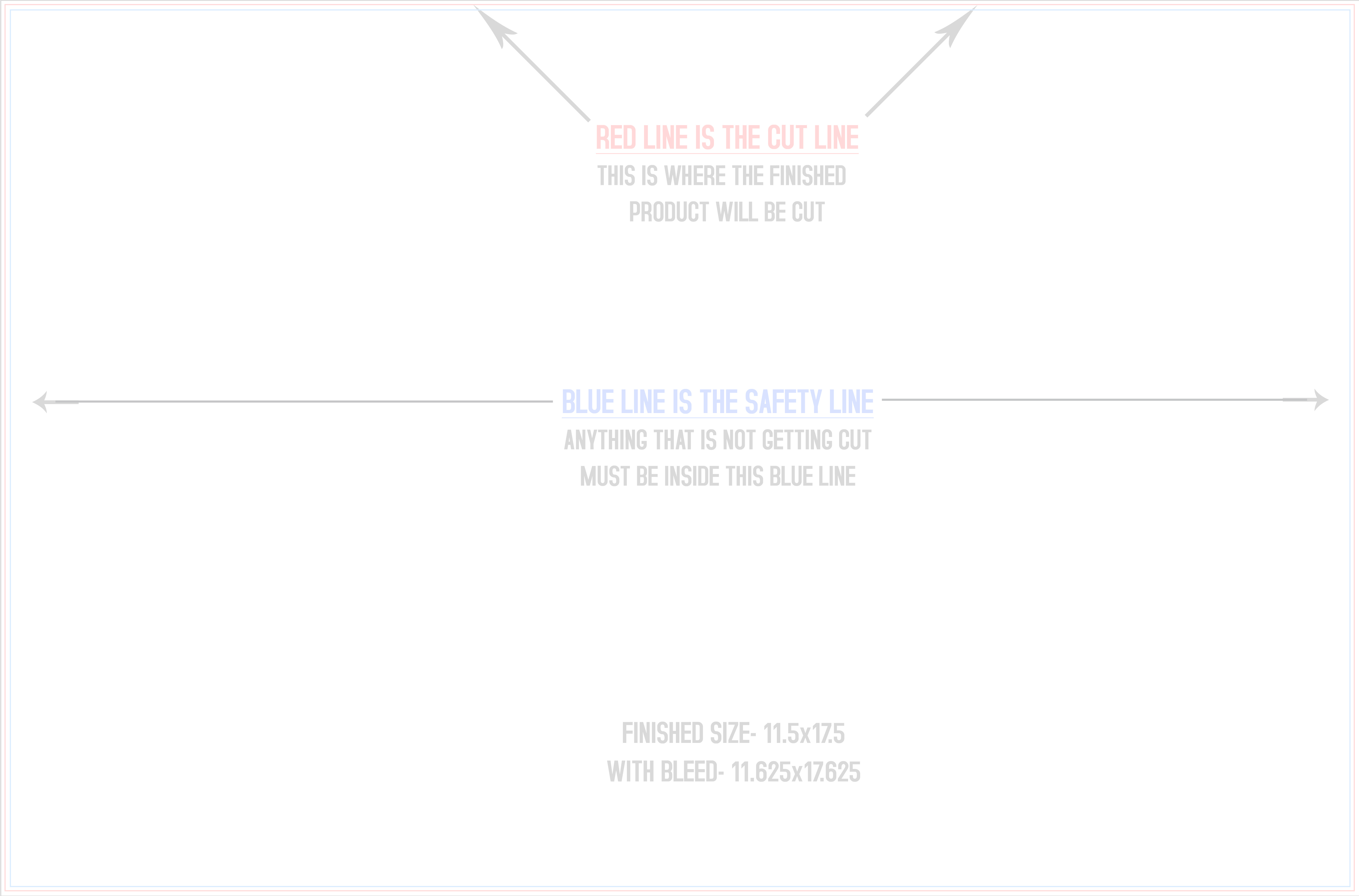
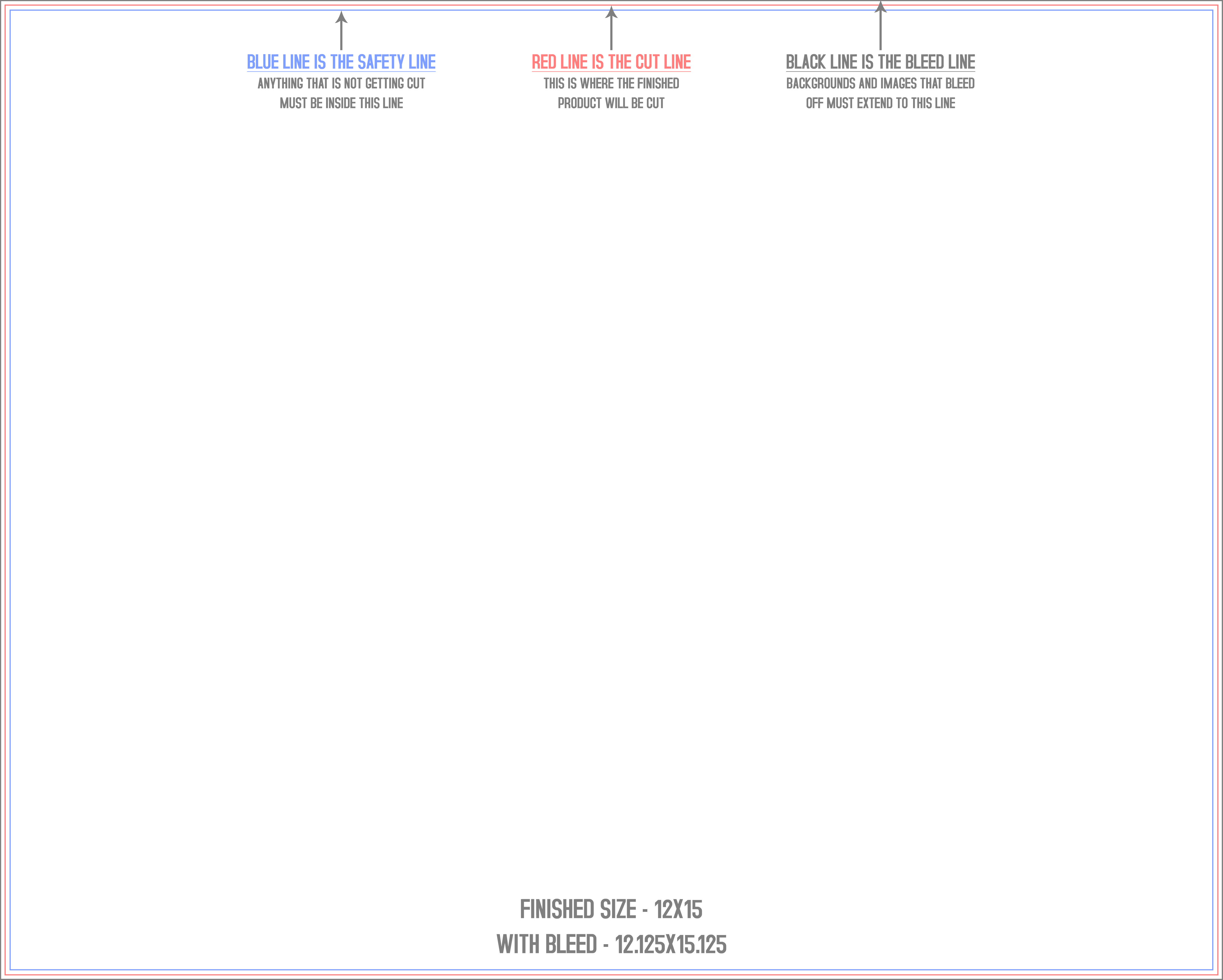
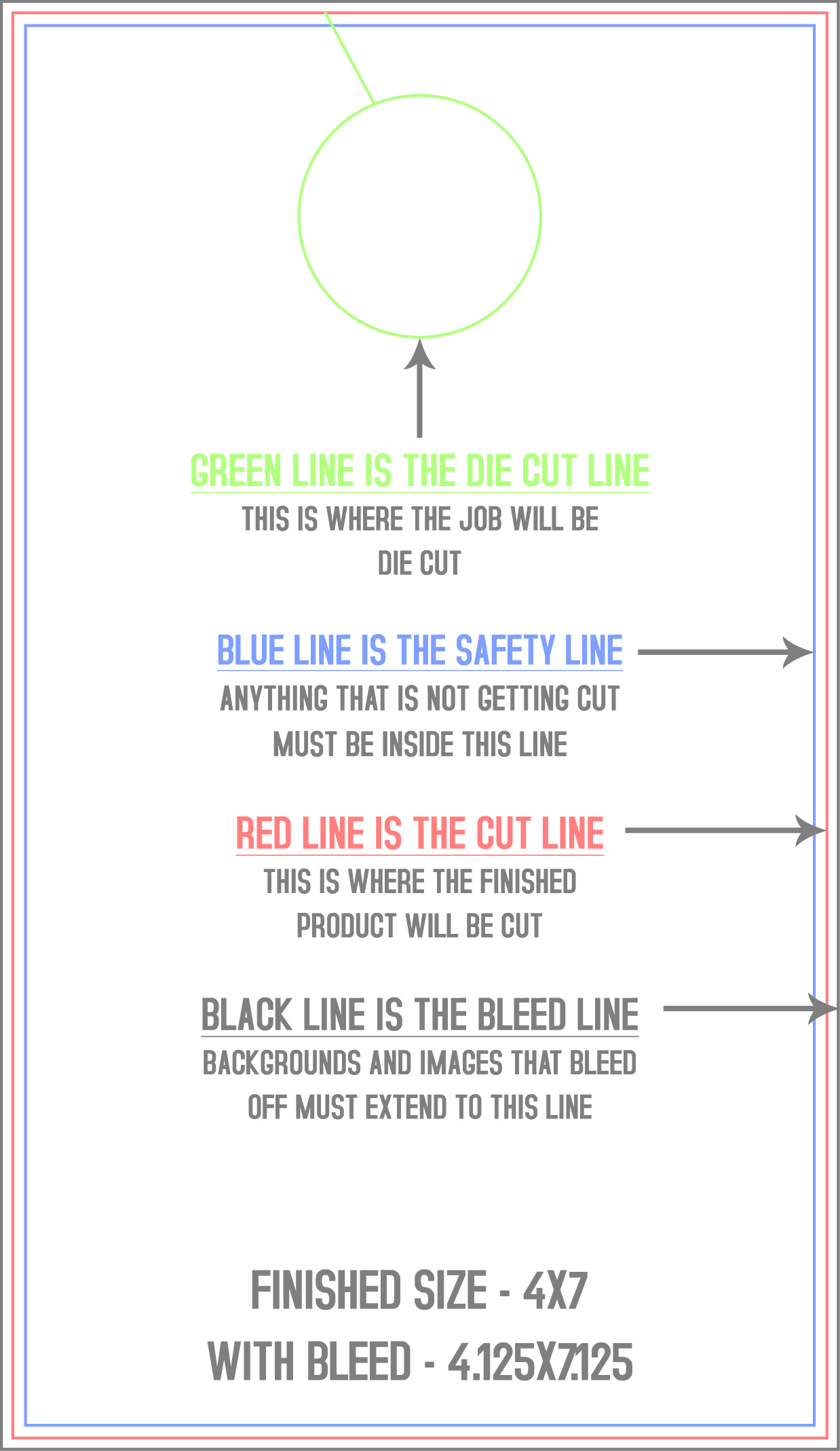
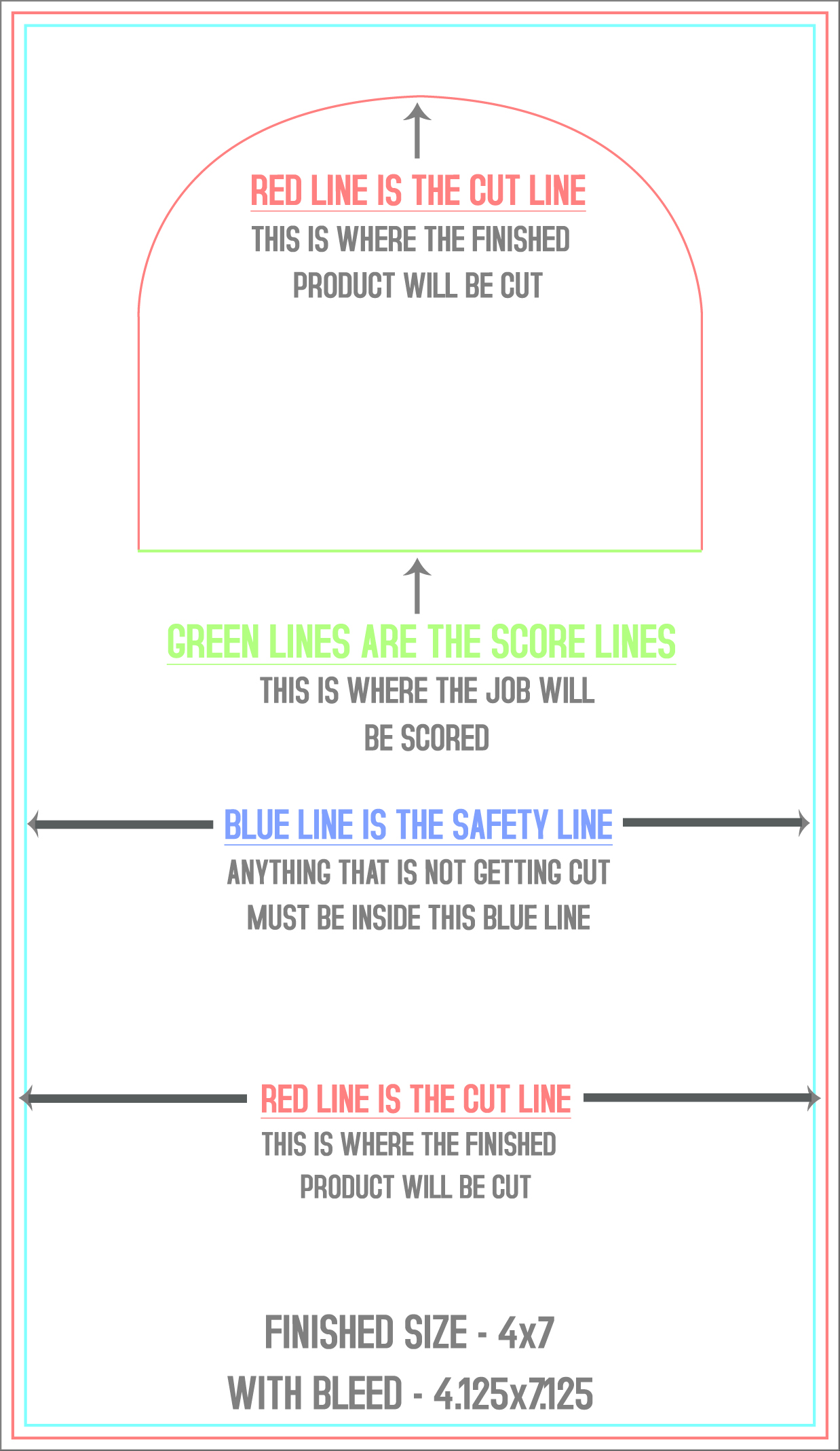
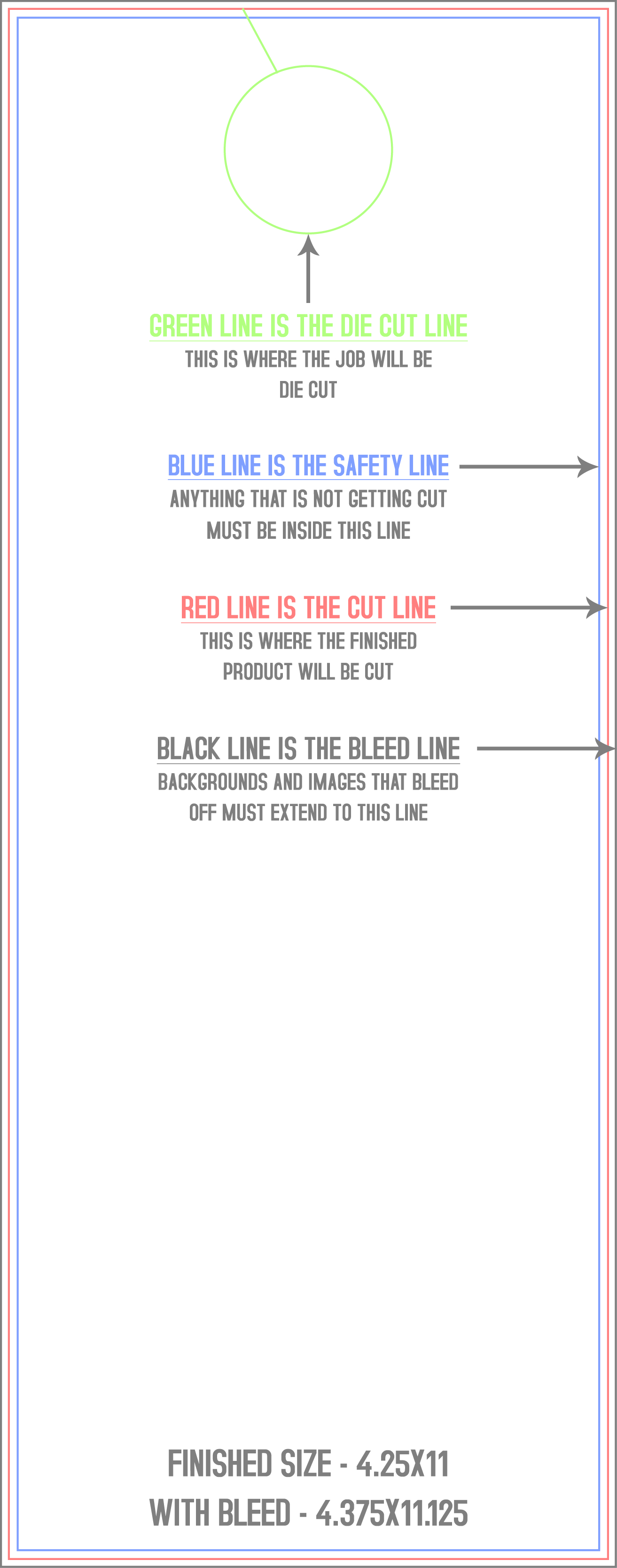
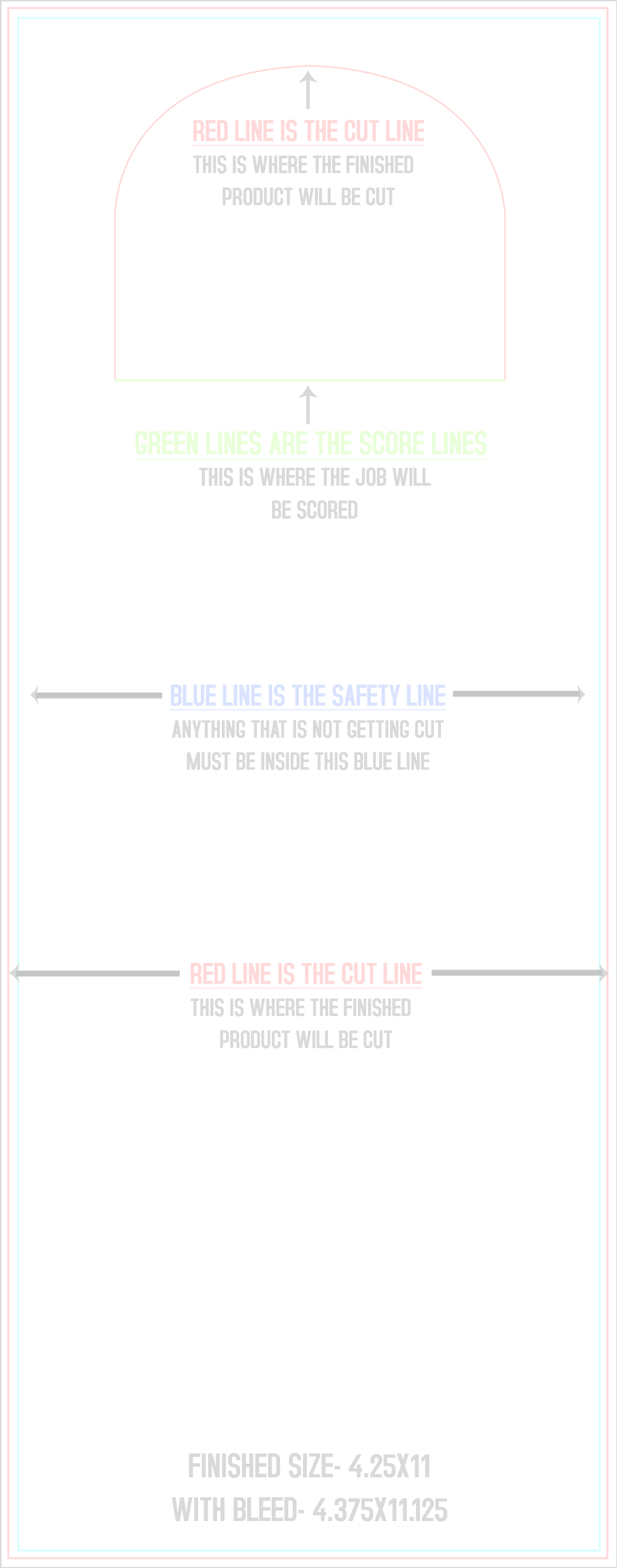
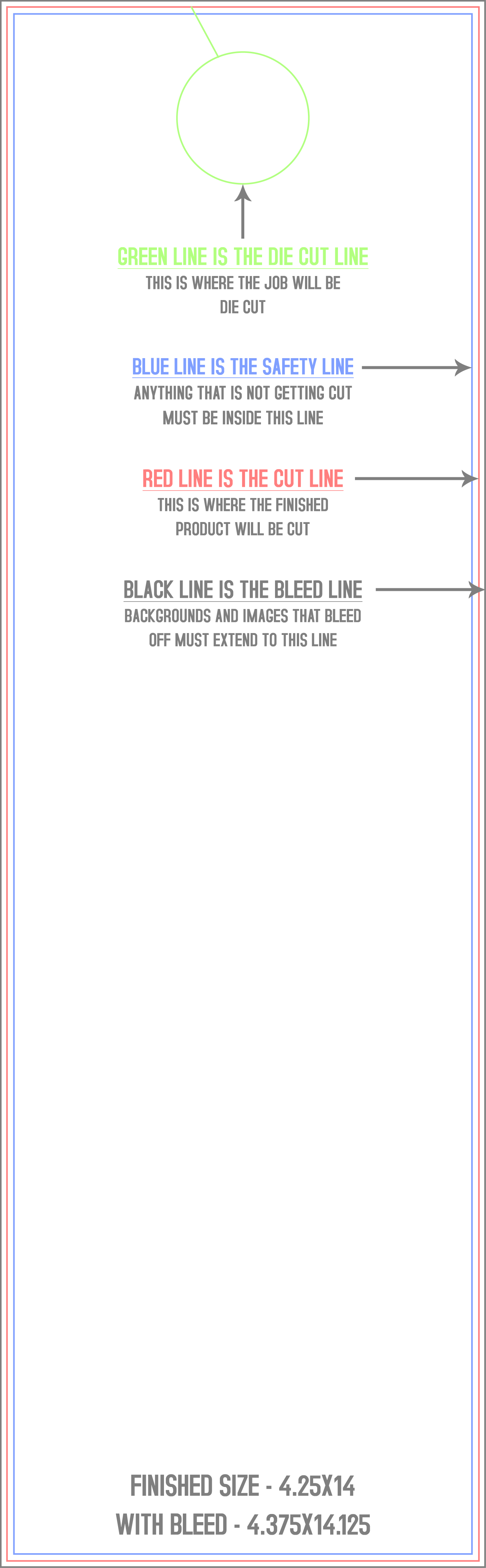
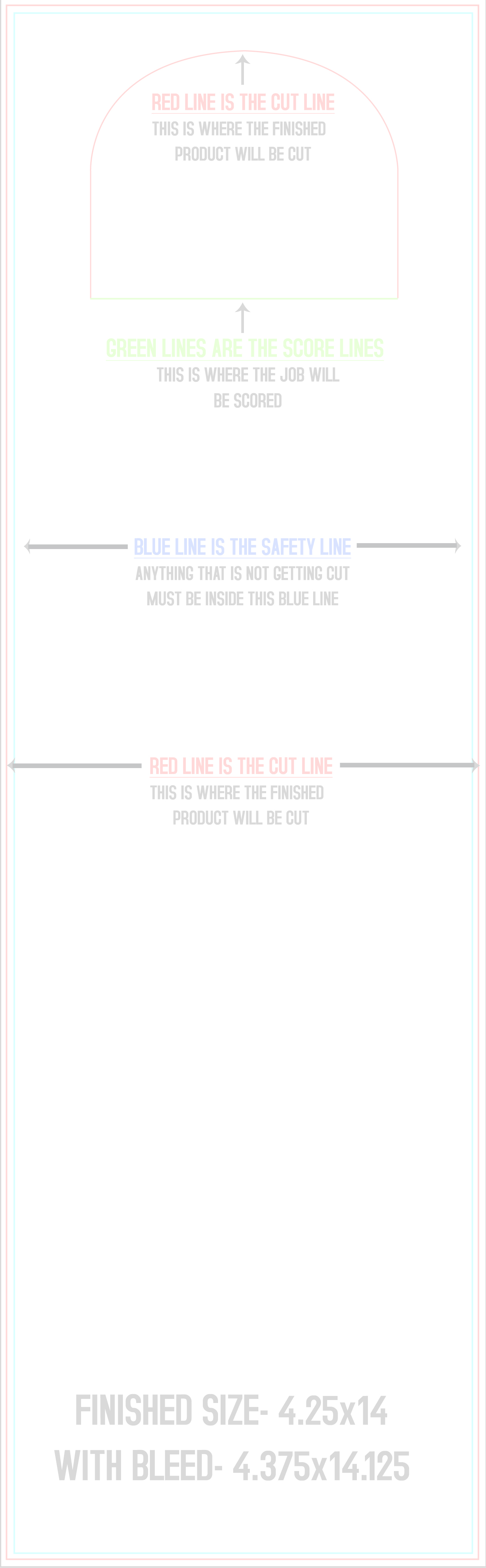
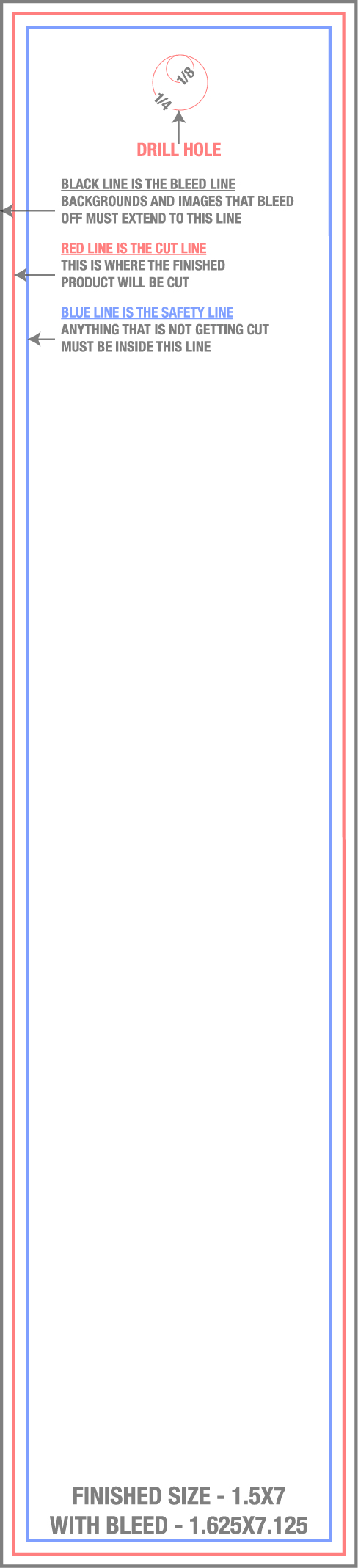
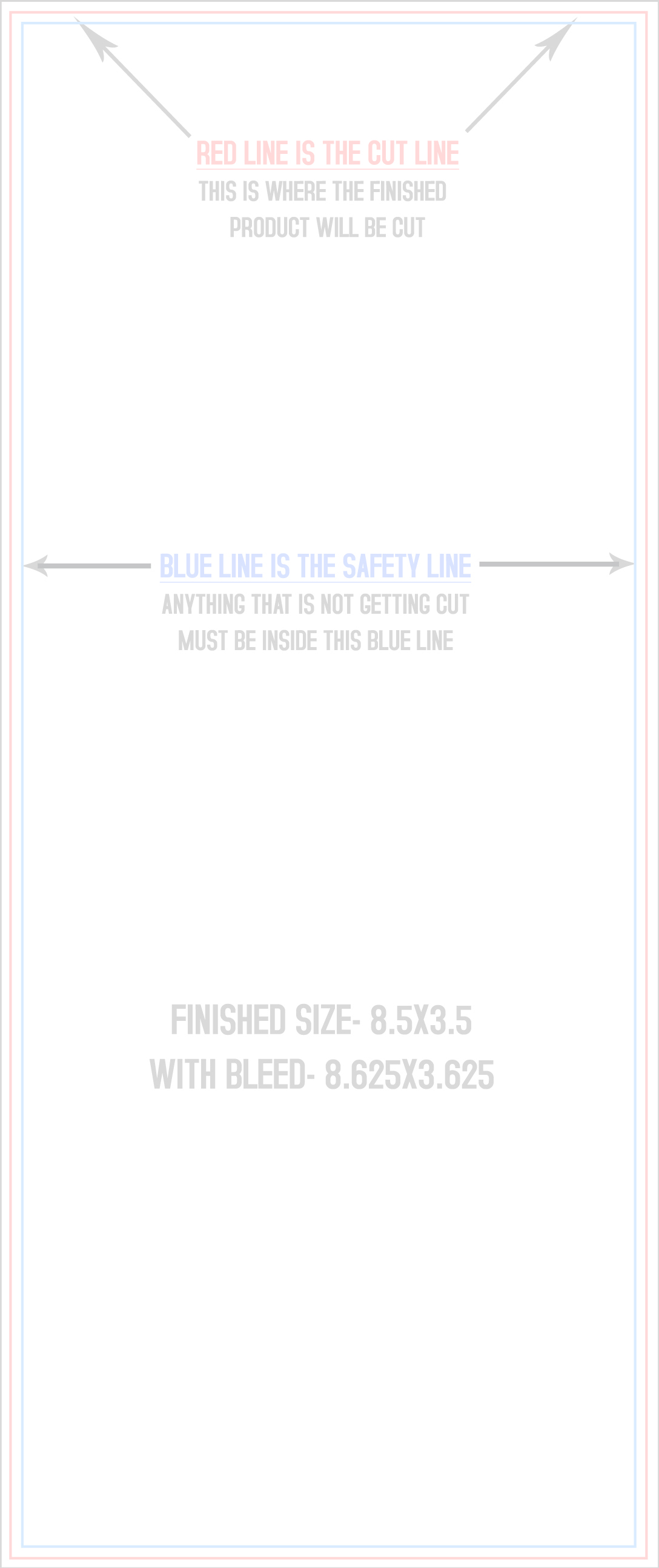
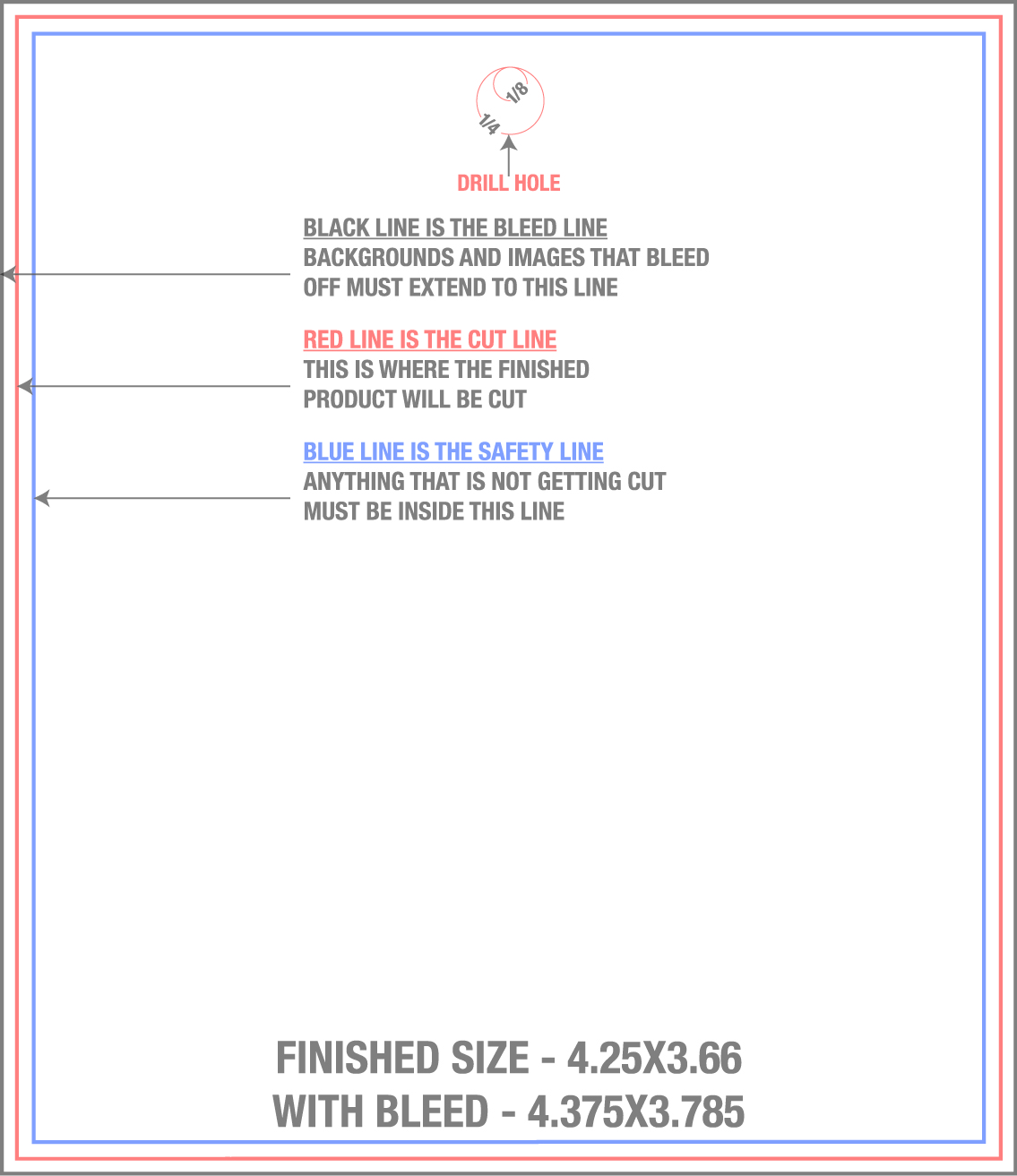
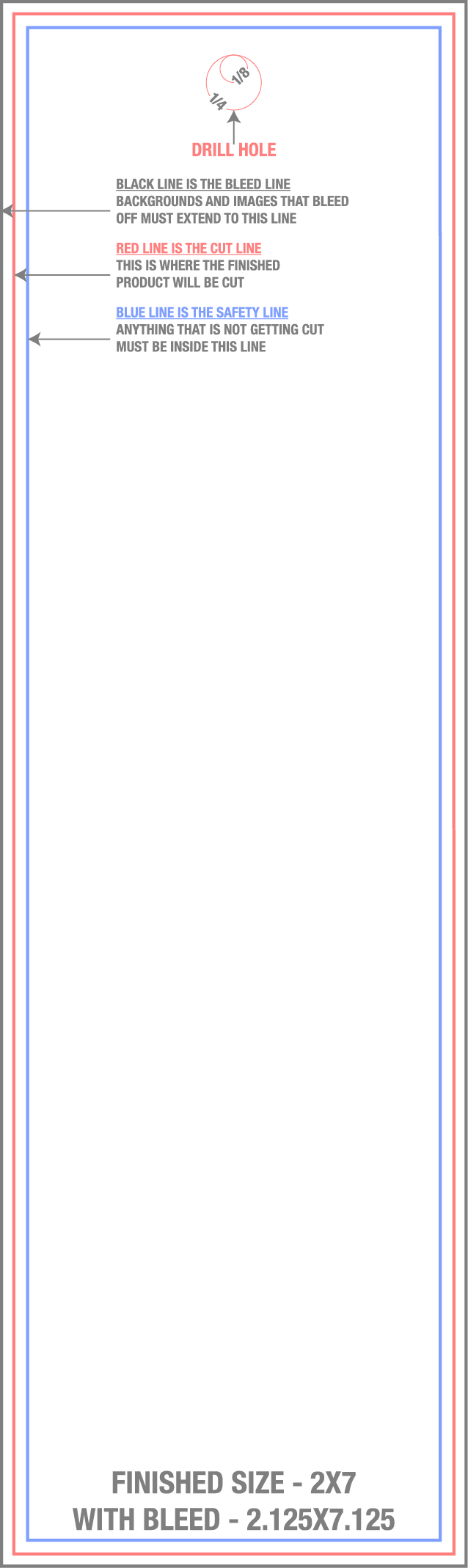
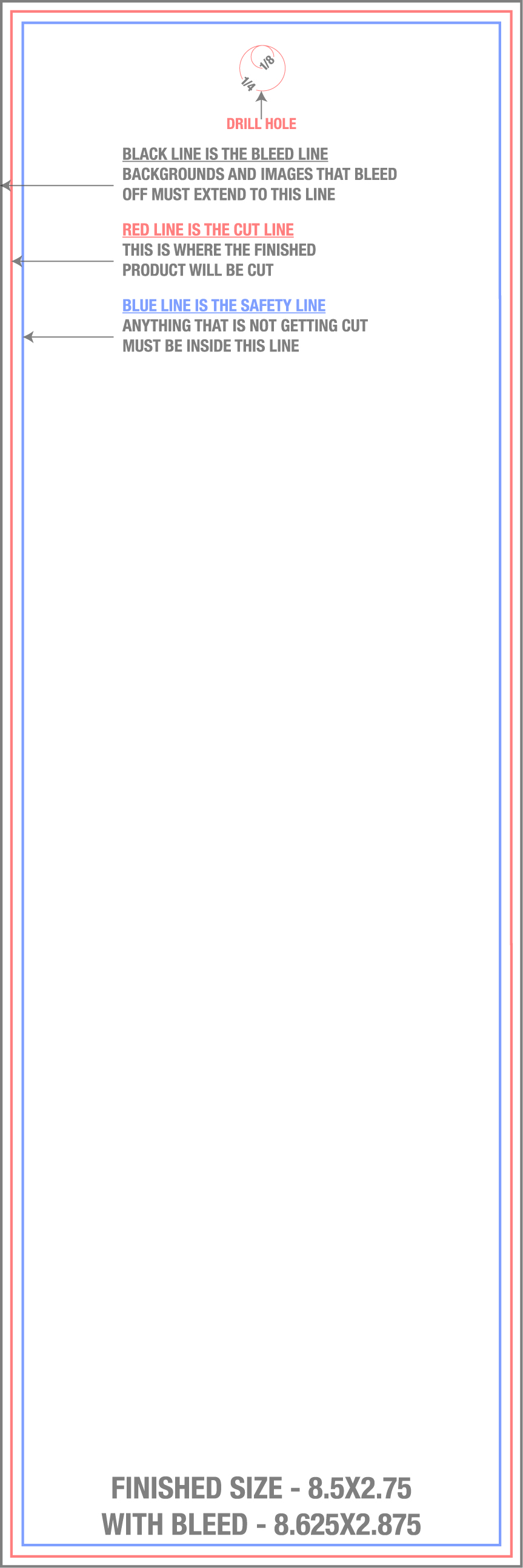
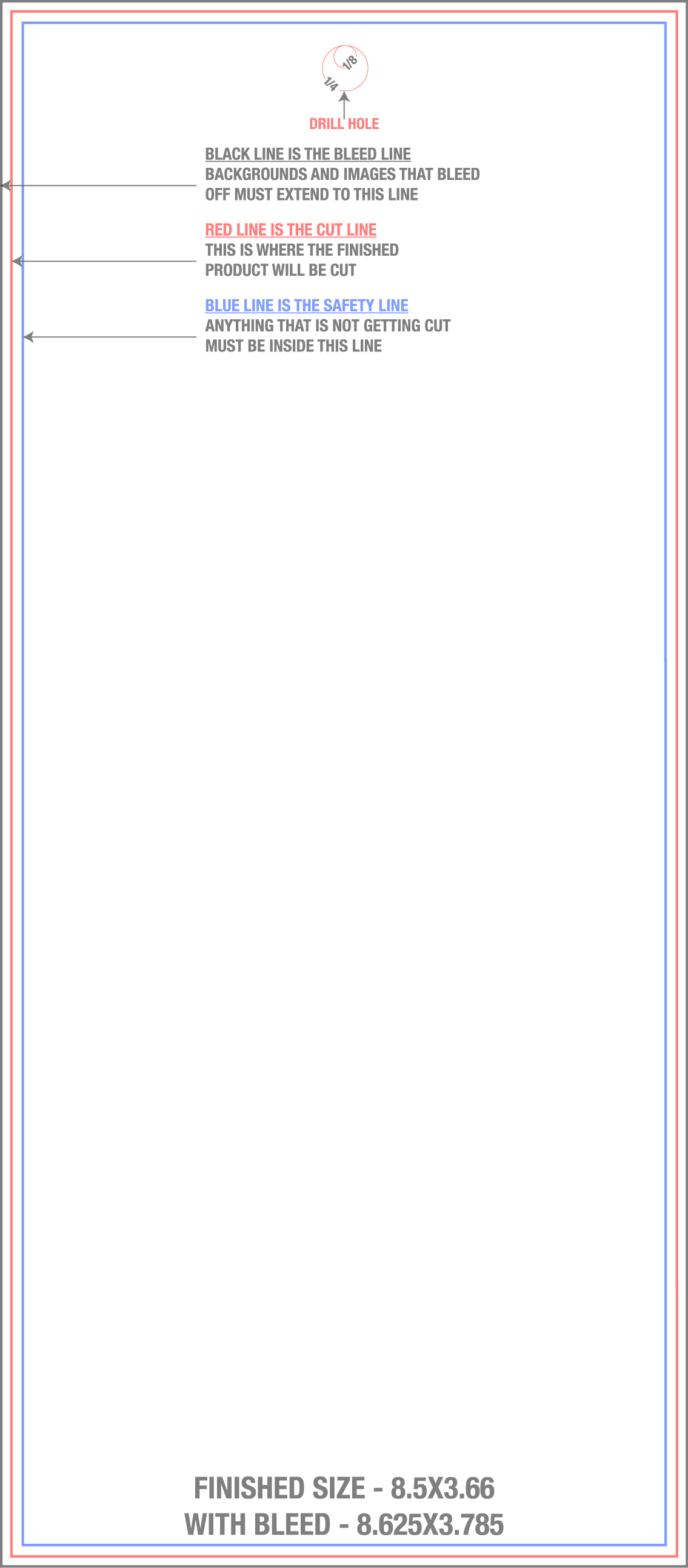
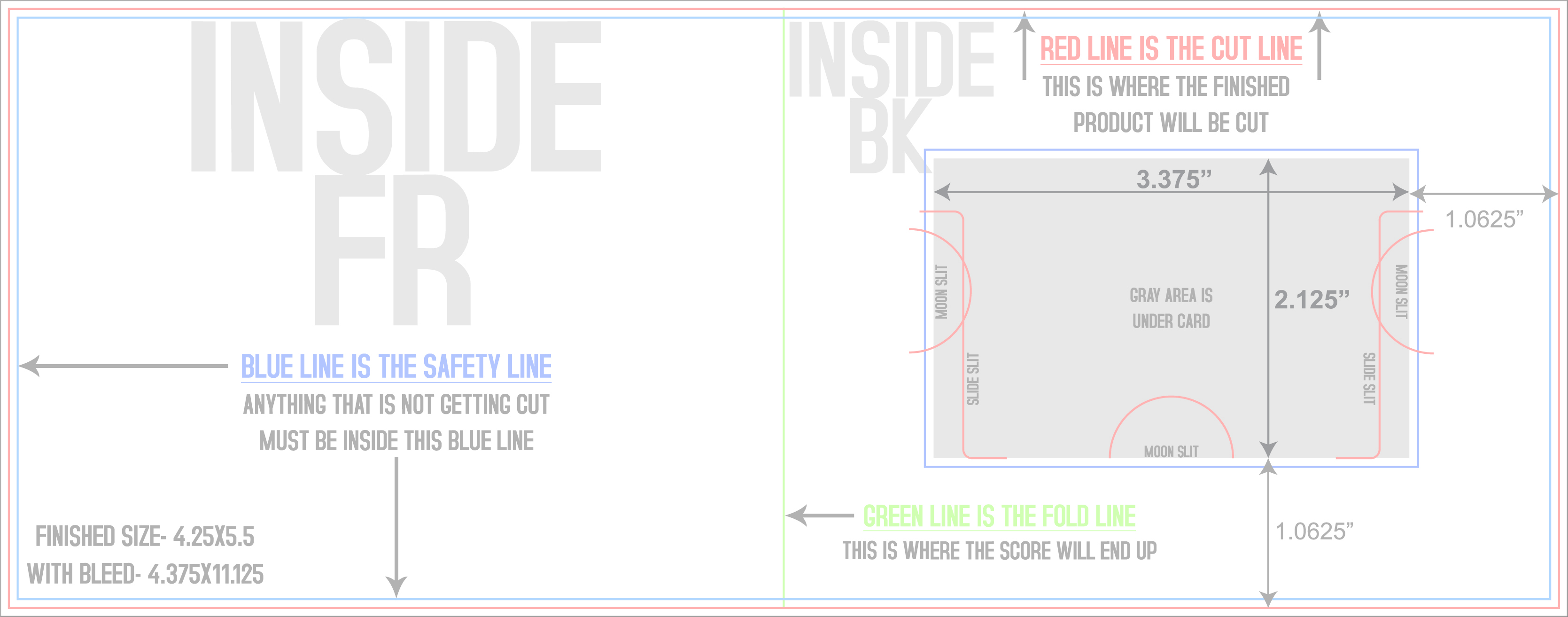
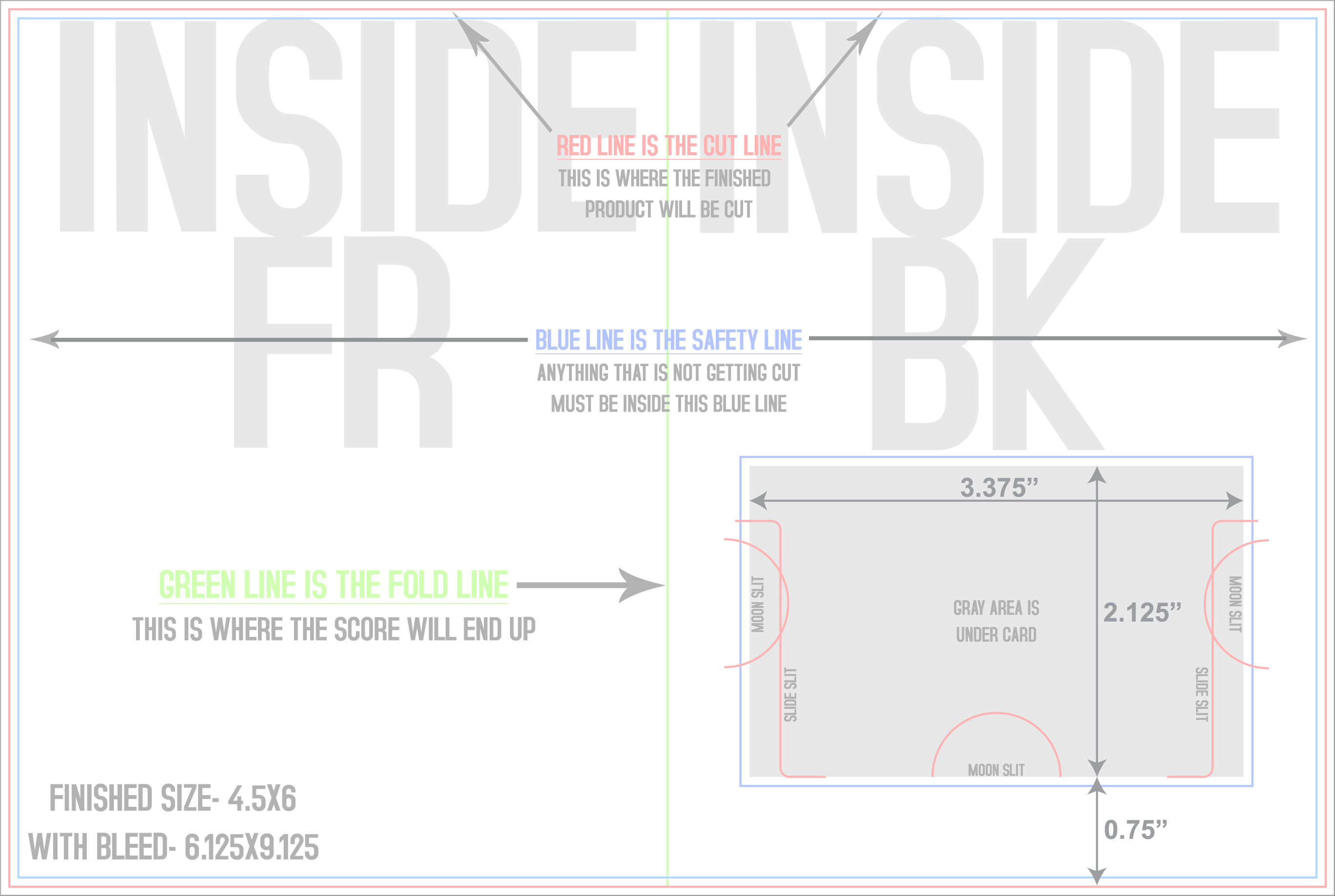
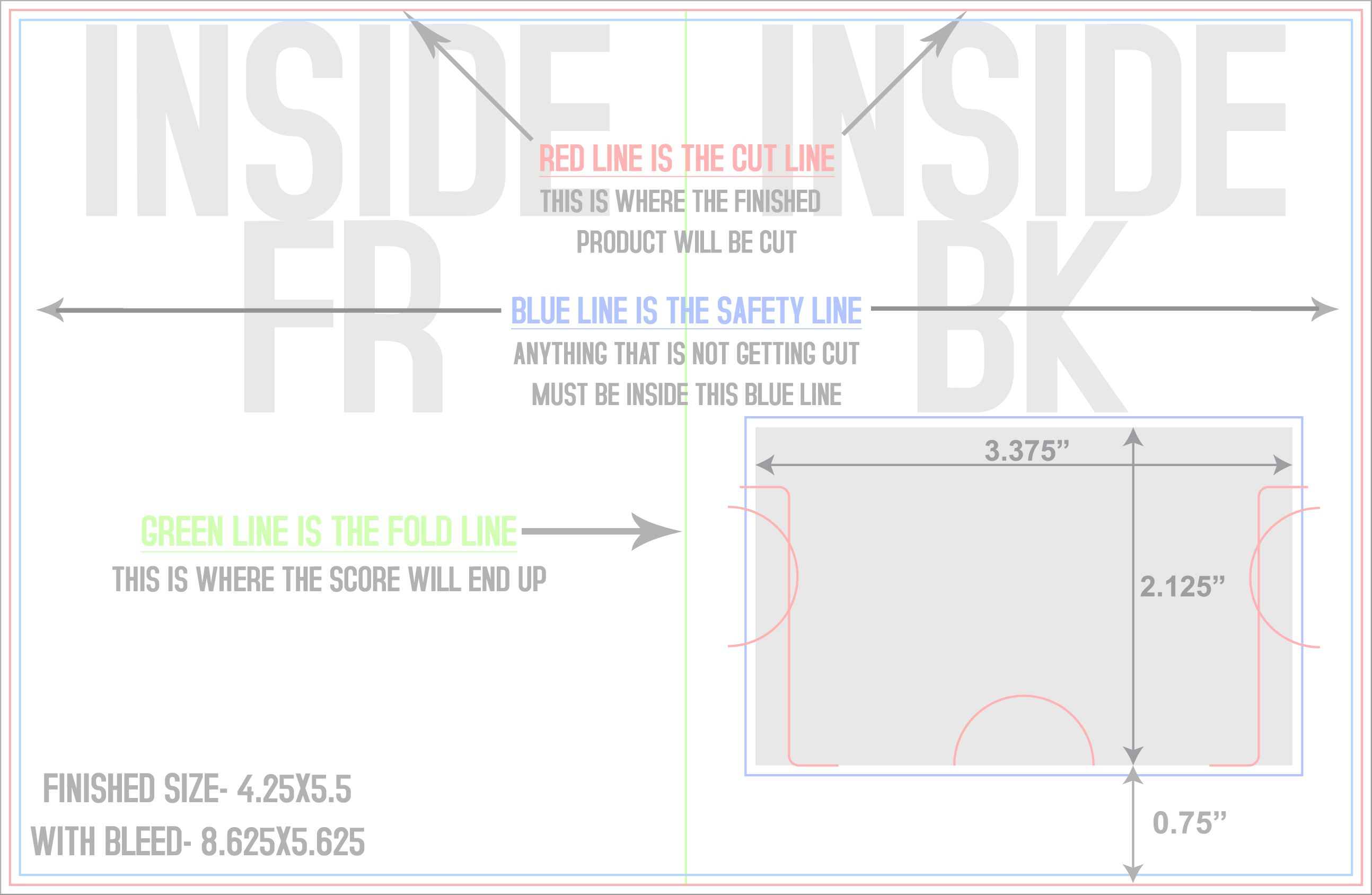
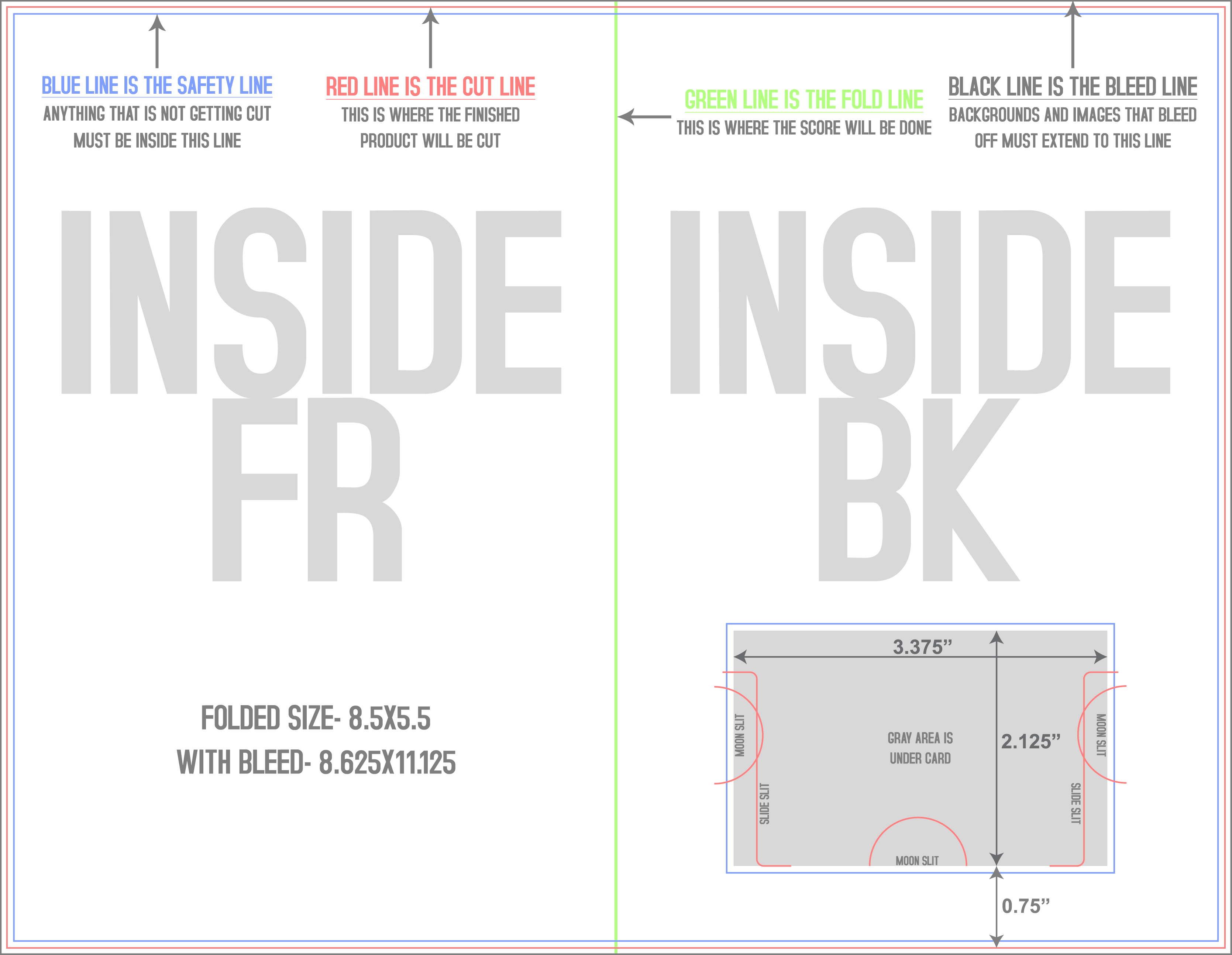
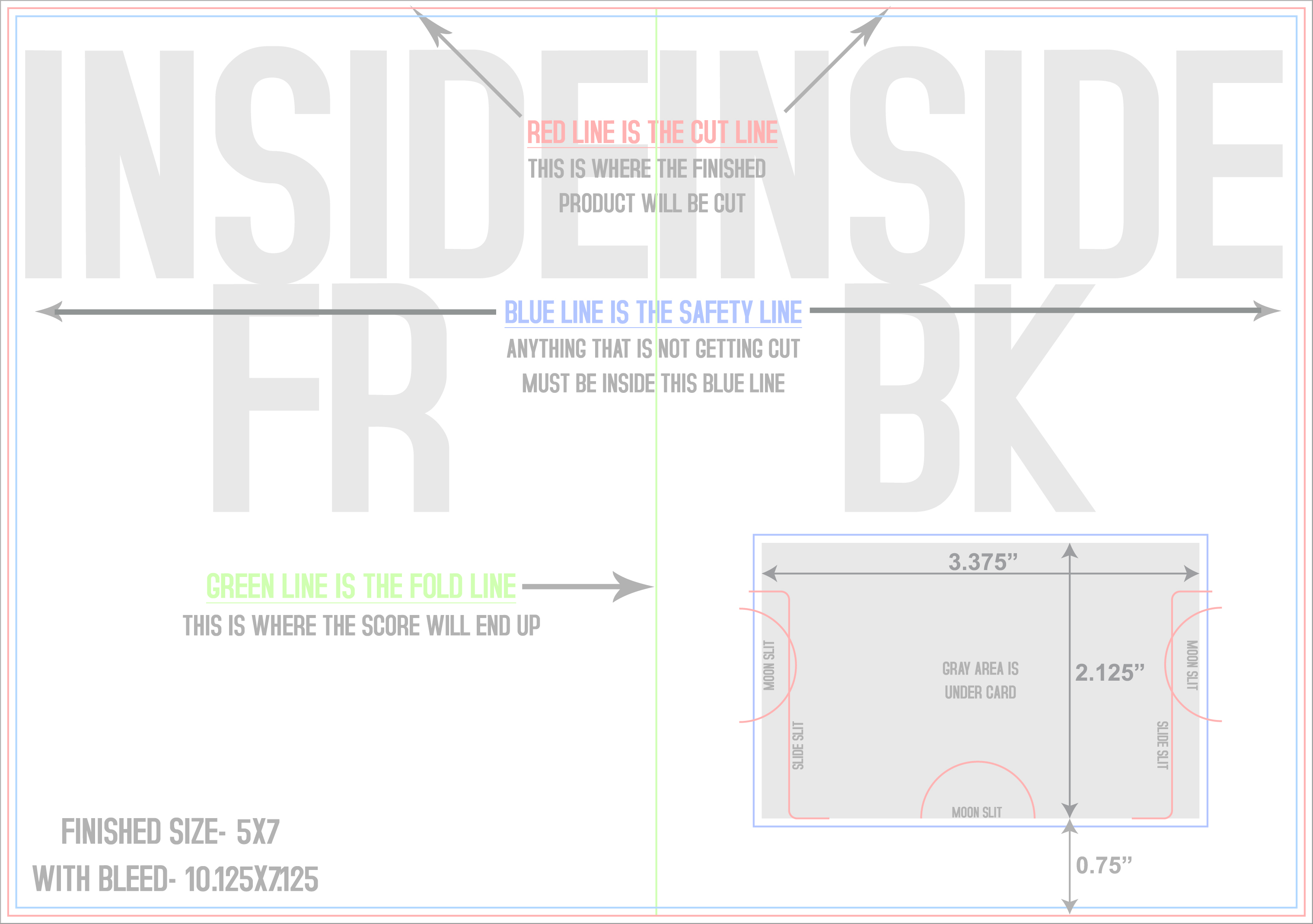
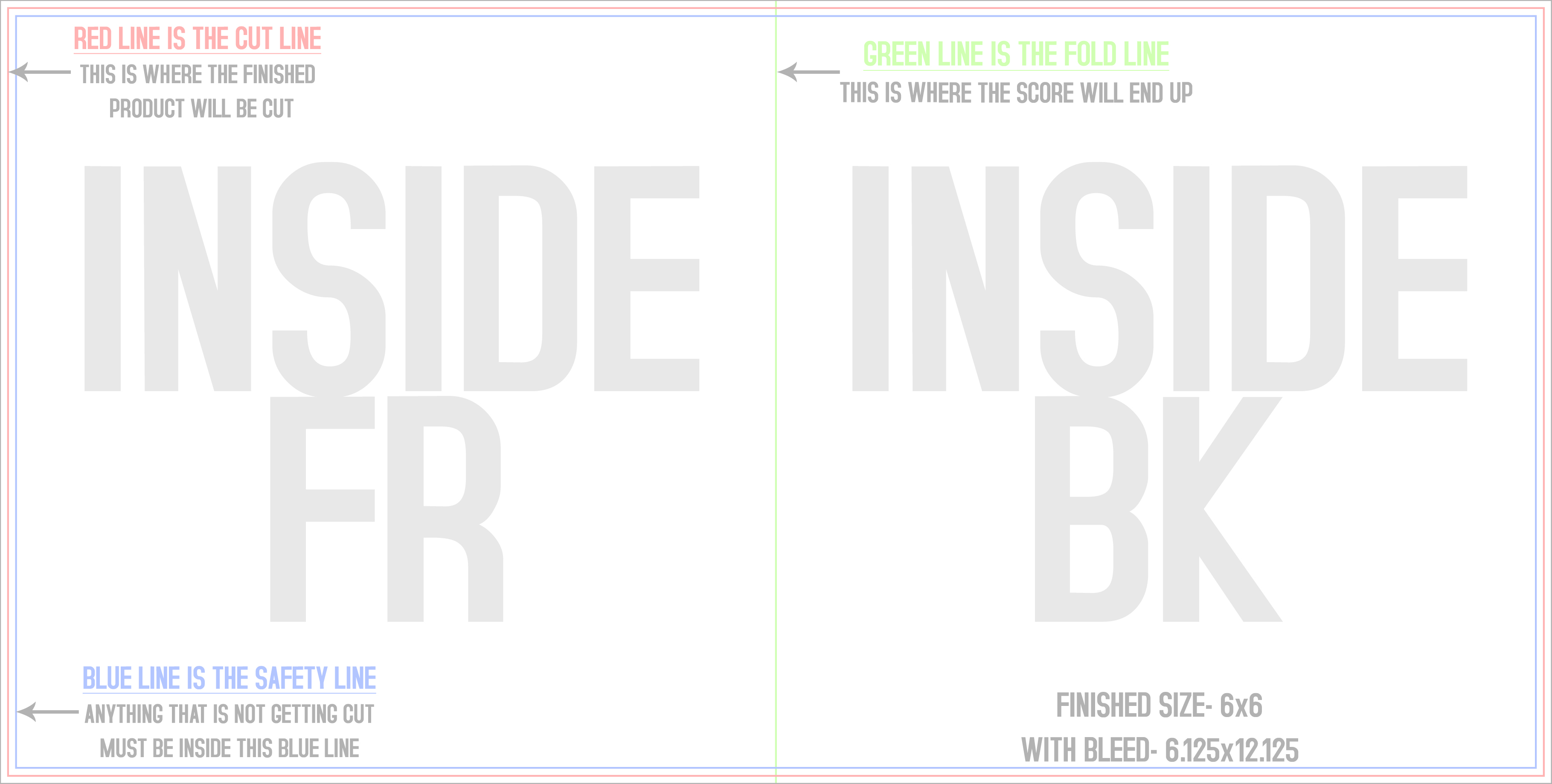
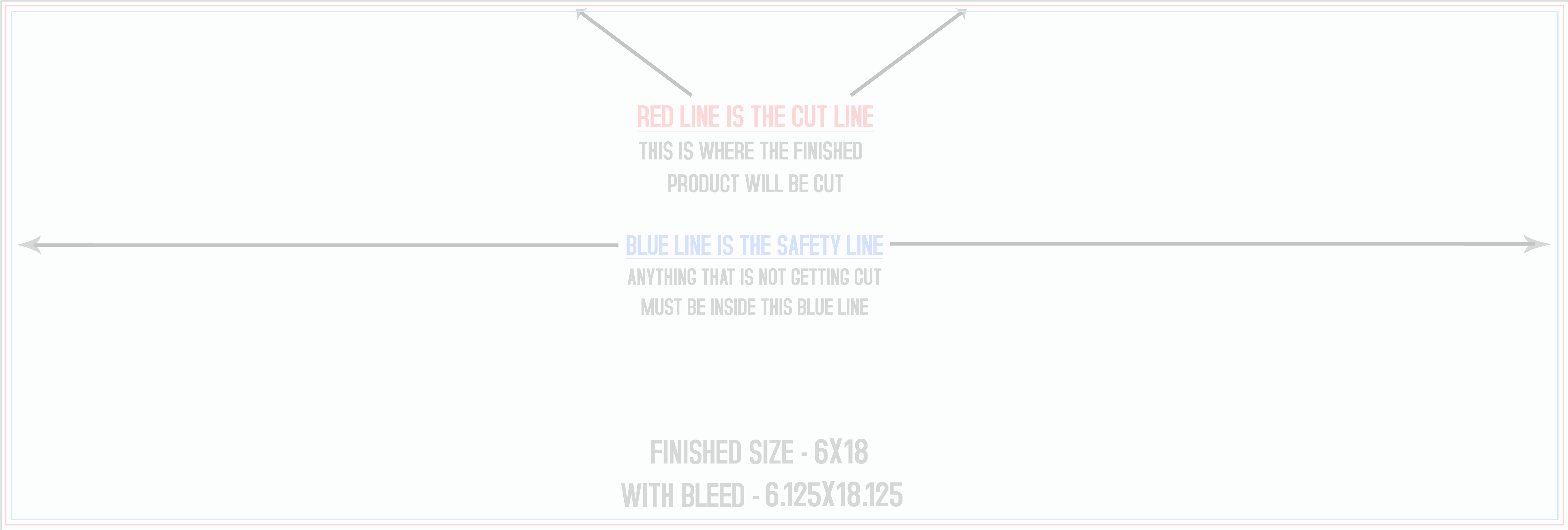
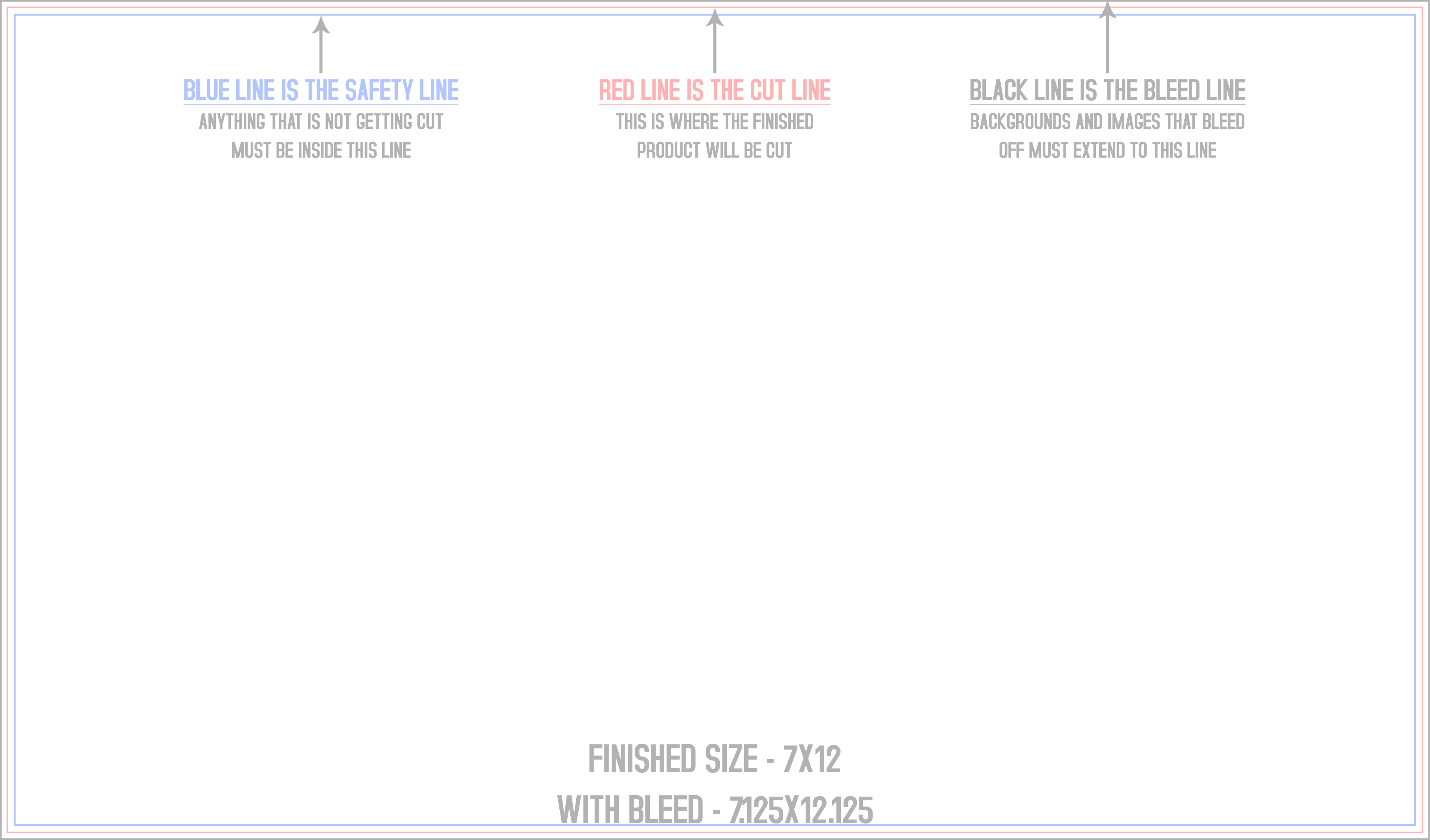
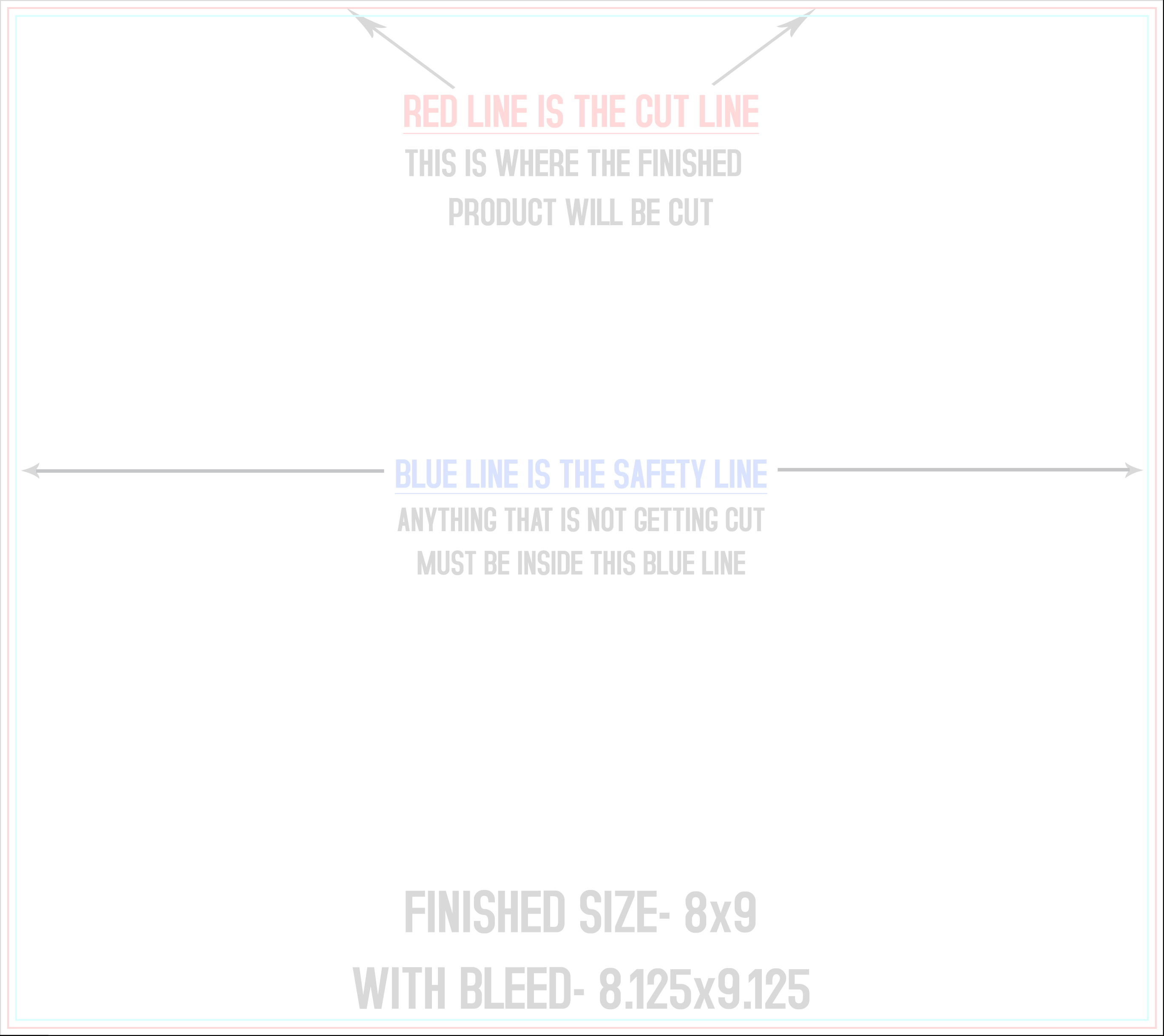
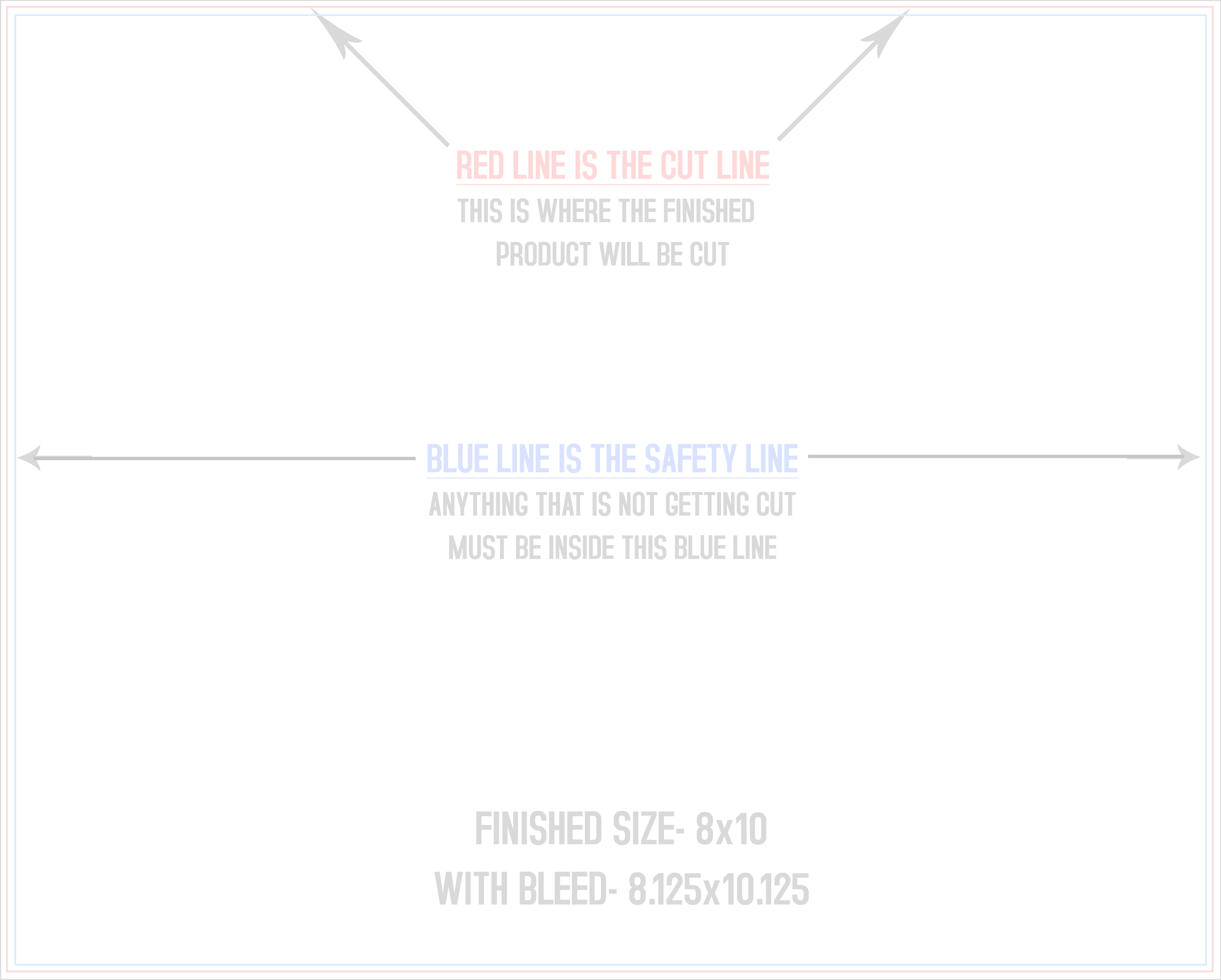
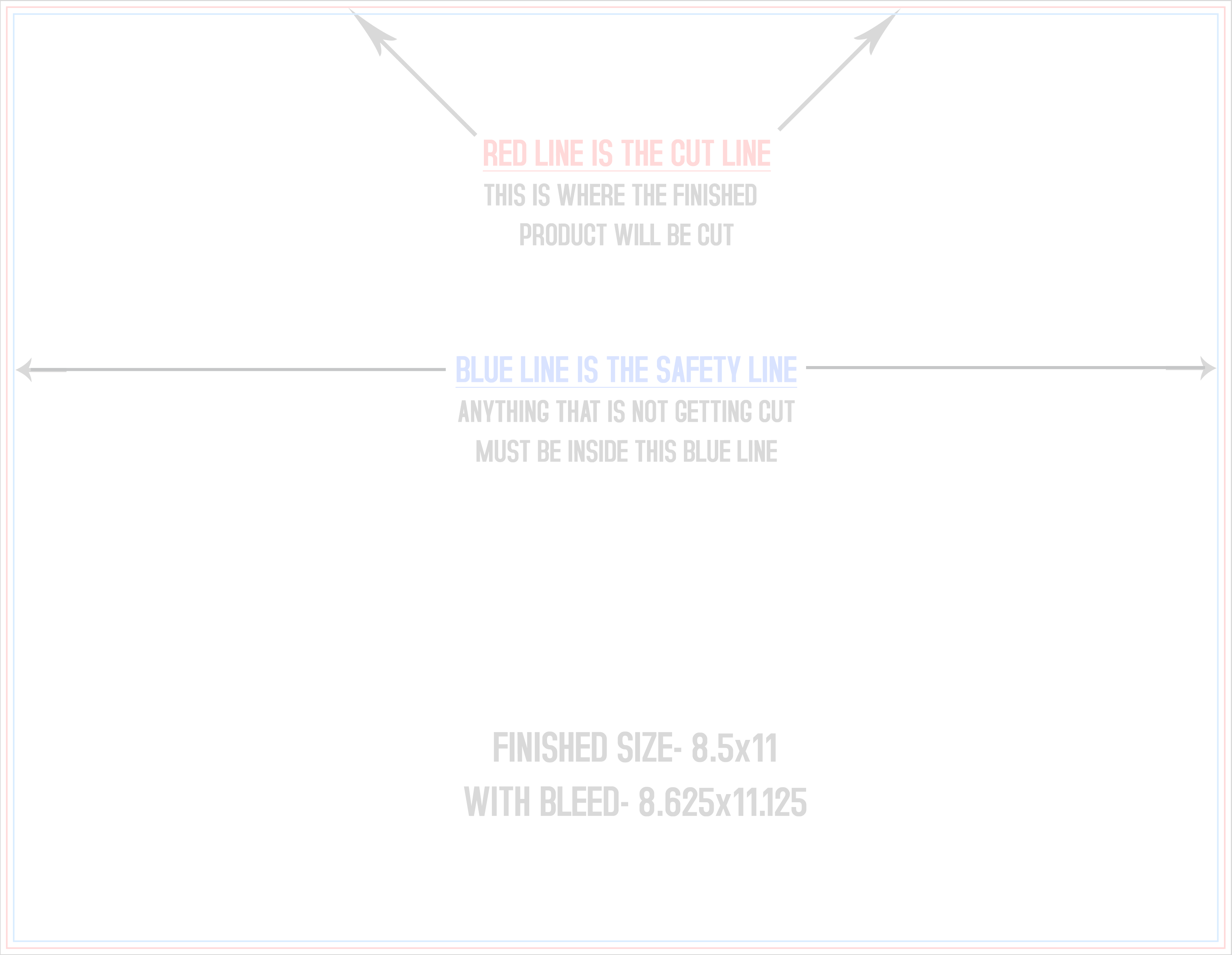
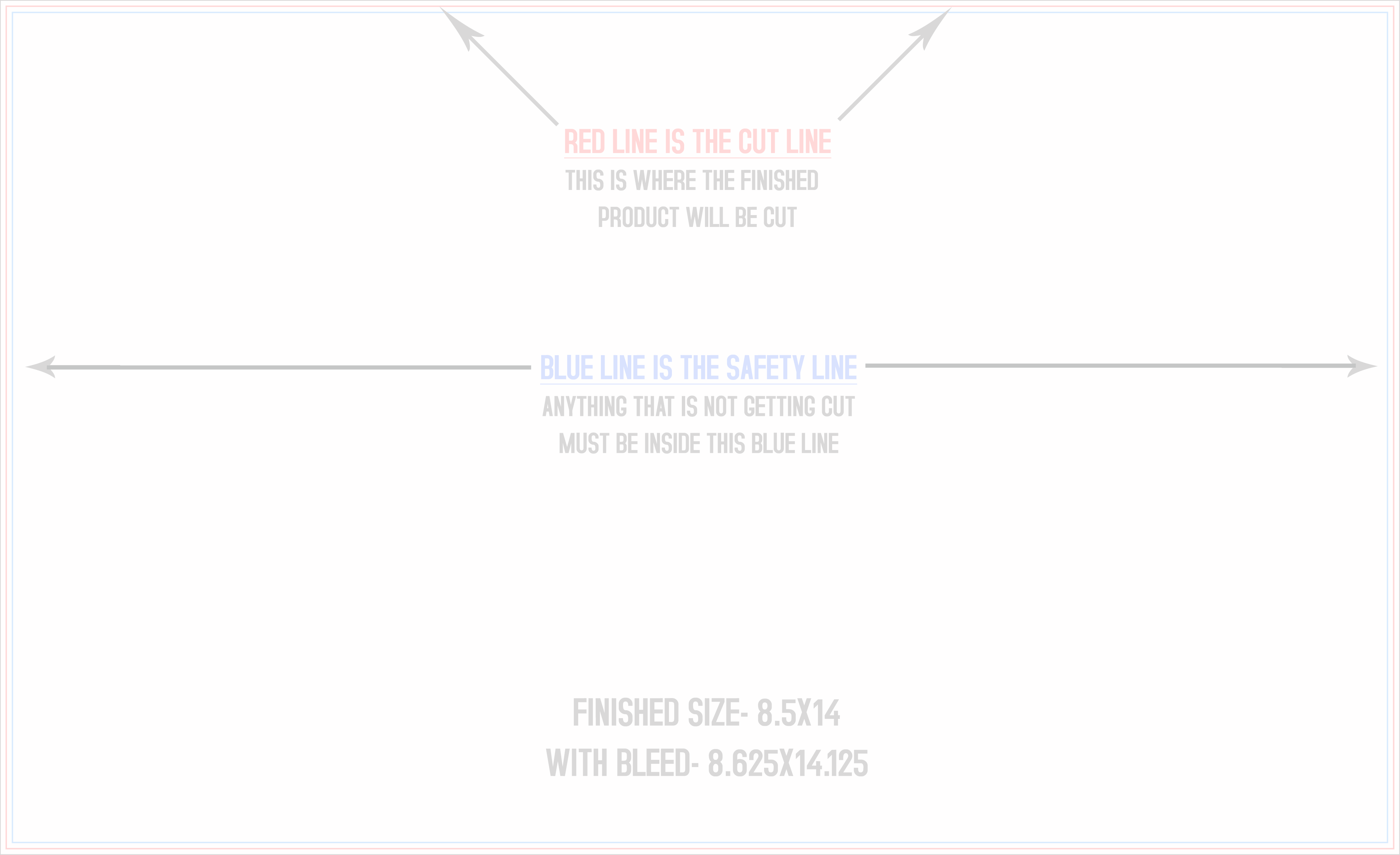
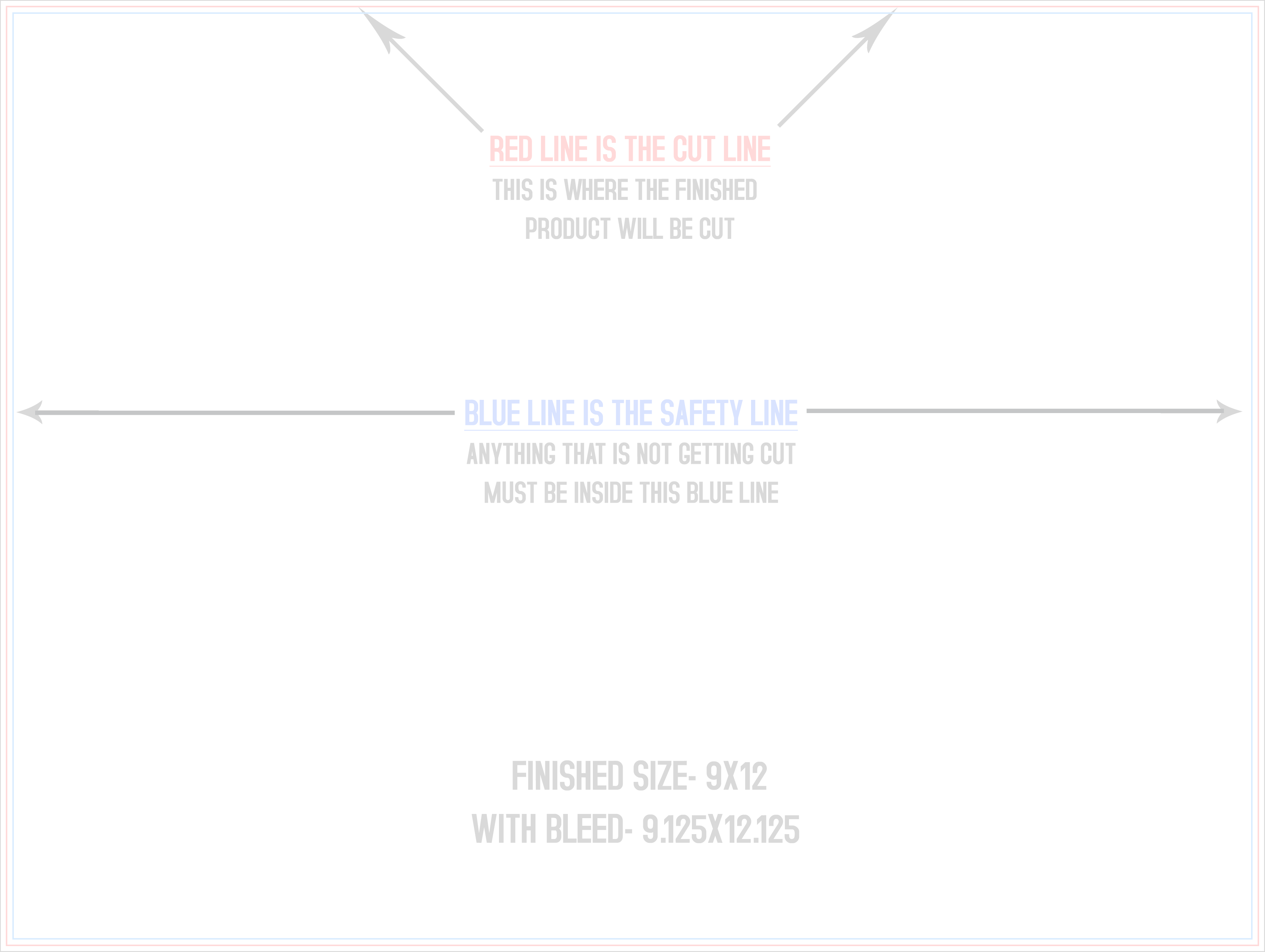
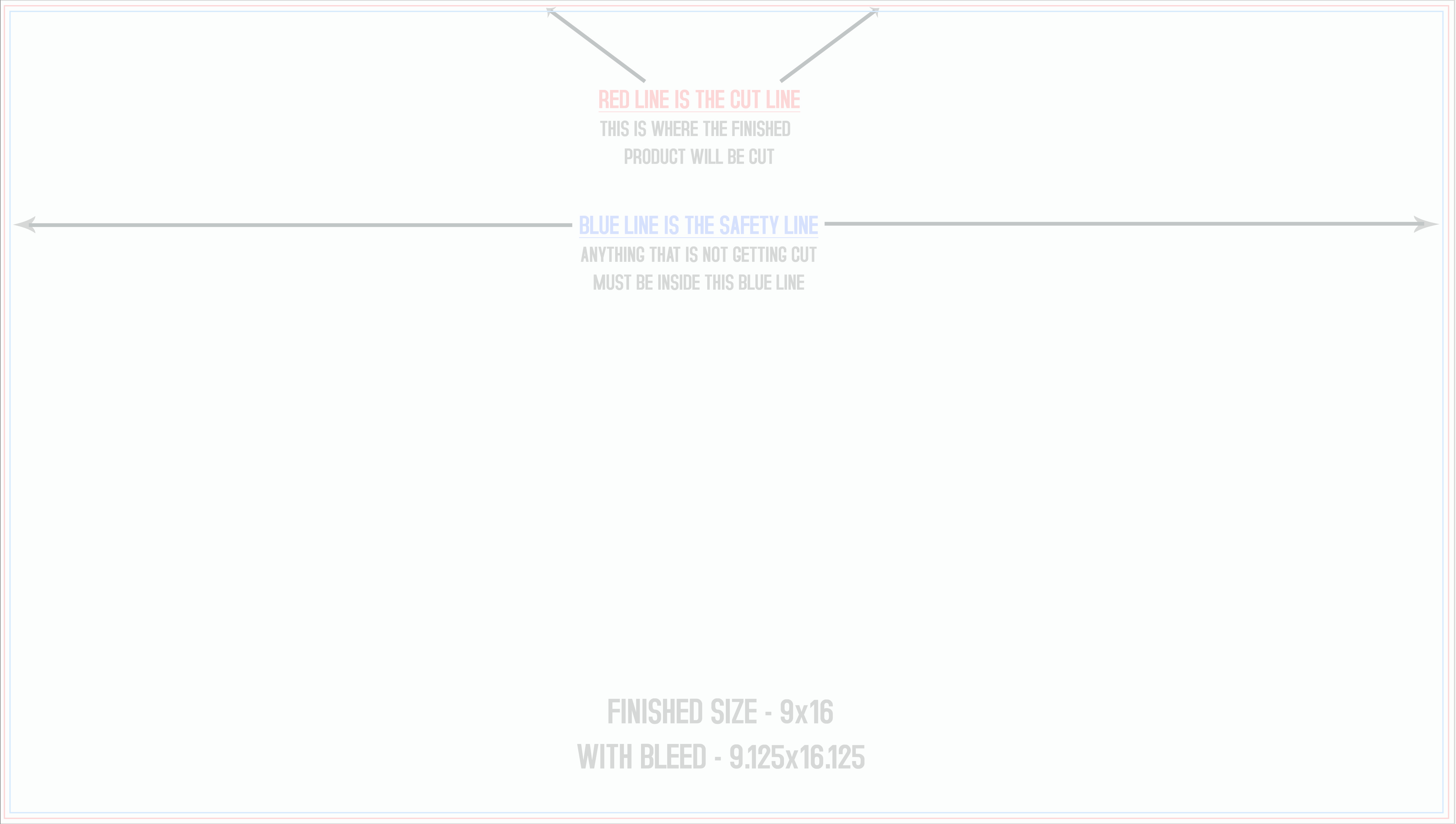
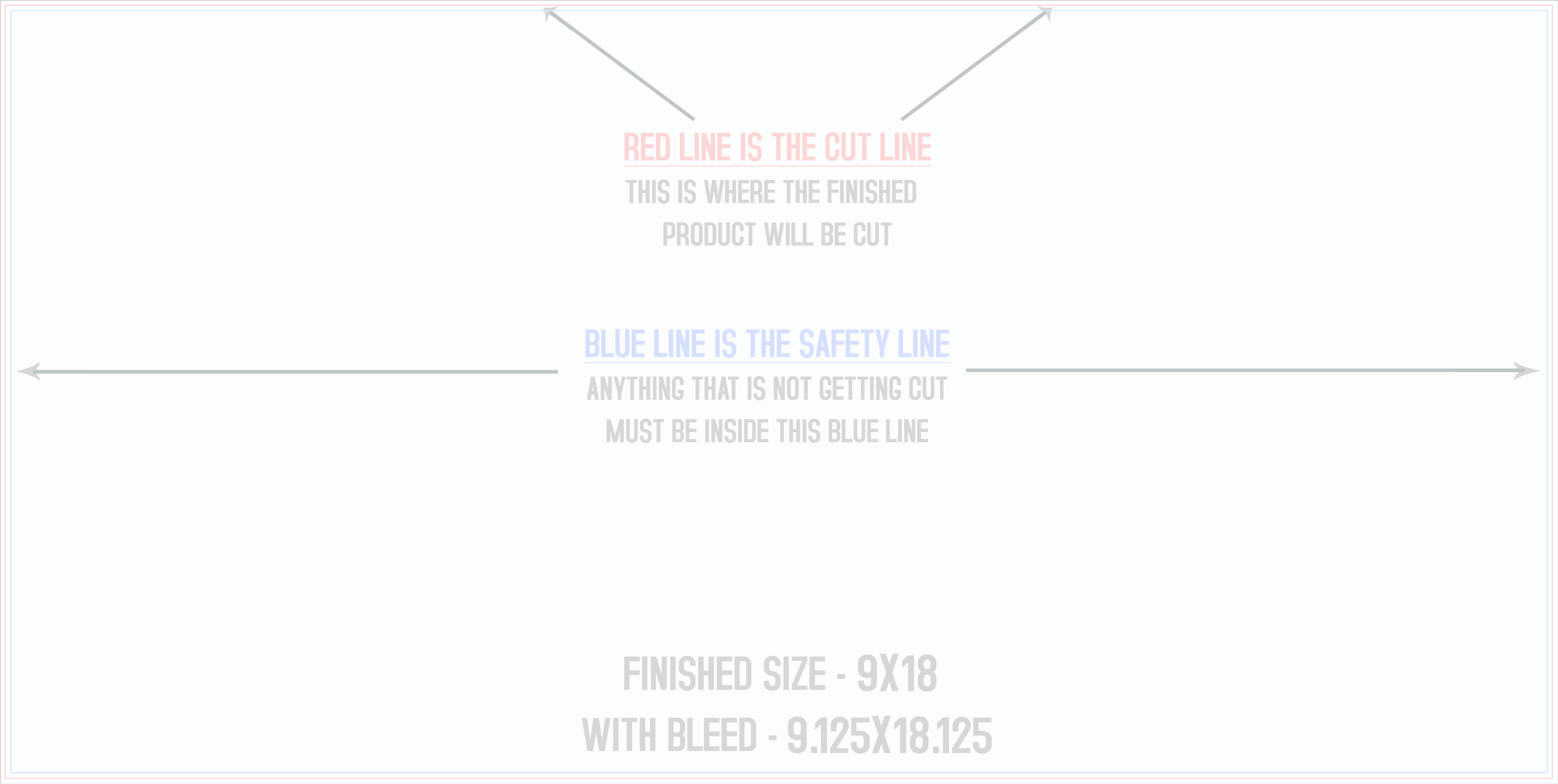
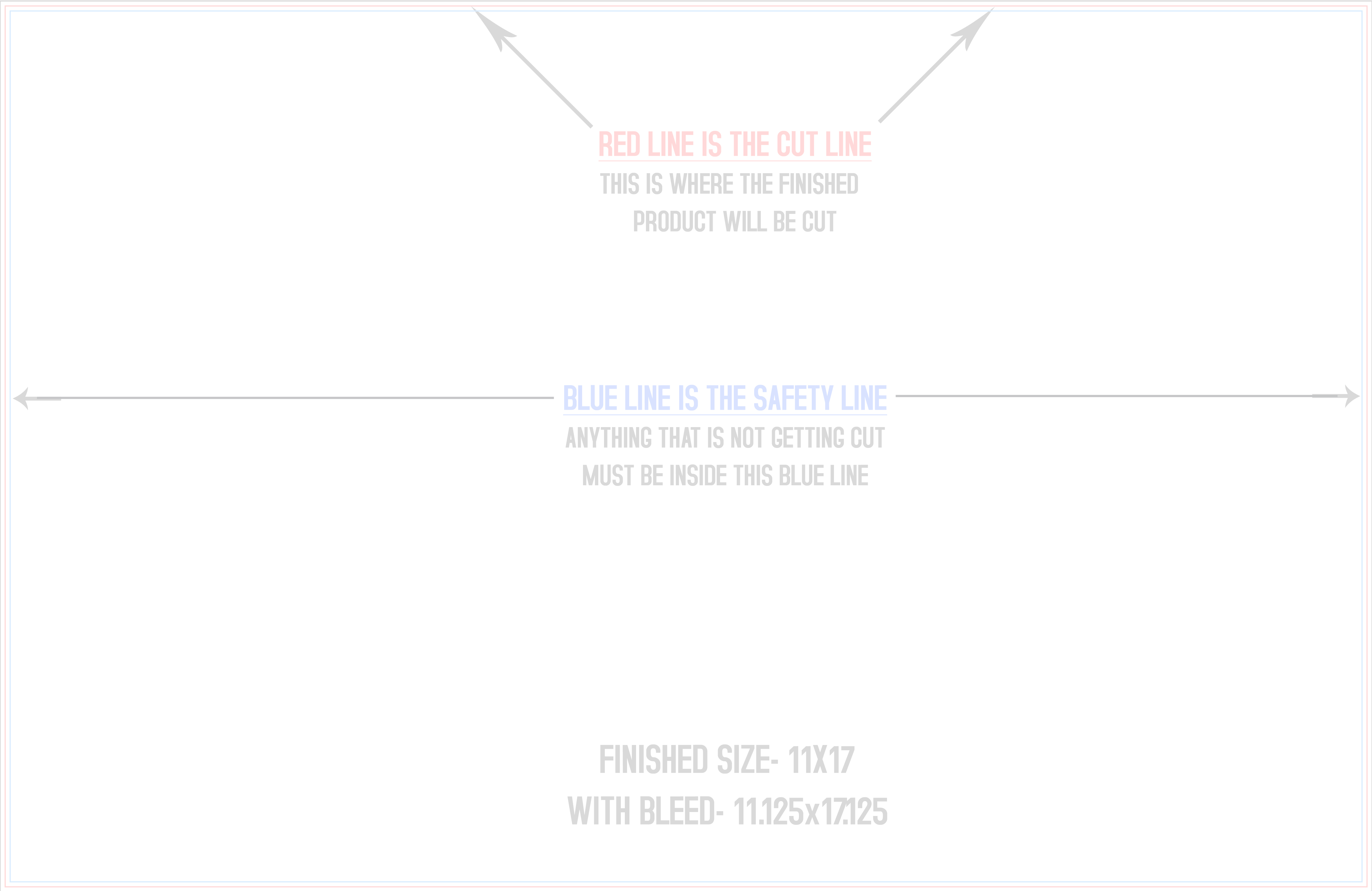
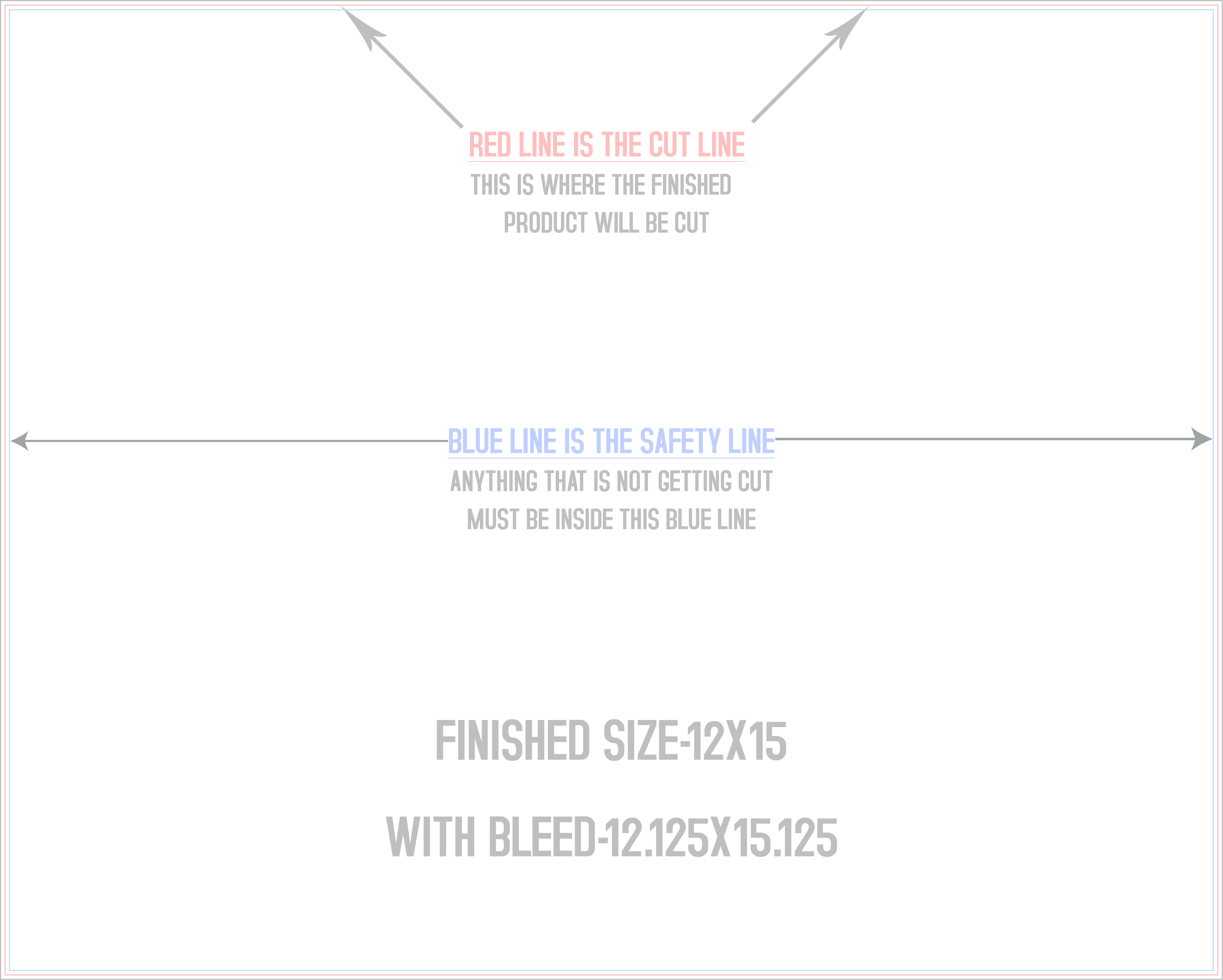
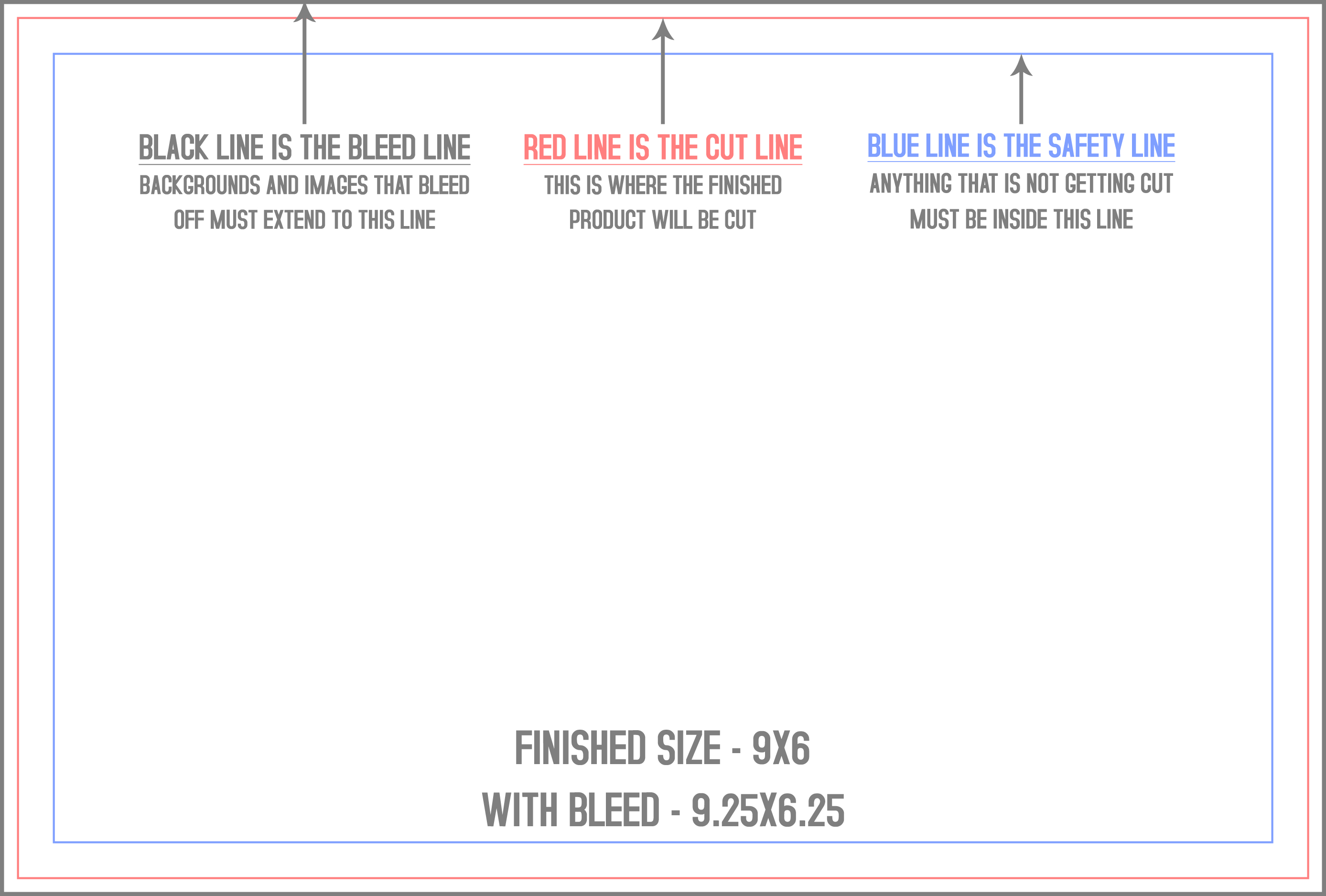
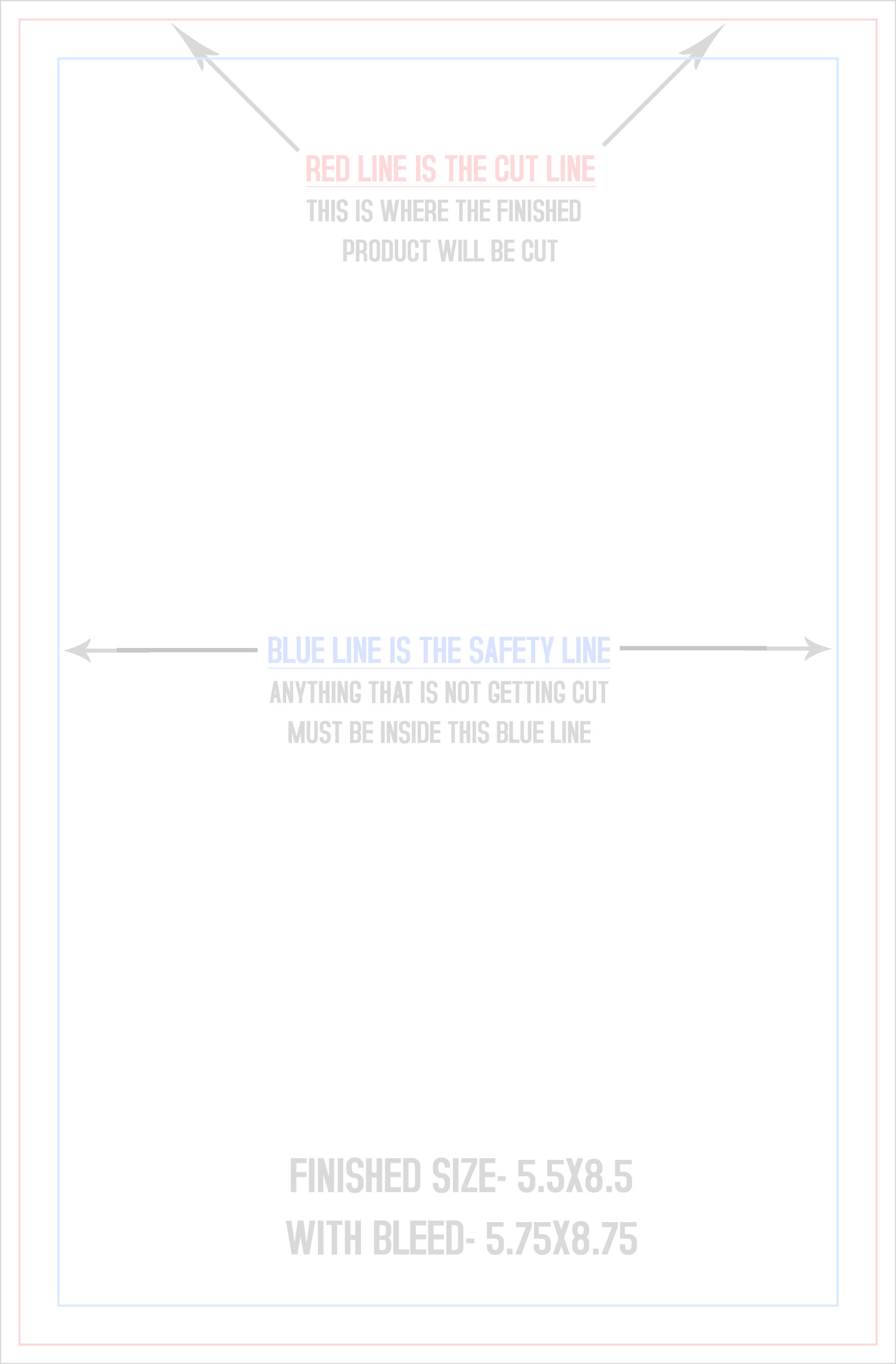
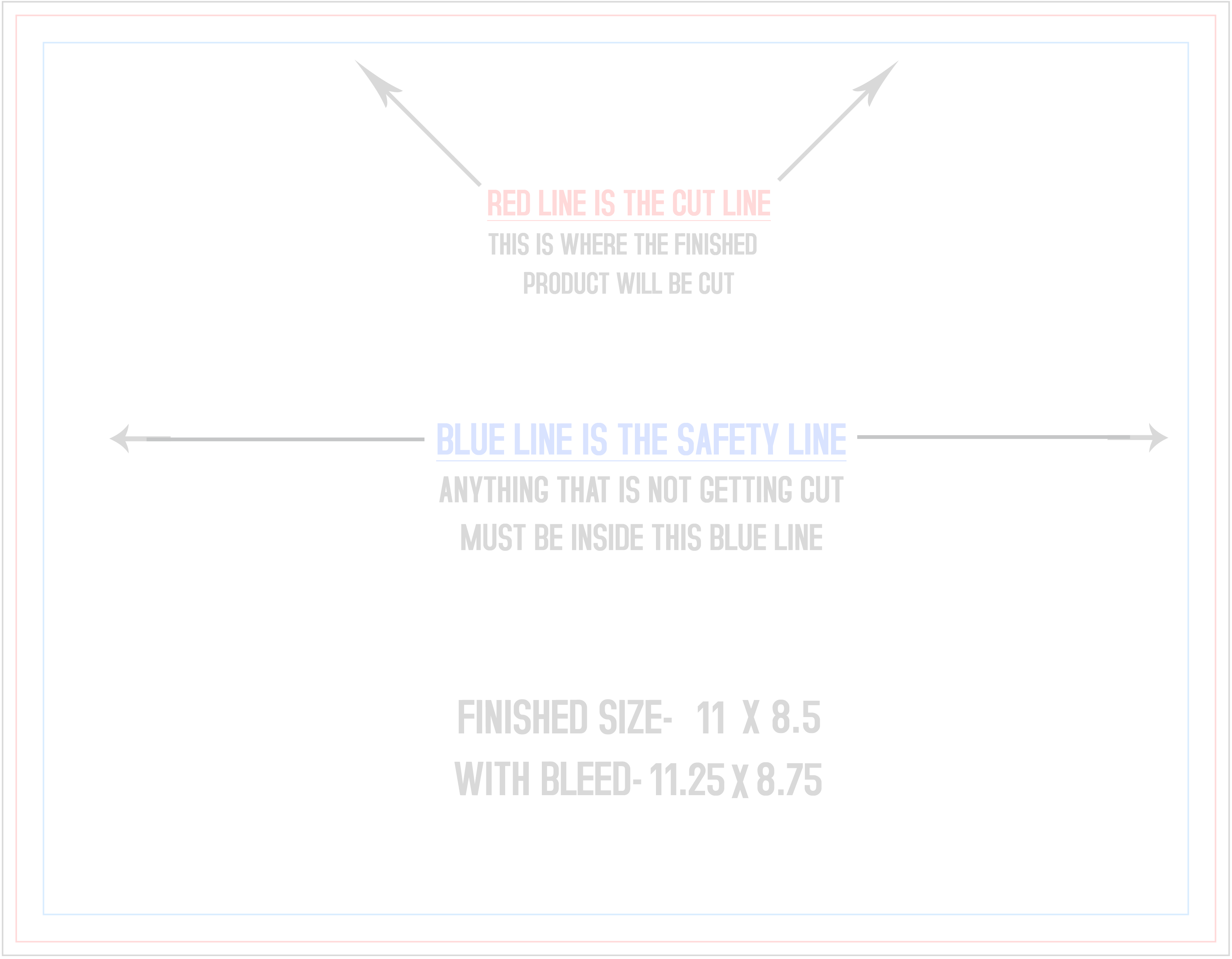
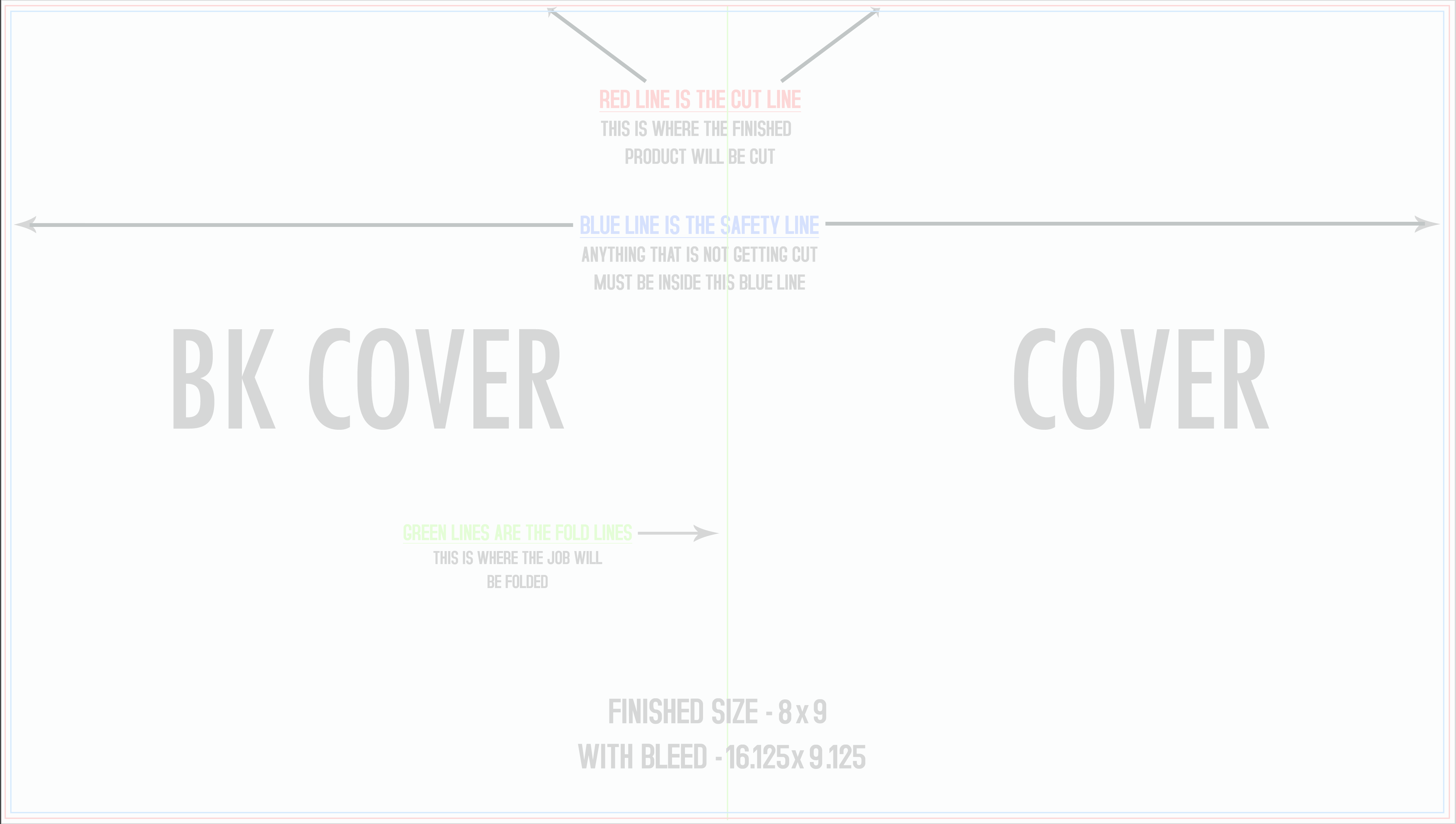
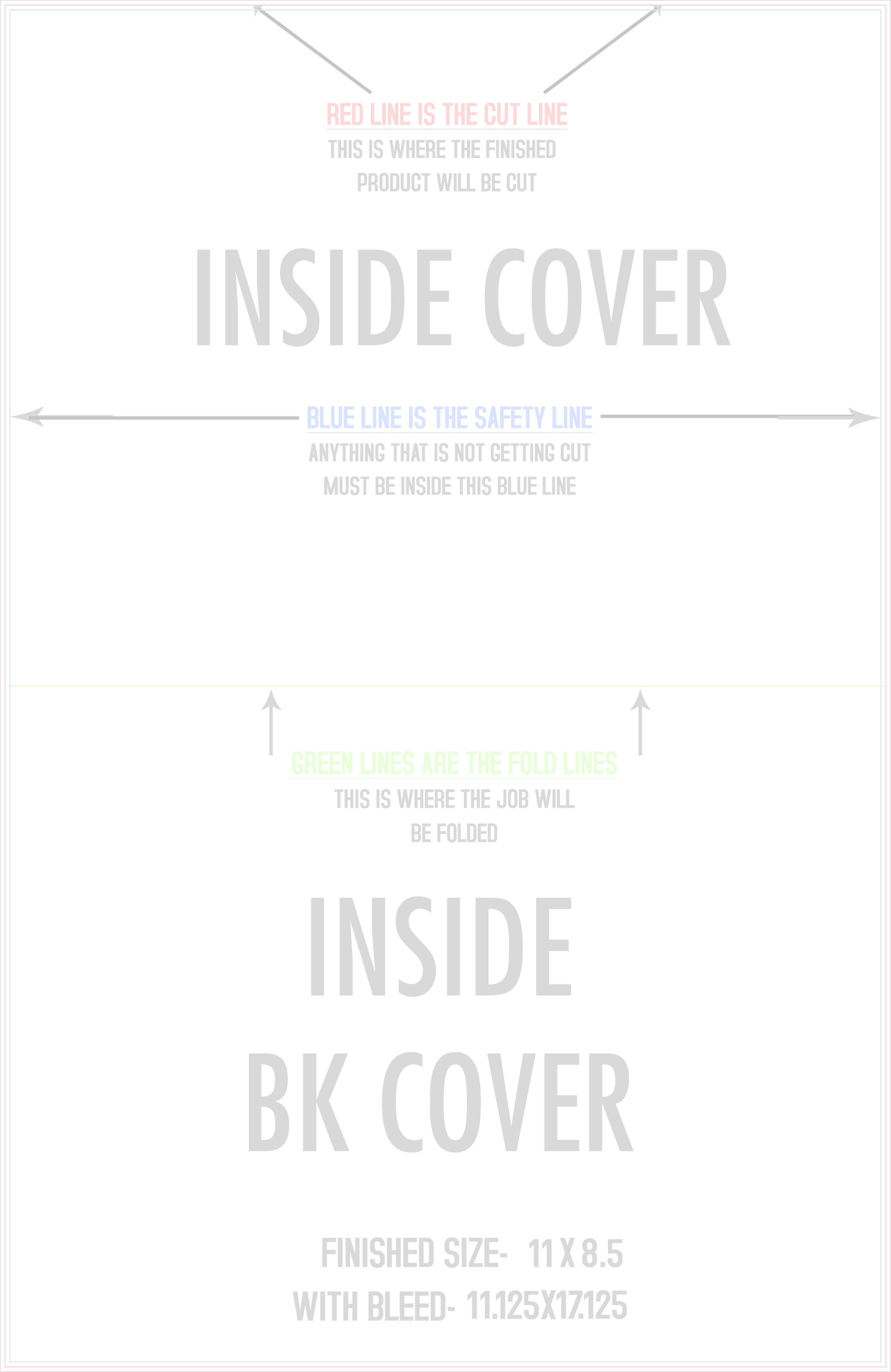
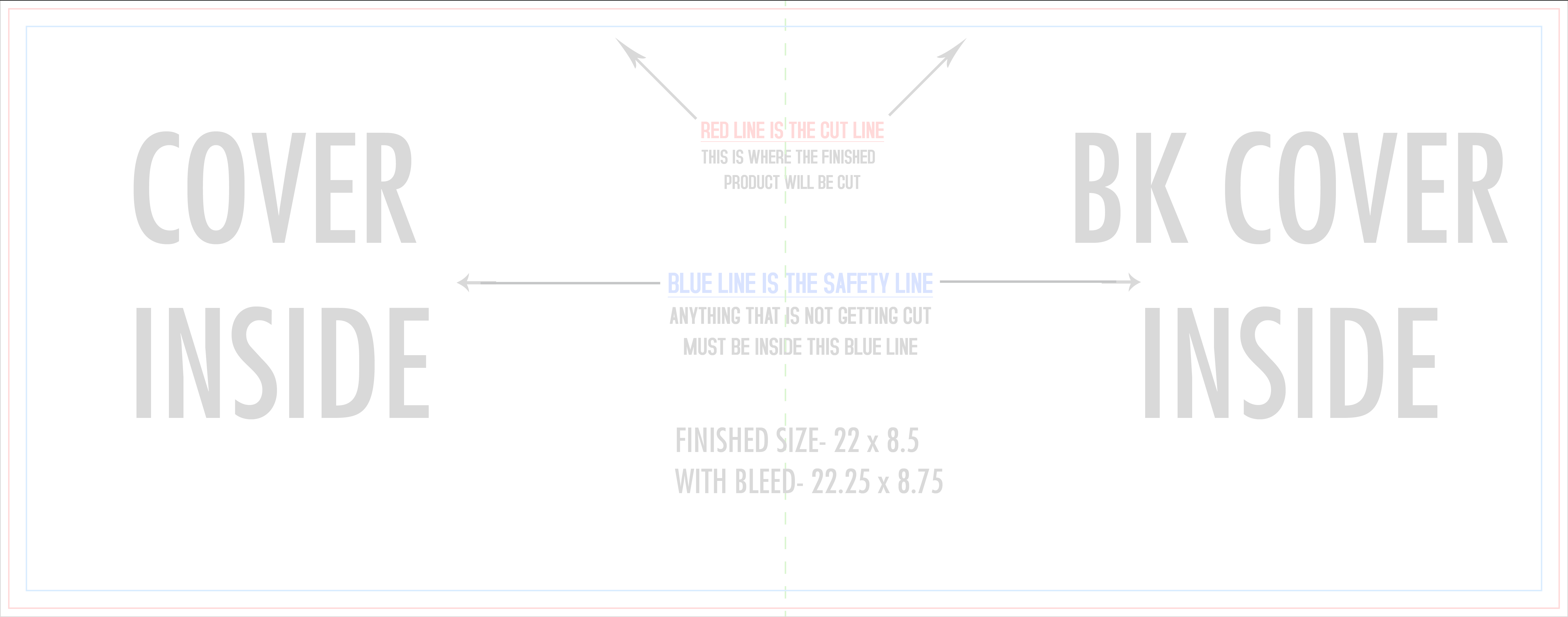
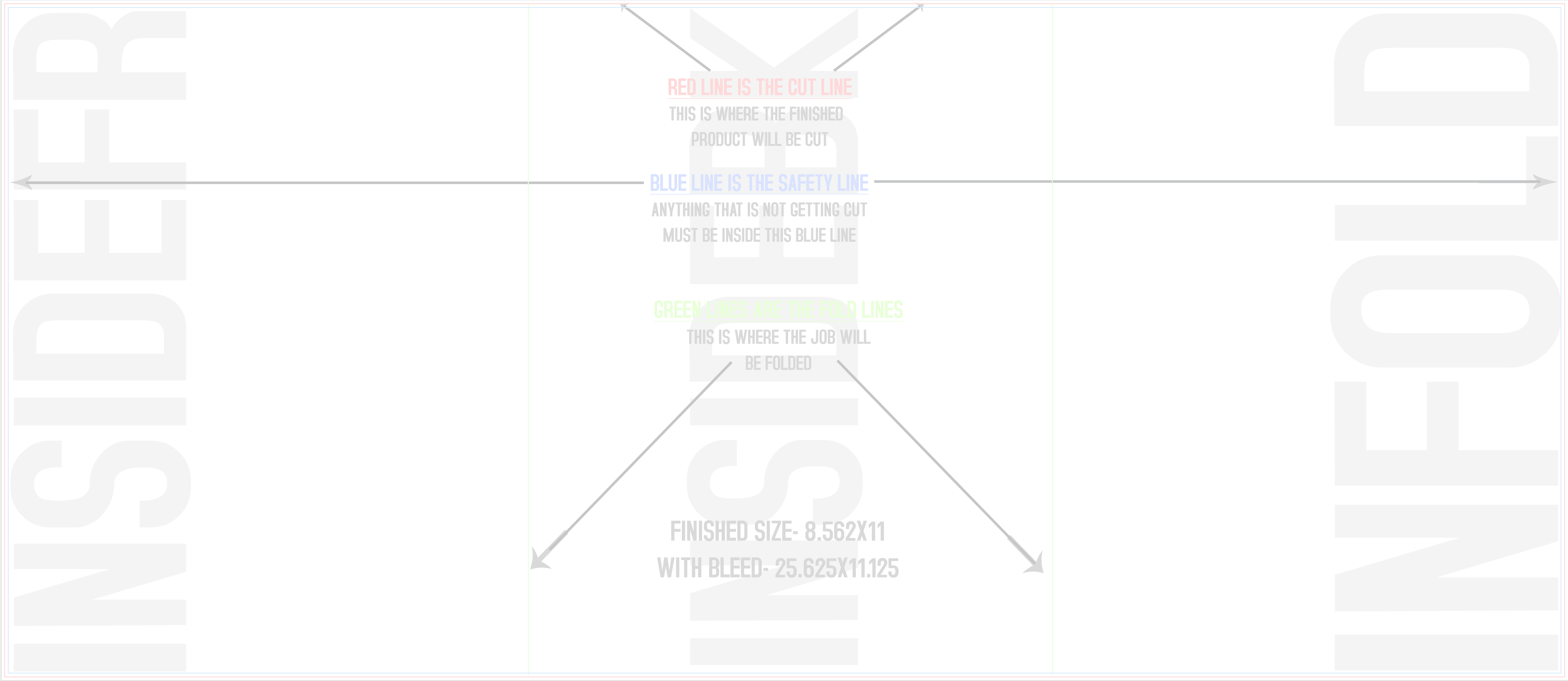
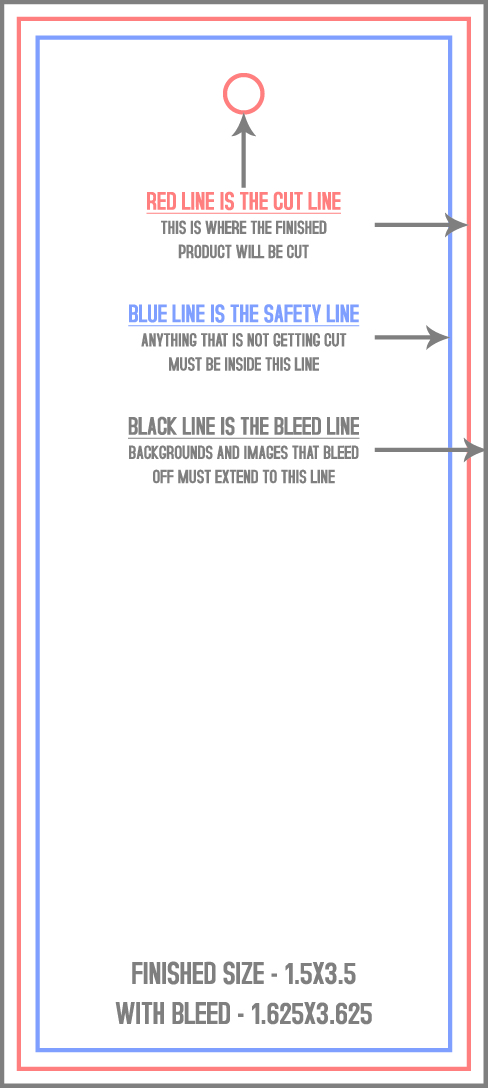
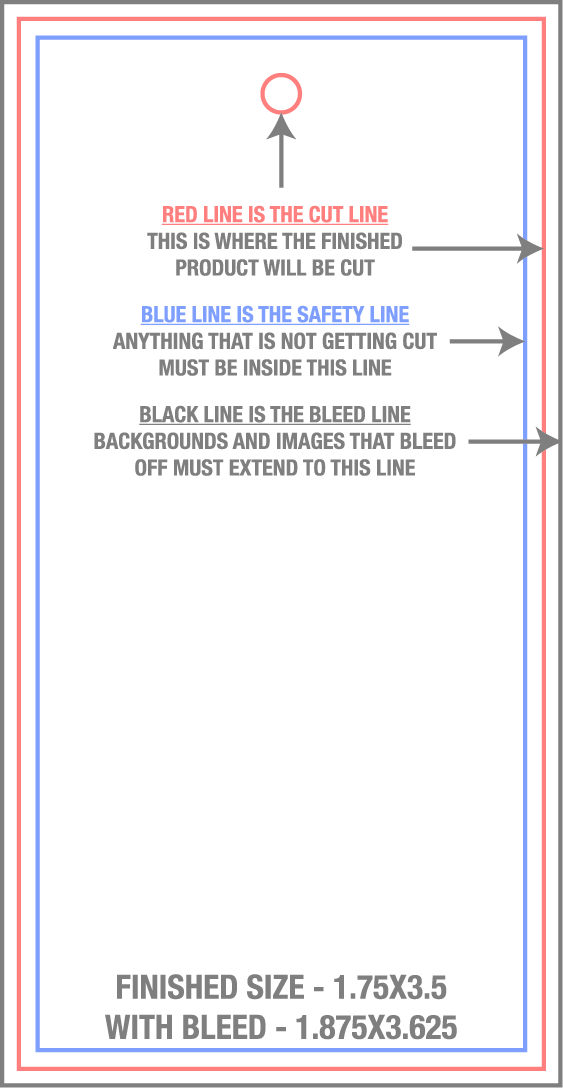
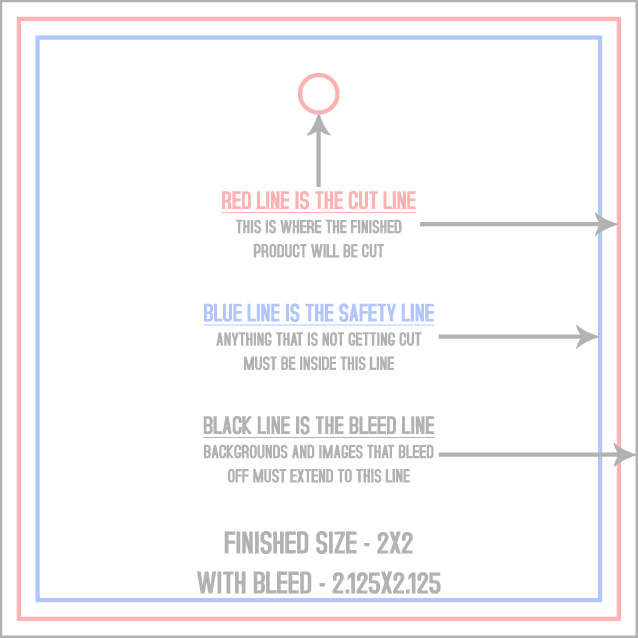
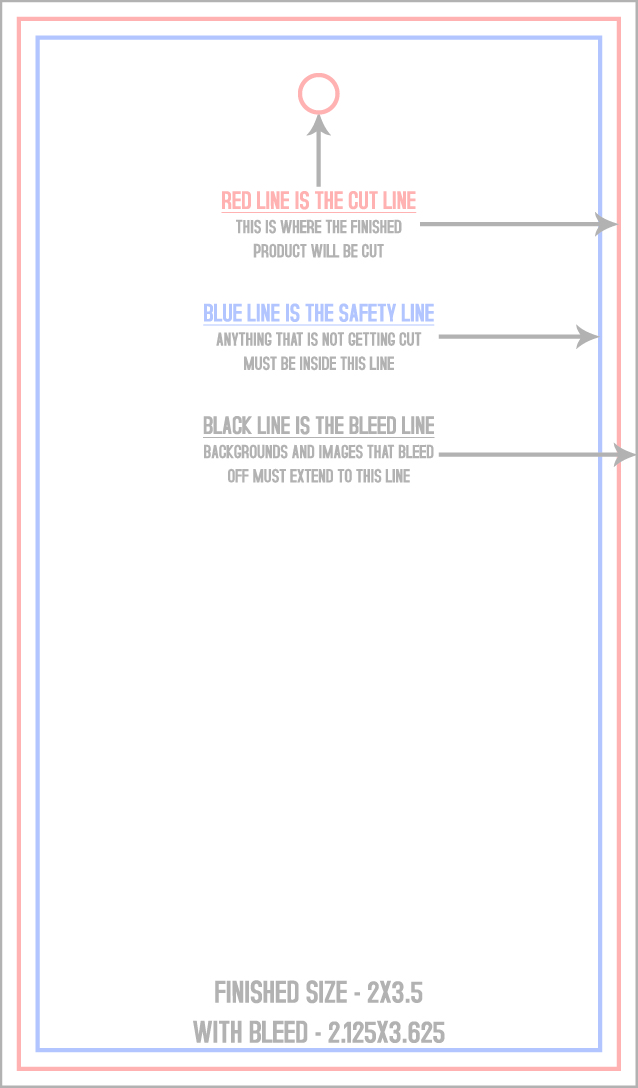
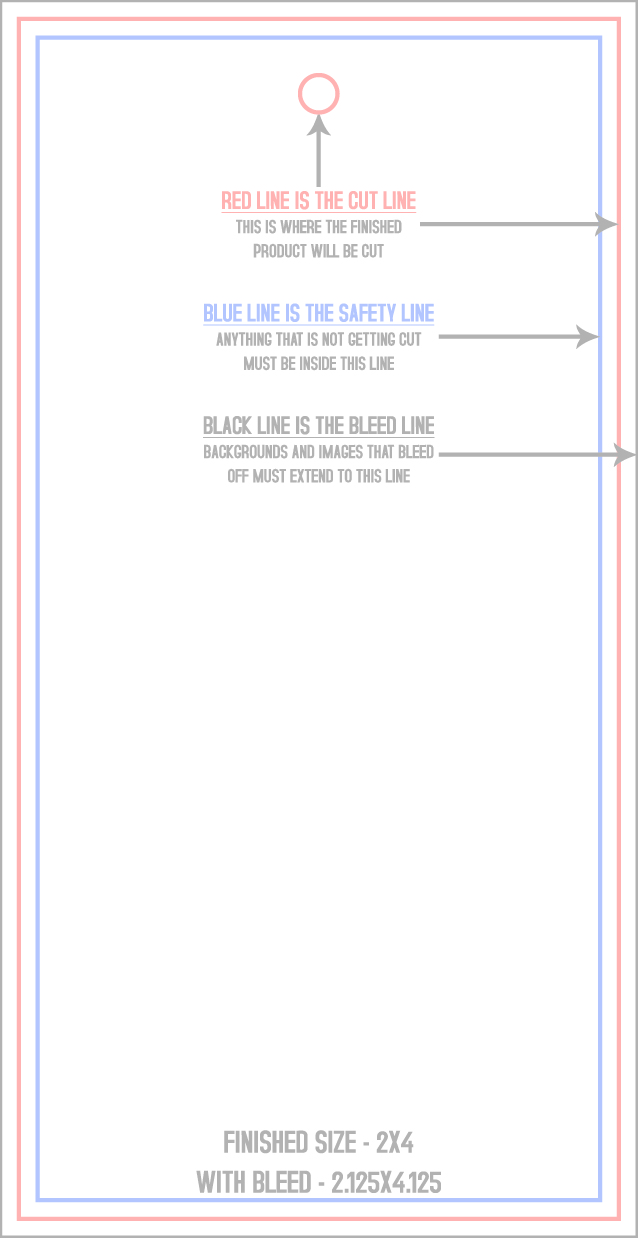
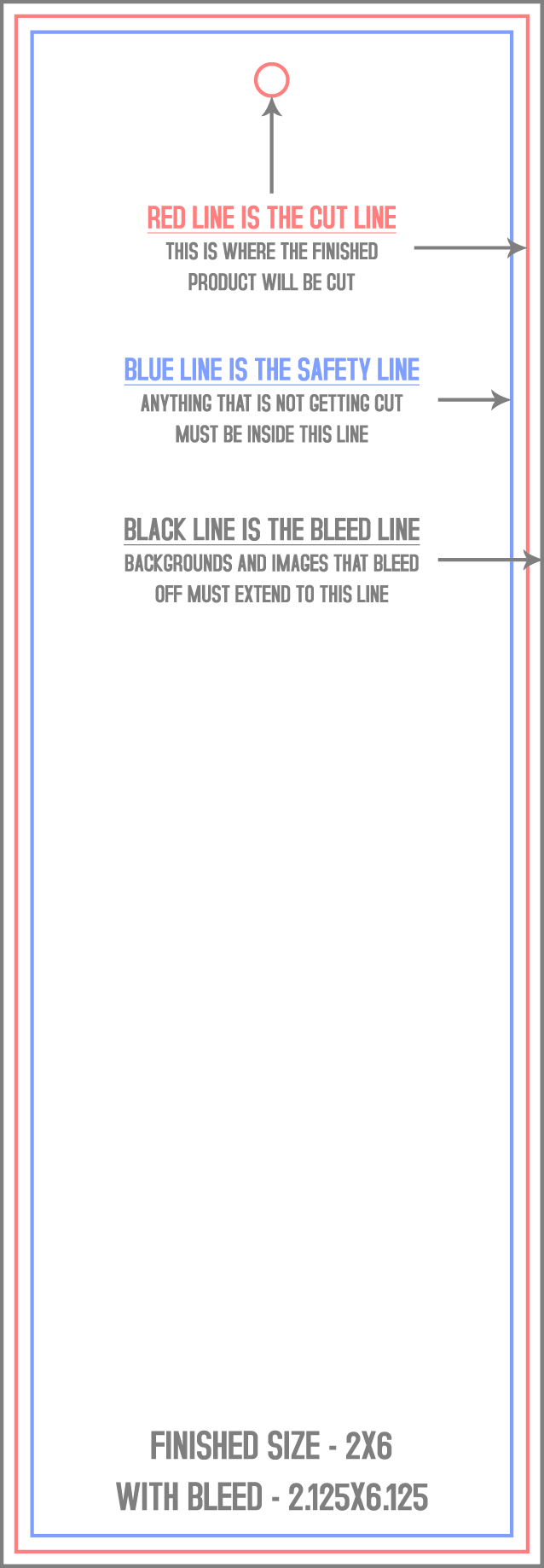
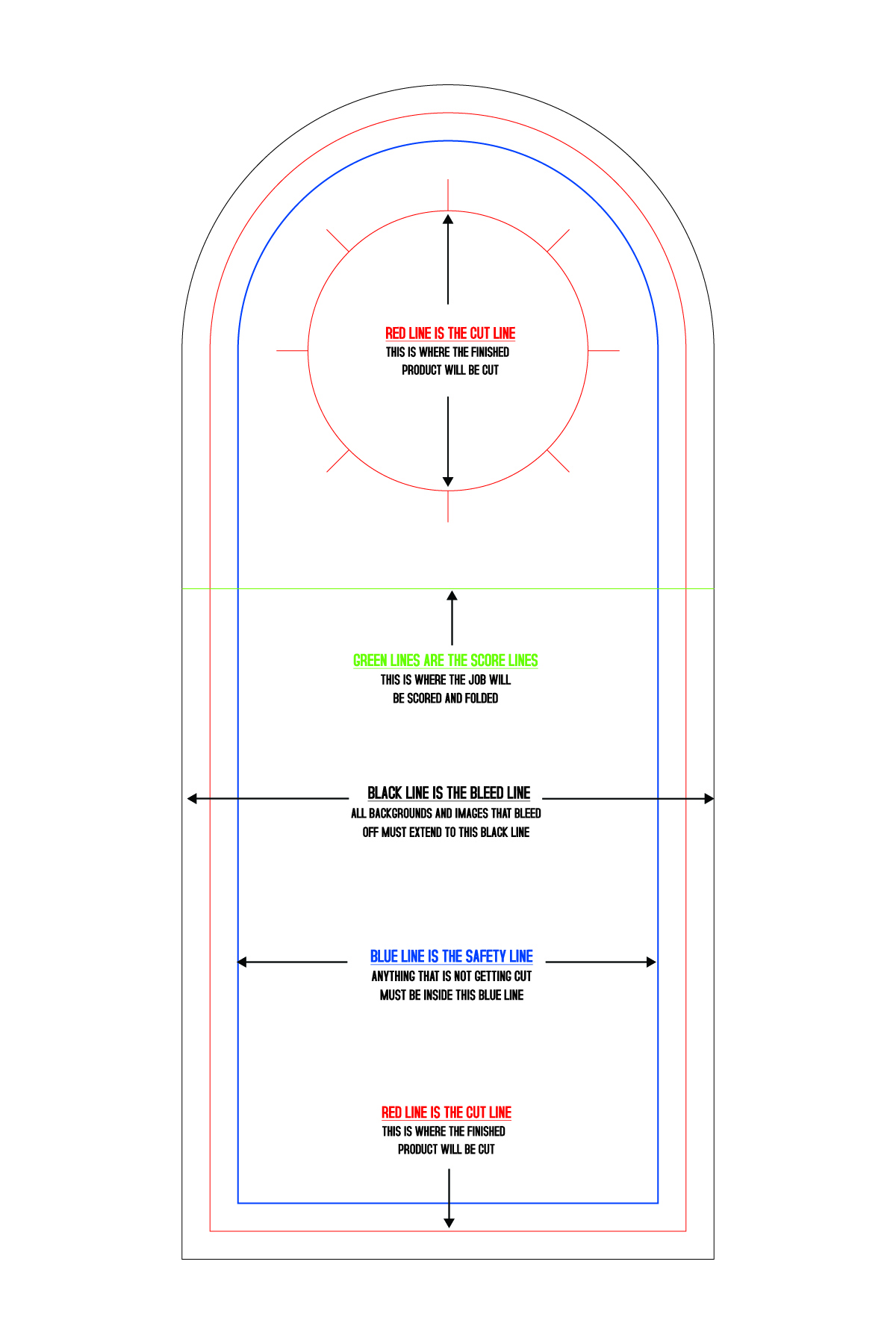
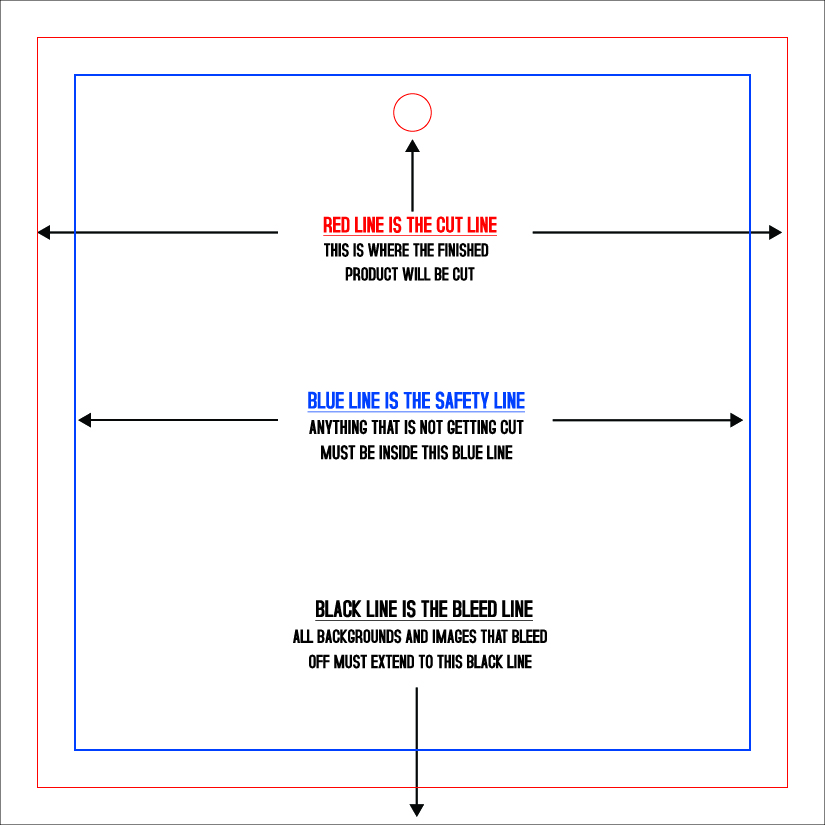
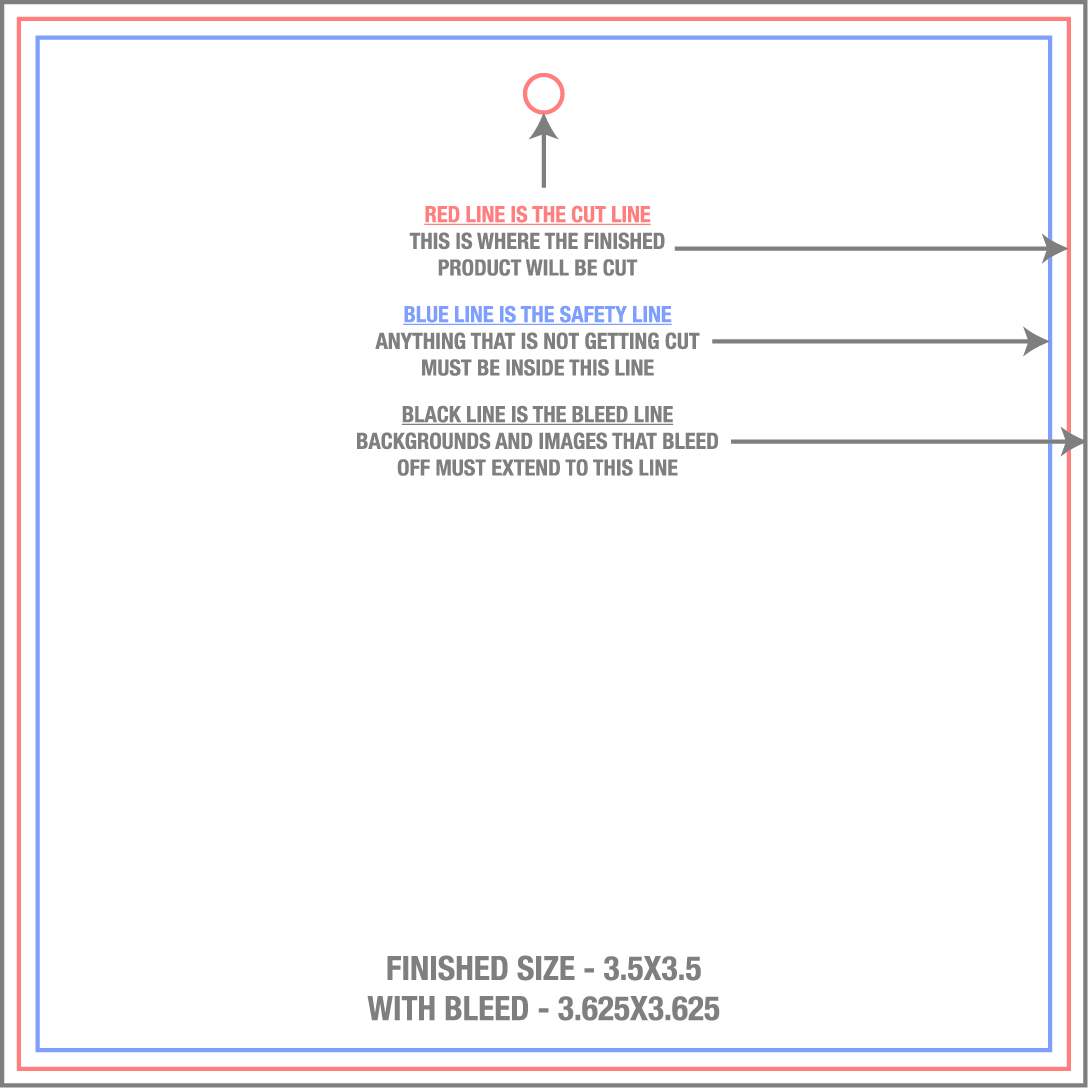
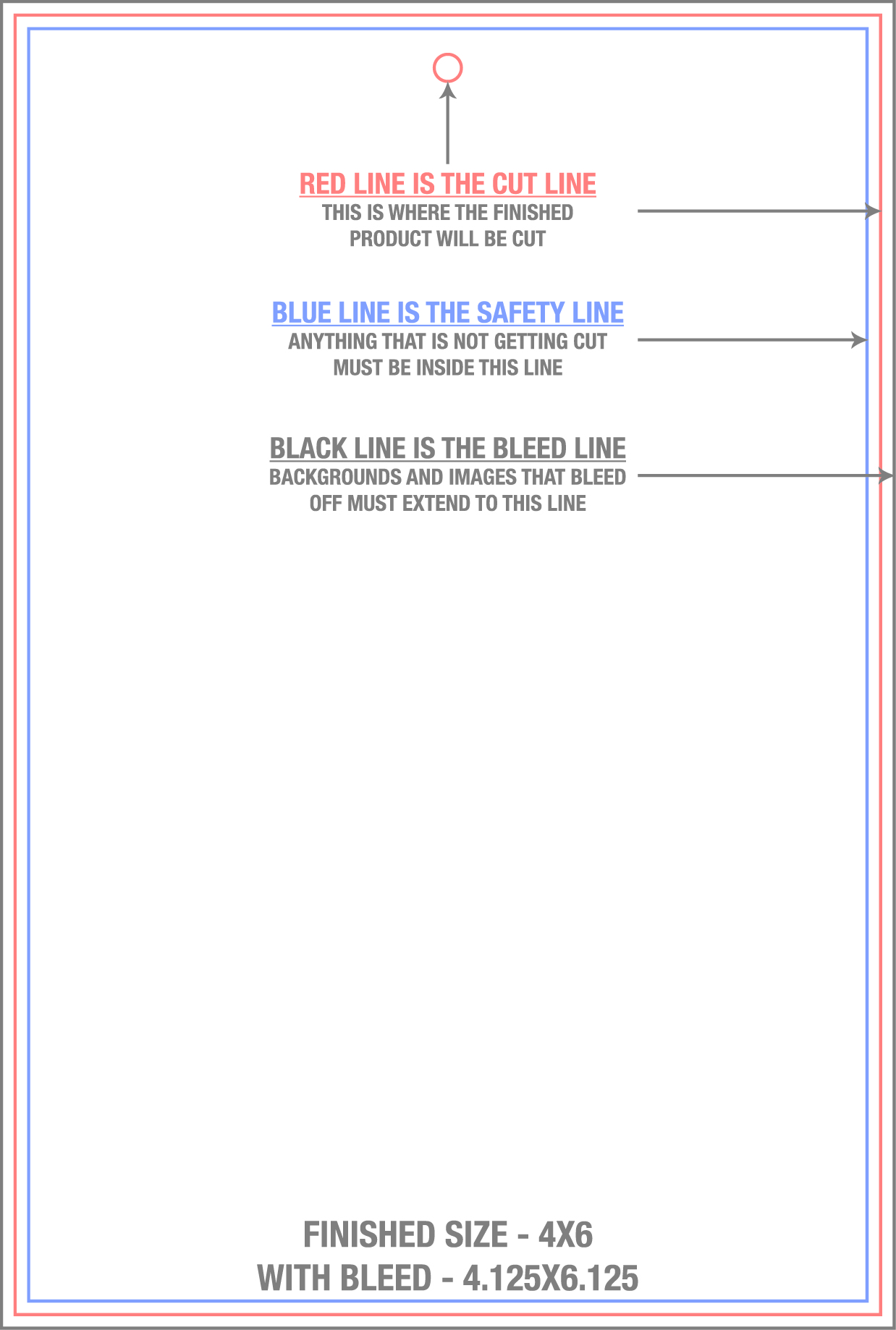
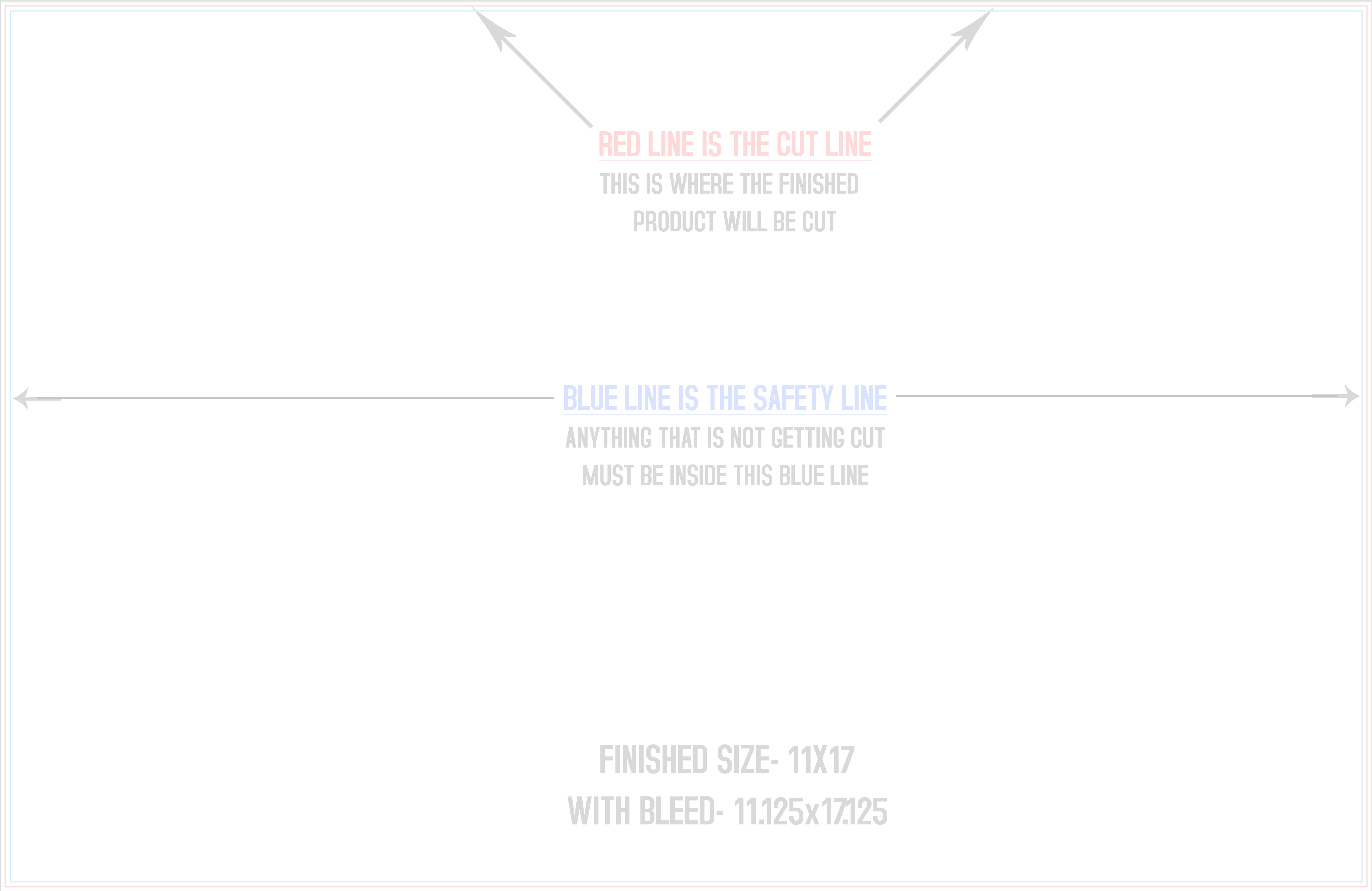
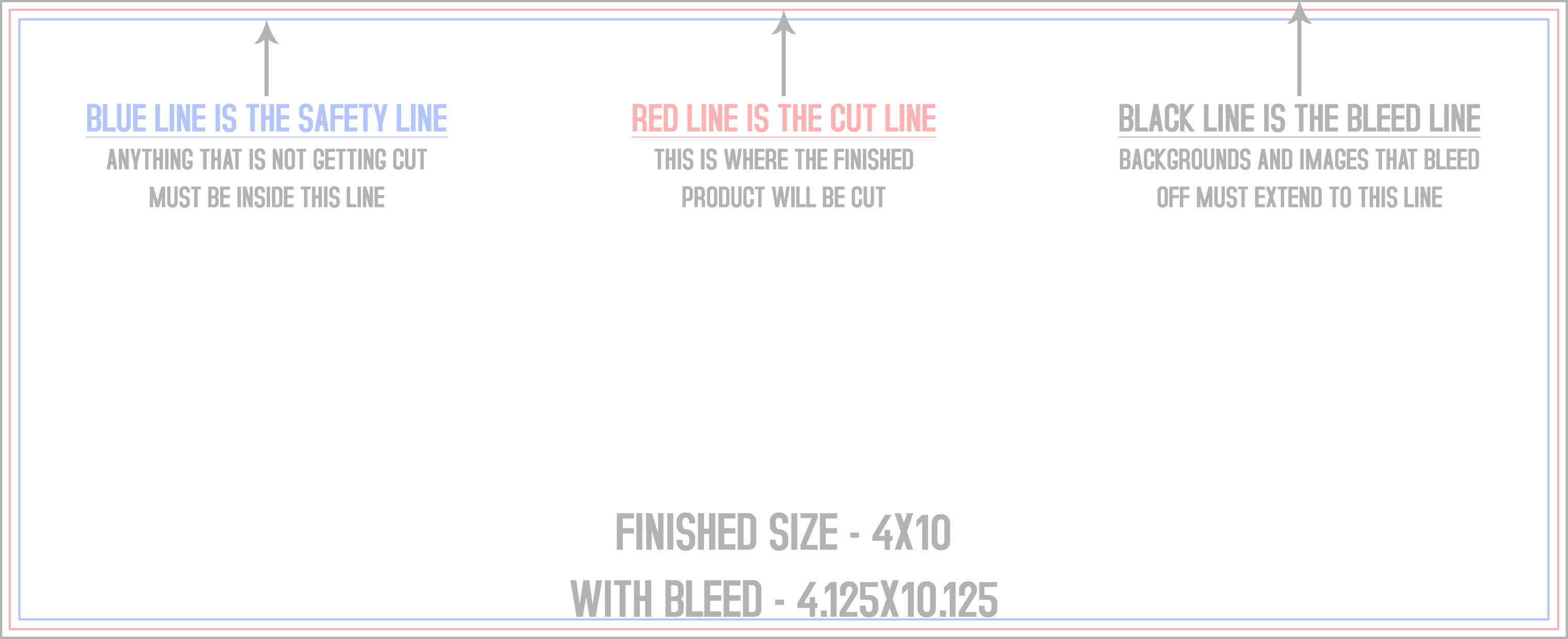
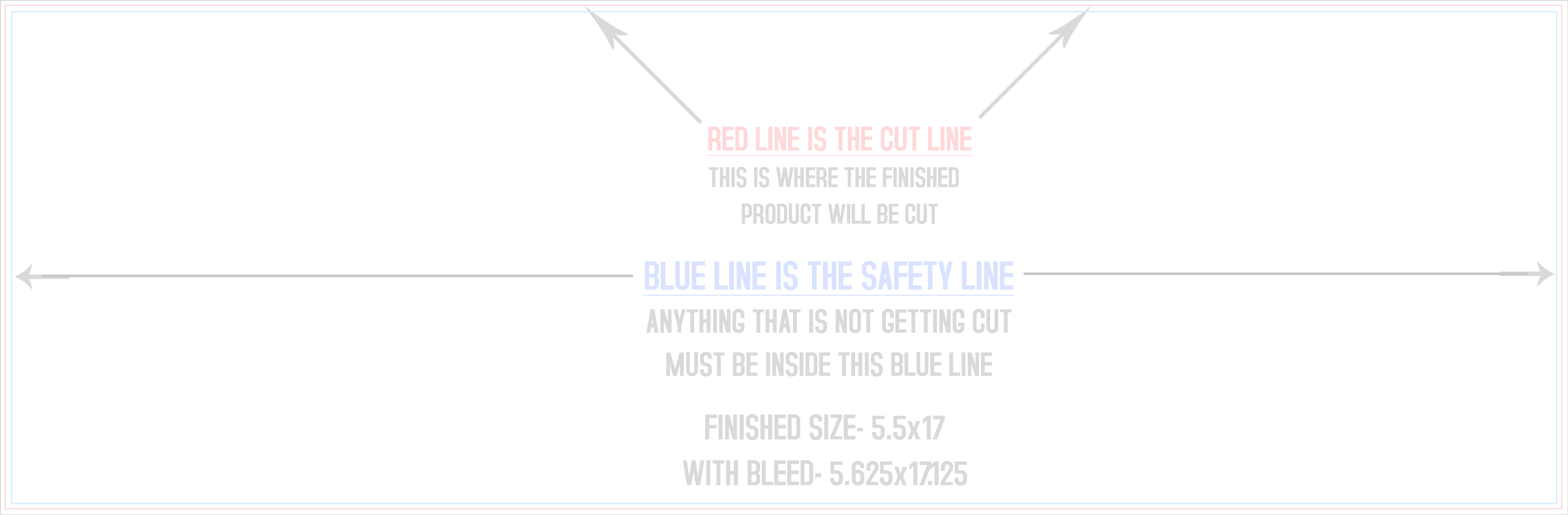
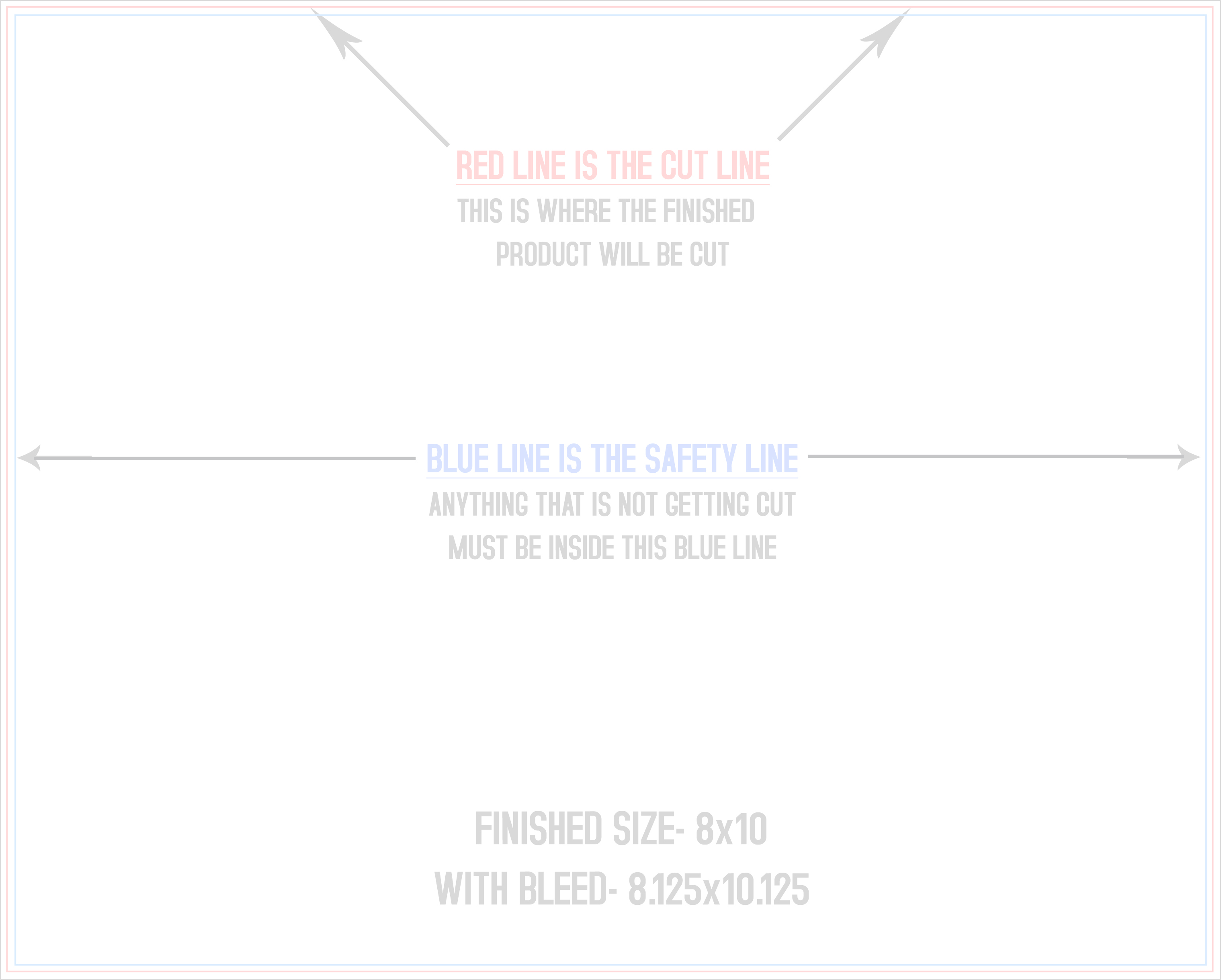
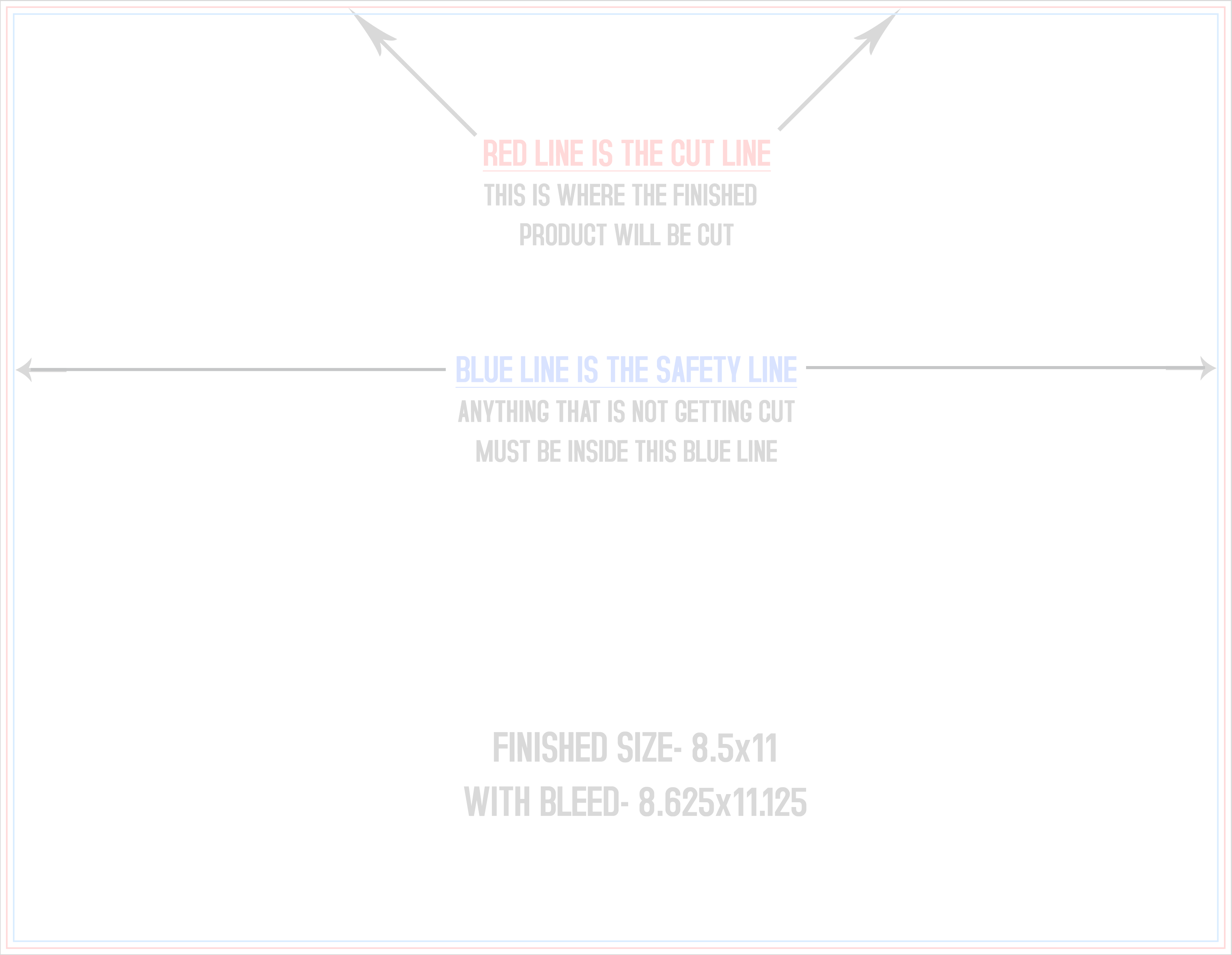
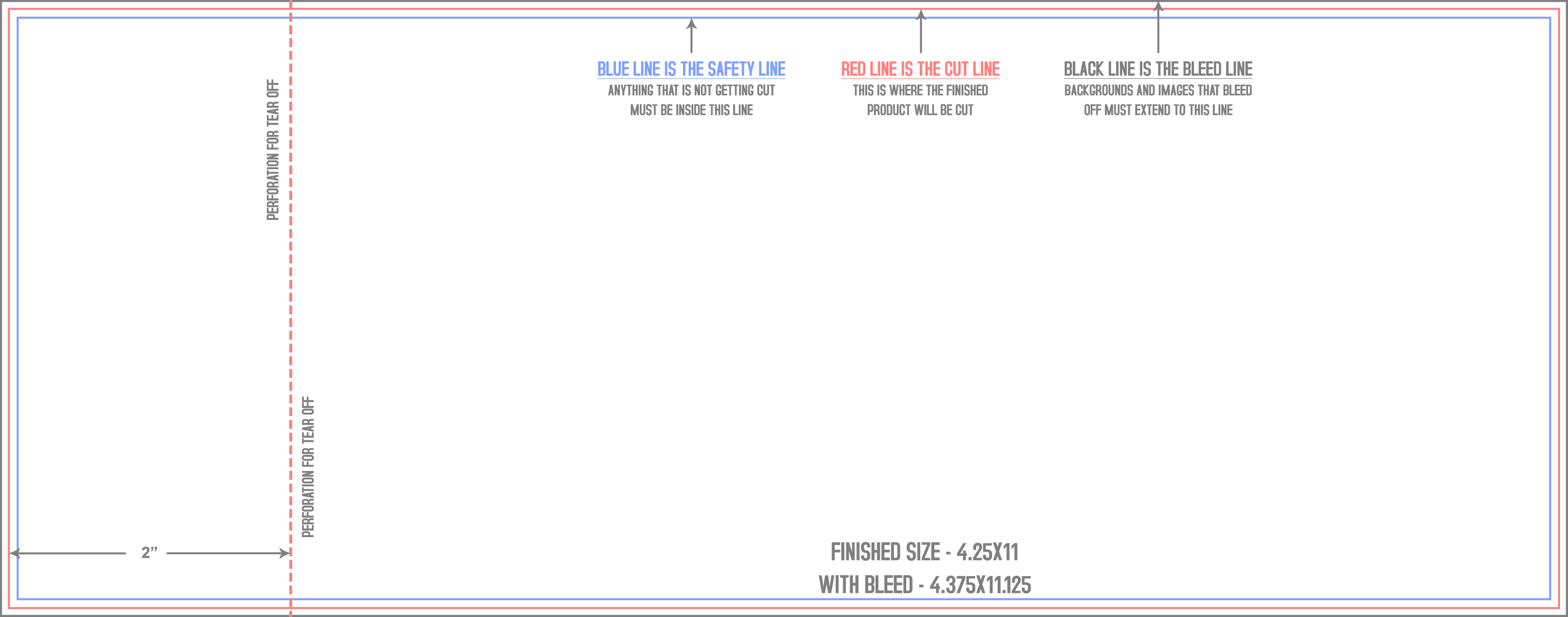
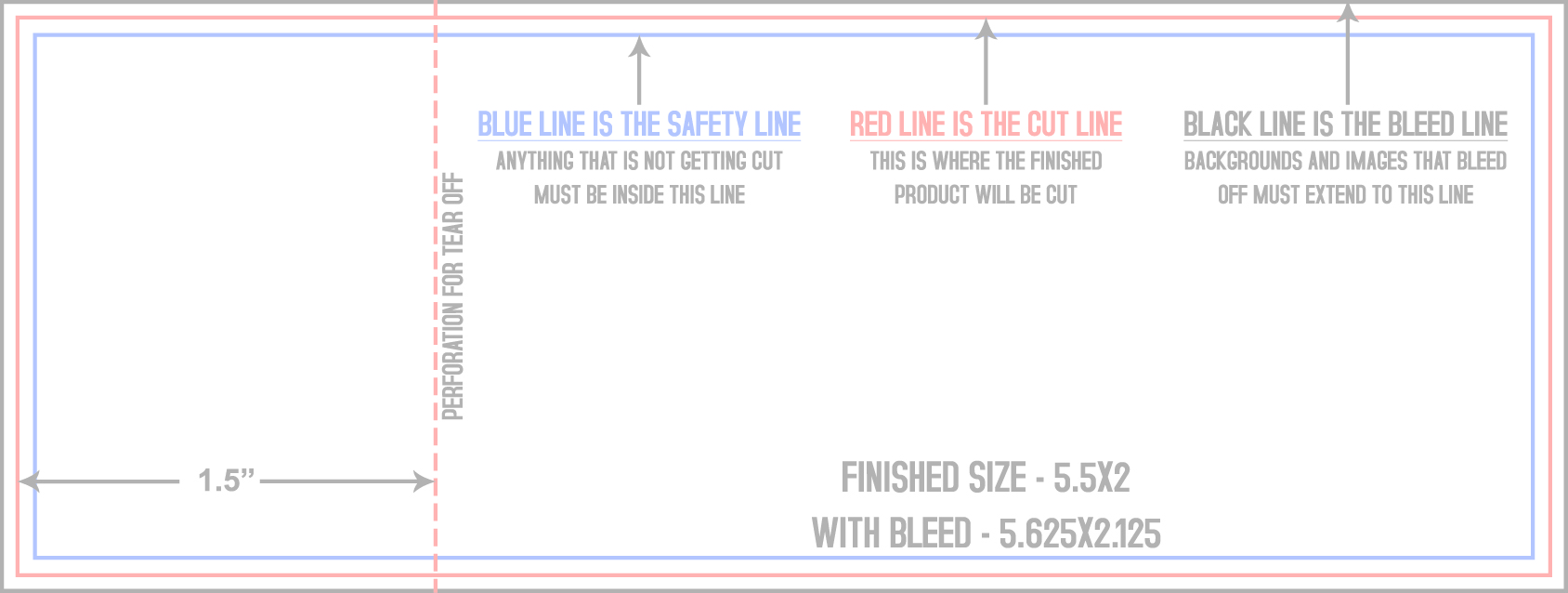
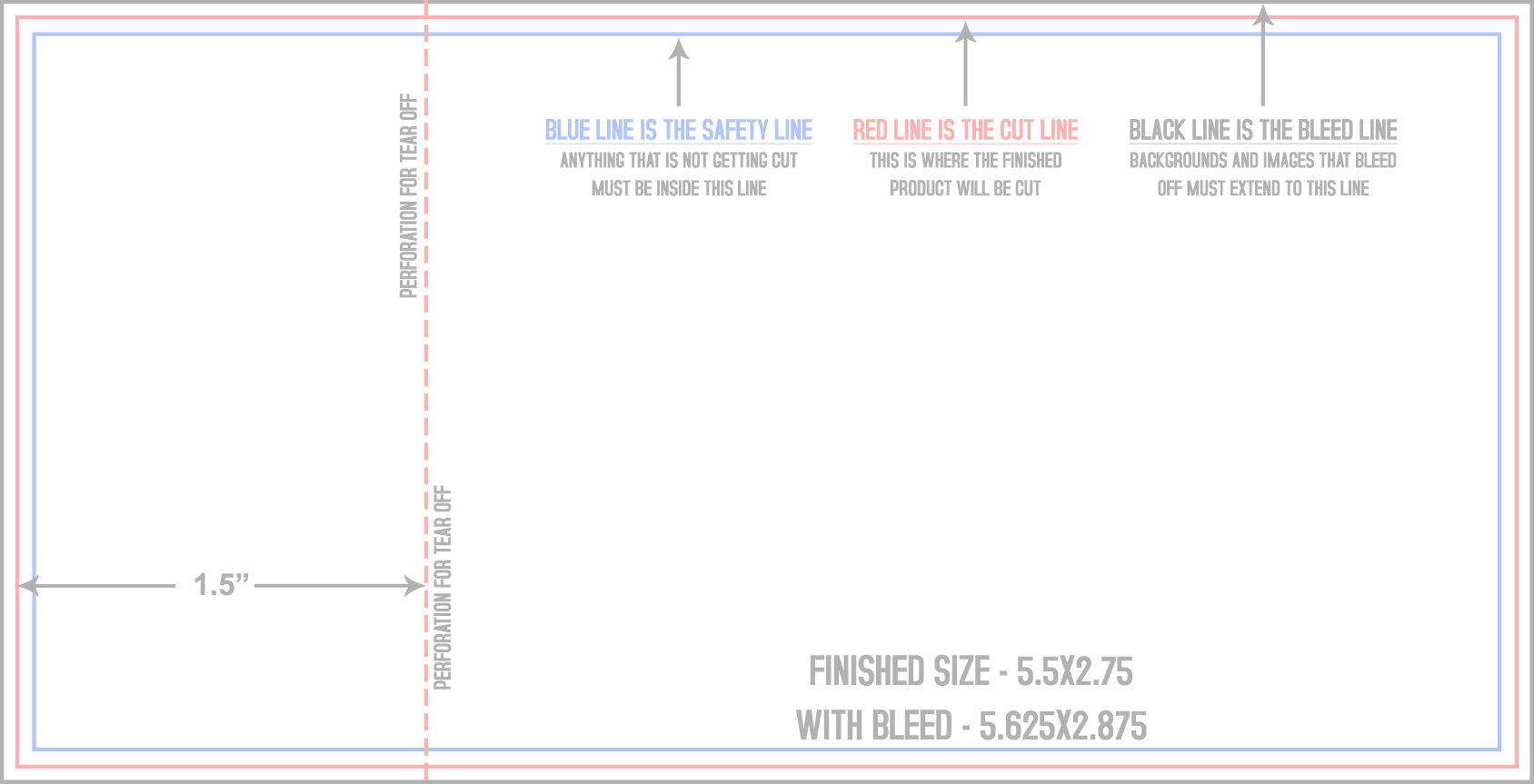
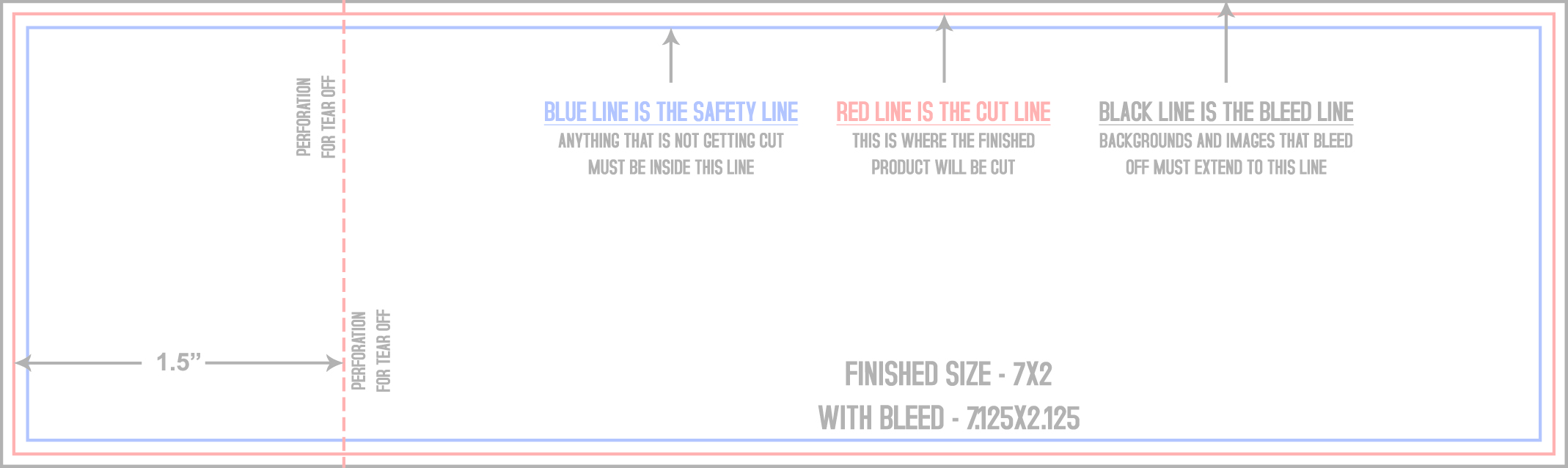
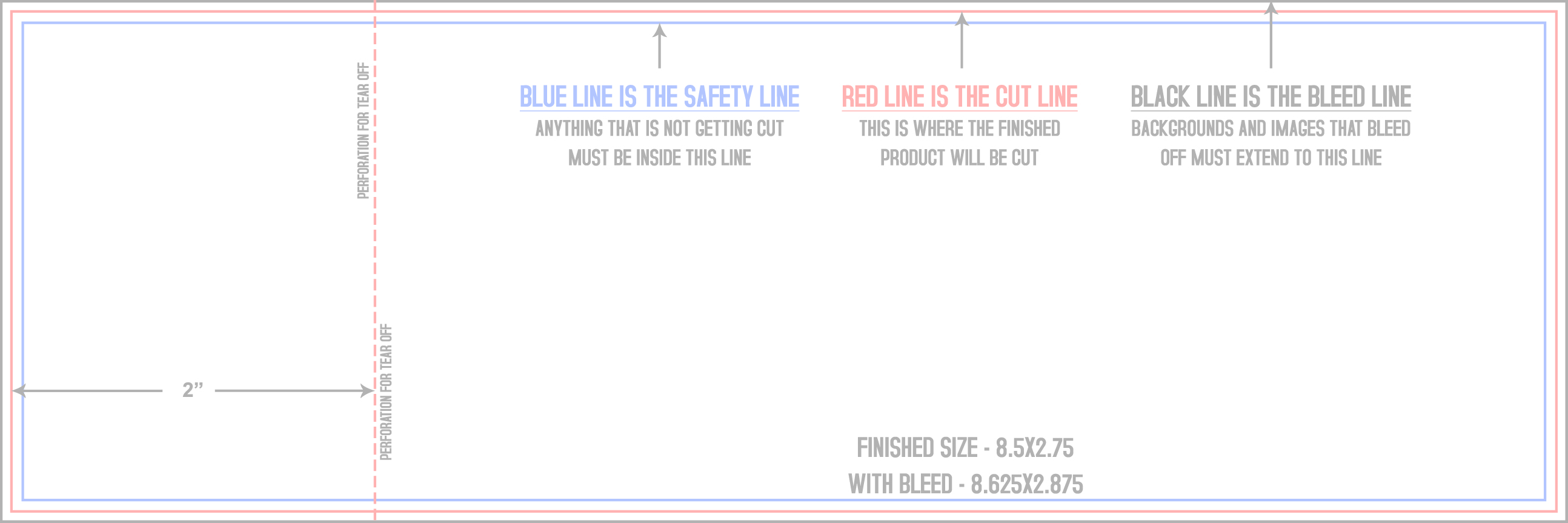
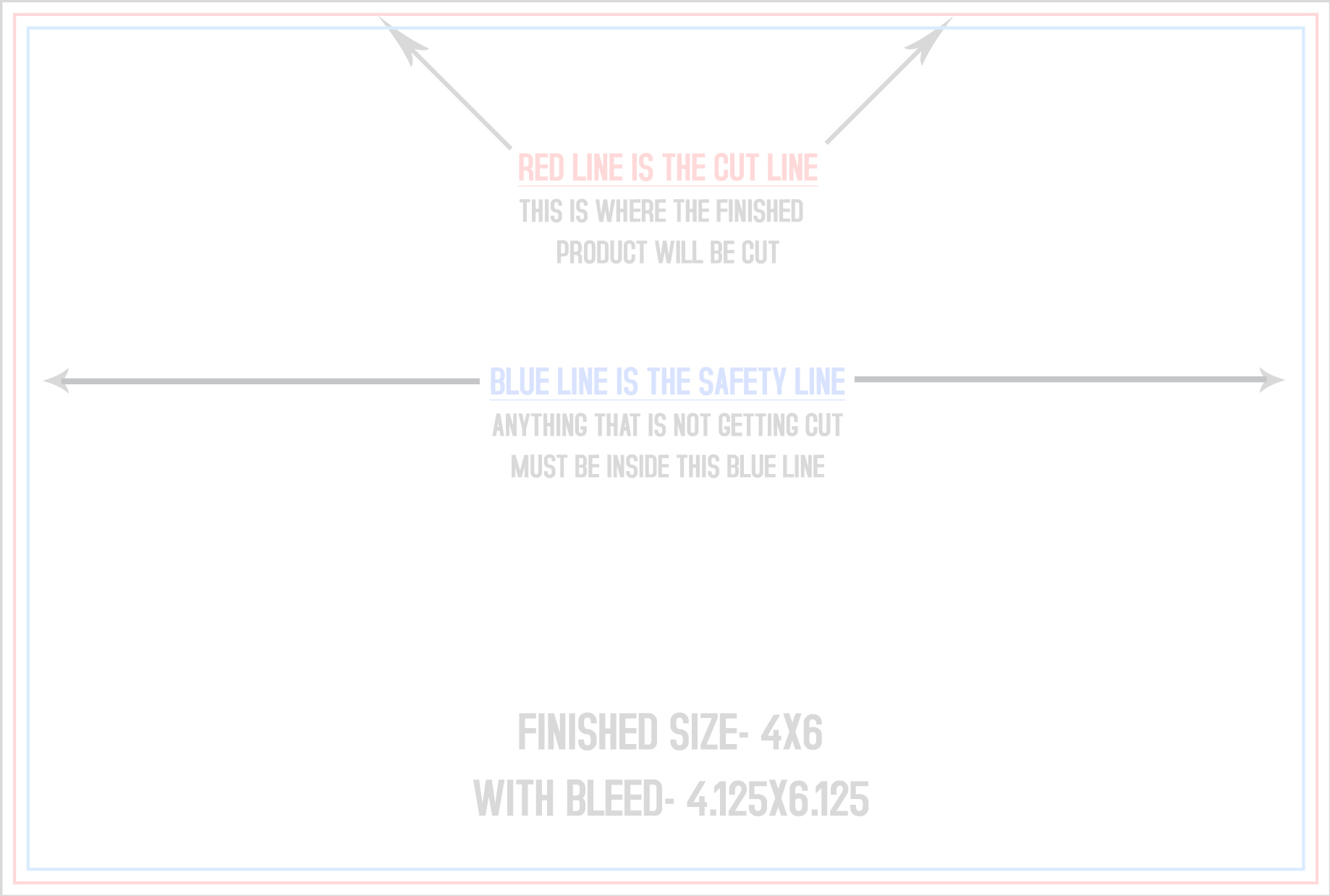
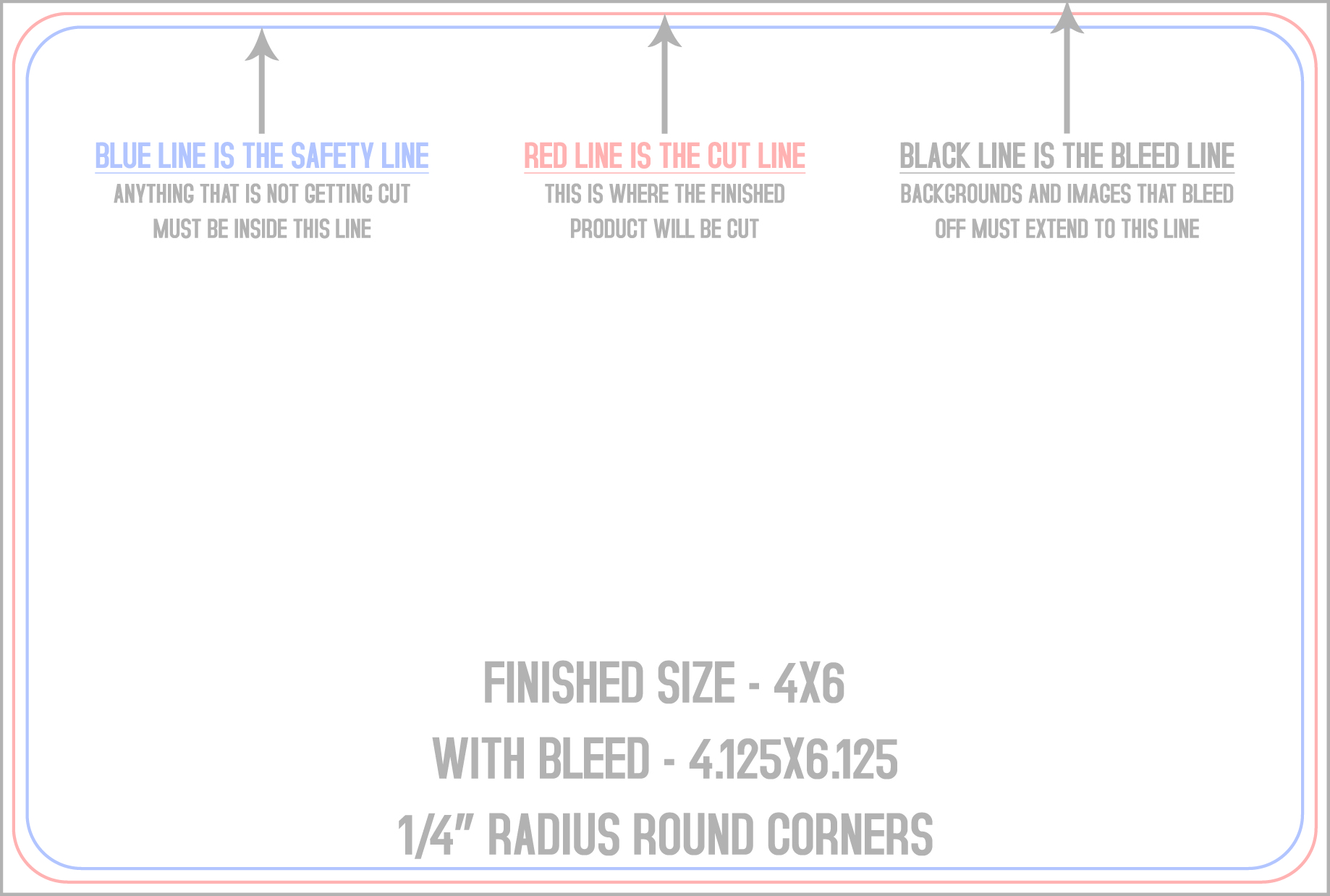
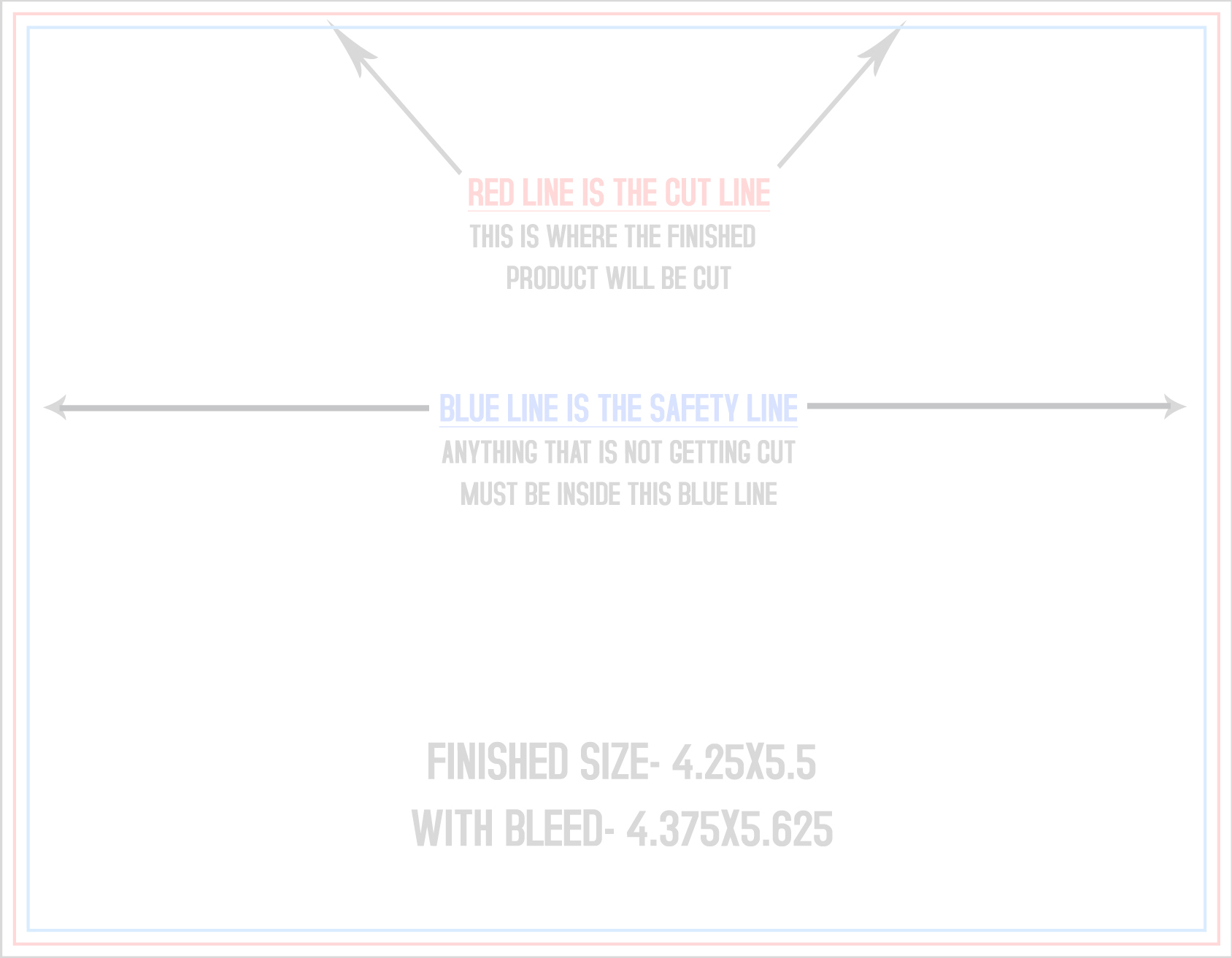
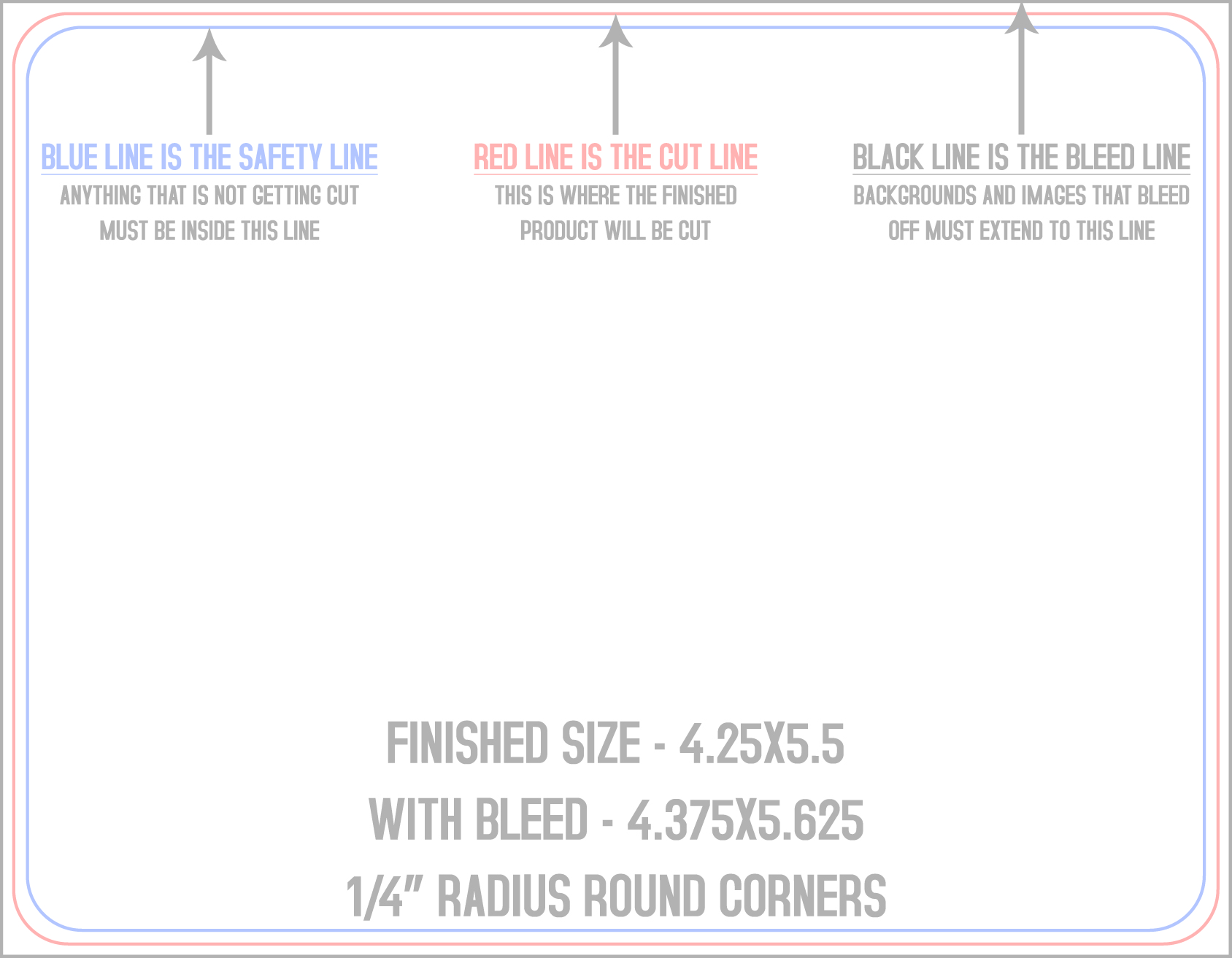
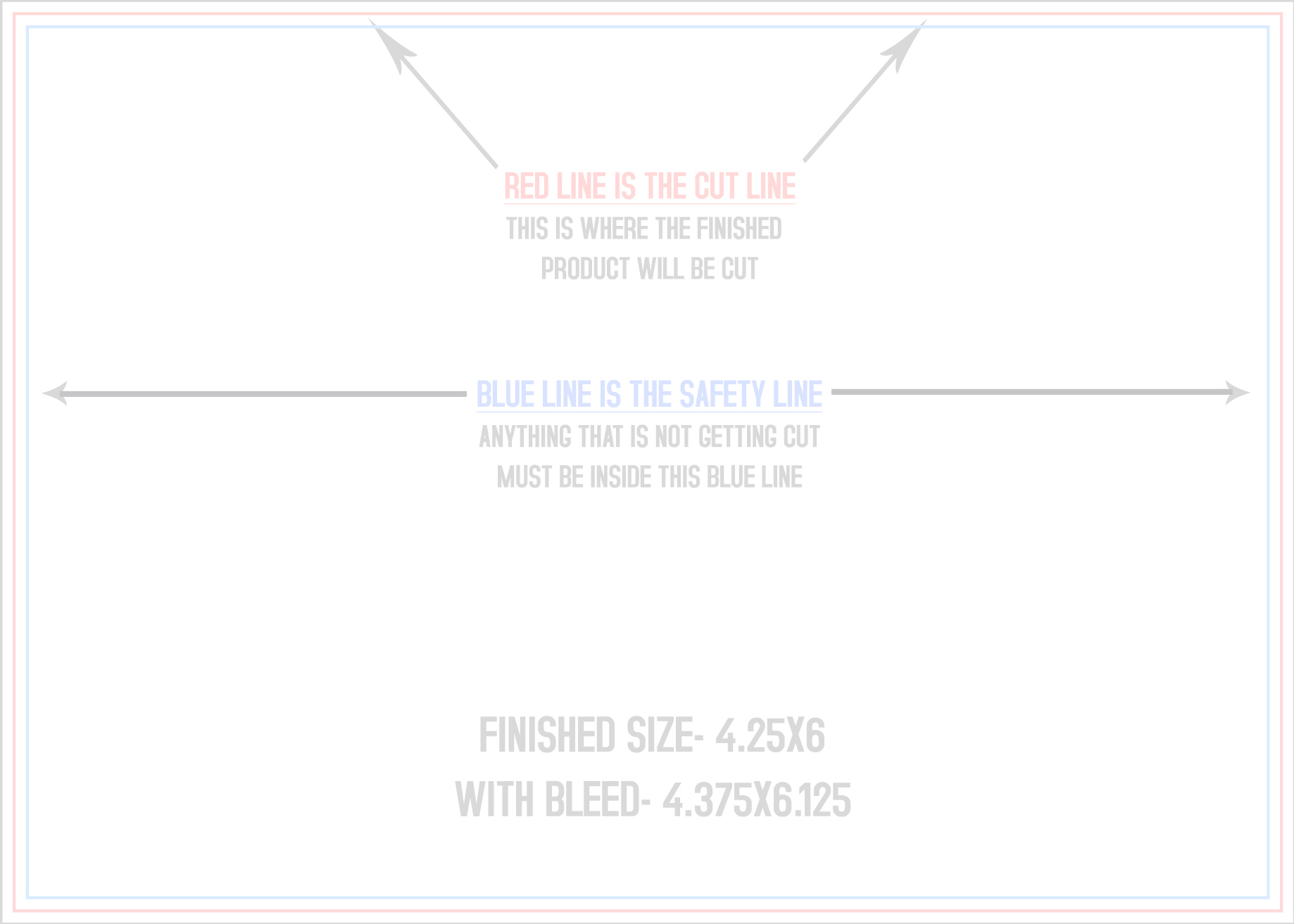
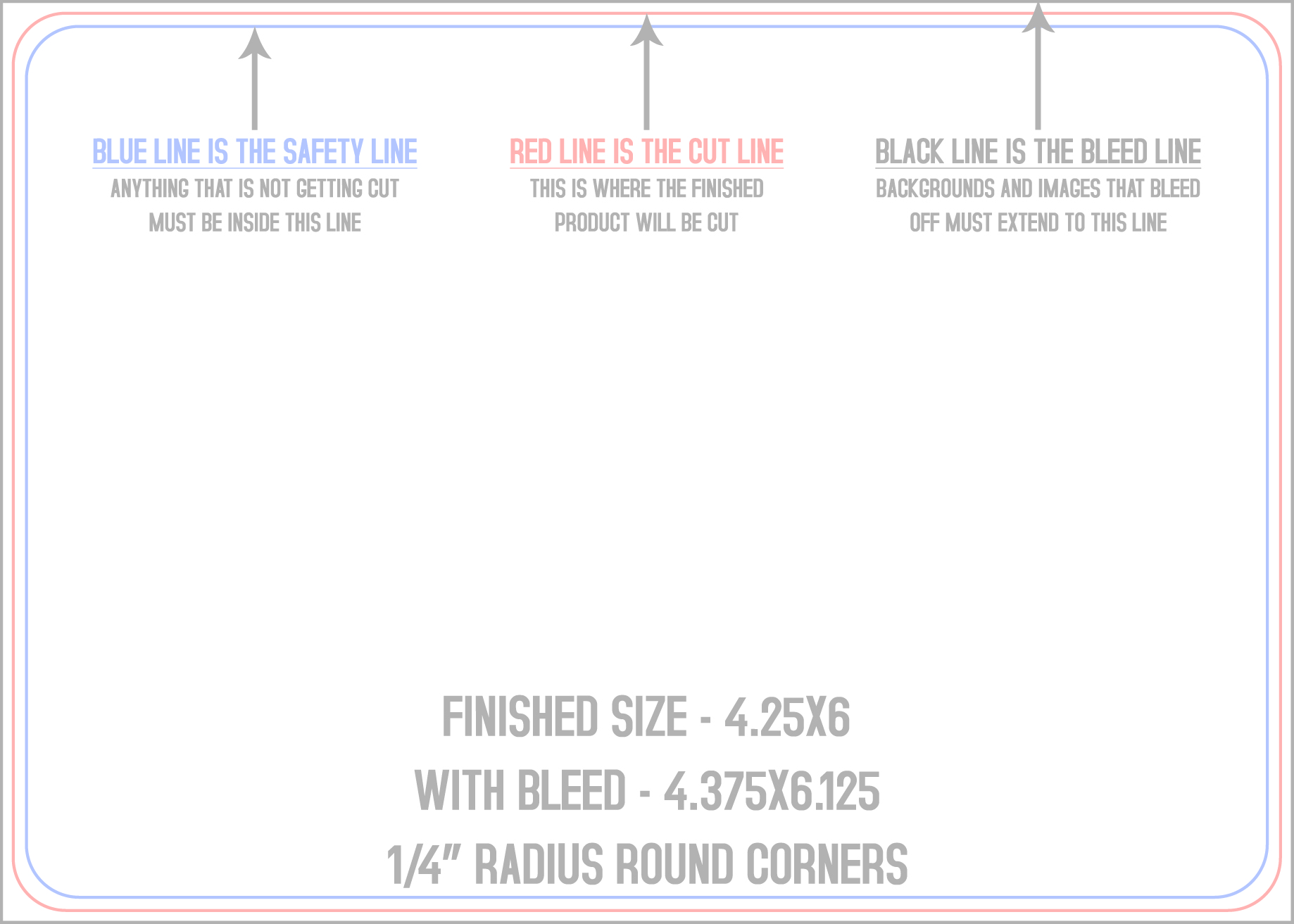
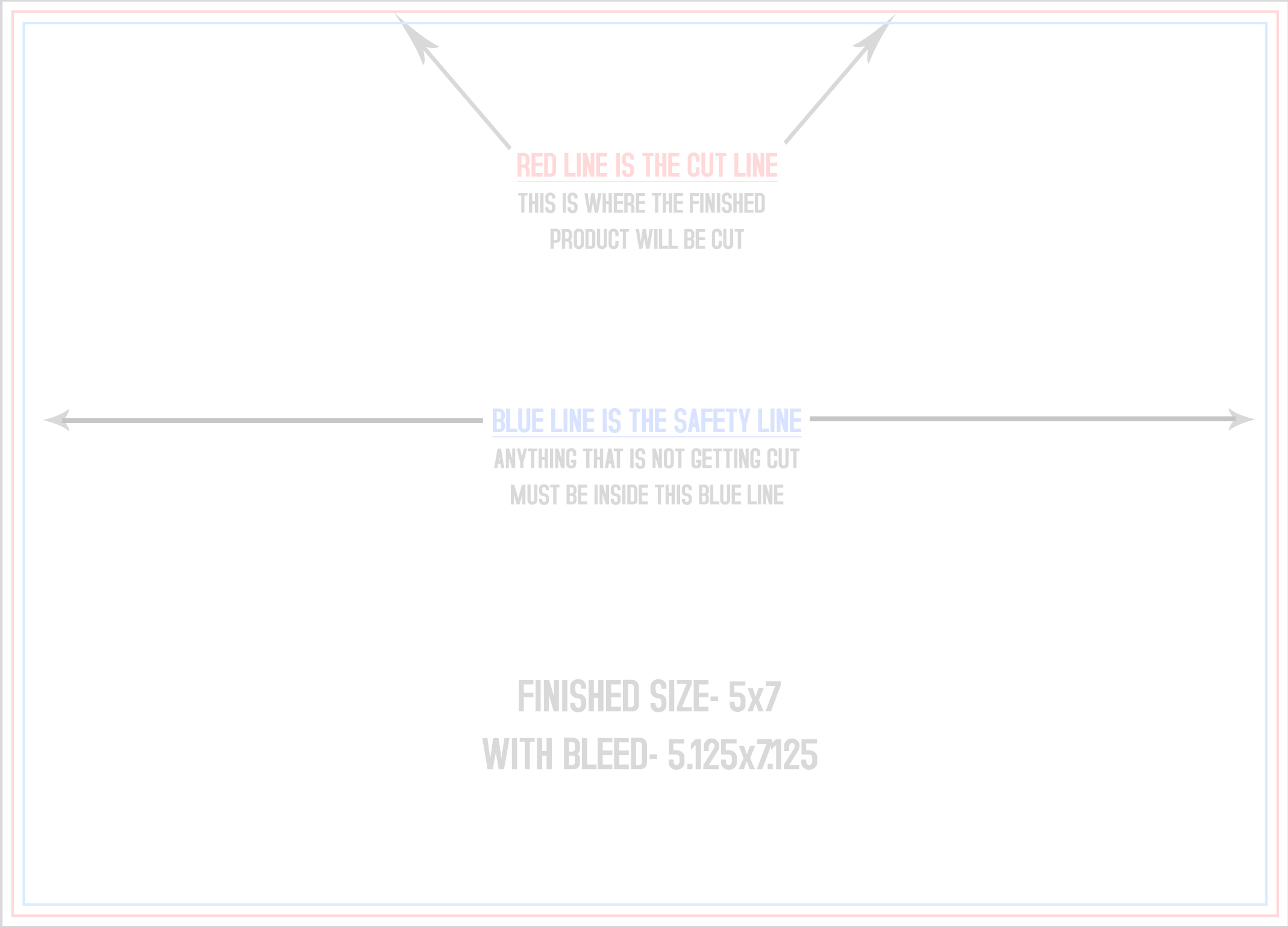
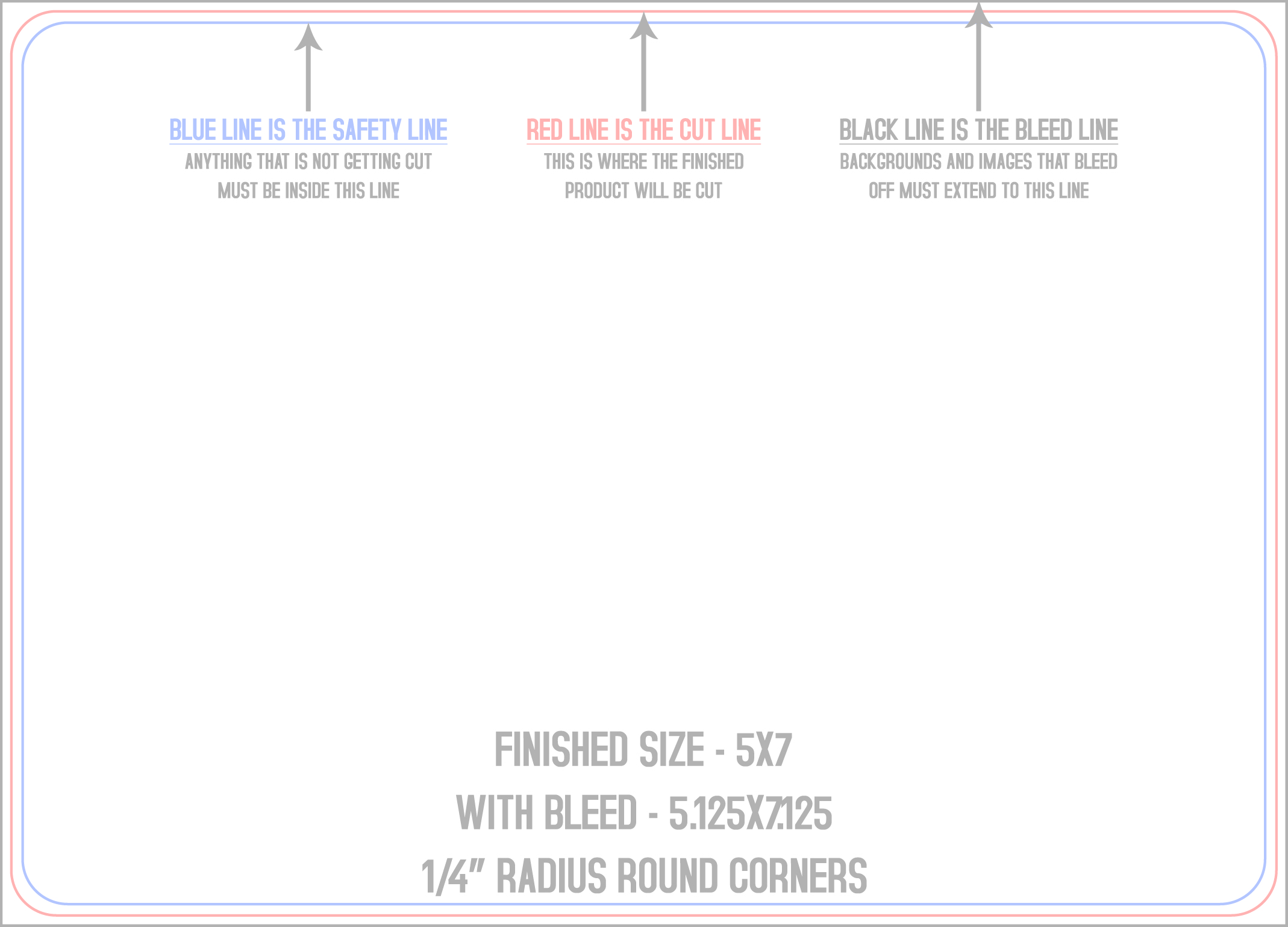
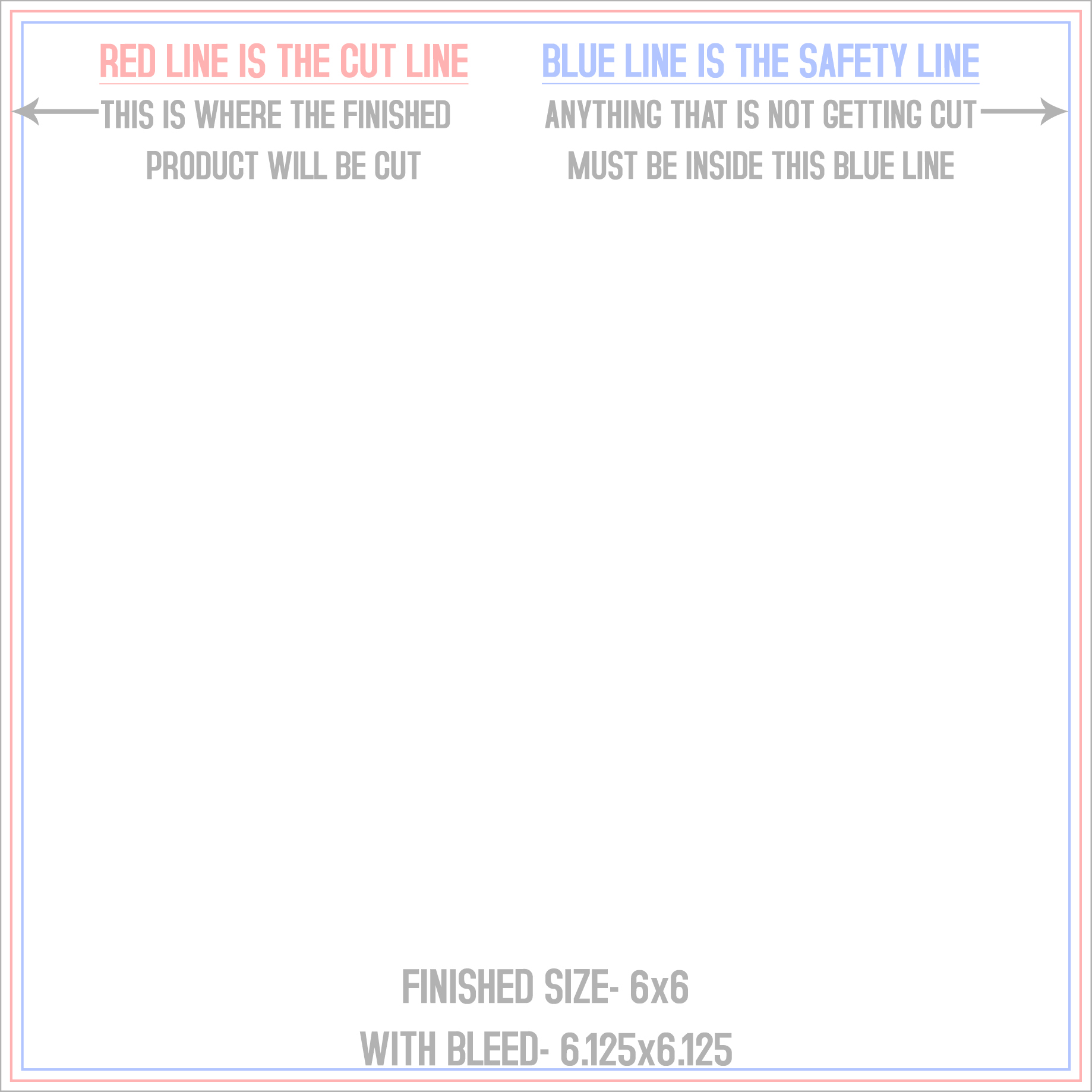
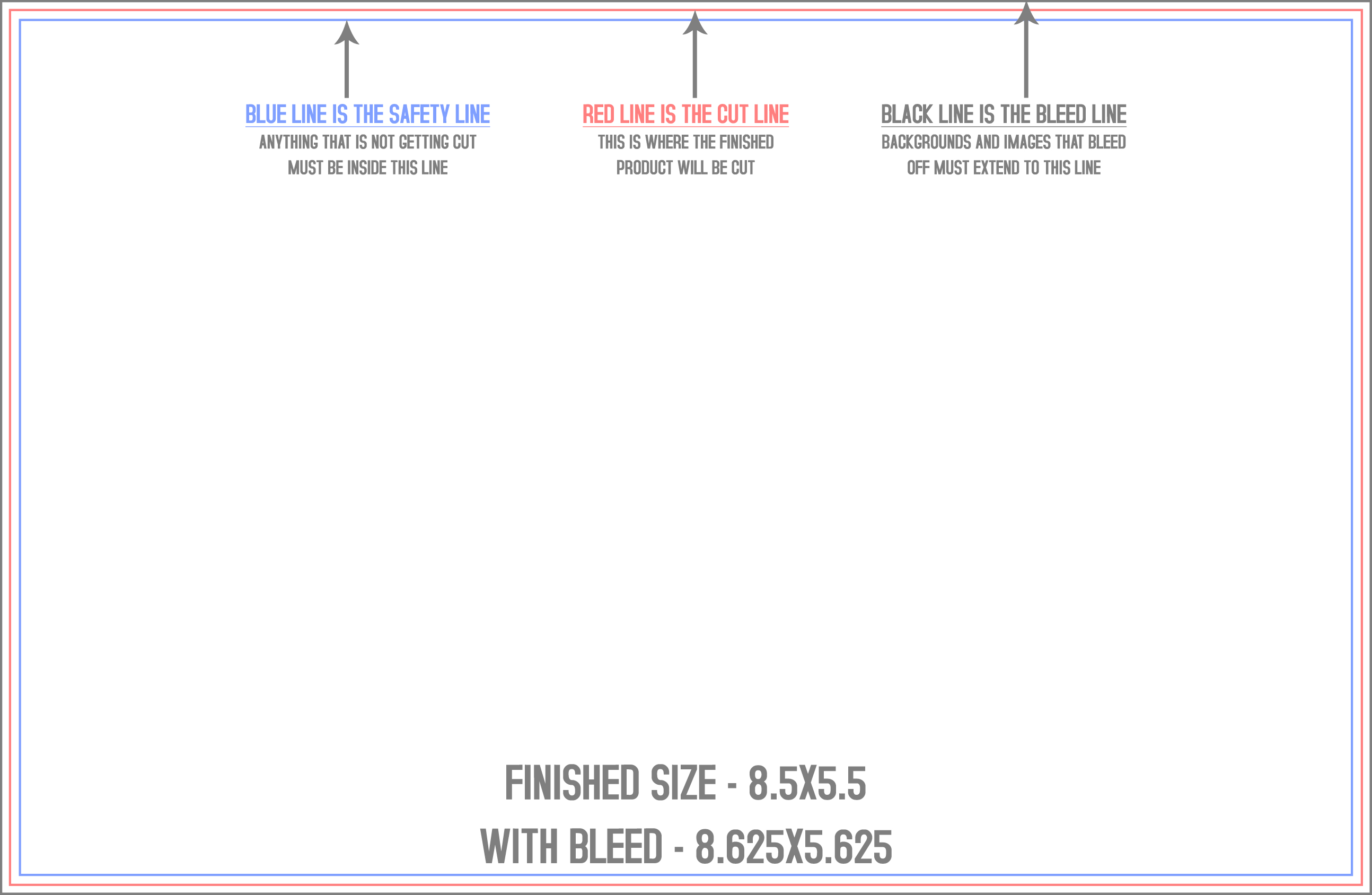
Start your artwork at the right size, with bleed, trim and safe-zone guides already drawn in. Every file here is a real production template from our own press library: pick your product, your size, and the format your software likes. No email required; the download just starts.
Business Cards
Postcards
Flyers
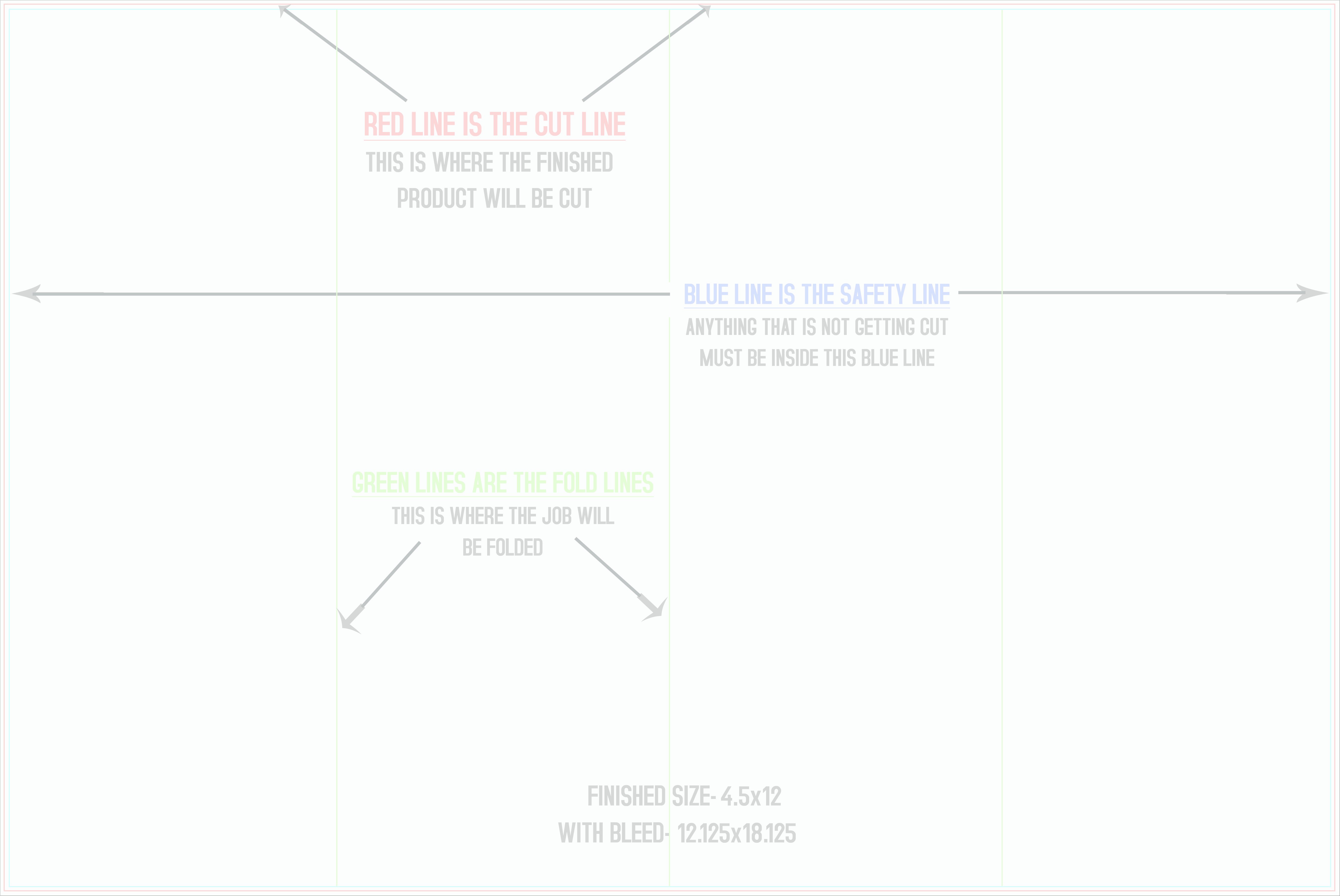
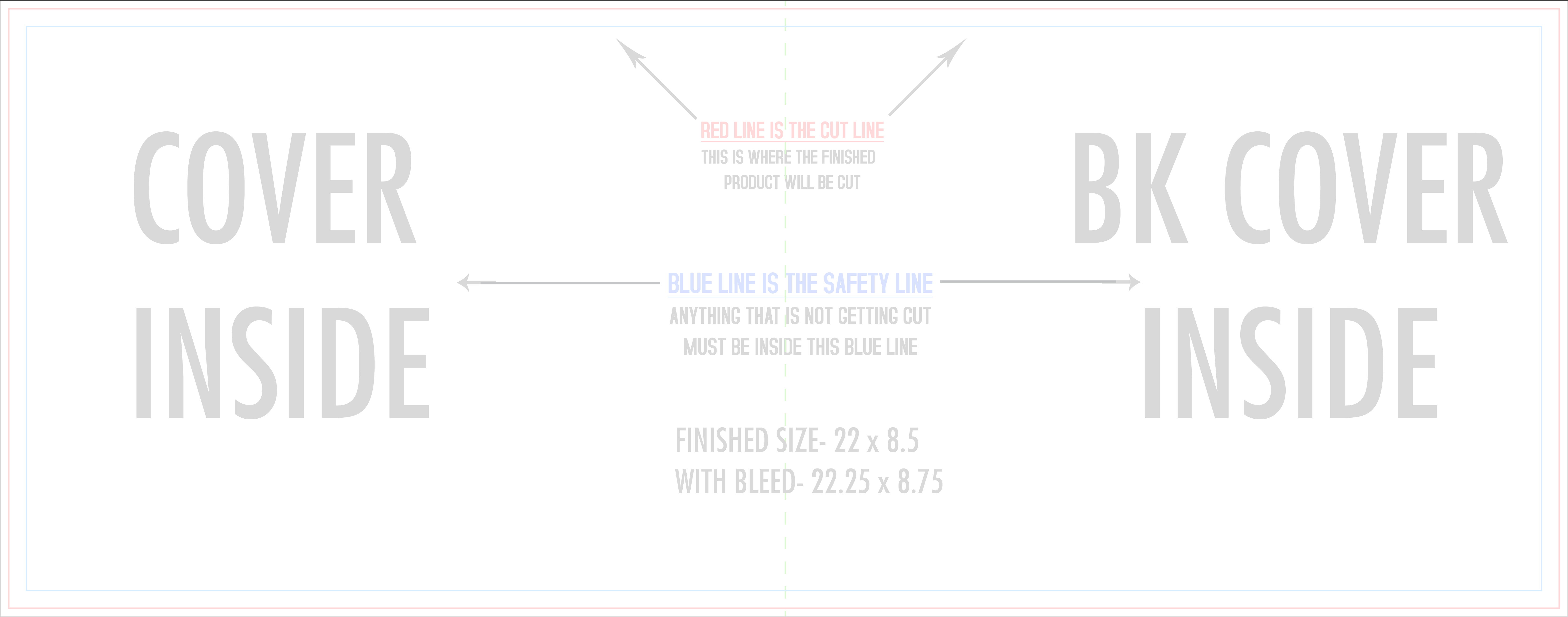
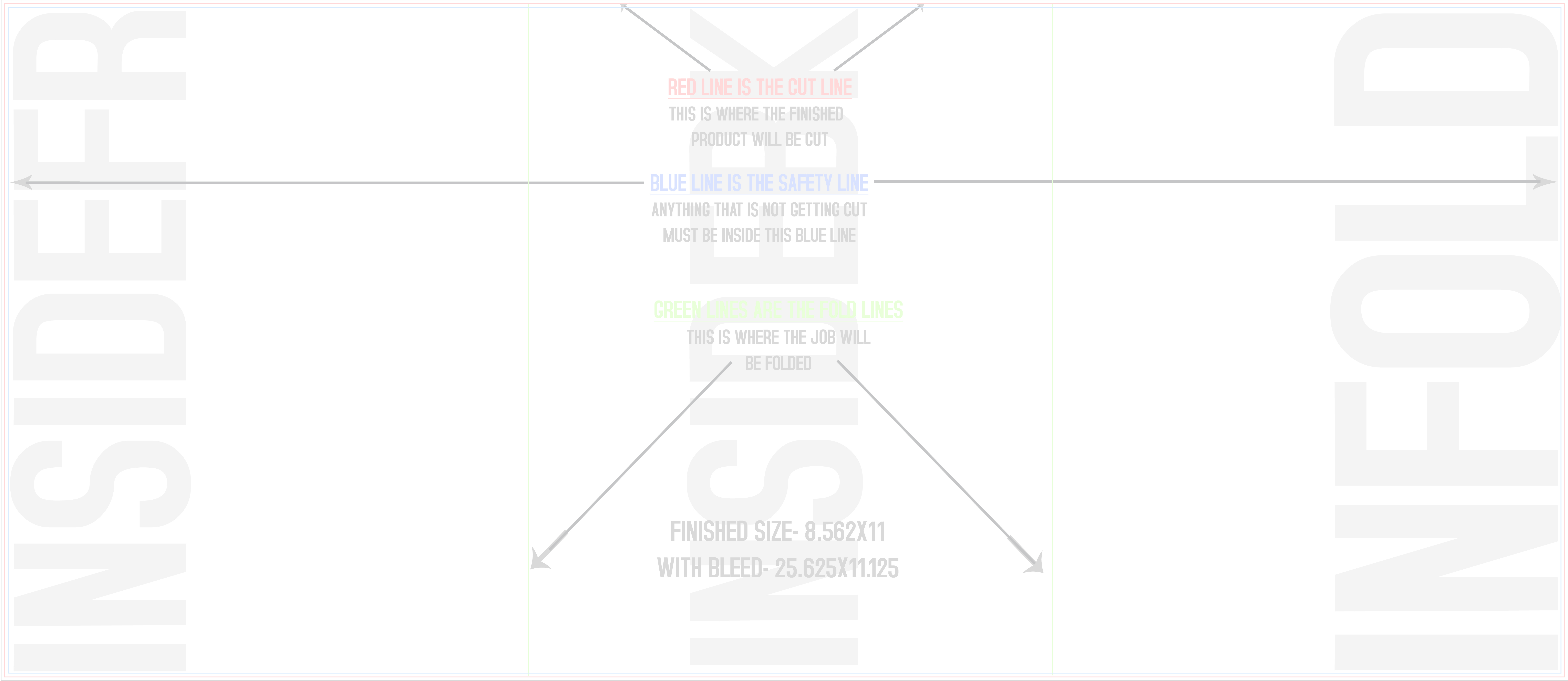
Brochures
Rack Cards
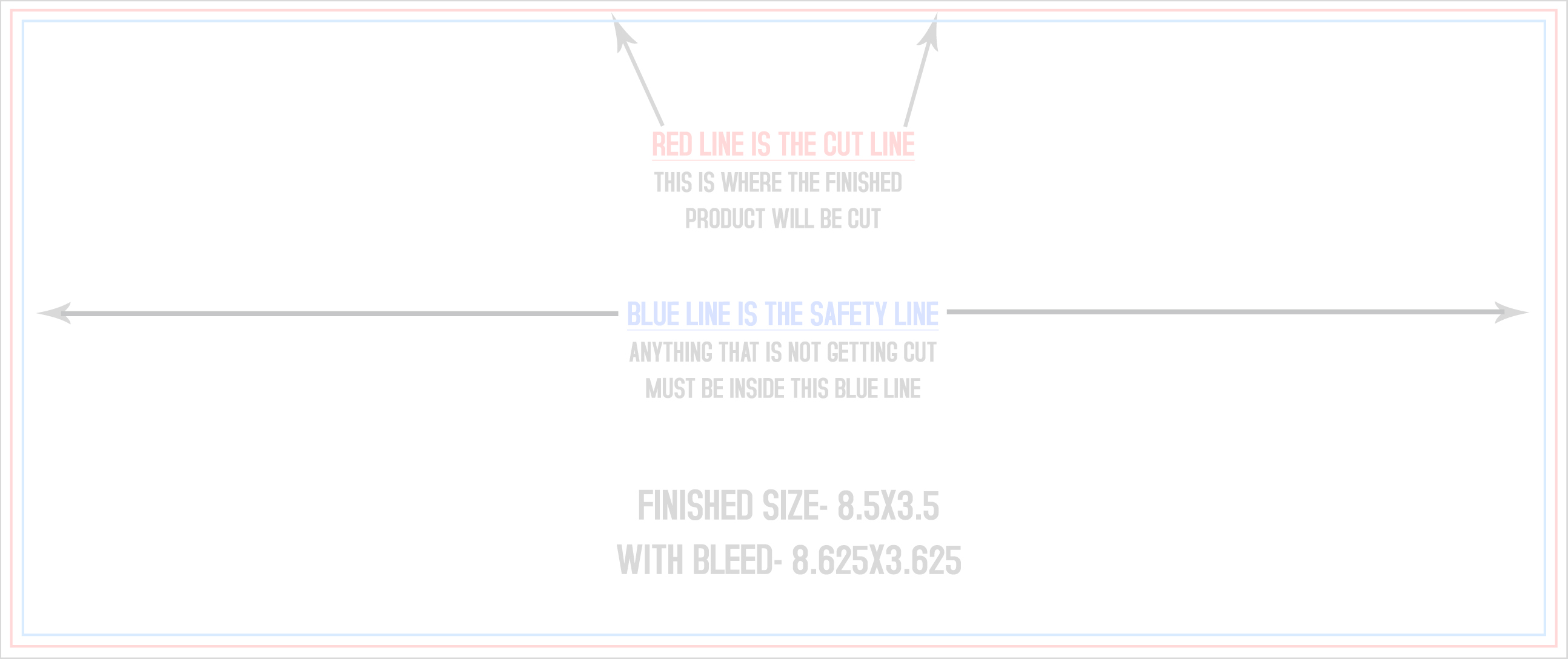
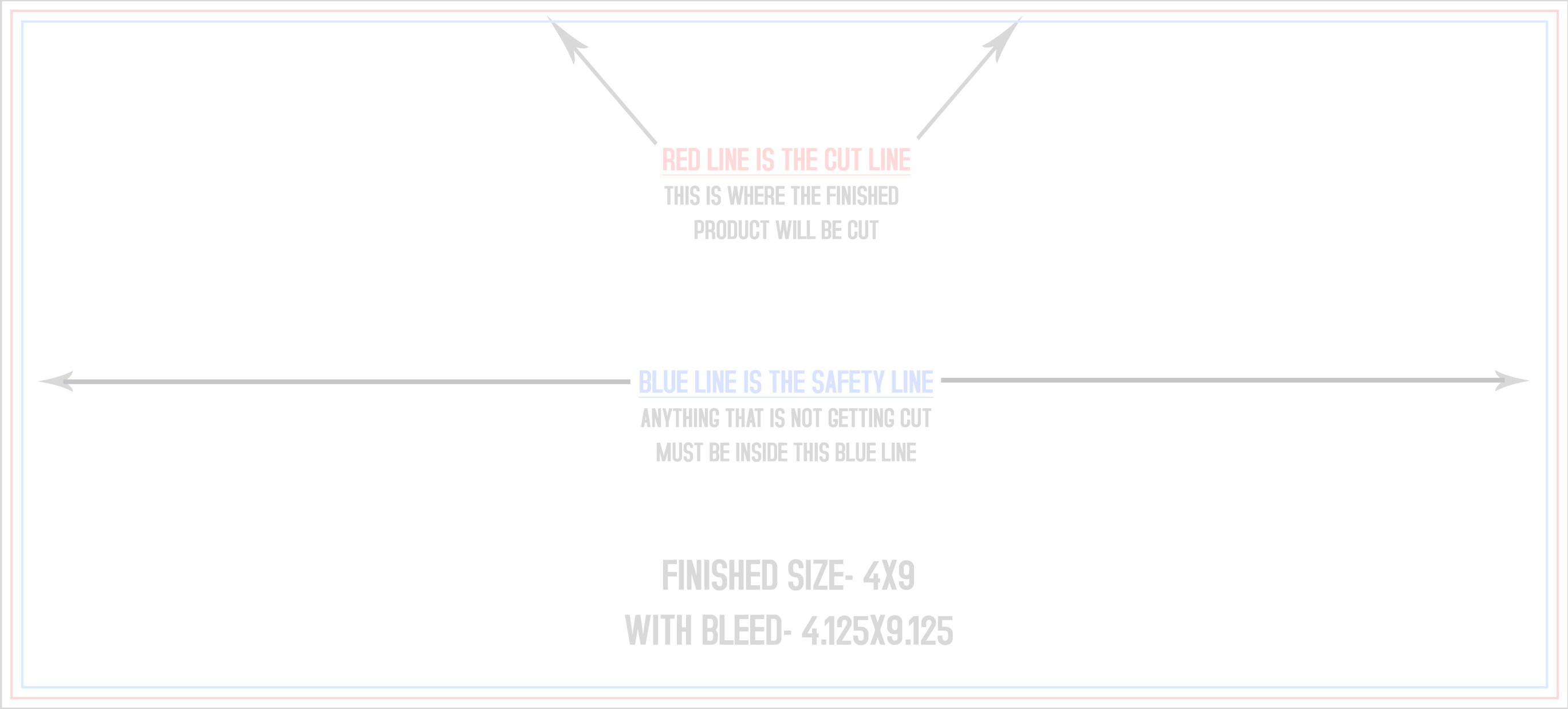
Door Hangers
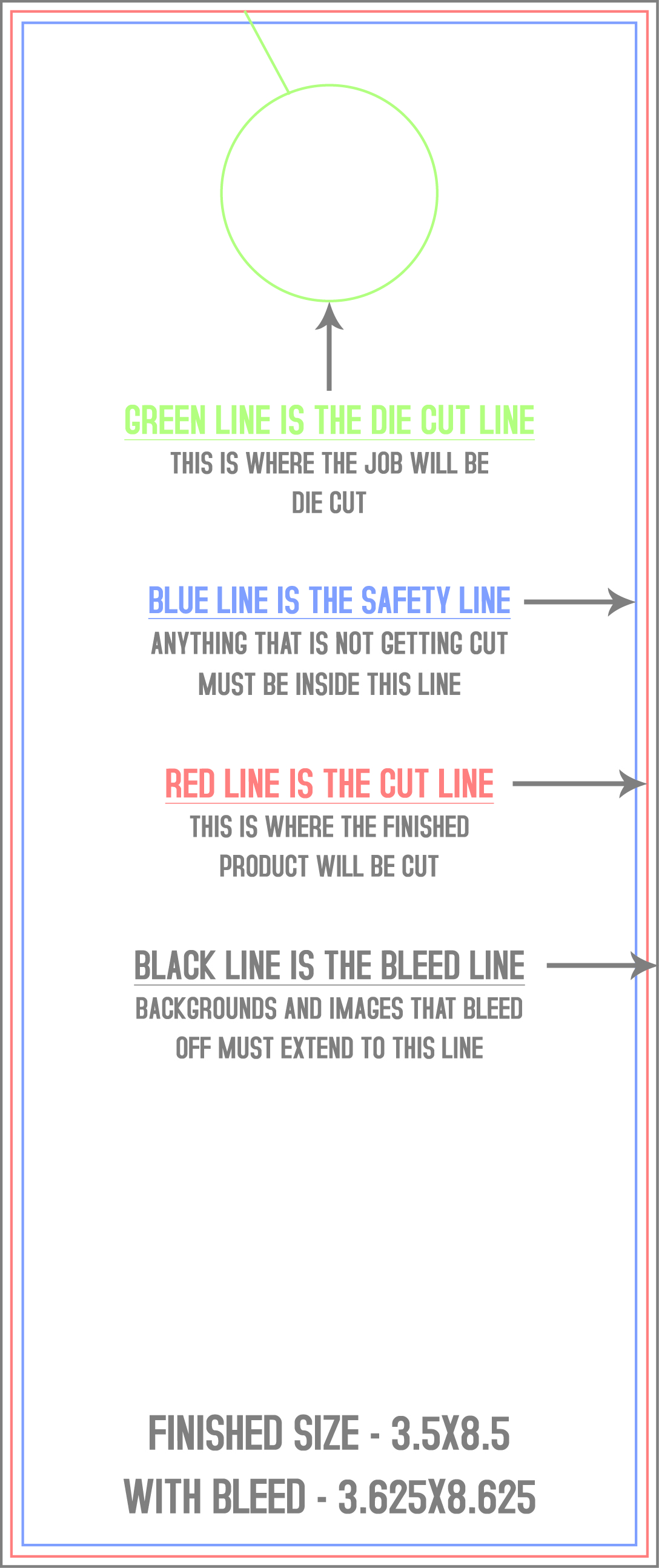
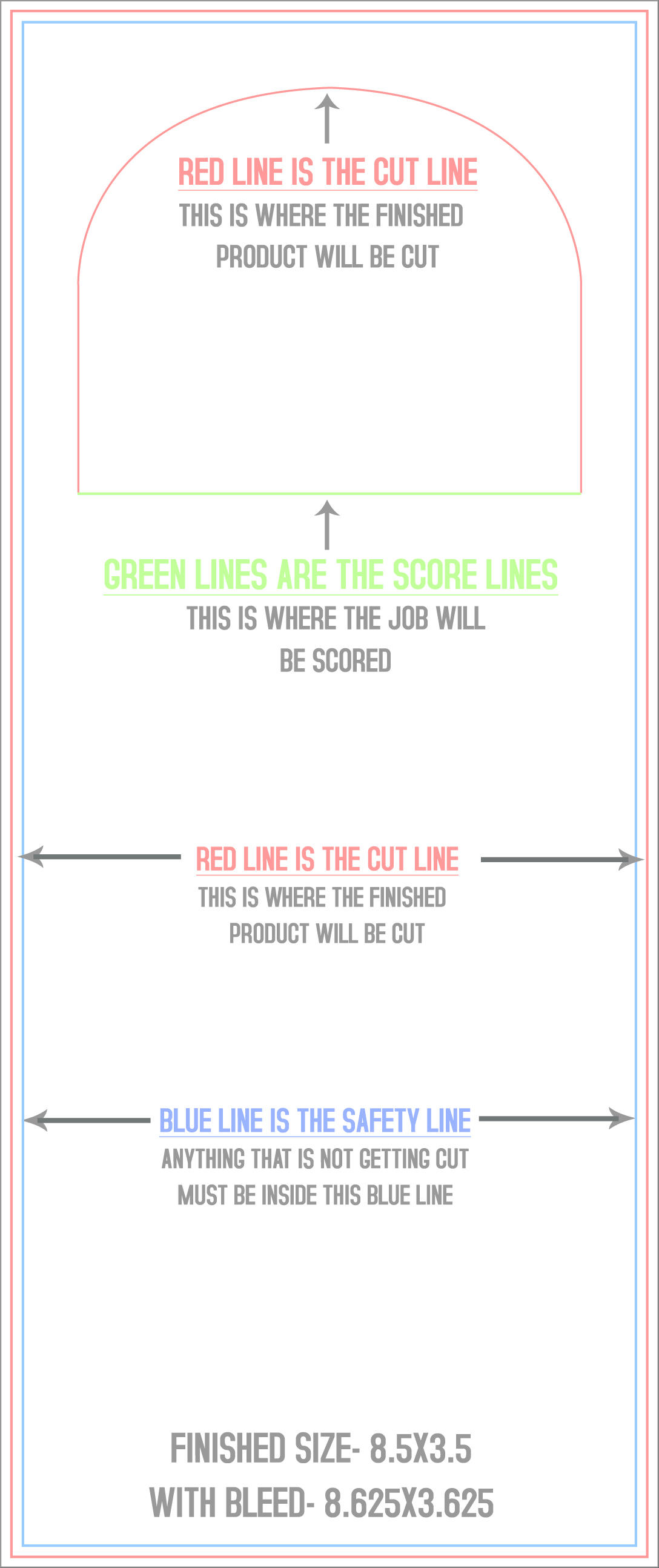
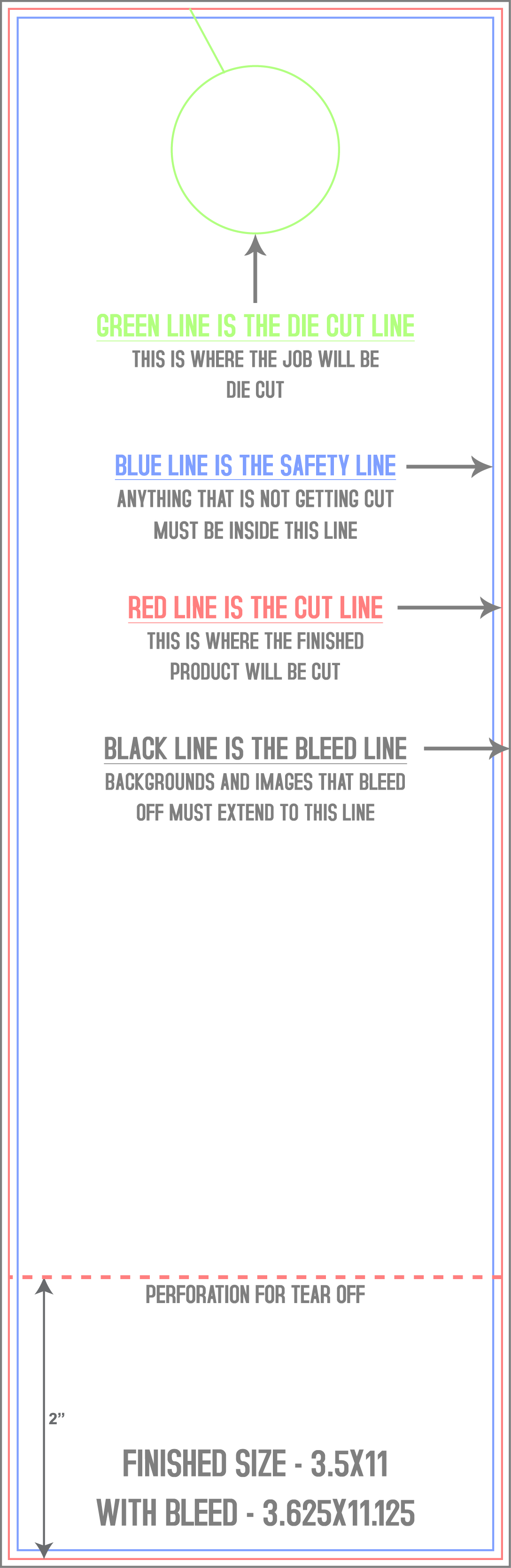
Bookmarks
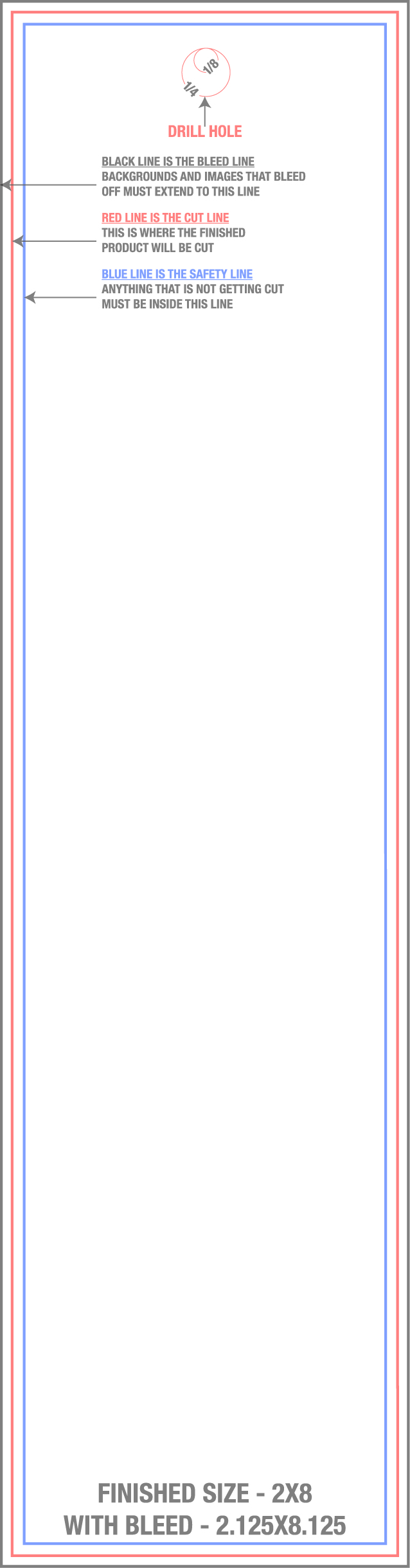
Greeting Cards
Sell Sheets
Booklets
Hang Tags

Posters
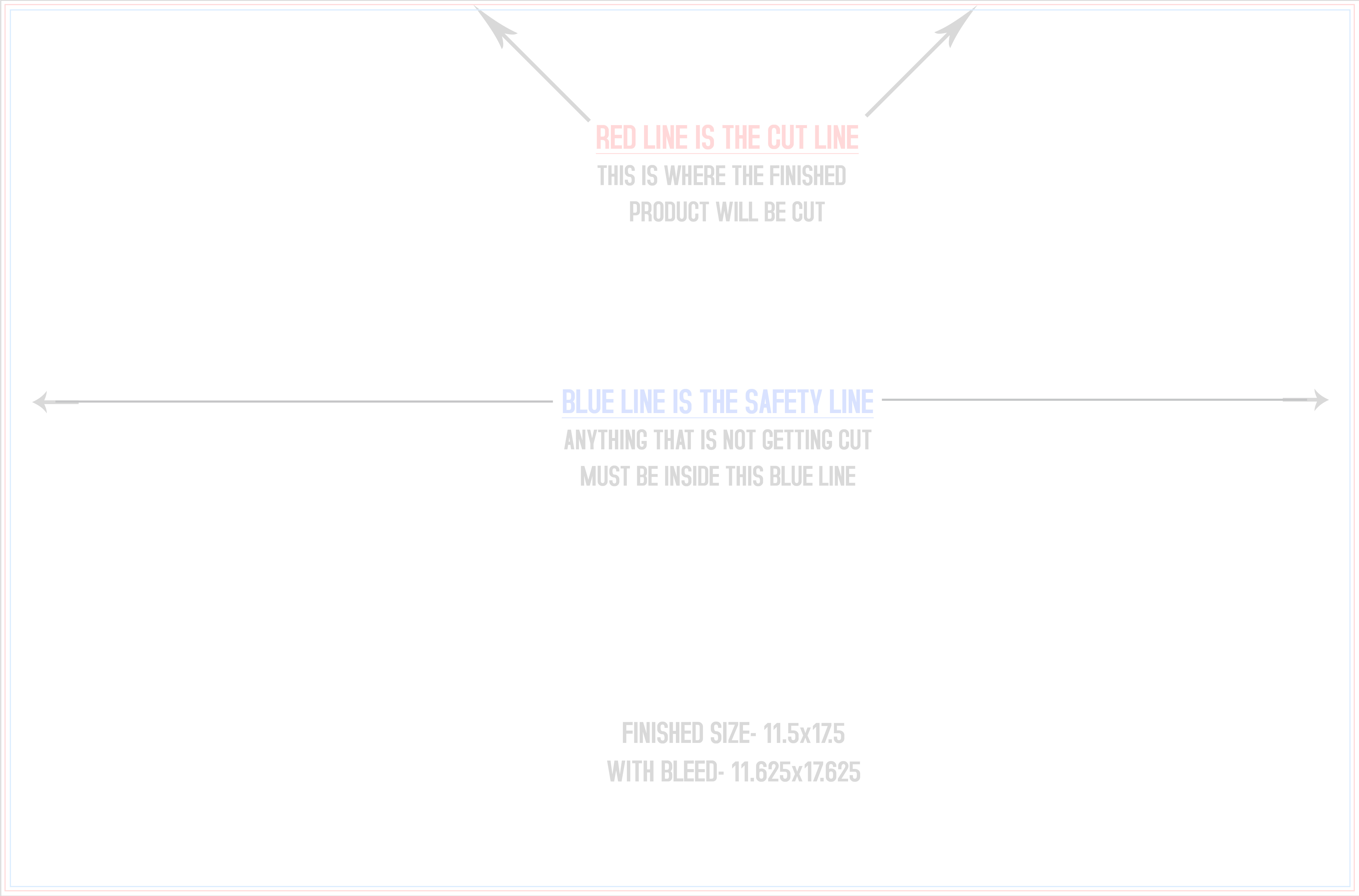
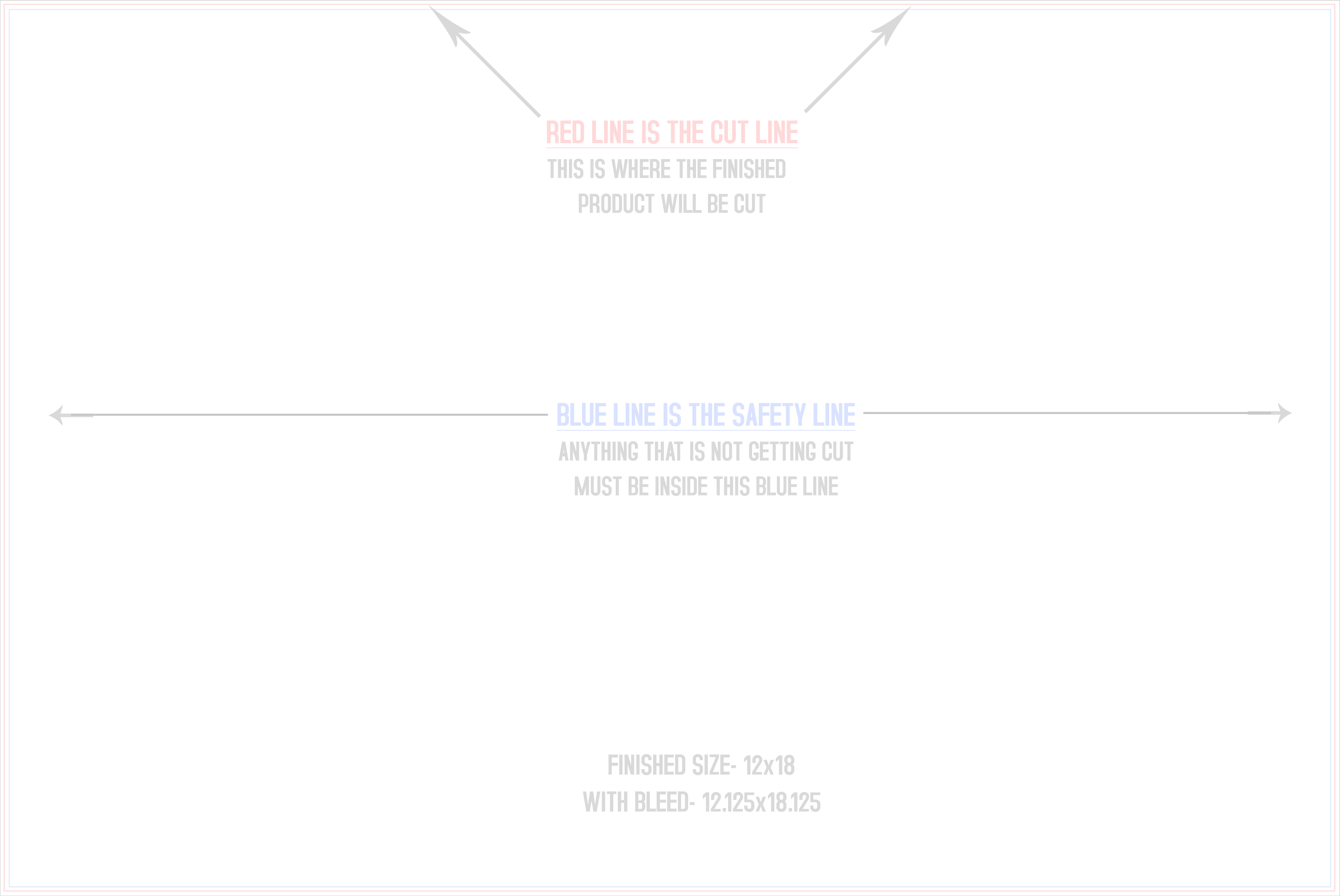
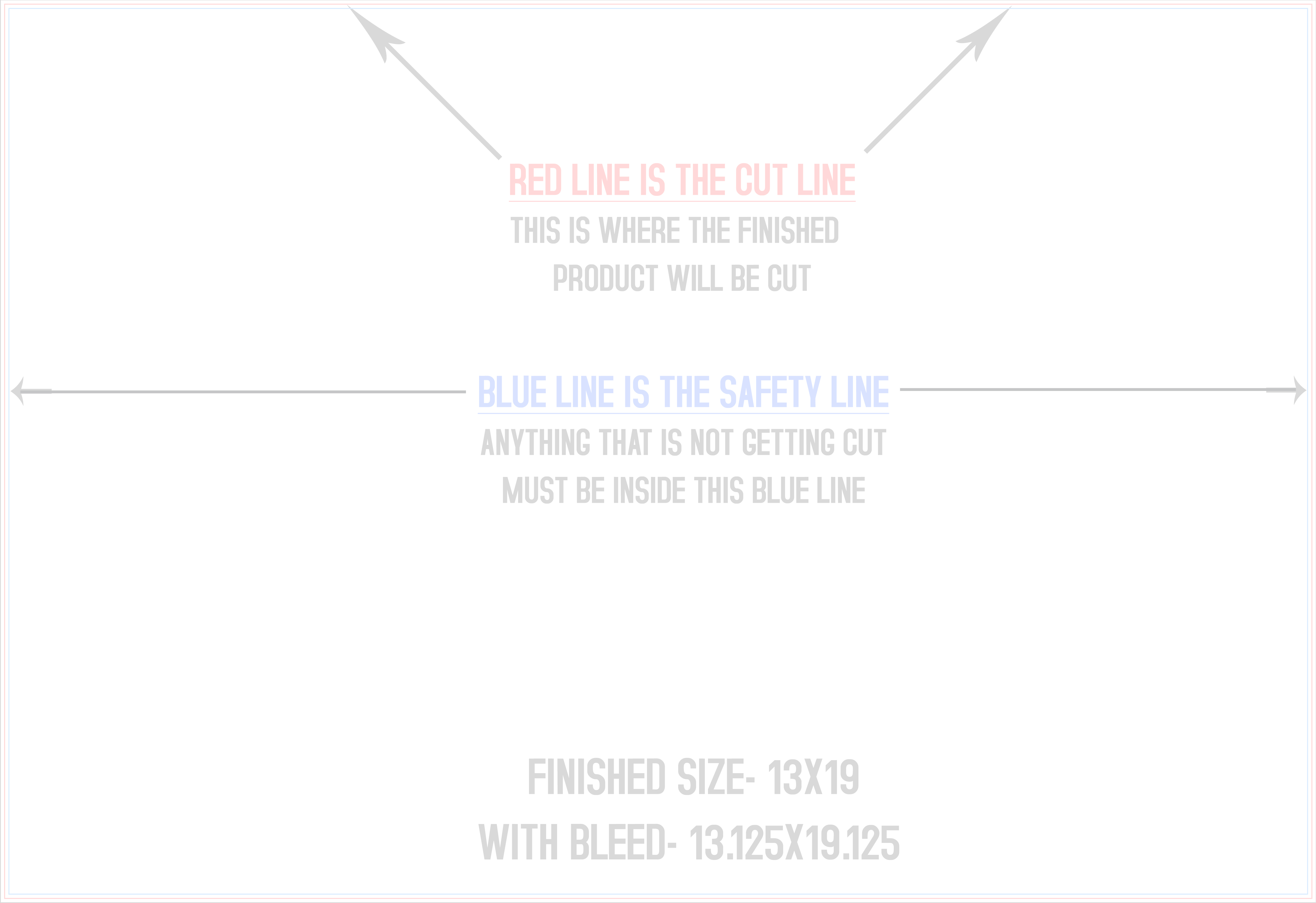
Banners
Banners & Signs
Presentation Folders
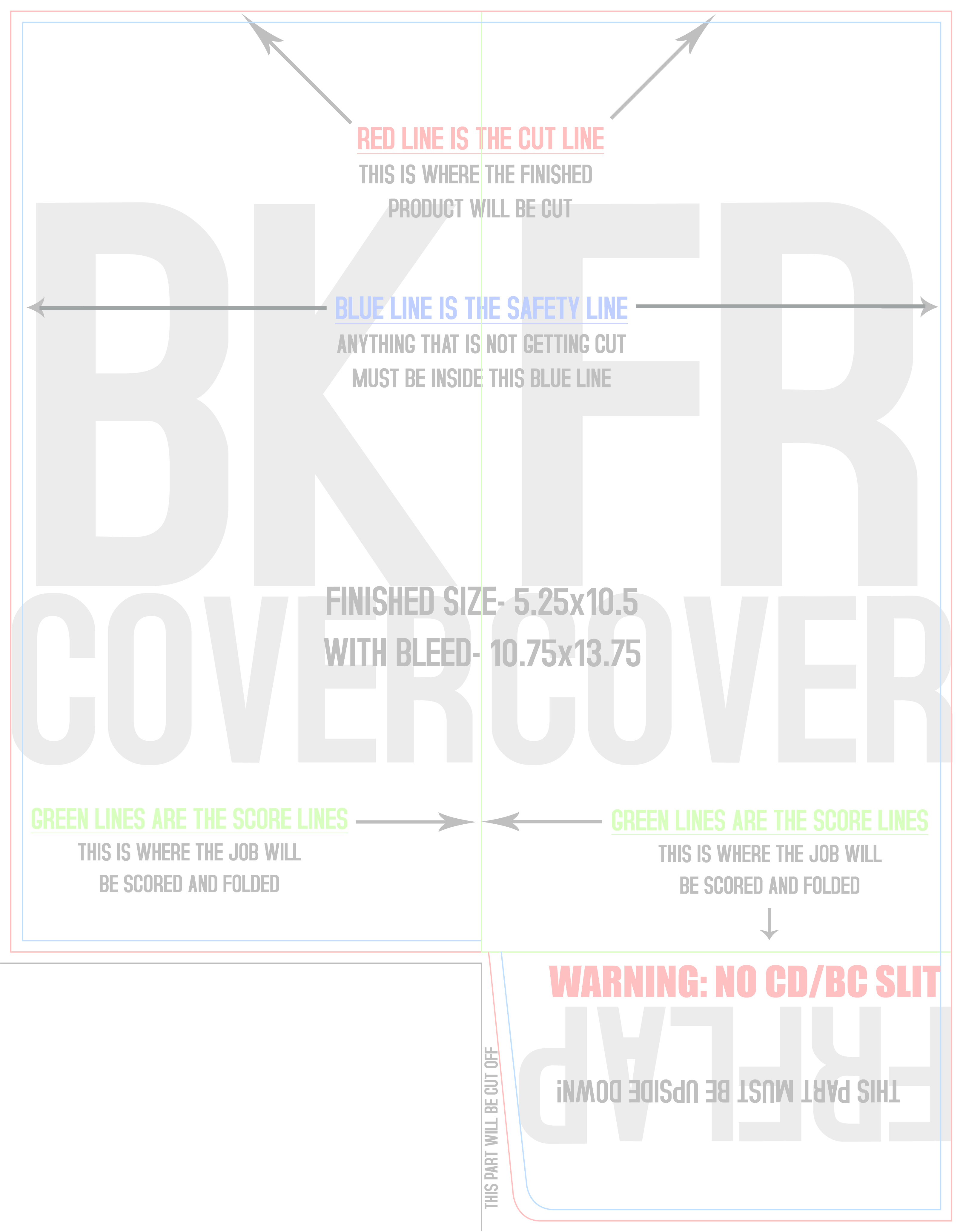
Menus
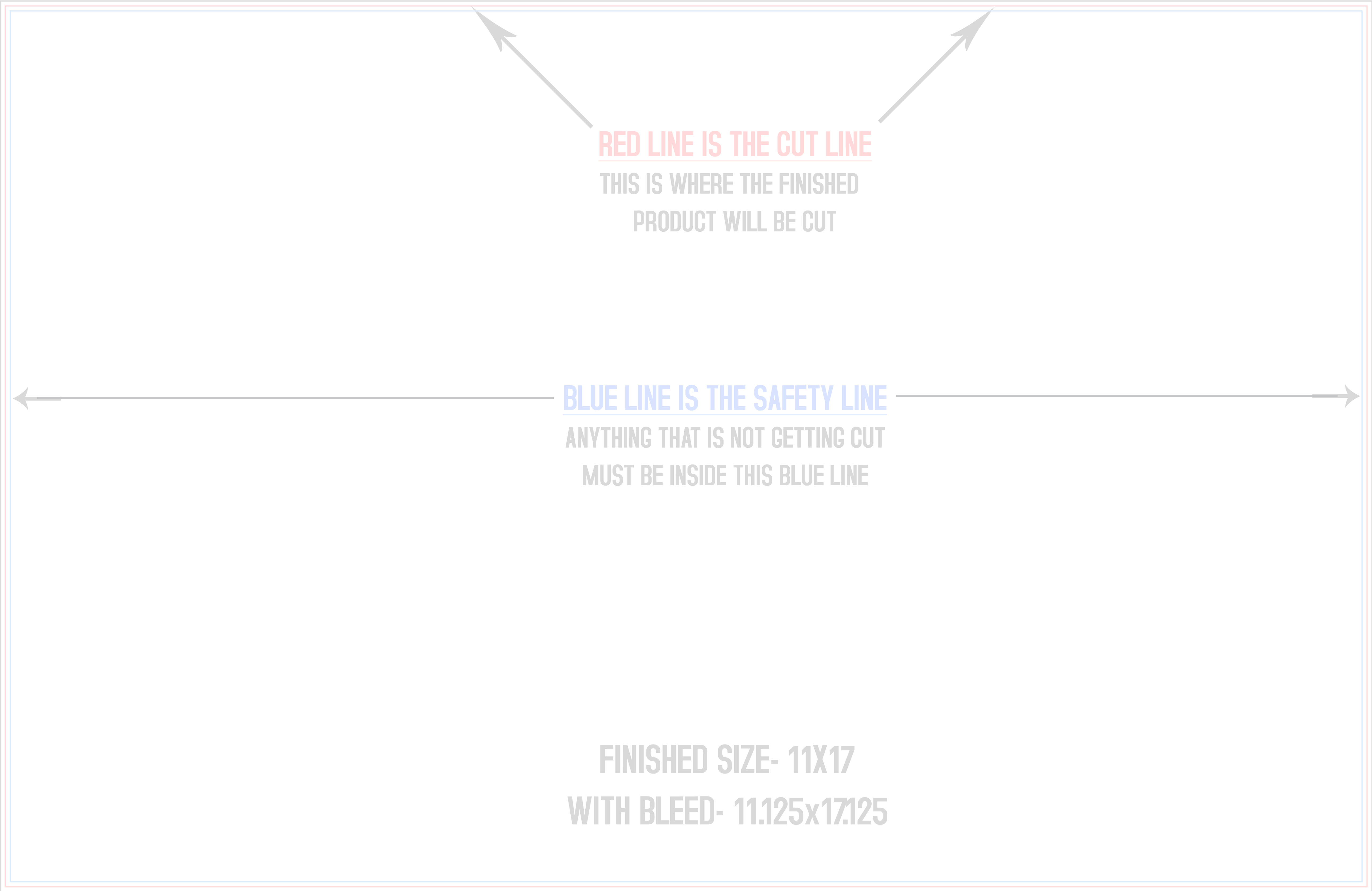
Notepads
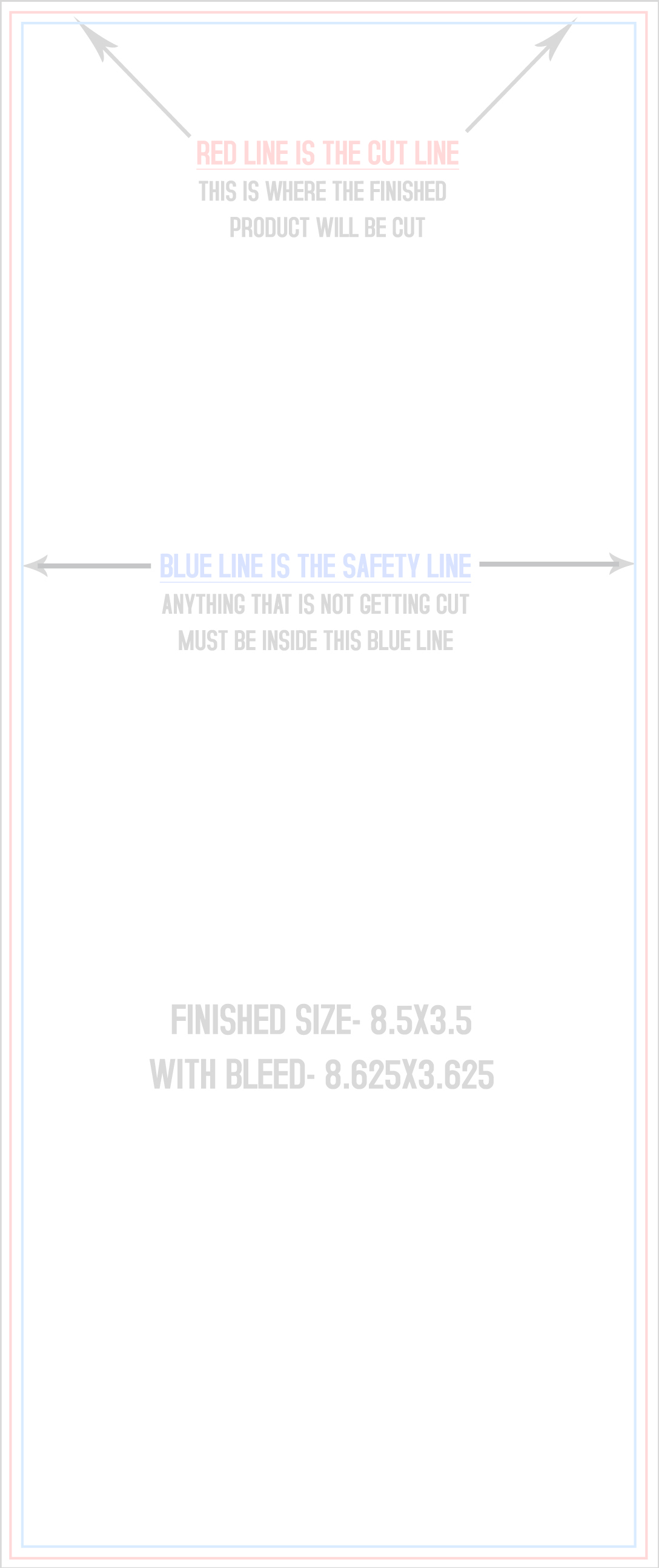
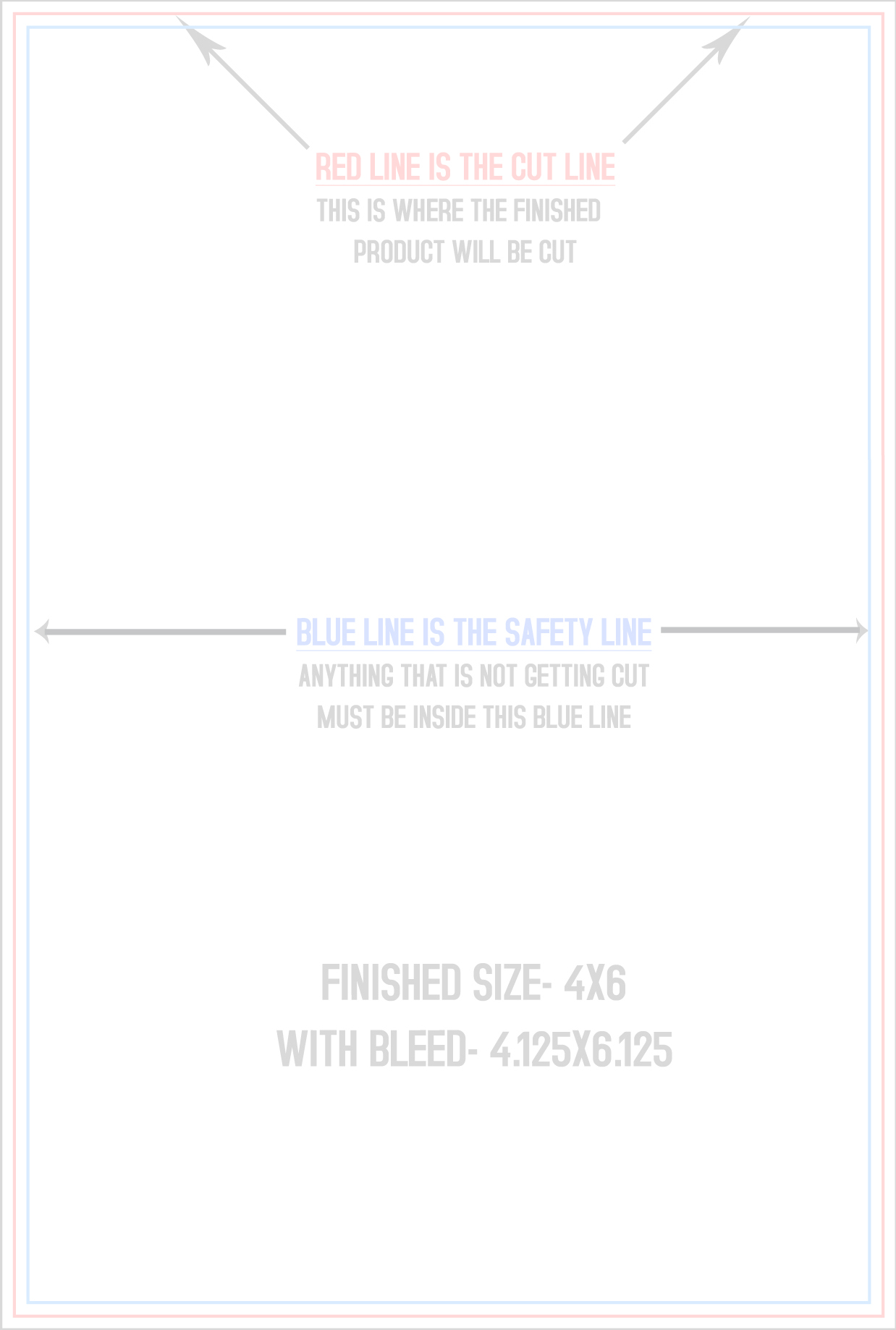
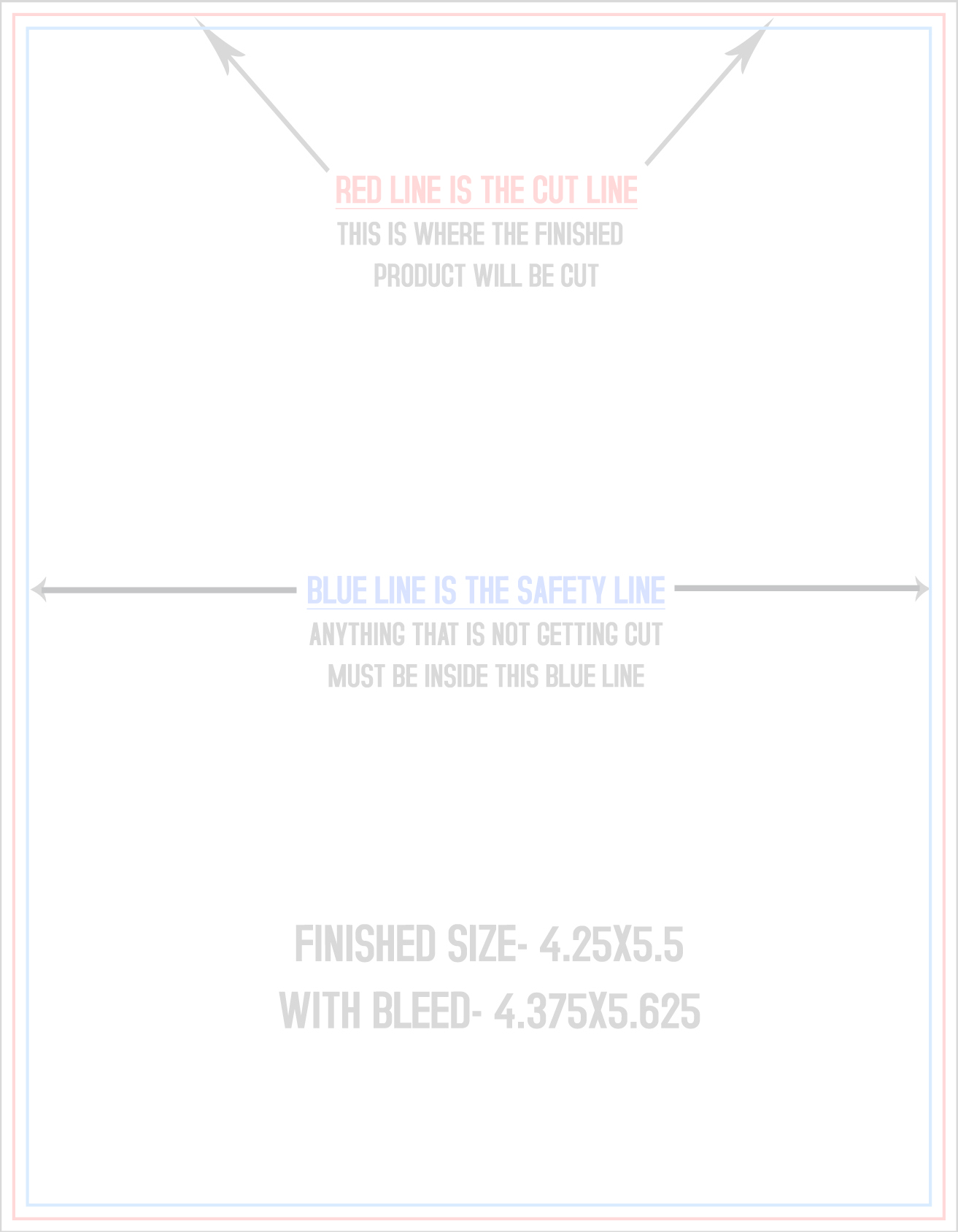
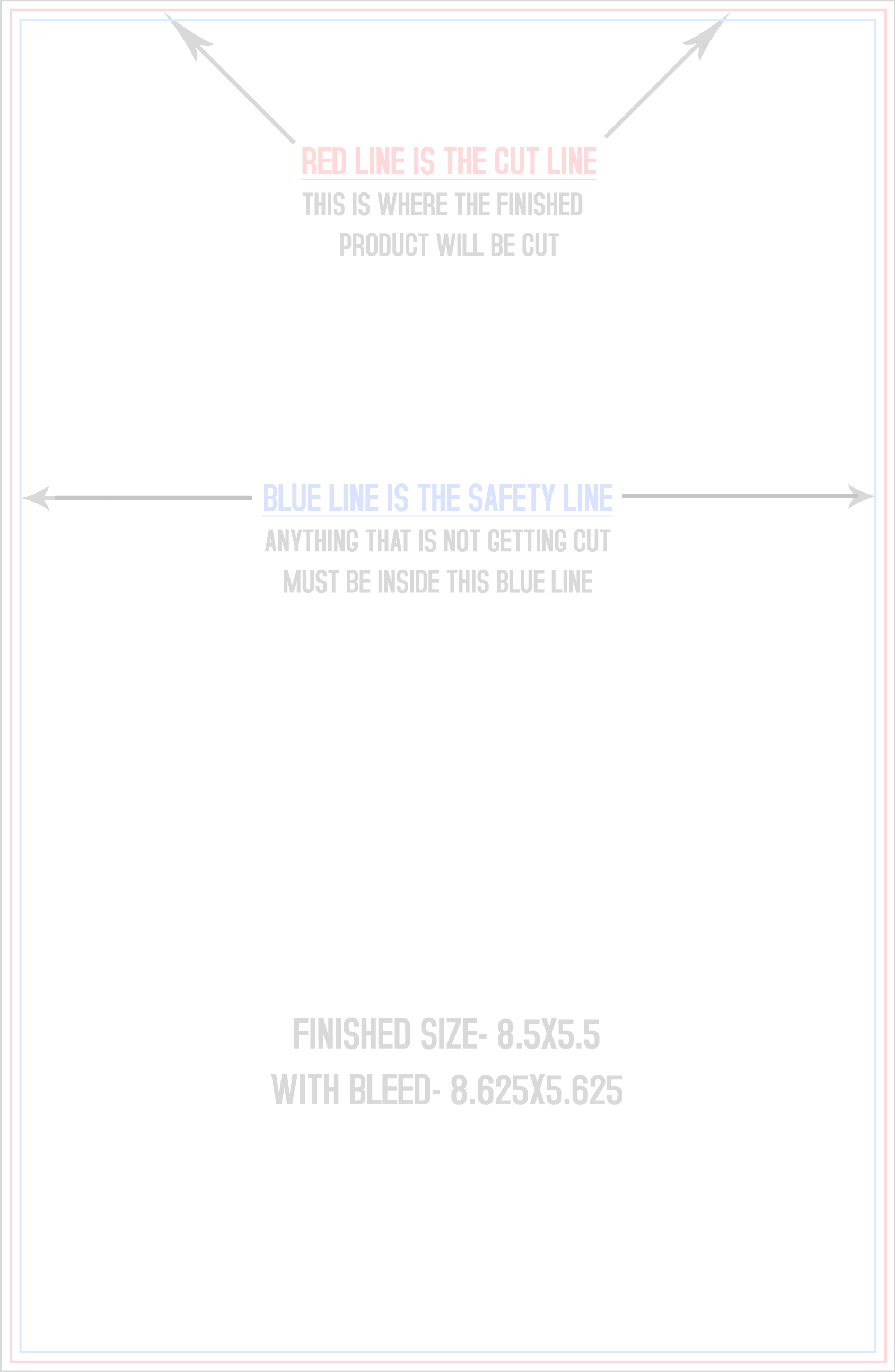
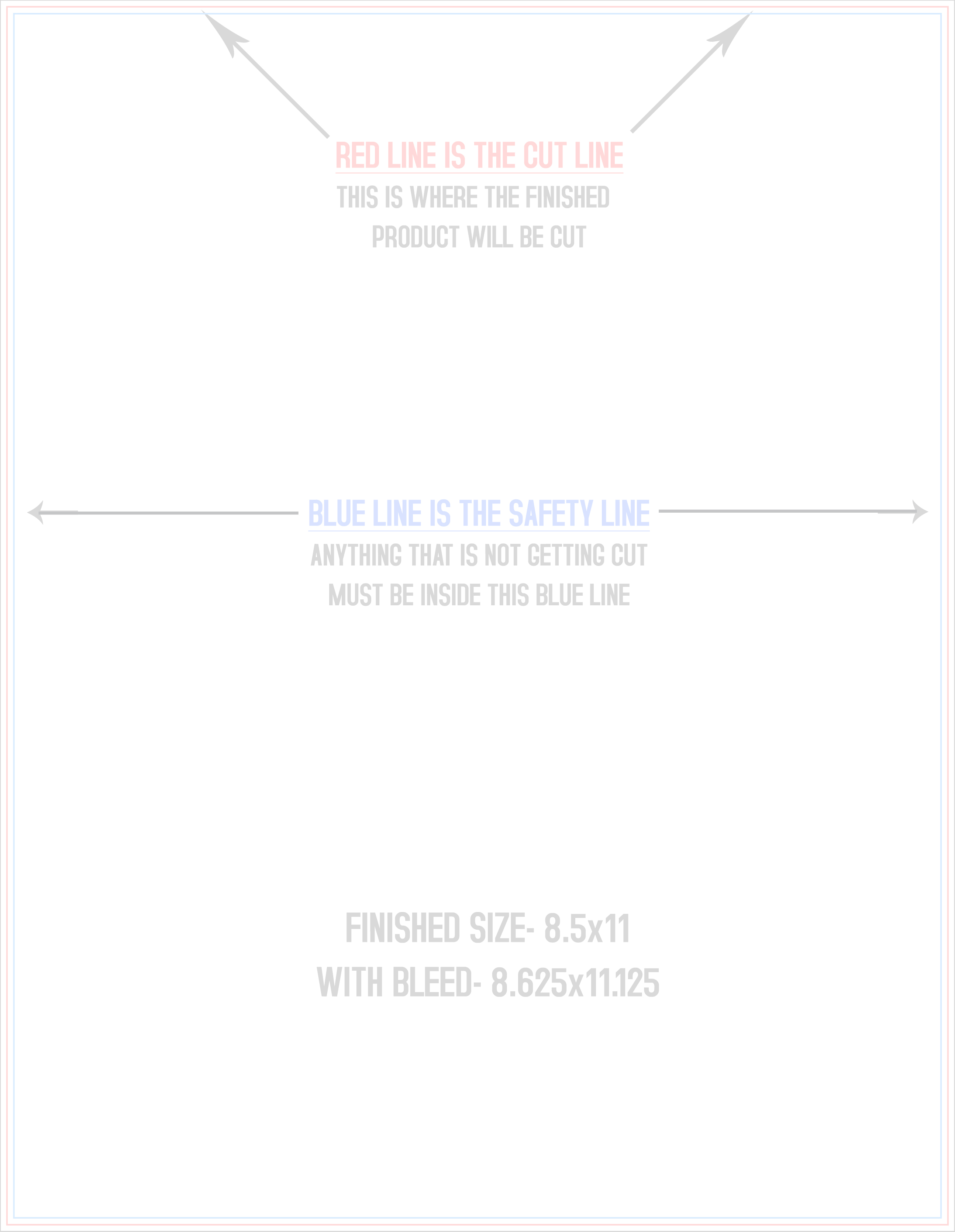
Event Tickets
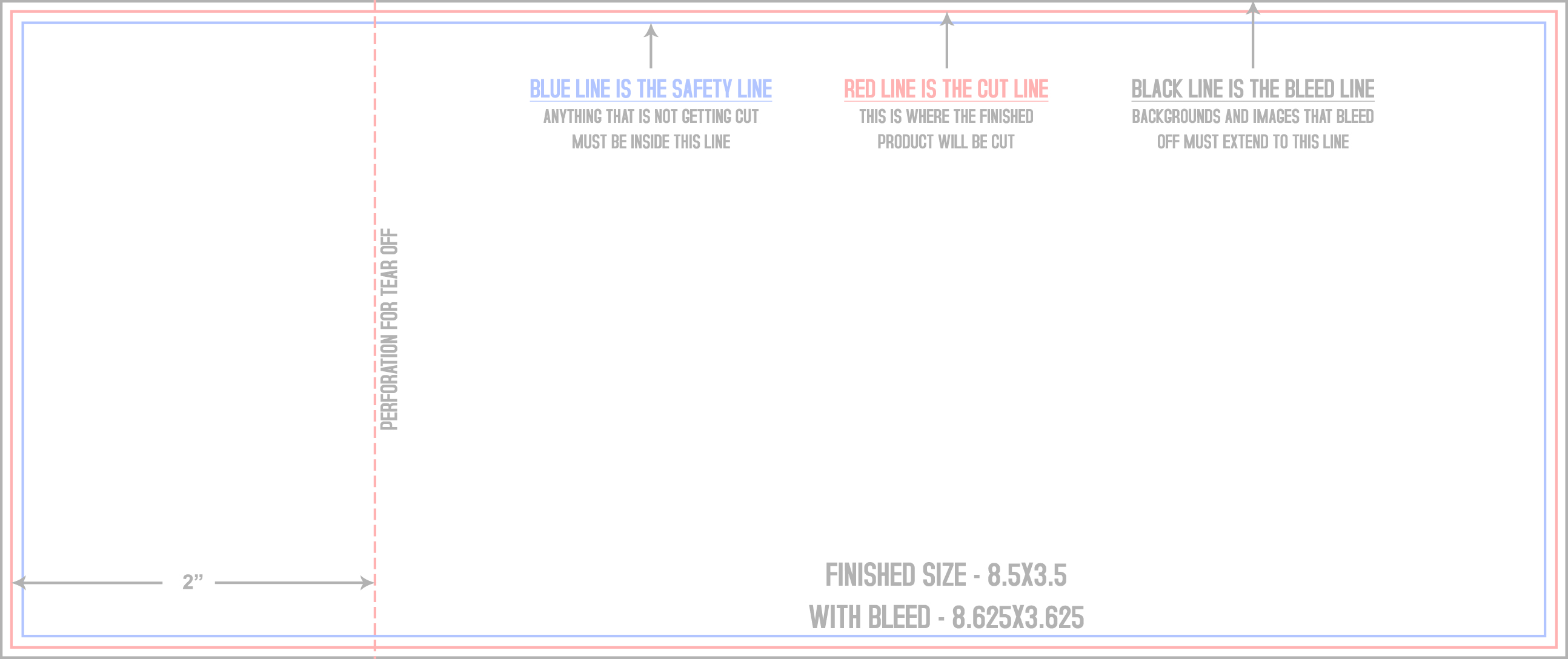
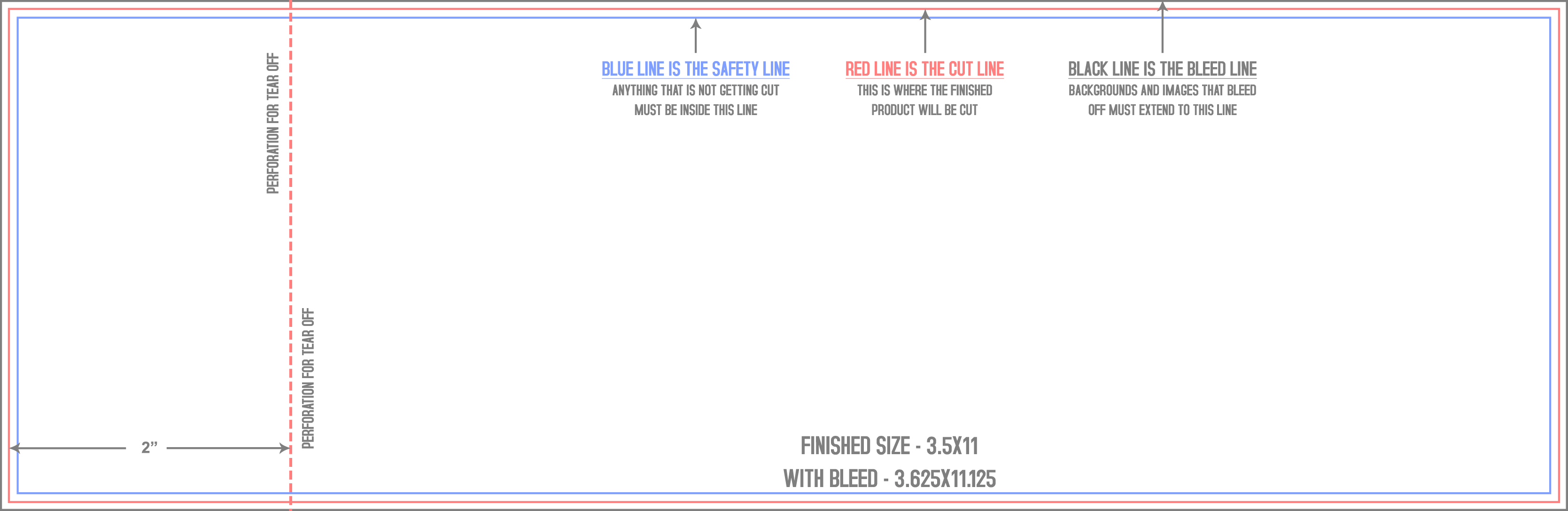
Announcement Cards
Counter Cards
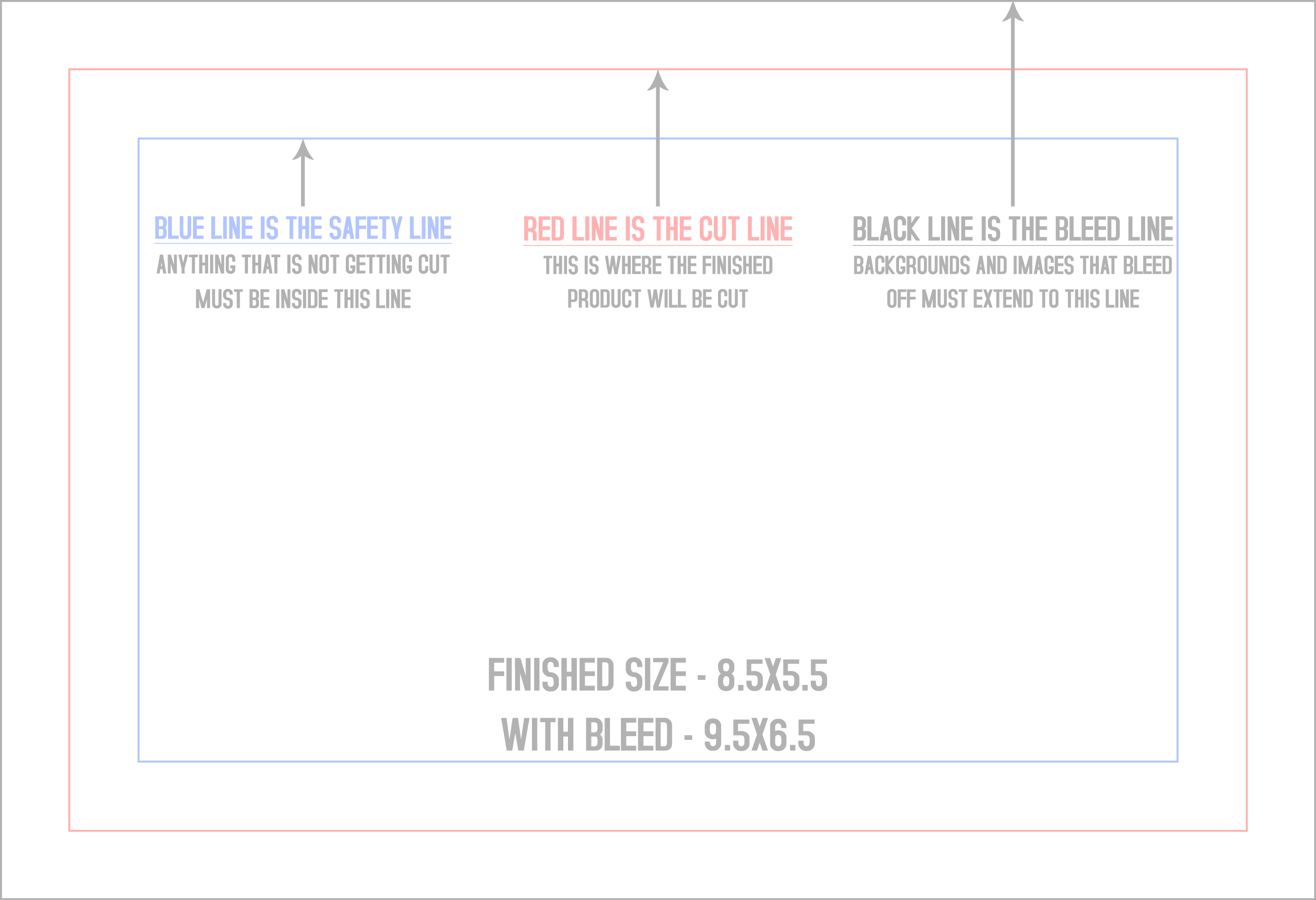
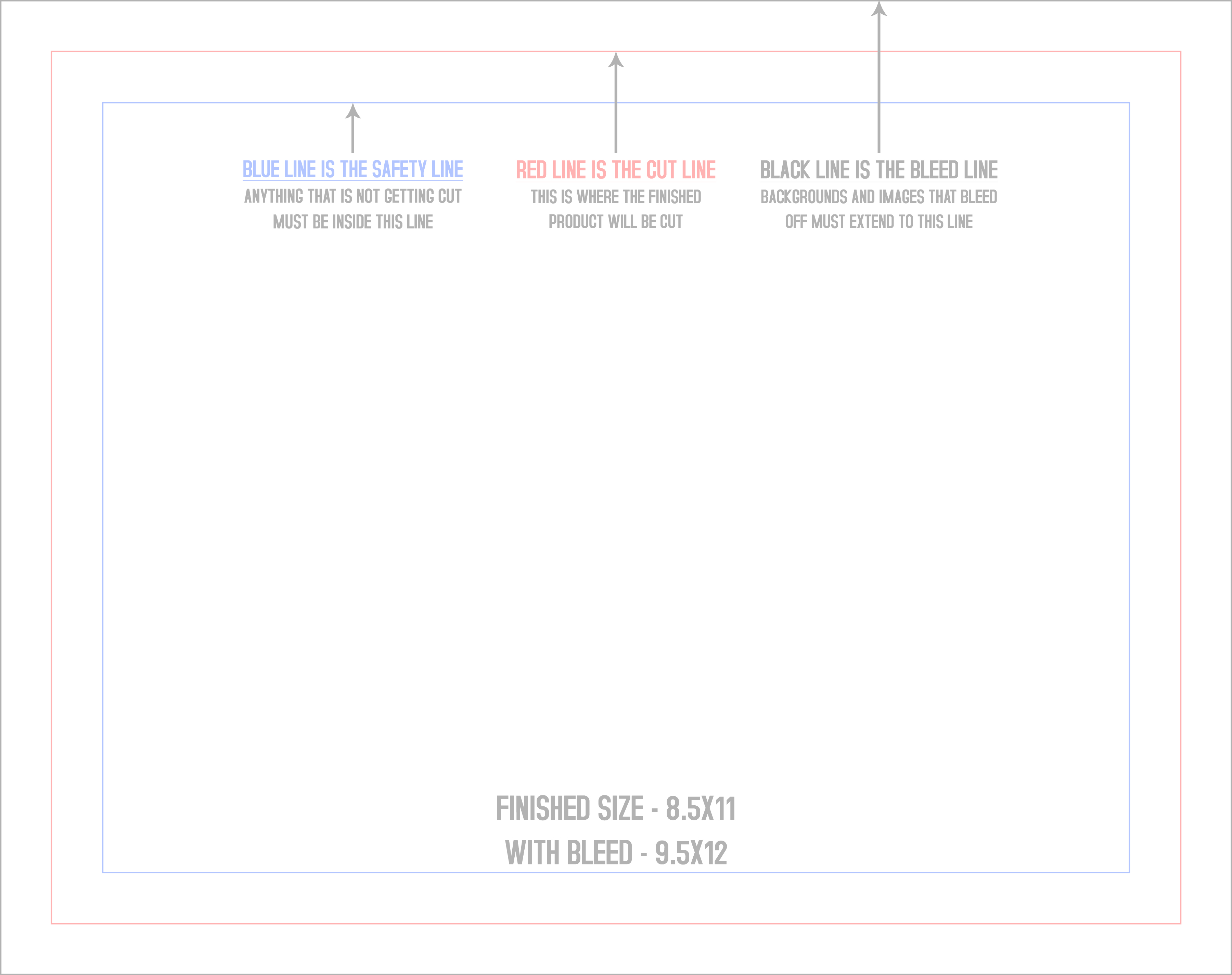
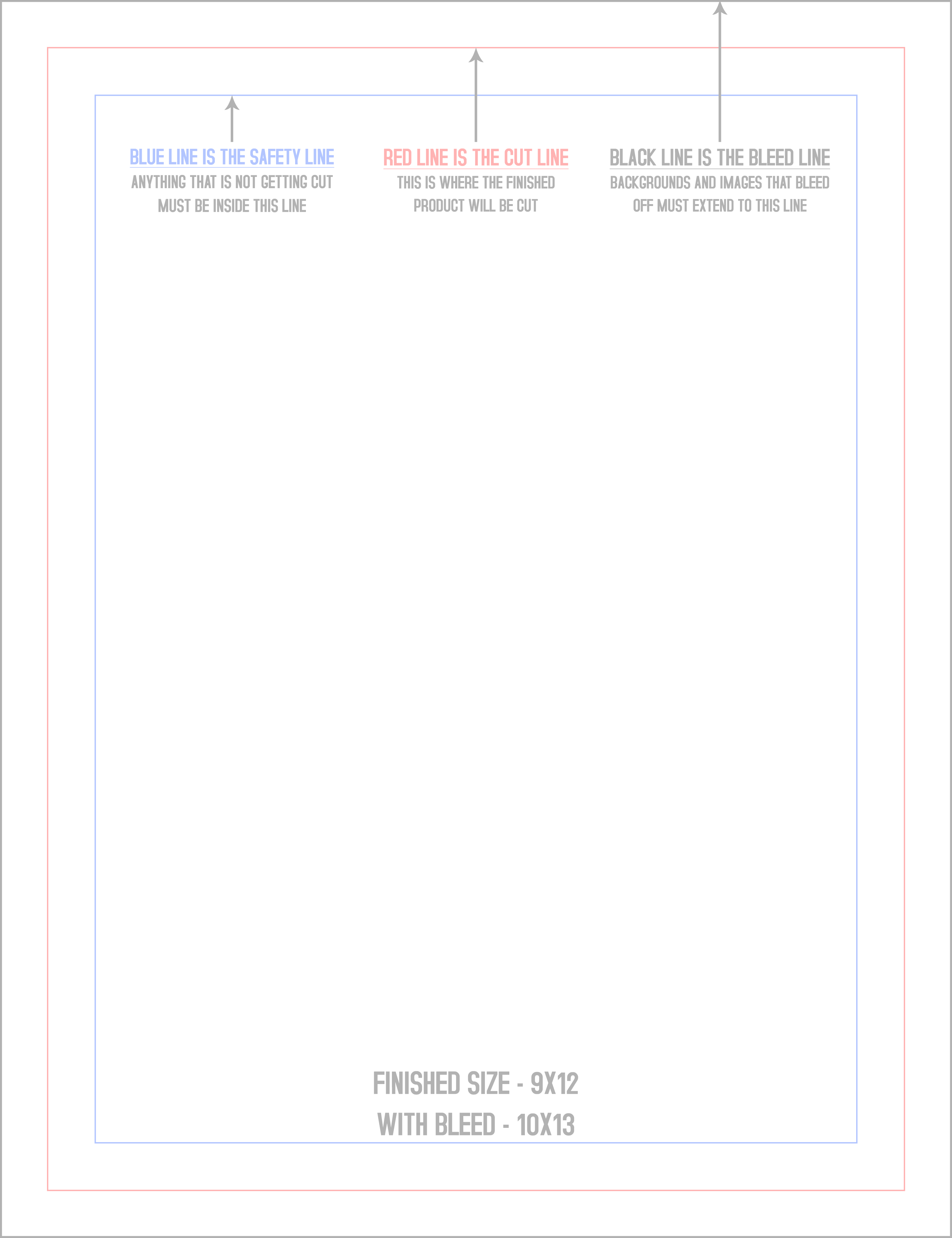
Table Tents
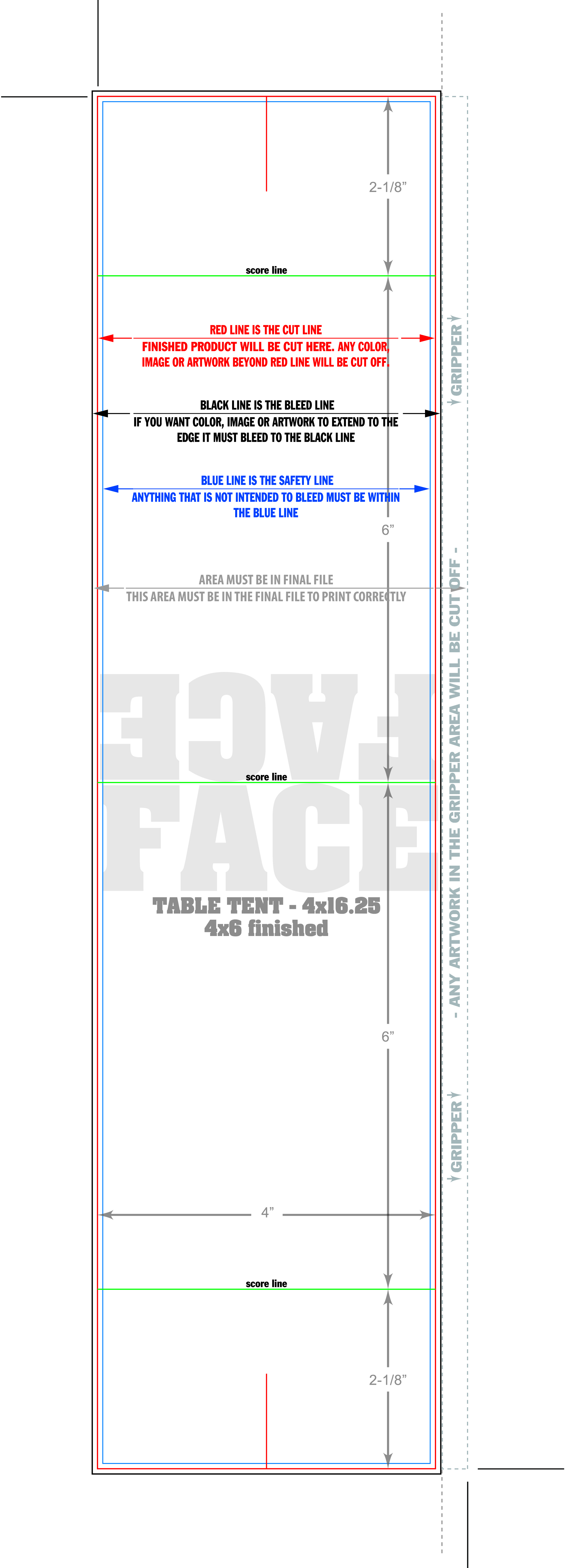
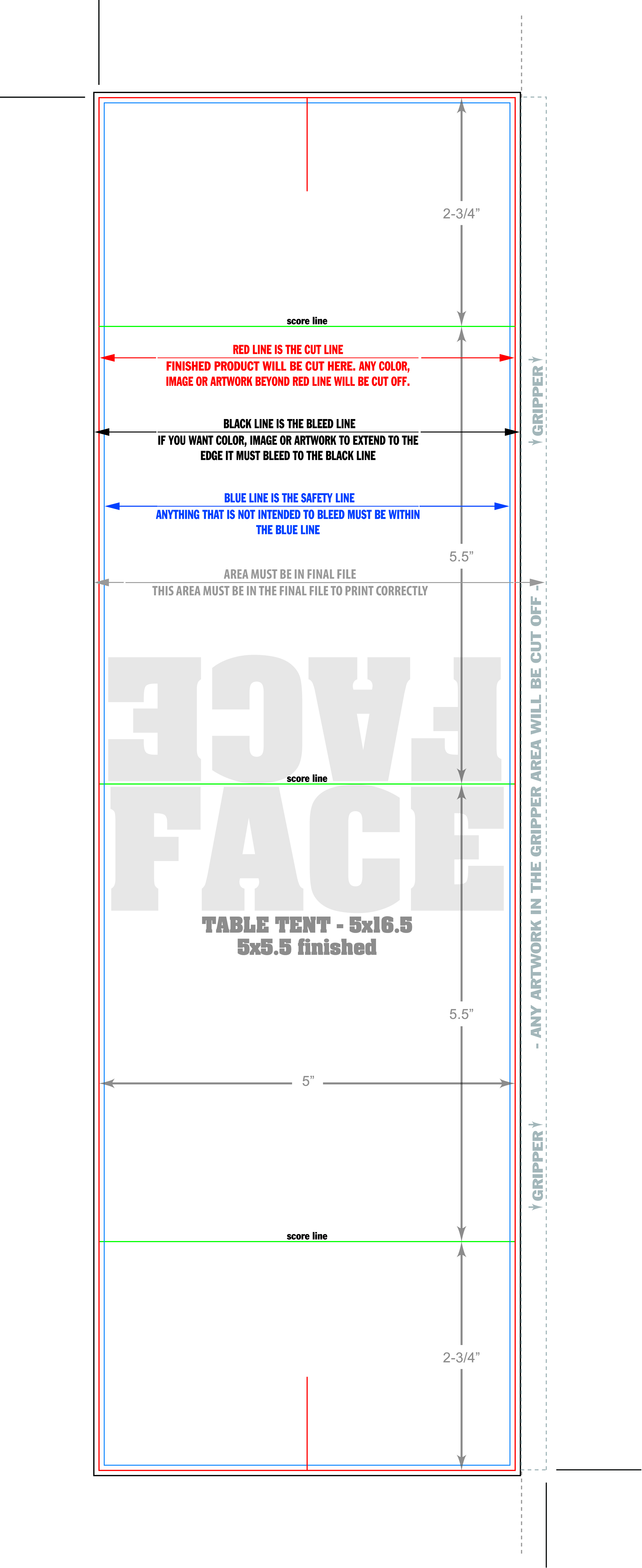
Do not see your size? Odd sizes are our day job: send the file with a quote request and we will set the template up for you, free.
Rather hand it all to a person?
That is, honestly, the easiest tool in the building.
Get a Quote Call 888-611-7706